
LocalDev Switcher Wordpress Plugin - Rating, Reviews, Demo & Download
Plugin Description
LocalDev Switcher allows you to seamlessly toggle between production plugins and their local development versions.
Usage:
-
Place your local dev version of a plugin in:
wp-content/plugins/localdev-{plugin-slug}
-
You should now have two directories containing the same plugin inside your
/plugins/:/plugins/your-plugin/– Loaded from VCS/WordPress.org Plugins/etc./plugins/localdev-your-plugin/– Your local development version
- Use LocalDev Switcher to toggle between the version-controlled and local versions. The toggle UI appears in the plugin meta row.
LocalDev Switcher prevents double-loading and ensures only the desired version is active.
Screenshots

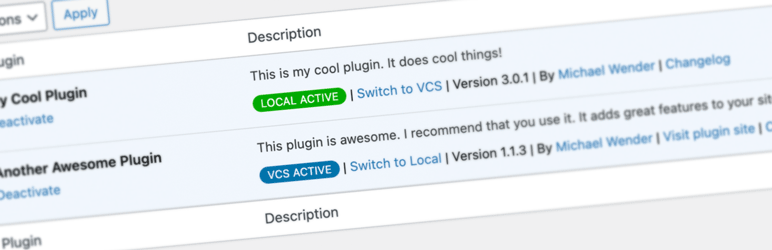
Adds UI to show which plugins you can switch between VCS and Local.

Toggle between VCS and Local versions of your plugins in the Plugins list.


