CCAvenue Gateway Integration For WooCommerce Wordpress Plugin - Rating, Reviews, Demo & Download
Plugin Description
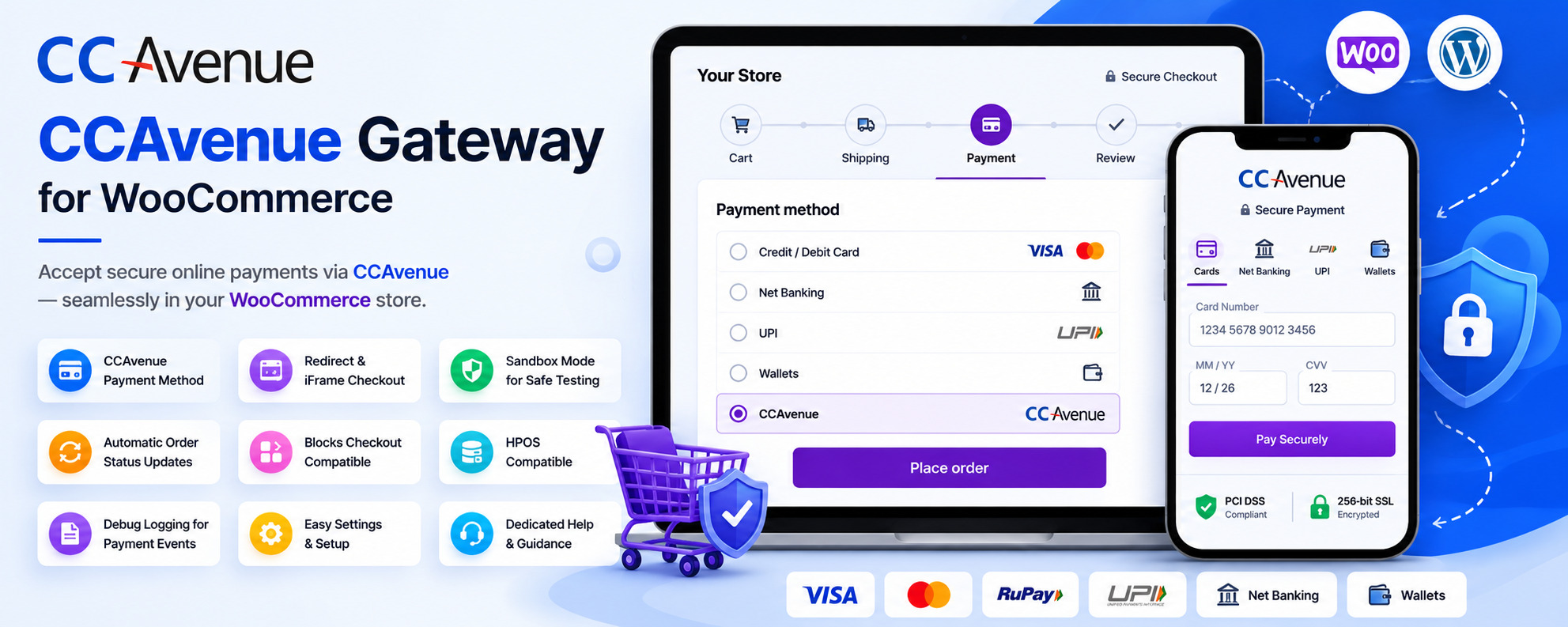
CCAvenue Gateway Integration for WooCommerce lets you securely accept online payments through your CCAvenue merchant account directly on your WooCommerce store.
The plugin provides a smooth and reliable payment experience with support for both redirect checkout and embedded iframe checkout modes, allowing store owners to choose the checkout flow that best fits their business.
Built specifically for WooCommerce, the plugin is lightweight, easy to configure, and compatible with modern WooCommerce features including Checkout Blocks and HPOS (High-Performance Order Storage).
Whether you are testing your integration in sandbox mode or processing live customer transactions, the plugin helps you manage secure and seamless CCAvenue payments directly from your WooCommerce checkout.
Key Features
- Adds CCAvenue as a WooCommerce payment gateway
- Secure payment processing through your CCAvenue merchant account
- Supports both Redirect Checkout and iFrame Checkout modes
- Sandbox mode for safe testing before going live
- Automatic WooCommerce order status updates after payment
- Compatible with WooCommerce Checkout Blocks
- HPOS compatibility support
- Optional debug logging for troubleshooting payment issues
- Simple setup using Merchant ID, Access Code, and Working Key
- Dedicated admin dashboard with setup guidance and help section
- Clean and lightweight integration built for performance
Easy Setup
Getting started is simple:
- Install and activate the plugin
- Open WooCommerce Settings Payments
- Enable “CCAvenue Gateway”
- Enter your Merchant ID, Access Code, and Working Key
- Choose Sandbox or Live mode
- Start accepting payments securely through CCAvenue
External services
This plugin connects to the CCAvenue payment gateway to securely process payments.
Screenshots

WooCommerce Payment Gateway Setting Page

CCAvenue Settimgs Page with CCAvenue Gateway Integration for WooCommerce Plugin

CCAvenue payment option on WooCommerce Checkout Page

CCAvenue Gateway Integration for WooCommerce admin dashboard with gateway readiness and setup checklist