
CMH SmartCopy Lite Wordpress Plugin - Rating, Reviews, Demo & Download
Plugin Description
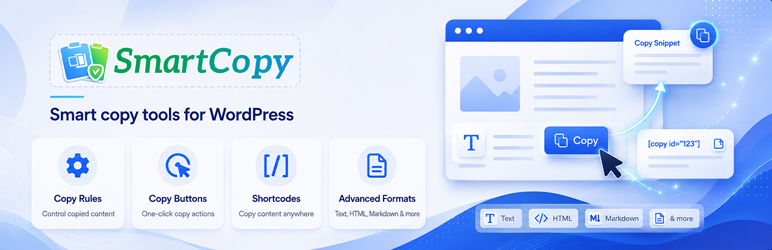
CMH SmartCopy Lite adds configurable copy buttons to code blocks and other selectors. It supports Text Only, HTML Only, and Smart Copy formats, appearance controls, display conditions, a basic manual copy shortcode, and privacy-aware analytics.
The plugin stores settings in WordPress options and copy analytics in a small custom table. Copied content is not stored.
CMH SmartCopy Pro is a separate add-on for advanced copy workflows such as a visual shortcode builder, exportable reports, business helpers, and additional clipboard formats.
Support: https://codemasterhub.com/support/
Documentation: https://codemasterhub.com/doc/smartcopy-for-wordpress/
Pro add-on: https://codemasterhub.com/items/smartcopy-pro/
Free Features
- Rule-based automatic copy buttons.
- Copy formats: Text Only, HTML Only, Smart Copy.
- Appearance controls for labels, positions, colors, radius, font size, padding, icon behavior, and custom classes.
- Visibility conditions for public post types, page or post IDs, and logged-in status.
- Basic manual shortcode for simple text values.
- Privacy-aware analytics by rule and page.
- Tooltip and notification styling controls for copy buttons.
Optional Pro Add-On
CMH SmartCopy Pro is a separate add-on hosted by CodeMaster Hub for teams that need advanced shortcode workflows, exportable analytics reports, business copy helpers, and additional clipboard formats.
Browser Notes
CMH SmartCopy Lite uses the modern Clipboard API when available and falls back to plain text copying when the browser blocks richer clipboard writes.
Privacy
CMH SmartCopy Lite records event metadata such as rule ID, page URL, format, and time. Copied content is never stored by default.
Screenshots
No screenshots provided


