LumiCode Syntax Highlighter Wordpress Plugin - Rating, Reviews, Demo & Download
Plugin Description
LumiCode is a premium-quality syntax highlighter built for developers and technical bloggers who want beautiful, readable code on their WordPress site — without fighting the editor.
✨ Key Features
- 40+ languages auto-detected — PHP, JavaScript, TypeScript, Python, Go, Rust, SQL, YAML, Bash, and more
- 13 bundled themes — Atom One, Dracula, GitHub, Monokai, Night Owl, Nord, Solarized, VS 2015, Xcode, and more, powered by highlight.js 11.11.1
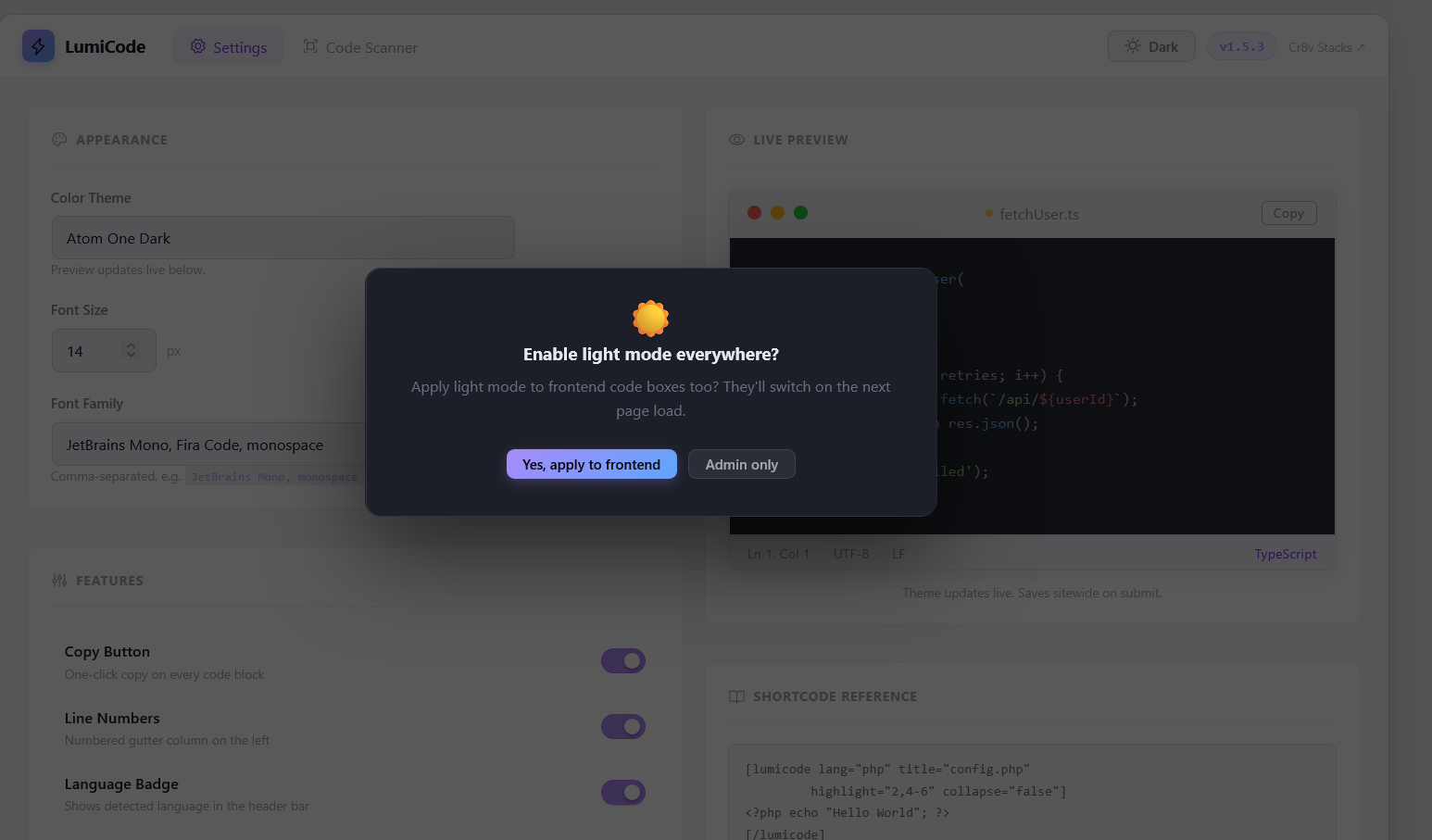
- Dark & Light mode — toggle from the admin topbar. Applies to both admin UI and frontend code boxes
- Copy to Clipboard — one-click copy button on every code block
- Line numbers — perfectly aligned, synced to font size and line height
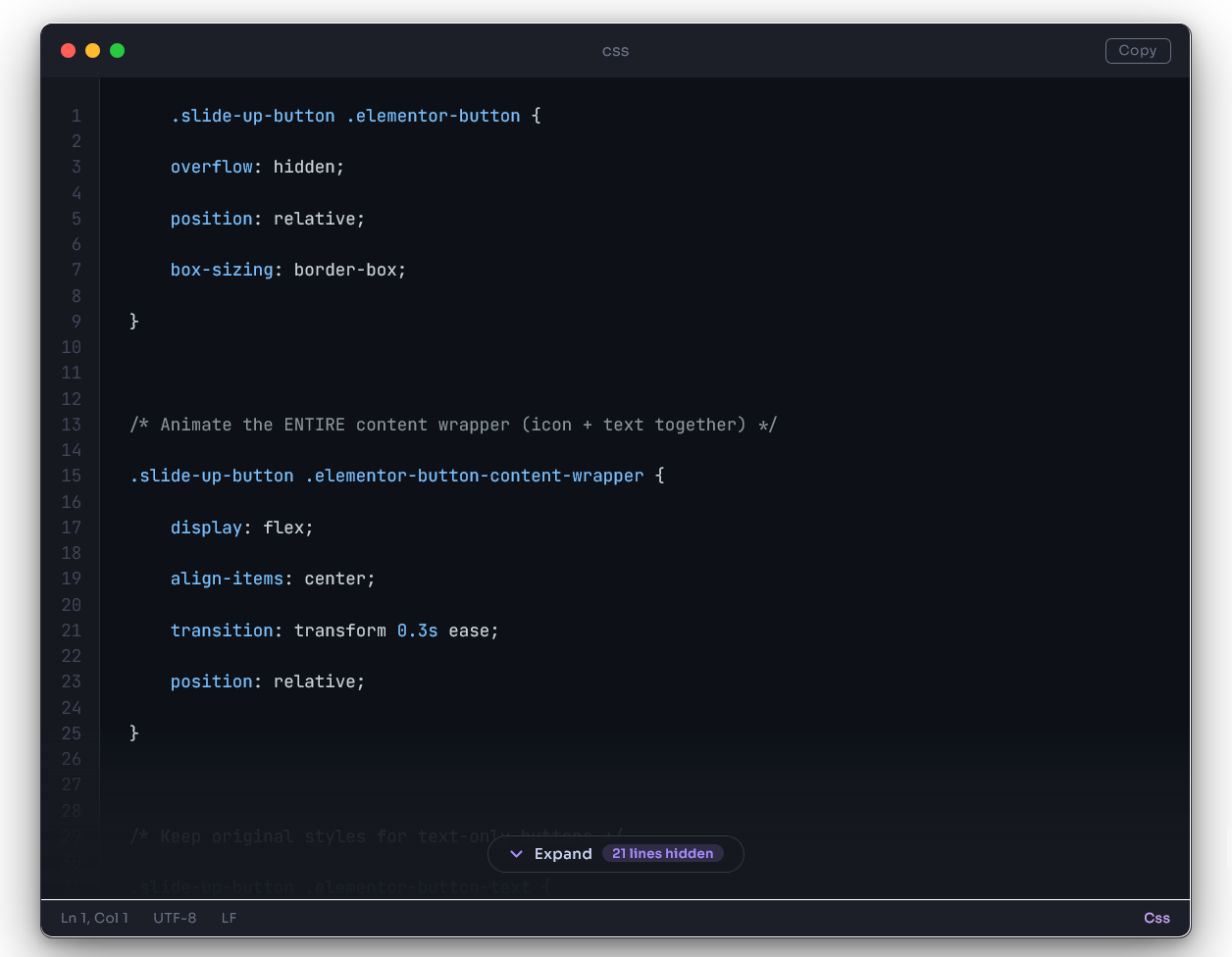
- Collapse / Expand — long code blocks auto-collapse after a configurable number of lines
- Filename / language badge — shows in the titlebar of every code box
- TinyMCE integration — Insert Code Block button in the Classic Editor toolbar, with language detection and all options
- Gutenberg block — native block editor support
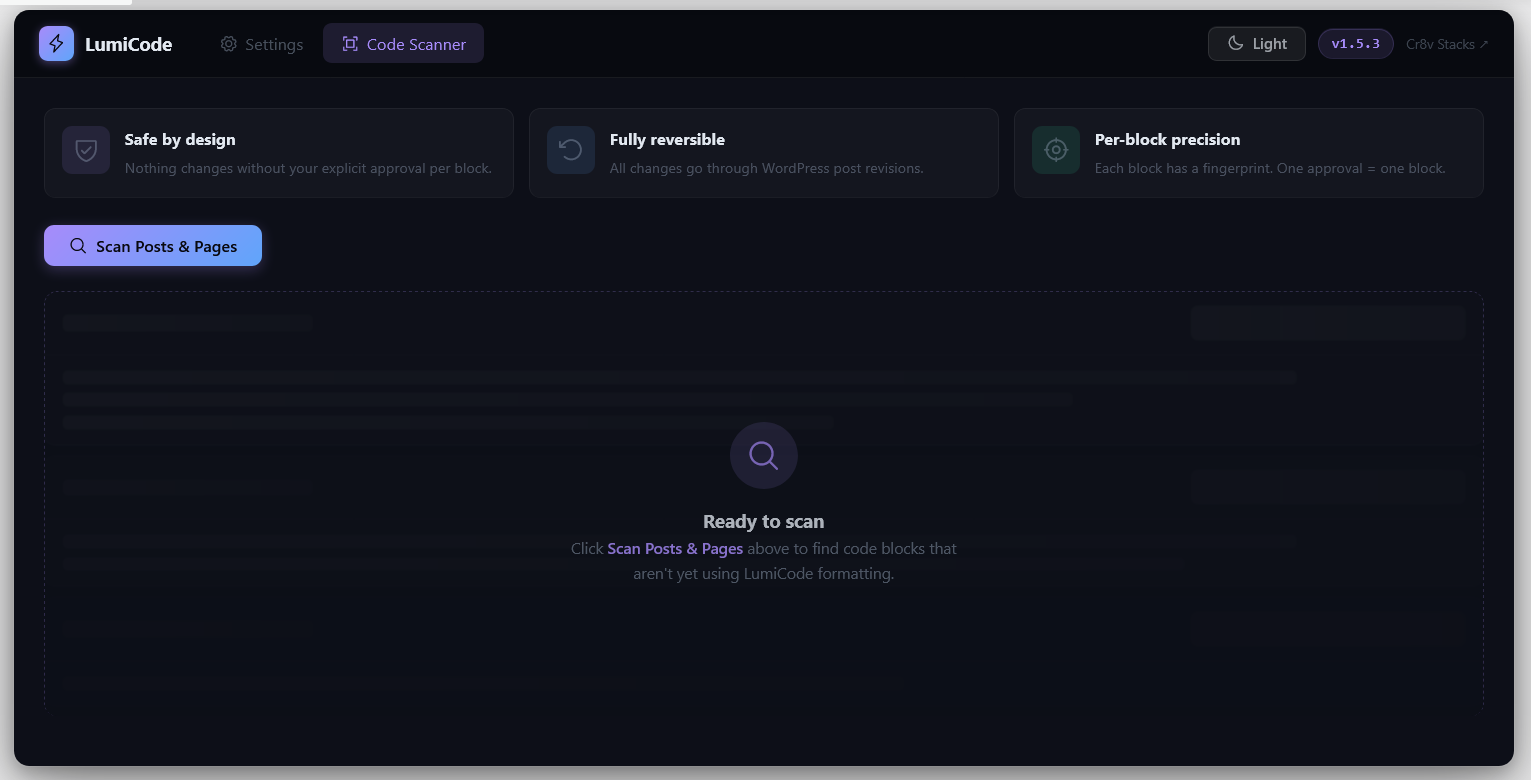
- Code Scanner — scans your entire site for bare
<pre>blocks and lets you apply LumiCode with one click, or dismiss - Auto-detect — wraps any existing
<pre>blocks automatically on the frontend without touching your content
🛠How It Works
LumiCode renders code blocks server-side (shortcodes + TinyMCE insertion) and enhances them on the frontend with a lightweight JS renderer. The renderer wraps <pre class="lumicode-pre"> elements in a beautiful VS Code–style chrome (titlebar, statusbar, line numbers, copy button) and runs highlight.js for syntax coloring.
No page builders required. Works with any theme.
Shortcode Usage
[lumicode lang="javascript"]
const greeting = "Hello, world!";
console.log(greeting);
[/lumicode]
All shortcode attributes:
* lang — language identifier (e.g. php, python, typescript)
* title — filename shown in titlebar (e.g. config.js)
* highlight — lines to accent (e.g. 1,3-5)
* collapse — force collapse (true/false)
* collapse-after — collapse after N lines (overrides global setting)
Performance
- highlight.js is loaded locally (v11.11.1) for speed and privacy
- Our CSS and JS are tiny (<15 KB combined, unminified)
- No jQuery dependency on the frontend
Screenshots
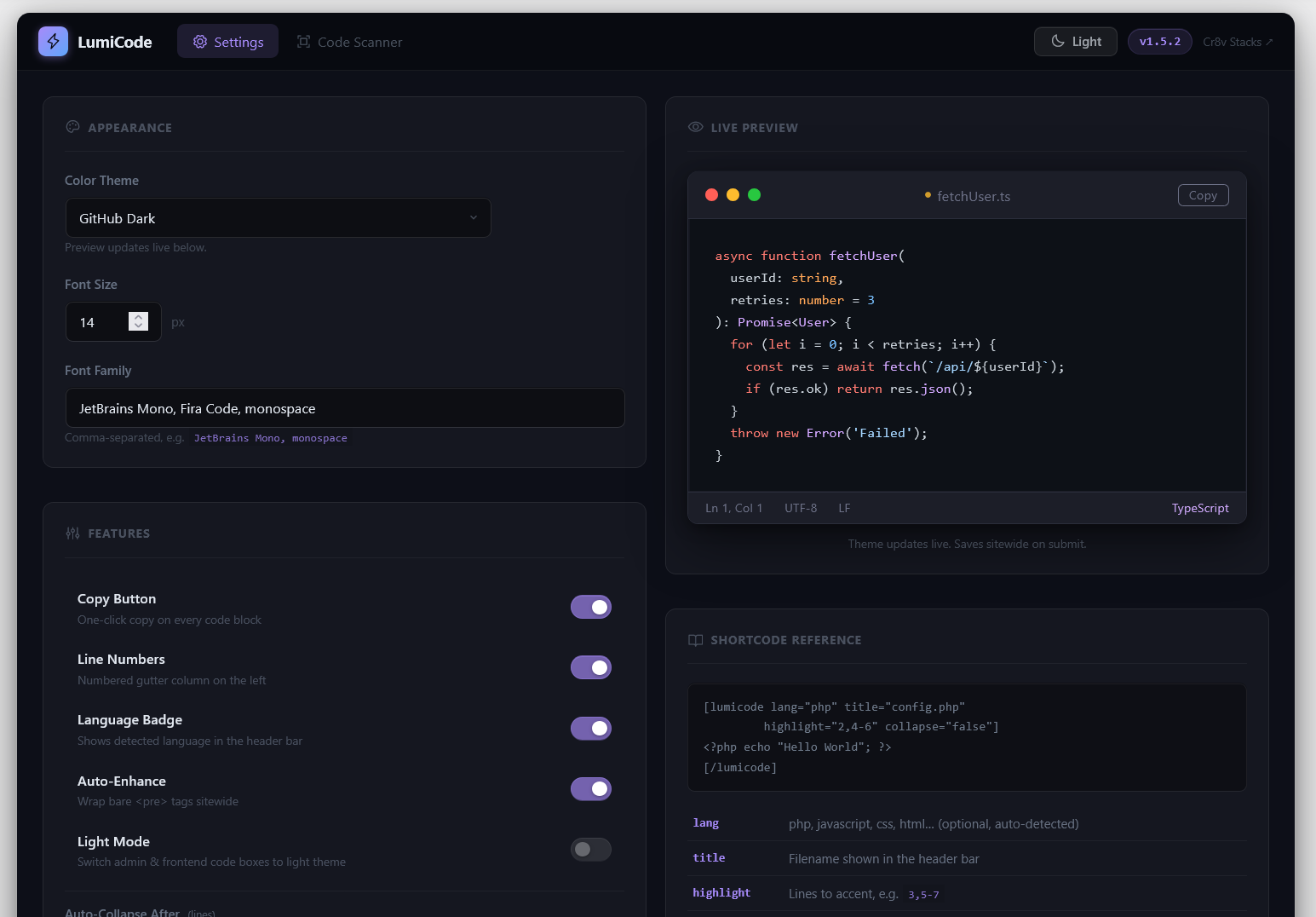
Settings page — theme picker, font options, toggles for line numbers, copy button, and collapse
Dark mode code box — VS Code–style titlebar, traffic-light dots, copy button, statusbar
Light mode code box — switches chrome colors while keeping the hljs theme intact
Collapse / Expand — long blocks collapse with a gradient overlay and pill button
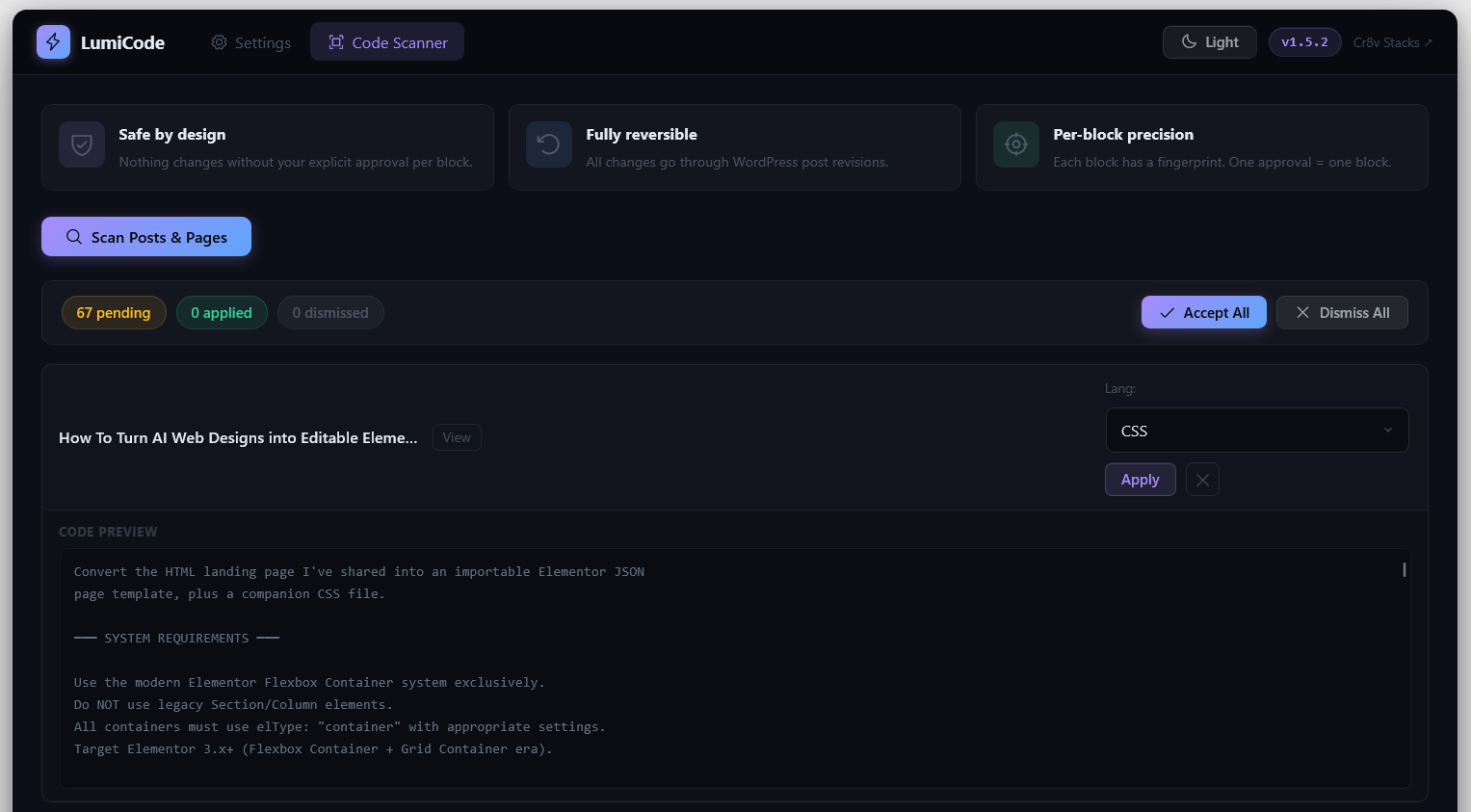
TinyMCE dialog and scanner — insert formatted code or find existing bare
<pre>blocks