
Pagora AI Wordpress Plugin - Rating, Reviews, Demo & Download
Plugin Description
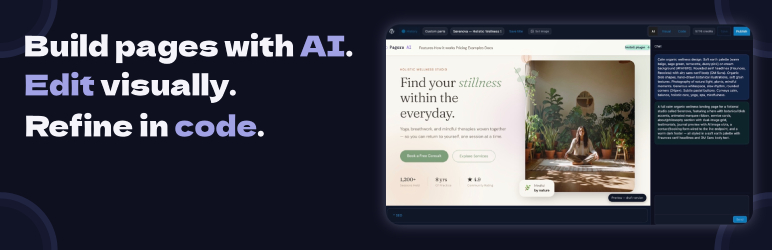
Pagora AI is an AI-powered page builder for WordPress. Instead of dragging and dropping blocks, simply describe the page you want — the AI generates complete HTML/CSS/JS code that you can refine by continuing the conversation or editing directly in the code panel.
Key features
- AI chat — describe your page in plain language; the AI produces complete HTML/CSS/JS with animations and UnoCSS utility styles (Tailwind syntax).
- Code editor — built-in CodeMirror editor with HTML/CSS/JS syntax highlighting, auto-formatting, and keyboard shortcuts.
- Live preview — isolated iframe preview that updates instantly after every edit or AI response.
- Version history — every save creates a snapshot; restore any version in one click.
- AI images — generate and insert images directly from the editor.
- SEO panel — title, meta description, and featured image controls per page.
- Templates — save your pages as reusable templates.
- Alpine.js + Motion One bundled — declarative interactivity and smooth animations with no extra dependencies.
How it works
This plugin is a client for the Pagora AI service. No AI model runs locally.
- Install and activate the plugin.
- Create an account at pagora-ai.com and connect it from Settings Pagora AI.
- Open any WordPress page and click Edit with Pagora AI to open the editor.
- Describe your page in the chat and publish.
Data and privacy
This plugin connects exclusively to the Pagora AI service (https://api.pagora-ai.com) to process your prompts and generate page code. No data is sent to any other third party.
- Prompts and generated code transit through our servers for processing.
- See our Privacy Policy and Terms of Service.
- The plugin collects no telemetry of its own.
Bundled libraries
The following libraries are included in the plugin (all GPL-compatible):
- UnoCSS Runtime — MIT
- Alpine.js — MIT
- Motion One — MIT
- CodeMirror — MIT
- Symfony DomCrawler / CssSelector — MIT (isolated via php-scoper)
- Masterminds HTML5-PHP — LGPL-2.1
Source code and build instructions
The JavaScript and CSS bundles included in this plugin are compiled from TypeScript/TSX source files. The full, unminified source is publicly available at:
https://github.com/Enkic/pagora-ai-plugin
To build from source:
- Clone the repository.
- Run
npm installto install dependencies. - Run
npm run buildto compile all bundles intoassets/build/andassets/editor/build/.
Build tool: Webpack (via @wordpress/scripts). Node 18+ required.
Screenshots

The Pagora AI editor — chat panel on the left, live preview in the center, code editor on the right.

Chat panel with conversation history and AI responses.

CodeMirror code editor with syntax highlighting.
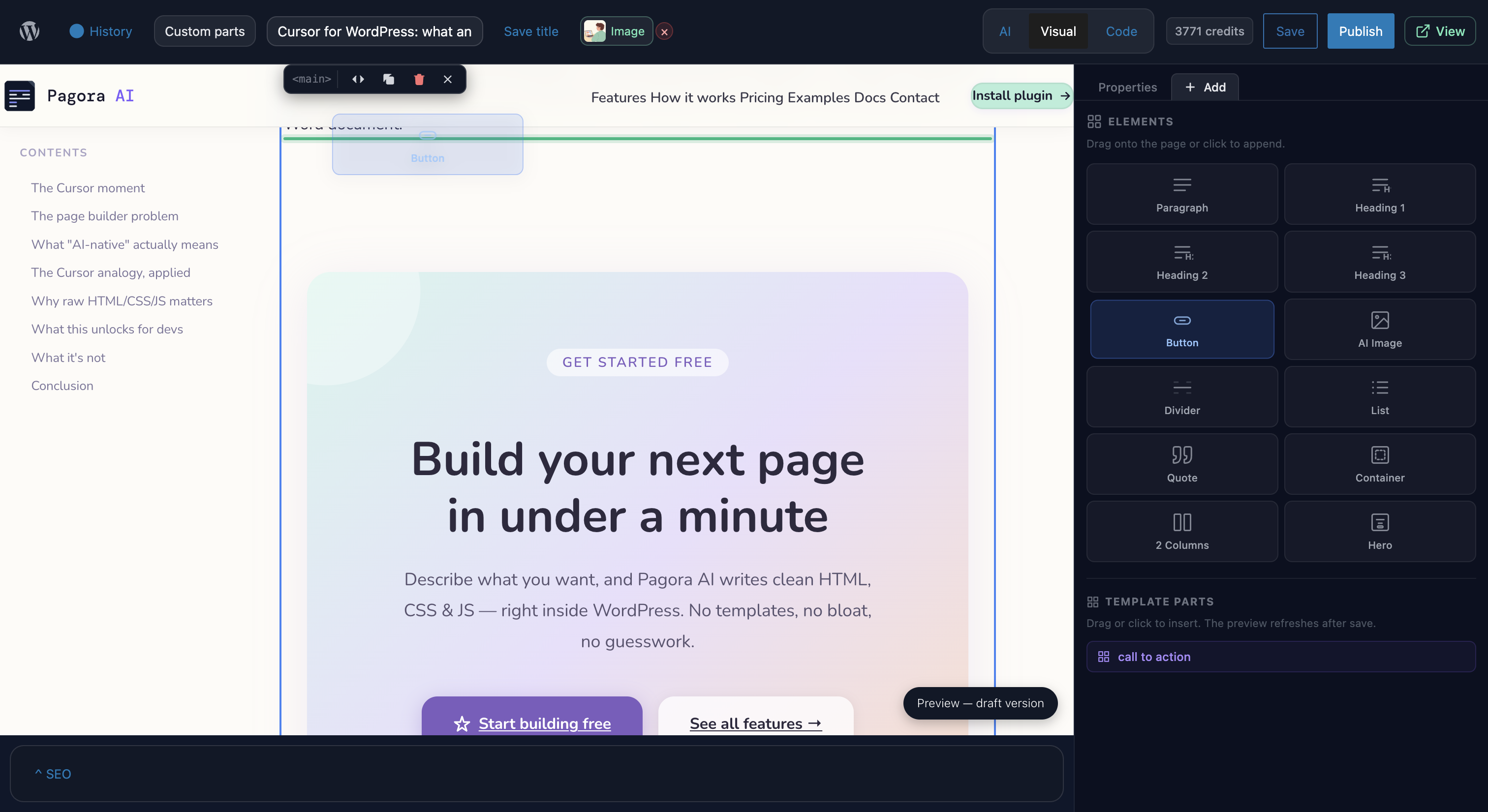
Version panel — restore any snapshot in one click.


