
Chamevo Multistep Product Configurator Wordpress Plugin - Rating, Reviews, Demo & Download
Plugin Description
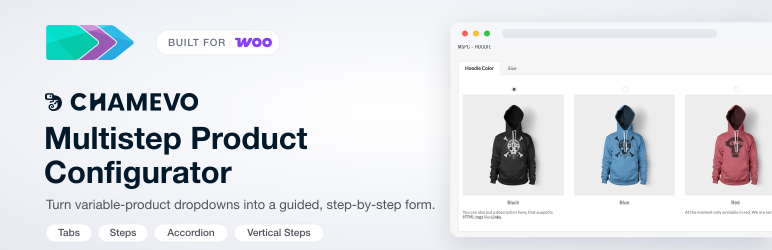
Turn the variation dropdowns on your WooCommerce variable products into a guided, step-by-step configurator. Instead of one long list of options, customers move through clear steps, choosing color, size, material, and more, with an image thumbnail for every choice. The result is a smoother buying experience, especially on mobile, where 70 to 80% of shoppers browse.
It works with the variable products and attributes you already have. No rebuild, no new product type.
Live demos
- Multistep configurator (hoodie) – product attributes split into guided steps
- With the Chamevo visual customizer (sneaker) – customers design the product inside the same flow
Key features
- Four layout styles to match any store: Steps, Tabs, Accordion, and Vertical Steps
- Image thumbnails for every attribute option, so customers see what they pick
- Built on your existing WooCommerce attributes and variations, with nothing to migrate
- Mobile-first and responsive out of the box
- Per-product control to enable the configurator only where it belongs
- Shortcode and placement hooks for precise positioning on the product page
- WooCommerce HPOS (High-Performance Order Storage) compatible
Add a visual product customizer with Chamevo
This plugin includes a native bridge to Chamevo, the visual product customizer trusted by 20,000+ stores in 40+ countries. Connect your store to let customers design products inside the same multistep flow, and add:
- A drag-and-drop visual product customizer embedded as a configuration step
- 3D visualization that can lift conversion rates by up to 30%
- AI tools for background removal, upscaling, and image generation
- Print-ready file exports (PDF, PNG, SVG) with custom bleed zones, so there is no manual file fixing before production
- Workflow automation that reduces manual production work by up to 80%
Start a 14-day free trial, no credit card required, or see how the WooCommerce integration works.
Documentation
Perfect for
- Custom product builders and made-to-order items
- Configurable products with several attributes
- Apparel, drinkware, phone cases, signs, and other personalized products
- Any variable product that needs a guided selection process
How it works
- Install and activate the plugin
- Edit a WooCommerce variable product
- Enable the configurator in the Chamevo MSPC panel
- Pick a layout style and assign attributes to your steps
- Customers see a guided, step-by-step interface on the product page
Requirements
- WordPress 5.6 or higher
- WooCommerce 6.0 or higher
- PHP 7.4 or higher
Screenshots

Front end: a multistep configurator with the Chamevo visual product customizer embedded as a configuration step.

Front end: Tabs layout – product attributes split into clean, tabbed steps.

Front end: Steps layout – guided, step-by-step attribute selection.

Admin: the Chamevo MSPC panel on the product-data tab, with Layout, Placement, Behavior, and Chamevo Modules options.

Admin: per-attribute image and graphic options used for the configurator thumbnails.


