Hayyat Apps Solar Lead Calculator Wordpress Plugin - Rating, Reviews, Demo & Download
Plugin Description
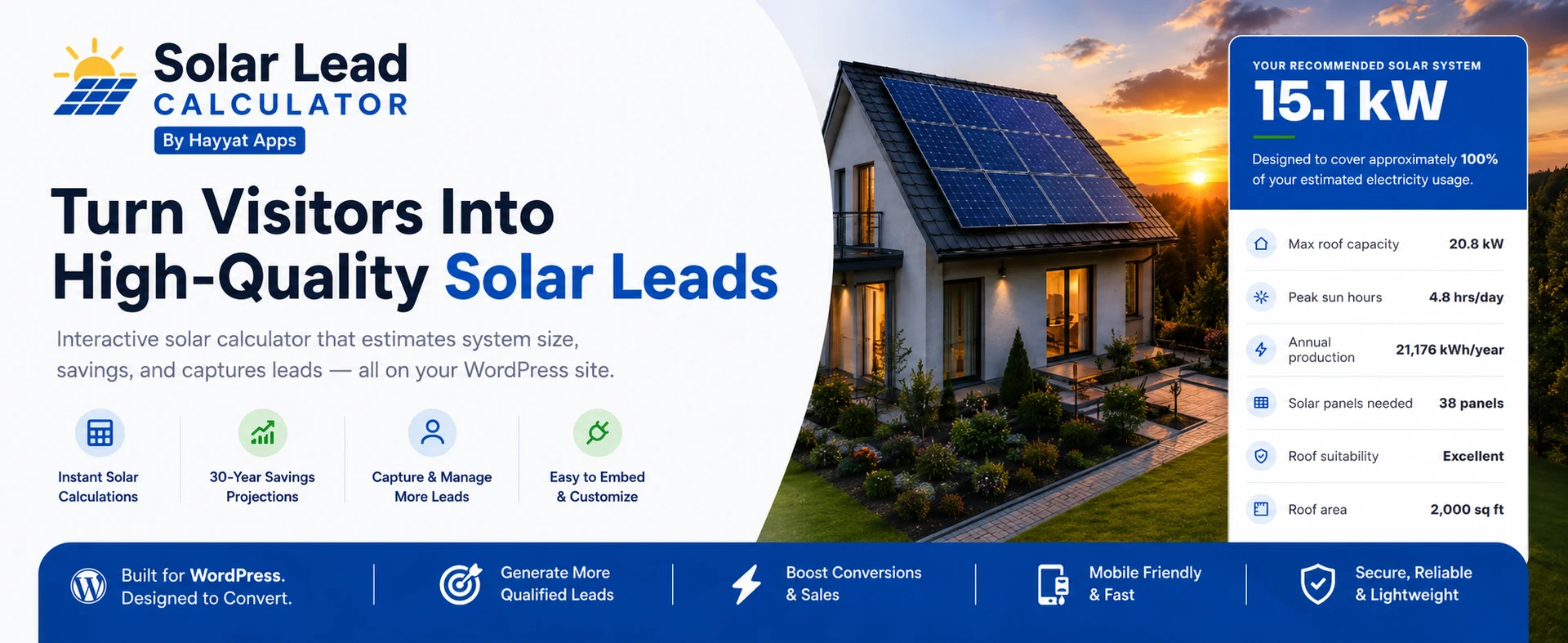
Turn website visitors into qualified solar leads. Hayyat Apps Solar Lead Calculator adds a beautiful, multi-step solar estimator to any page. Visitors enter their address and energy usage; the tool analyzes their roof with Google’s Solar API and instantly shows a personalized recommendation — recommended system size, peak sun hours, annual production, roof suitability and a 30-year savings projection — capturing their name, email and phone as an encrypted lead along the way.
Built for solar companies, installers and lead-gen agencies who want more booked consultations without paying per lead.
Add it anywhere with one shortcode:
[hayyat-solar-calc]
Two result formats — you choose
Not every solar business wants to show pricing up front. This plugin ships with two results templates, switchable in one click:
- Feasibility only — shows the recommended system size, peak sun hours, annual production and roof suitability, with no pricing — perfect if you’d rather have prospects contact you for a quote.
- Size + savings — everything above plus the full financial story: estimated cost, federal tax credit, cash vs. financing, ROI/payback and an interactive 30-year “cost of energy over time” chart.
Why installers love it
- More leads, less friction — a guided, mobile-friendly wizard that feels effortless and converts.
- Real roof data — Google Solar API sun-hour analysis, with a safe fallback when satellite data isn’t available.
- Address autocomplete — fast Google Places search, proxied so your keys never appear in your page source.
- Encrypted leads — every lead’s email & phone are stored AES-256 encrypted at rest.
- Your leads, your data — browse leads in the dashboard, see every input and estimate, and export to CSV.
- Fully brandable — customize colors, fonts, layout, every label, error messages and even the image on each step.
- Show only what you want — hide or require any input (address, usage, rate, shading, battery, contact fields).
- Tune the numbers — edit cost per watt, tax credit, finance rate/term, utility rates and escalation to match your market.
- Theme-safe CSS — fully scoped so it never clashes with Astra, Divi, Elementor or any theme.
- CRM ready — request a done-for-you CRM integration right from the dashboard.
Privacy & security first
The plugin holds no Google API keys in its code. All Google Solar/Places work is proxied server-to-server, so keys are never exposed in the browser. Add your own Google Solar & Places keys on the API Settings page (stored encrypted) to run entirely on your own account with no daily limit — the built-in Setup Guide walks you through it, or email support@hayyatapps.com and we’ll set it up for you.
Free vs. Pro
The Free plan includes the full calculator, encrypted lead capture (first 5 leads fully visible), currency selection and the result-template choice. Pro unlocks colors/fonts/layout, custom step images, editable labels & error messages, show/hide & required controls for every input, editable savings assumptions, full lead visibility, CSV export, and removes the “Powered by” link.
Screenshots

Step 1 — property type and address, with instant Google address autocomplete.

Step 2 — energy usage, your electricity rate and roof shading.

Step 3 — contact capture with a live “your roof fits ~X kW” teaser.

Two result formats — (1) recommended system size only, or (2) system size + full savings.

The “size + savings” results in detail — cost, tax credit, ROI, cash vs. financing and the 30-year chart.

Admin dashboard — plugin main page.

Admin — Leads dashboard with every input, estimate and CSV export.

Admin — General settings tab (result format, title, location & data).

Admin — Colors settings tab.

Admin — Savings settings tab (cost per watt, tax credit, finance rate and more).