
Loudmink Wordpress Plugin - Rating, Reviews, Demo & Download

Plugin Description
Loudmink is an AEO (Answer Engine Optimization) platform that helps brands show up in AI search engines like ChatGPT, Gemini, Claude, Perplexity, and Grok. It tracks what those engines say about your brand, shows which sources they pull their answers from, and generates the content that gets your brand recommended in AI answers.
This plugin connects your WordPress site to Loudmink so it can publish and update blog posts for you. Instead of creating an application password and copying a username, you just generate an API key here and paste it into Loudmink.
What it does:
- Adds a simple “Loudmink” settings page where you generate a connection API key.
- Exposes secure REST endpoints under
wp-json/loudmink/v1/that only Loudmink (holding your key) can call. - Lets Loudmink create, update, unpublish, and import posts on your site.
The plugin does not collect or transmit any visitor or customer data. It only acts on your blog posts, and only when called with your secret API key.
External services
This plugin connects your site to Loudmink (https://loudmink.ai), a separate hosted service, so Loudmink can publish and manage blog posts on your site for you.
The plugin exposes REST endpoints under wp-json/loudmink/v1/ that only Loudmink can call, authenticated with the API key you generate on the plugin’s settings page. When you publish, update, unpublish, import, or delete a post from Loudmink, Loudmink sends that request (post title, content, excerpt, tags, and status) to these endpoints. The plugin does not transmit your site’s data to Loudmink on its own. It only responds to authenticated requests you initiate from your Loudmink account.
Using this plugin requires a Loudmink account. Your use of the Loudmink service is governed by its Terms of Service (https://loudmink.ai/terms) and Privacy Policy (https://loudmink.ai/privacy).
Screenshots
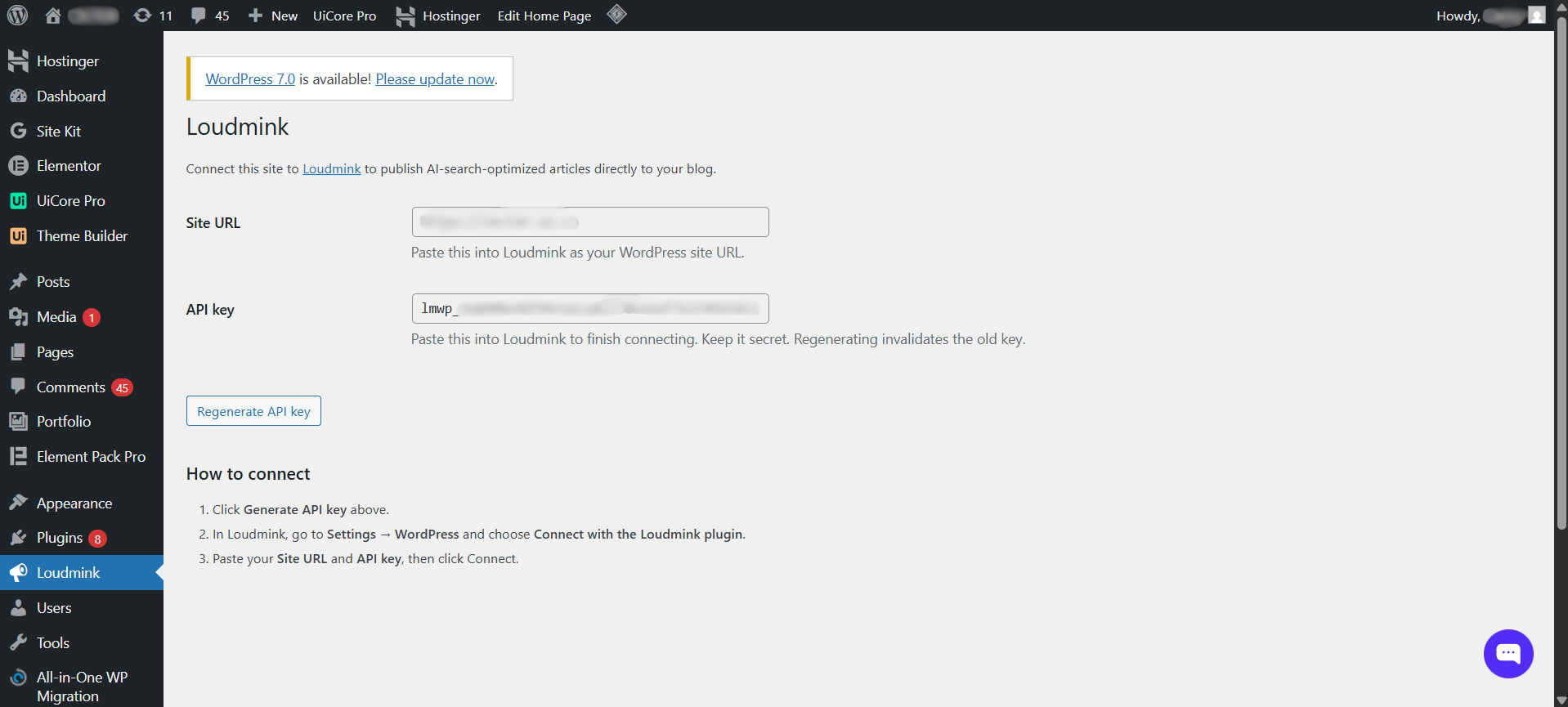
The Loudmink settings page in your WordPress admin. Generate a connection API key with one click, then paste it into Loudmink. No username or application password required.
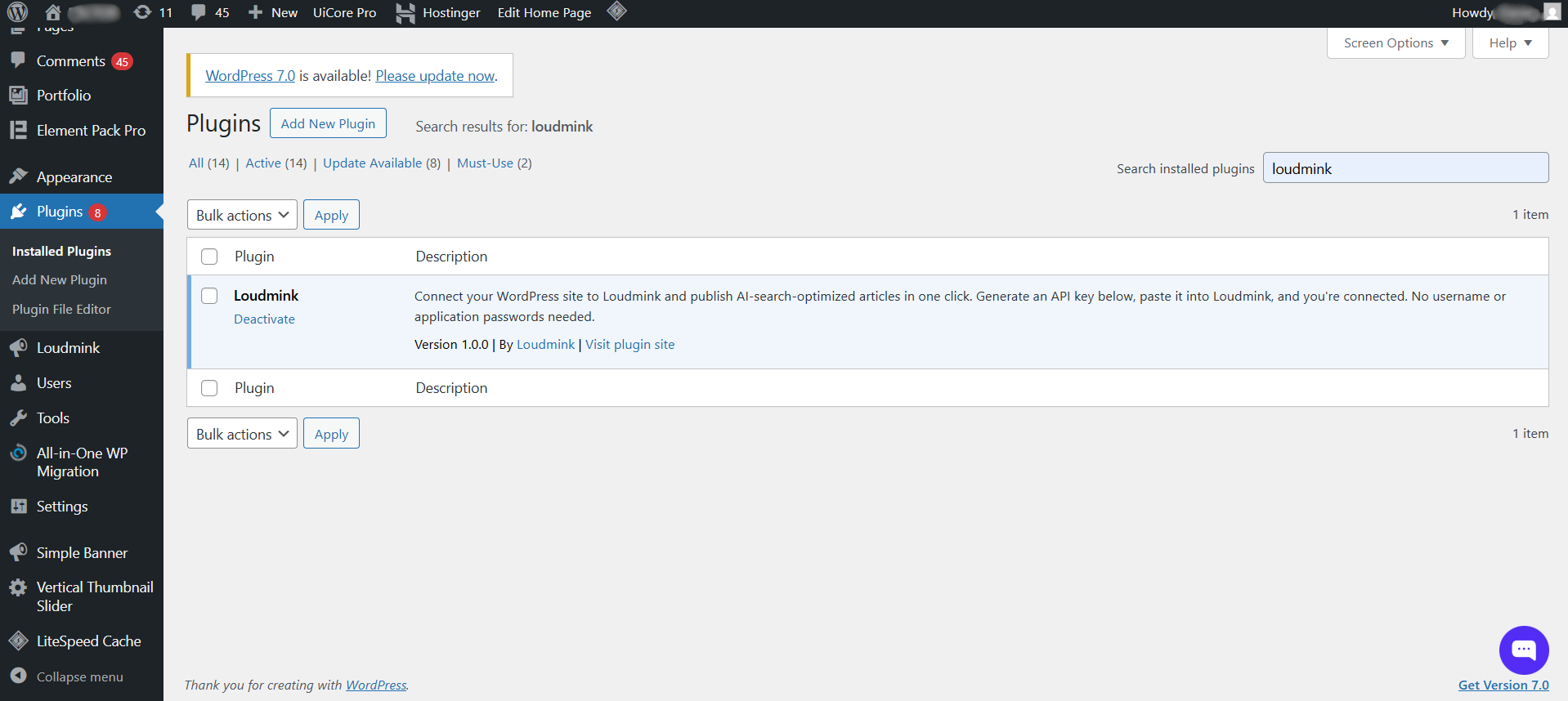
The Loudmink plugin installed and active in your WordPress plugins list.


