OpusDev Food Structured Data Wordpress Plugin - Rating, Reviews, Demo & Download
Plugin Description
OpusDev Food Structured Data is a simple SEO plugin built for food websites, WooCommerce stores, recipe blogs, local shops and producers.
The plugin helps you add food-focused JSON-LD structured data to WooCommerce products, recipes, producers and local food businesses. It is designed to be simple, lightweight and useful for organic food stores, local producers, recipe blogs, small shops and food ecommerce websites.
Included features:
- WooCommerce food product schema.
- Food attributes: Organic / Biologico, Km 0 / Local food, Short supply chain / Filiera corta, Seasonal, Artisanal, Traditional product, In organic conversion, Slow food inspired.
- Country of origin for products.
- Optional Food SEO short description for products.
- Optional frontend food attribute badges on product pages.
- Basic recipe card for posts and pages.
- JSON-LD preview, Copy JSON-LD button and Google Rich Results Test link in the editor.
- Basic Producer / Brand name and website.
- Recipe schema for posts and pages.
- Local food business schema for the homepage.
- PRO options visible but locked: DOP/PDO, IGP/PGI, STG/TSG, GLOBALG.A.P., GLOBALG.A.P. GRASP, region, municipality, producer archive, recipe nutrition, allergens, video, FAQ, WooCommerce ingredient links, Food Blockchain Traceability, batch/lot tracking and QR code traceability.
Important: this plugin does not issue, validate, or guarantee any certification. Certification and designation fields must be used only for products that are officially certified or legally entitled to use those claims.
External services
This plugin does not automatically send user or site data to external services.
The editor includes optional links that the administrator can click manually:
- Google Rich Results Test, used to test the public URL of a page.
- Opus Dev PRO product page, used to view the commercial PRO version.
No automatic external API call is made by the plugin.
Screenshots
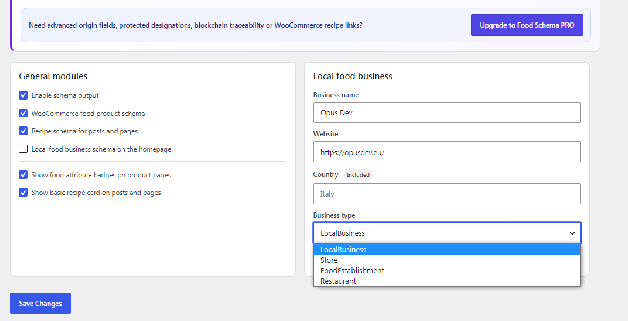
Dashboard – describe your site.
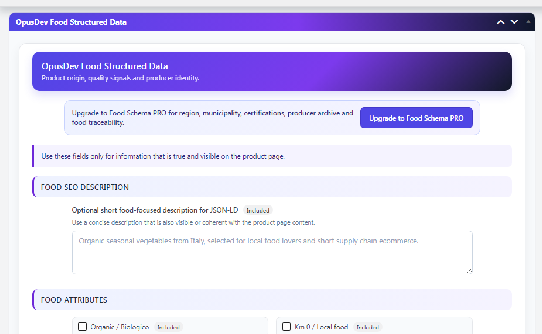
Product – describe your product.
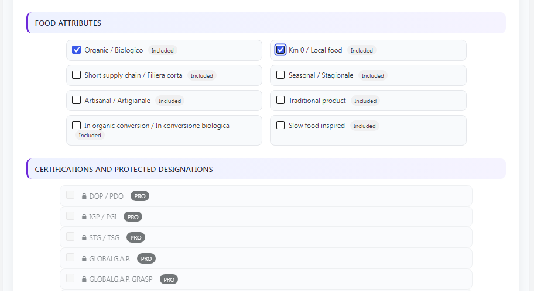
Product – add food-specific attributes.
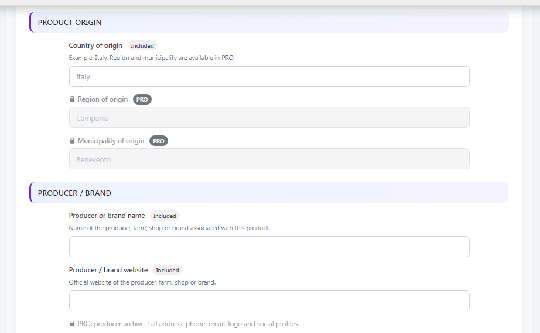
Product – add geolocation information.
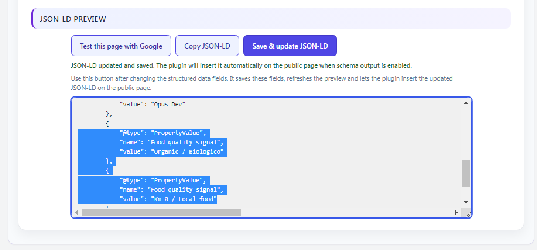
Product – save the fields, update the preview, and insert the JSON-LD.
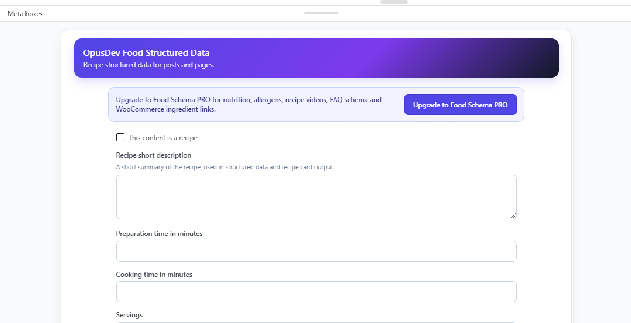
Blog post – describe your content to Google.
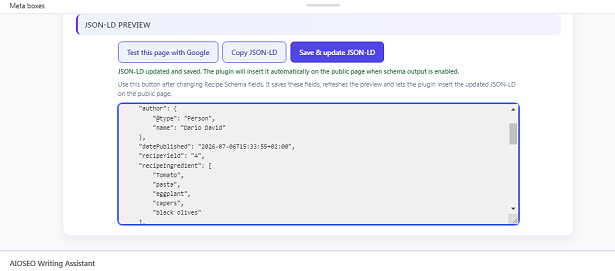
Recipe blog post – enter ingredients and cooking times, then update the JSON-LD code.