BKlug Floating Contact Button Wordpress Plugin - Rating, Reviews, Demo & Download

Plugin Description
bKlug Floating Contact Button adds a floating WhatsApp chat button to the front end of your WordPress site. No theme editing and no code — set your number in the settings and the button appears.
Fill in a single number to send visitors straight into a WhatsApp chat with your pre-filled message. Add more numbers (up to five) and the button opens a clean contact picker so visitors choose who to message — sales, support, a specific store, and so on.
Features
- Floating WhatsApp button, bottom-left or bottom-right.
- Icon only, icon + “WhatsApp”, or icon + your own button text.
- Up to five contacts, each with a name, a note, a number, and a pre-filled message.
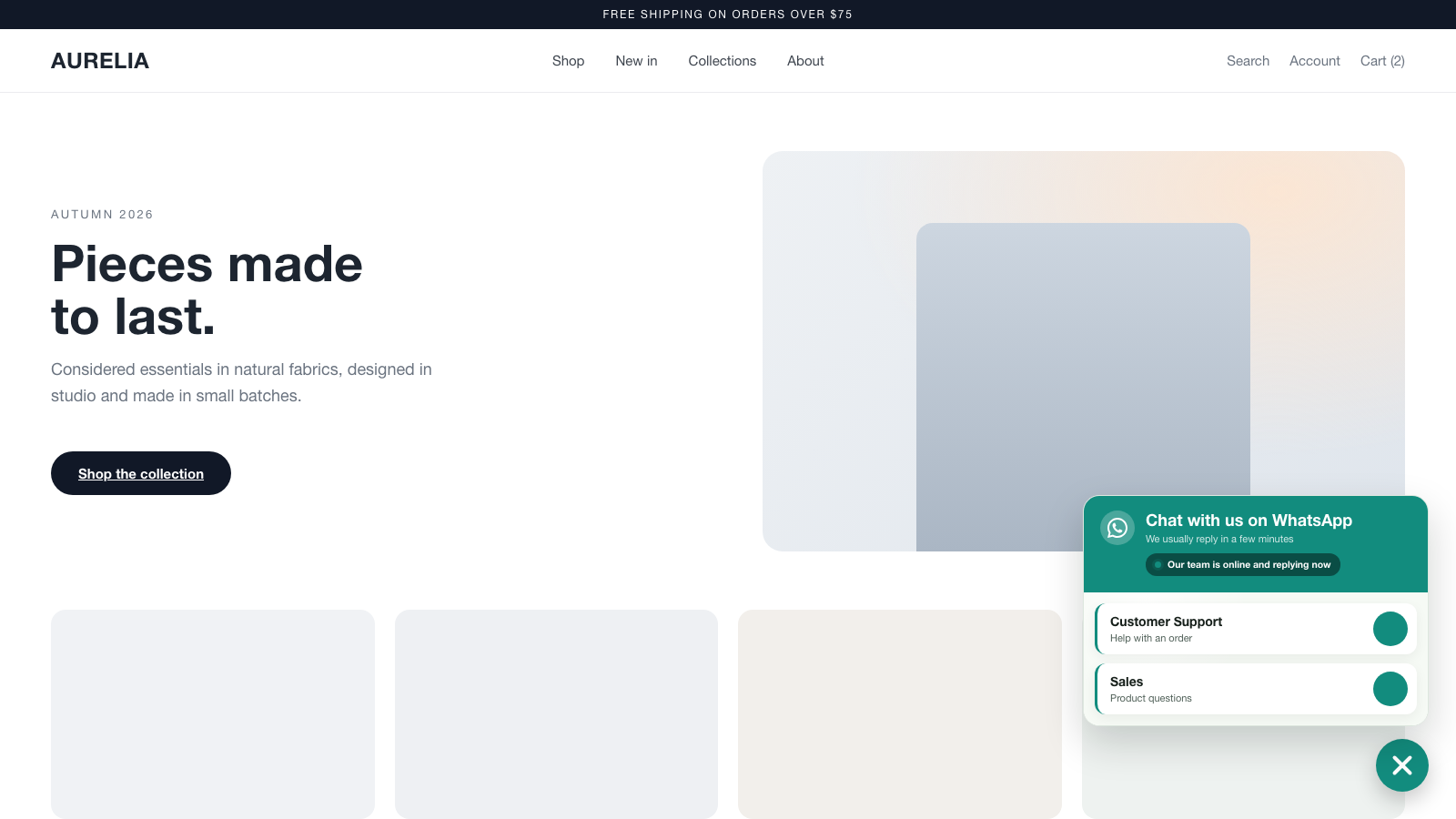
- Contact-picker popup when you have two or more numbers.
- Business hours: show a live “available now” or “away” note with a status dot based on the current time, days, and timezone.
- Optional auto-open of the contact picker after the visitor is idle.
- Full color control for the button and popup, plus size and spacing.
- Show or hide on desktop and mobile independently.
- Lightweight, framework-free JavaScript. Assets load only on pages where the button is shown.
- No account required and no data leaves your site — the button simply opens WhatsApp with your number.
This plugin is a free tool from bKlug. It uses WhatsApp’s standard wa.me links; WhatsApp is a trademark of its respective owner and this plugin is not affiliated with or endorsed by WhatsApp or Meta.
Screenshots
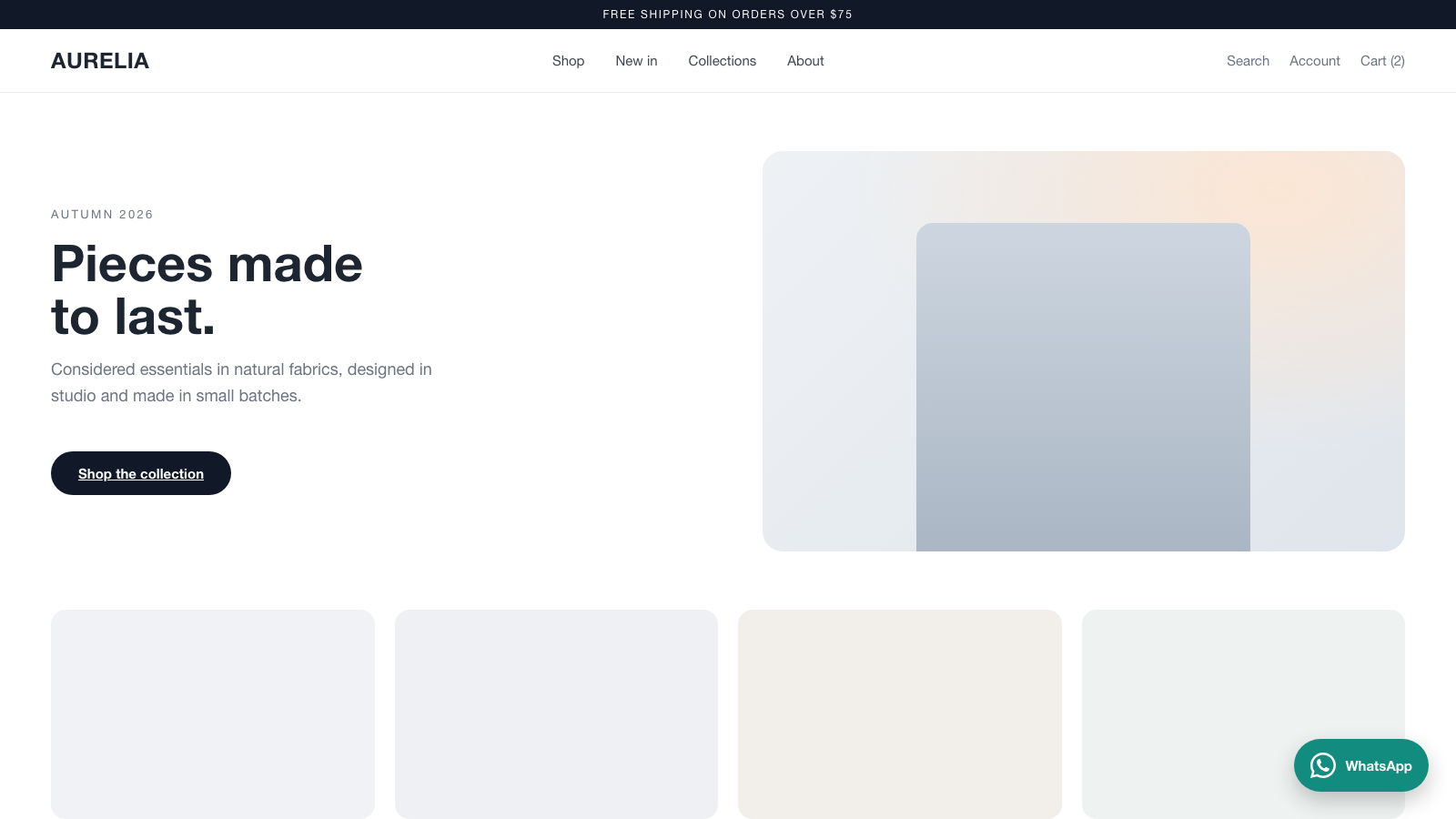
The floating WhatsApp button on a storefront.
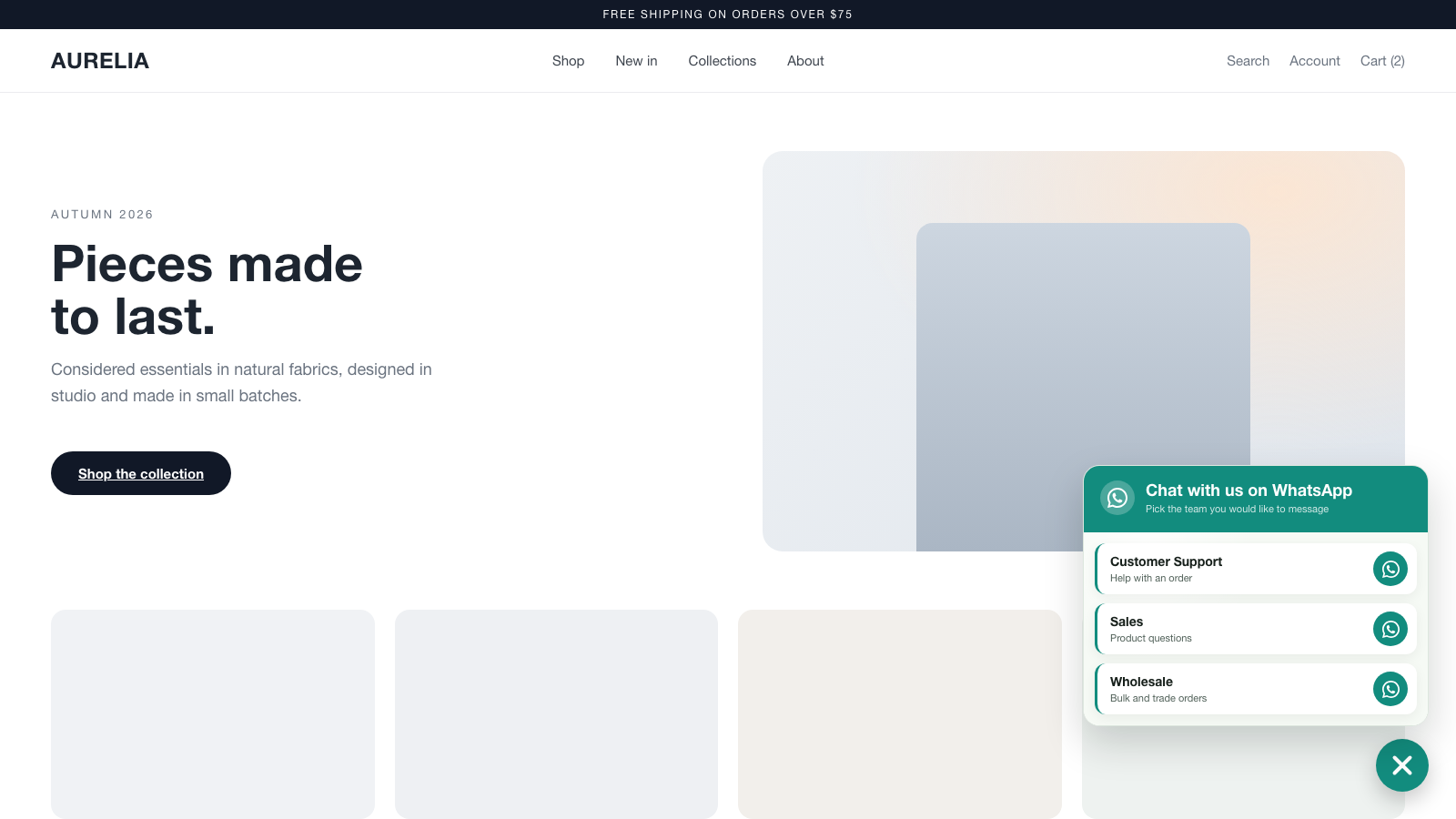
The contact picker popup with multiple numbers and a business-hours status.
The settings page.