SilkMotion Infinite Image Marquee For Elementor Wordpress Plugin - Rating, Reviews, Demo & Download

Plugin Description
SilkMotion Infinite Image Marquee is an Elementor widget that displays a continuously scrolling row or column of images, commonly used for partner logos, certifications, client photos, or press mentions.
https://www.imagemarquee.com/
How it works
The widget calculates image positions using decimal (sub-pixel) values and renders the animation with CSS3 GPU acceleration, rather than moving elements in whole-pixel steps. It does not load any external slider or animation library (such as jQuery-based carousel plugins) — the animation is handled by a small built-in script plus CSS.
Features included in the free version
- Infinite horizontal & vertical marquee — scroll images left, right, up or down.
- Speed and direction control — adjustable scroll speed and direction.
- Pause on hover — stops the animation when a visitor hovers over the marquee, so links can be clicked.
- Fade edge effect — configurable fade color and width at the edges of the marquee.
- Per-image links — each image can have its own URL, with options for nofollow and opening in a new window, and support for Elementor dynamic tags.
- Style controls — image size, spacing, opacity, hover effects, CSS filters, borders, shadows and image box styling, all configurable from native Elementor controls.
- Clean HTML output for accessibility and SEO.
This plugin works with Elementor Free; Elementor Pro is not required.
Additional features in SilkMotion Infinite Image Marquee Pro
SilkMotion Infinite Image Marquee Pro adds the following features to the same widget:
- Gallery Lightbox — clicking an image opens it full-size using Elementor’s native lightbox.
- Images with Text — add a heading, caption and description to each image, for use cases such as testimonials or a text-and-image ticker.
- Individual Image Scaling — set width, height and object-fit independently for each image, useful when source images have different dimensions.
- Smart Adaptive Grid — replaces the scrolling marquee with a static grid layout on tablet and mobile breakpoints, with a configurable number of columns per breakpoint.
Like the free version, SilkMotion Infinite Image Marquee Pro works with Elementor Free; Elementor Pro is not required for any of its features, including the Gallery Lightbox. Upgrading to Pro does not remove or reset existing marquees: the Pro widget uses the same widget name, so previously configured settings are preserved and the new options appear alongside them. See plans and pricing for details.
Screenshots
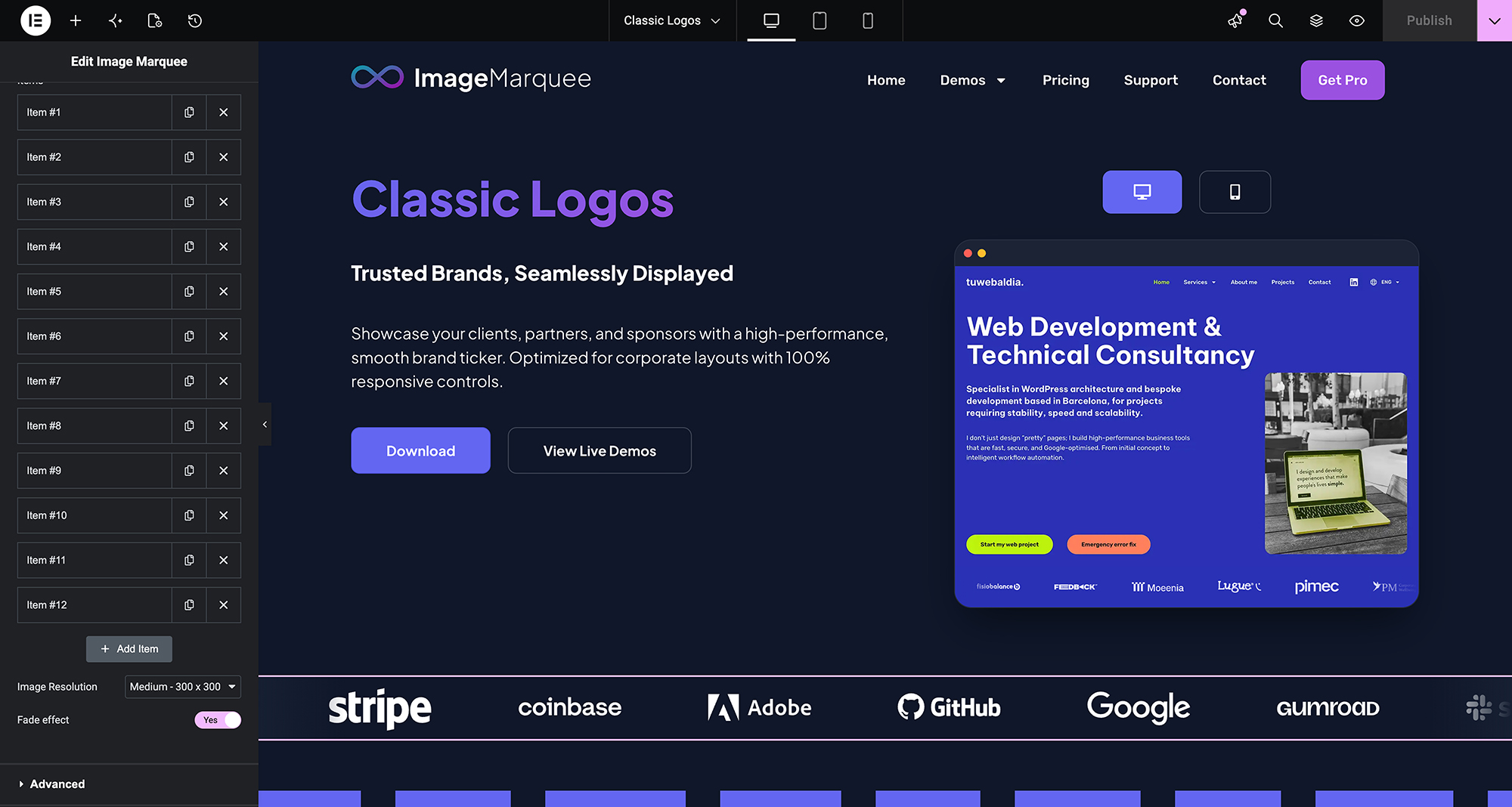
A horizontal logo marquee configured in the Elementor editor.
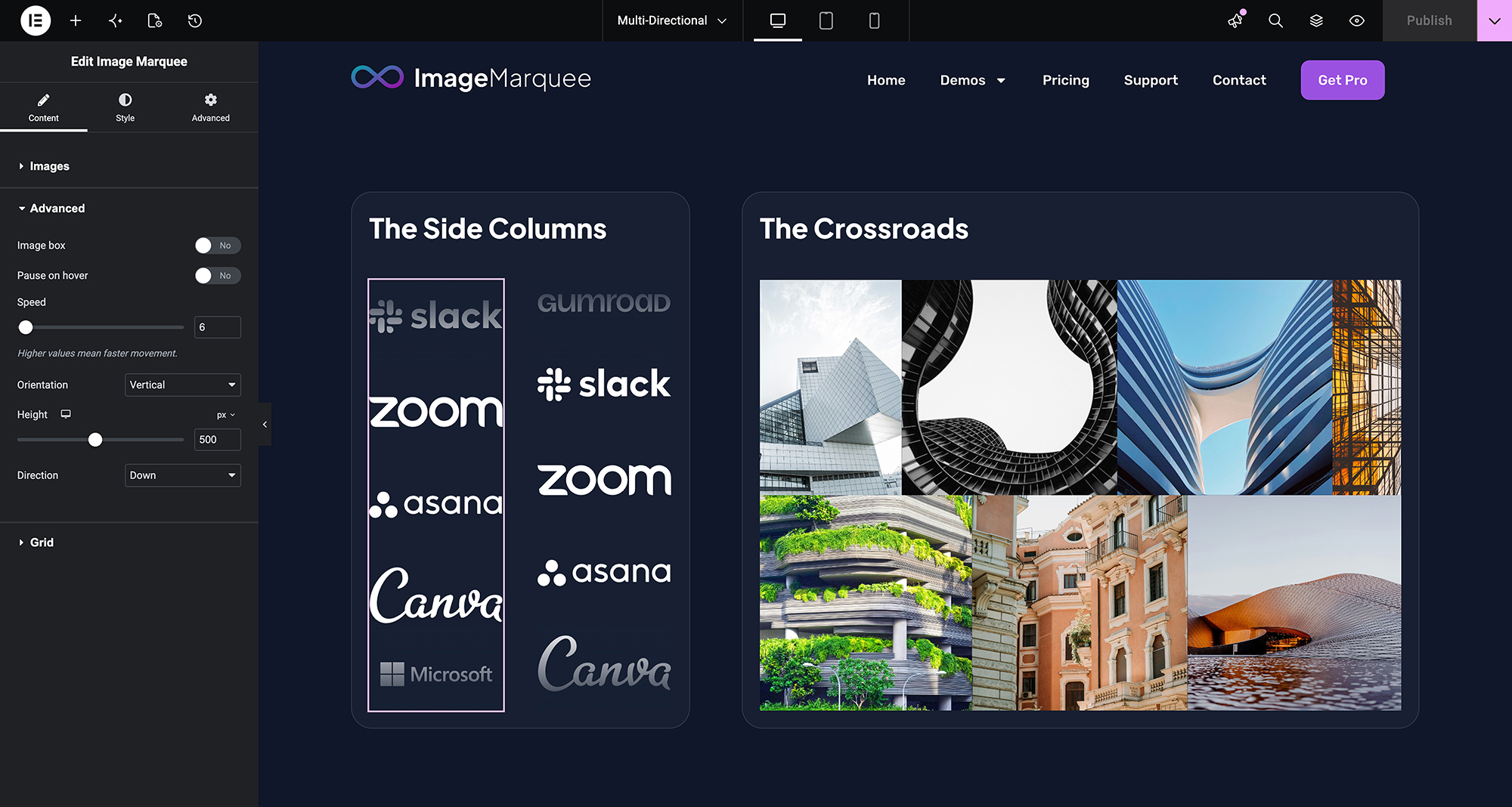
A vertical marquee used as a sidebar element.
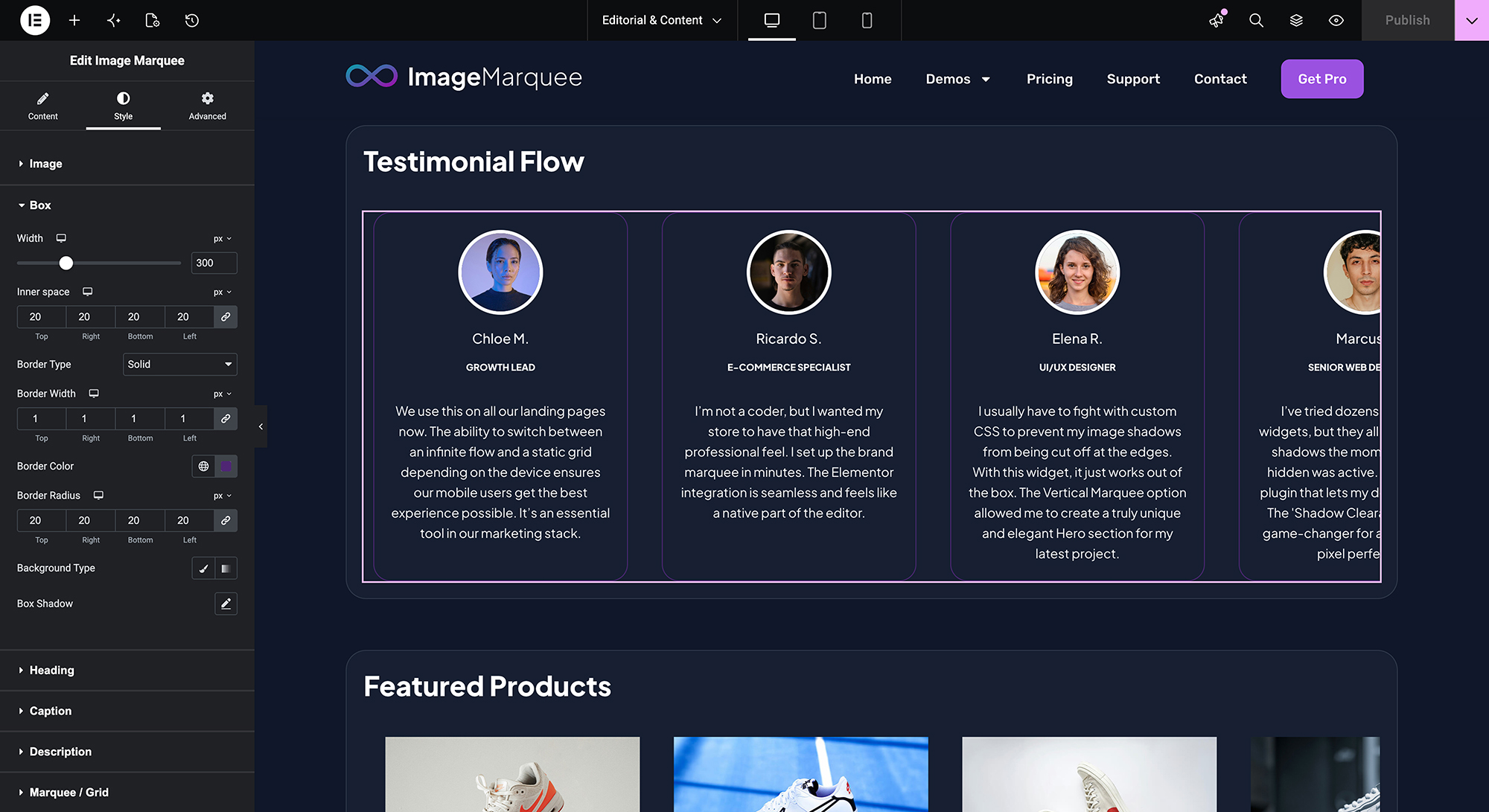
Style controls available in the Elementor panel, including spacing, effects and hover states.