
QAiChatBot Wordpress Plugin - Rating, Reviews, Demo & Download
Plugin Description
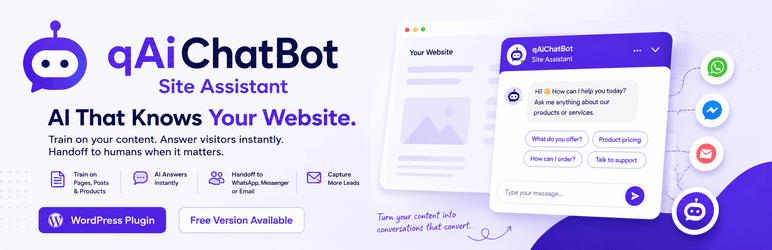
qAiChatBot is an AI-first chat widget:
- OpenAI, Gemini, or custom webhook providers
- Train on site pages, posts, and WooCommerce products
- Floating chat with suggestions and message history
- Optional WhatsApp, Messenger, or email handoff
Optional extras (LearnDash training, advanced analytics, voice input, white-label) are available as a separate Pro add-on from the author site. They are not locked features inside this plugin.
External services
This plugin can connect to third-party AI providers that you configure. Requests are sent only when a visitor sends a chat message (or when you test AI from the admin), and only if you have enabled AI and entered your own API credentials (or a custom webhook URL).
OpenAI
Used when the AI provider is set to OpenAI, to generate chat replies from your knowledge base and the visitor message.
Data sent: your system prompt, knowledge-base excerpts, conversation messages, and model settings (model name, temperature, max tokens). Your OpenAI API key is sent in the Authorization header.
Service: OpenAI — Terms of use: https://openai.com/policies/terms-of-use — Privacy policy: https://openai.com/policies/privacy-policy
Google Gemini
Used when the AI provider is set to Gemini, to generate chat replies from your knowledge base and the visitor message.
Data sent: your system instruction, knowledge-base excerpts, conversation messages, and generation settings. Your Gemini API key is included in the request URL.
Service: Google Gemini API (Google AI) — Terms of service: https://ai.google.dev/gemini-api/terms — Privacy policy: https://policies.google.com/privacy
Custom webhook
Used when the AI provider is set to Webhook. The plugin POSTs the chat payload to the URL you provide. Data sent and retention depend on that endpoint; review that service’s terms and privacy policy before use.
Screenshots
No screenshots provided


