
VENTI Multi Location Marker For Elementor Wordpress Plugin - Rating, Reviews, Demo & Download

Plugin Description
“VENTI Multi Location Marker for Elementor” adds a native widget to the Elementor editor called VENTI Multi Location Marker.
Features:
- Map Height control (any CSS length, e.g. 300px, 50vh)
- Add as many location fields as you need via a “+ Add Location” repeater
- Accepts city, country, or full street address
- Geocoding via the free OpenStreetMap Nominatim API (no key required)
- Markers placed automatically with auto-fit map bounds so every location is visible
- Clicking any marker opens that exact location in Google Maps
- Live preview inside the Elementor editor — no page refresh needed
- Fully responsive on desktop, tablet, and mobile
- Leaflet + map assets are only loaded on pages where the widget is used
Notes on the Nominatim API
This plugin geocodes addresses client-side using the public Nominatim API
(https://nominatim.openstreetmap.org), which is free and requires no API
key. Requests are sent one at a time with a short delay between them to
respect Nominatim’s fair-use / rate-limit policy. For very high-traffic
sites, consider self-hosting a Nominatim instance or using a caching layer.
Screenshots
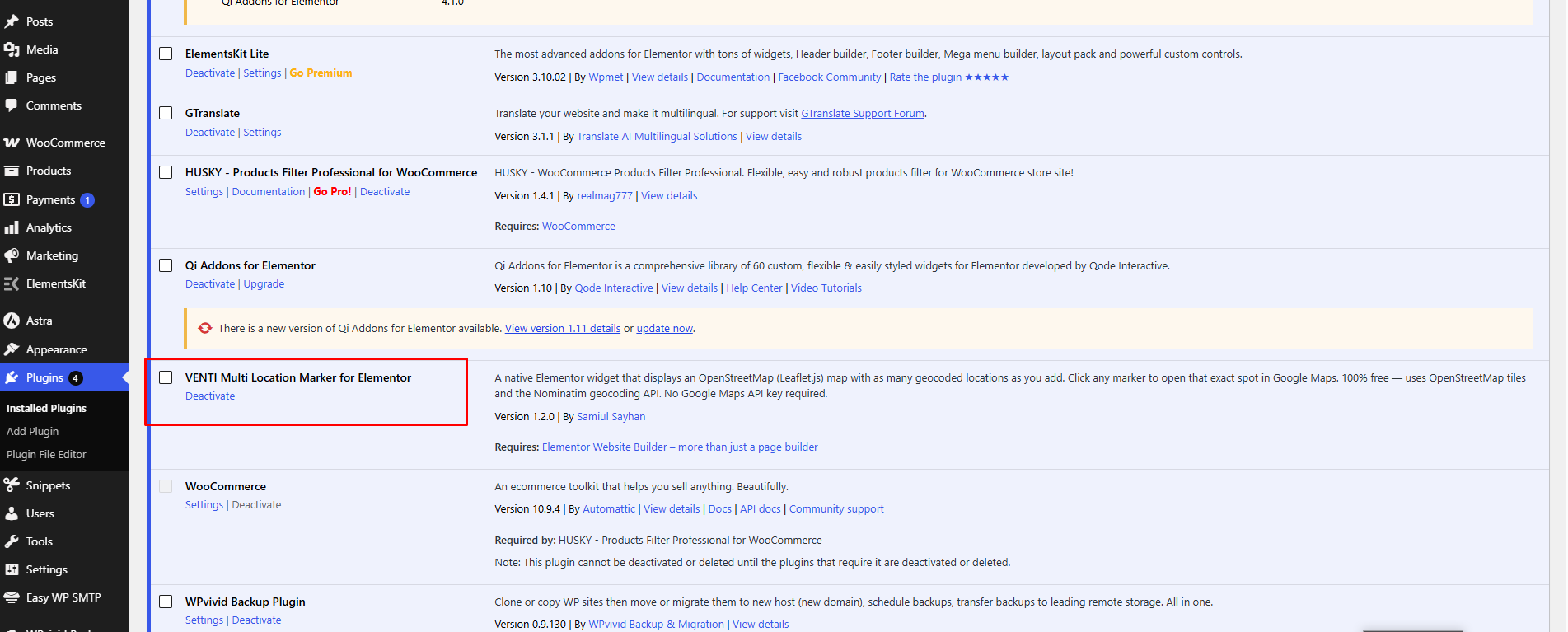
The widget listed under Installed Plugins, ready to use.
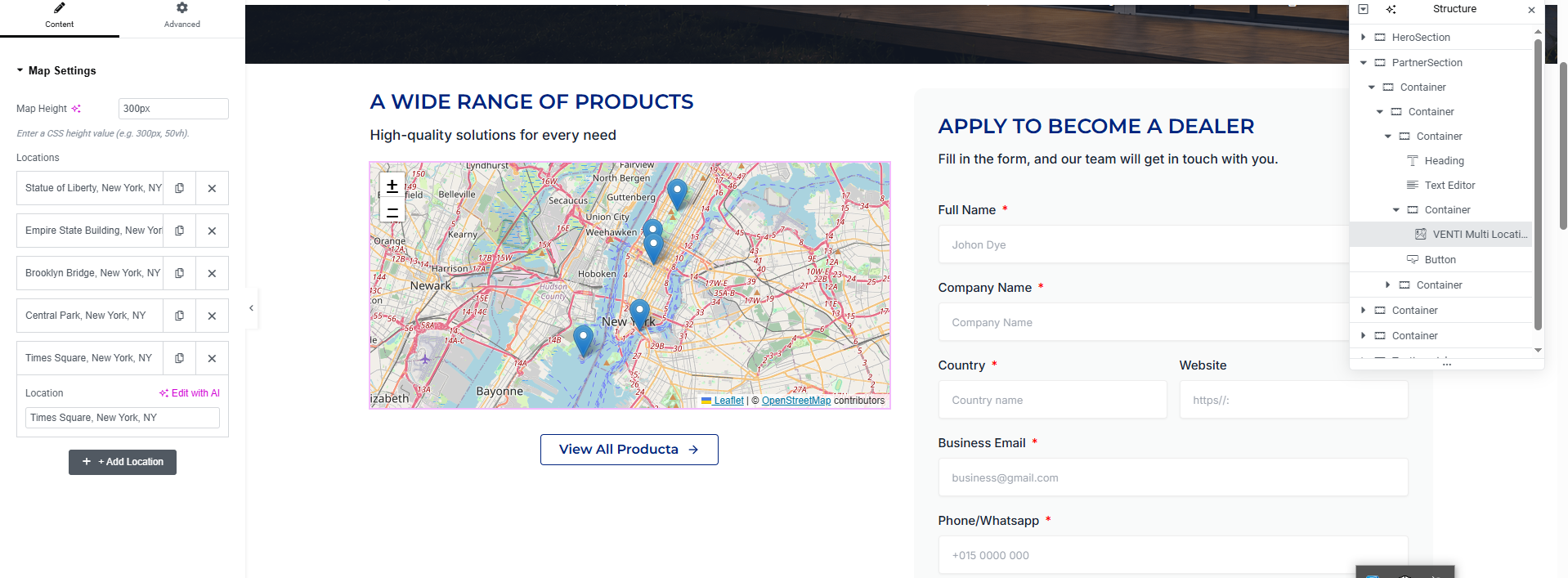
Dragging the VENTI Multi Location Marker widget onto a page in the Elementor editor.
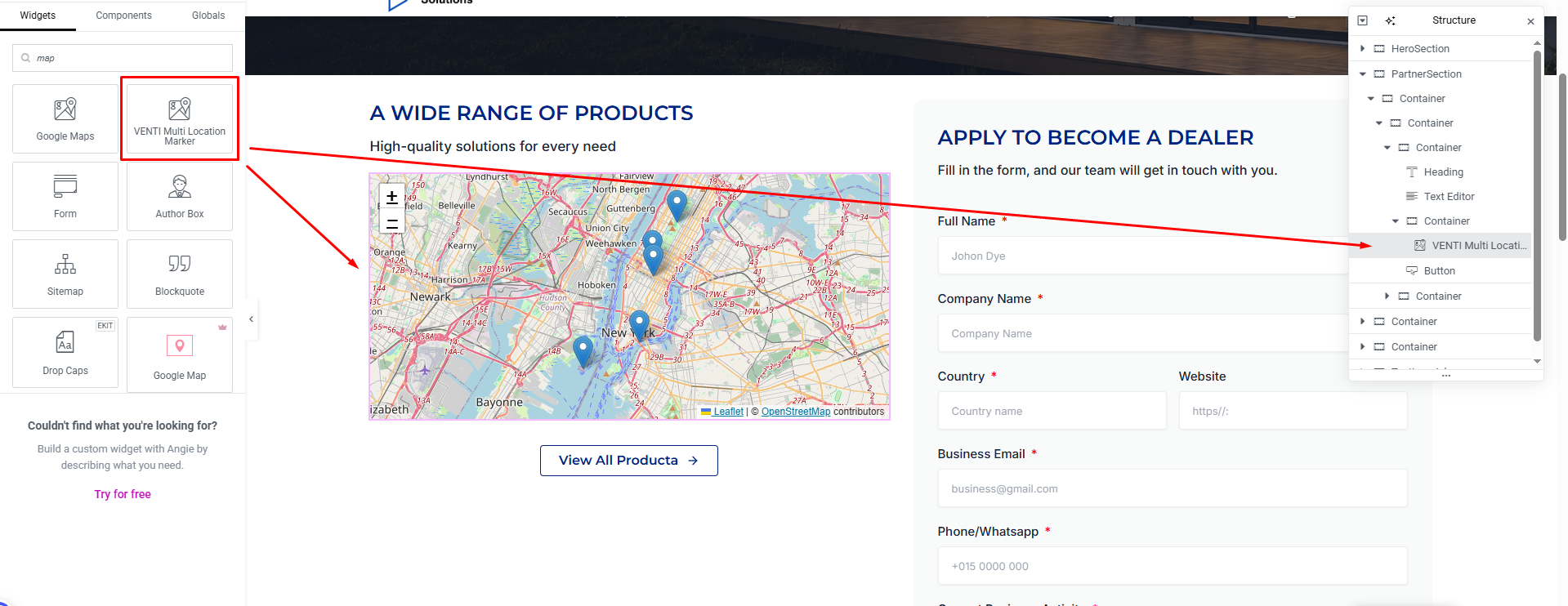
The widget’s settings panel — add unlimited locations and set the map height, with a live preview.
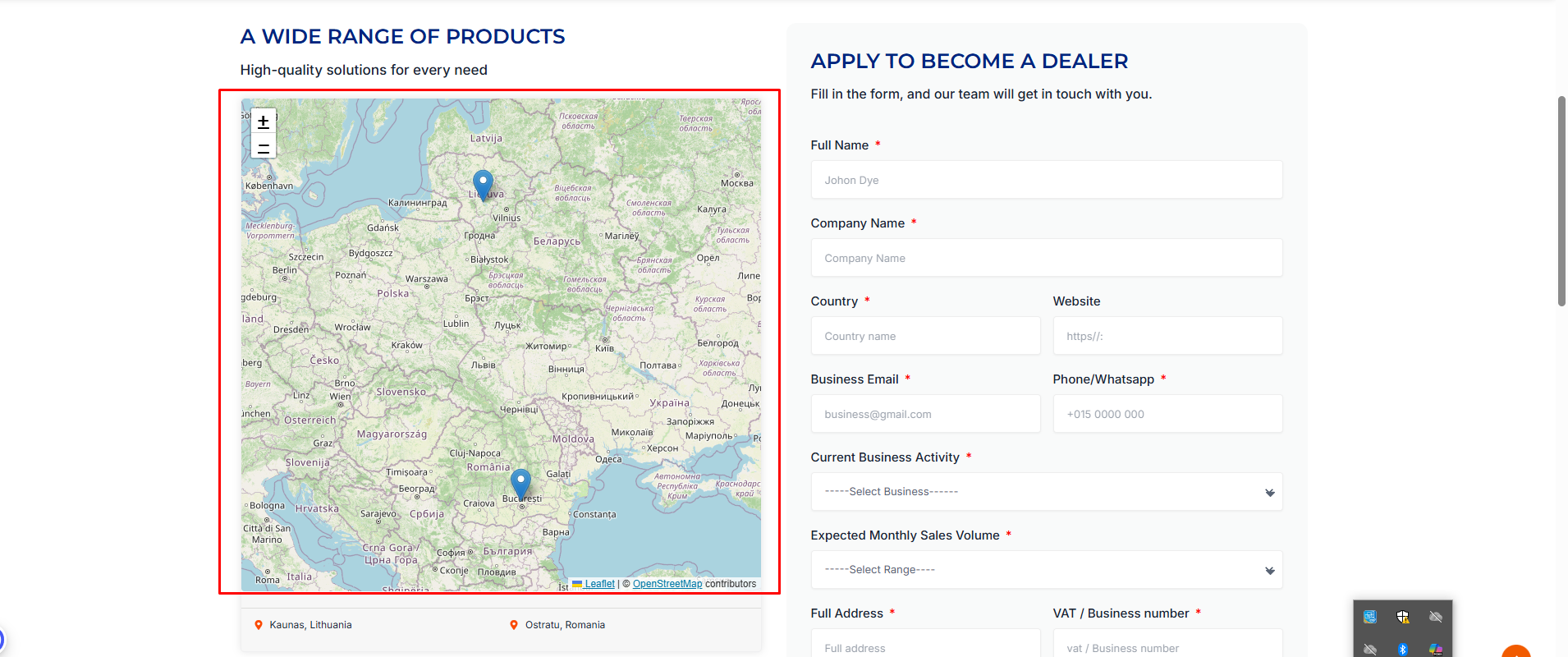
The map on the live front-end page, showing multiple geocoded markers.


