
EmBlue Newsletter Wordpress Plugin - Rating, Reviews, Demo & Download

Plugin Description
Turn your content into campaigns
Connect your WordPress site to emBlue and automatically turn the posts you publish into email newsletters, sent to your lists on the schedule you choose. No copying and pasting content into an email editor every week.
Combine the power of Email, WhatsApp, SMS, Push and automation in a single place to accompany your customers throughout their journey and boost conversion and loyalty.
With this plugin you can:
- Automate daily and weekly newsletters built from your latest posts, choosing the days and the time of the send. Both frequencies can run at once, each with its own list, campaign and subject.
- Decide what gets included, filtering by category, excluding the ones you do not want to send, and setting a minimum number of posts so an empty newsletter never goes out.
- Control the subject line, either fixed or built dynamically from the title of your first or last post.
- Grow your contacts with a subscription form you can place anywhere using the
[emblue_subscription]shortcode or the included widget. New subscribers are added to the emBlue list you select. - Keep your own design, using the built-in templates or a custom template placed in your theme folder.
- Send in several languages, with a separate list, campaign and subject per language on multilingual sites.
- Review every send from the log tab in the admin, which records what was sent and when.
Requirements
You need an emBlue account. The plugin sends your content through the emBlue platform, so it does not work on its own — see the External Services section below for what data is sent and when.
Scheduled sends rely on WP-Cron. On low traffic sites, configure a real system cron calling wp-cron.php so the newsletters go out on time.
Caching
The subscription form requests a fresh security nonce from admin-ajax.php on each submit, so it works with full-page caching (WP Rocket, LiteSpeed Cache, Cloudflare, etc.) without excluding pages from the cache.
External Services
This plugin connects to the emBlue API to manage contacts and mailing lists. This connection is required for the plugin to function.
What data is sent and when:
– The subscriber’s email address is sent to the emBlue API when a visitor submits the subscription form on your site.
– No data is sent until a user actively subscribes.
Service provider: emBlue (https://www.embluemail.com/)
- API endpoint (production): https://api.embluemail.com/v2.3
- Terms of Service: https://www.embluemail.com/terminos-y-condiciones/
- Privacy Policy: https://www.embluemail.com/politicas-de-privacidad/
Screenshots
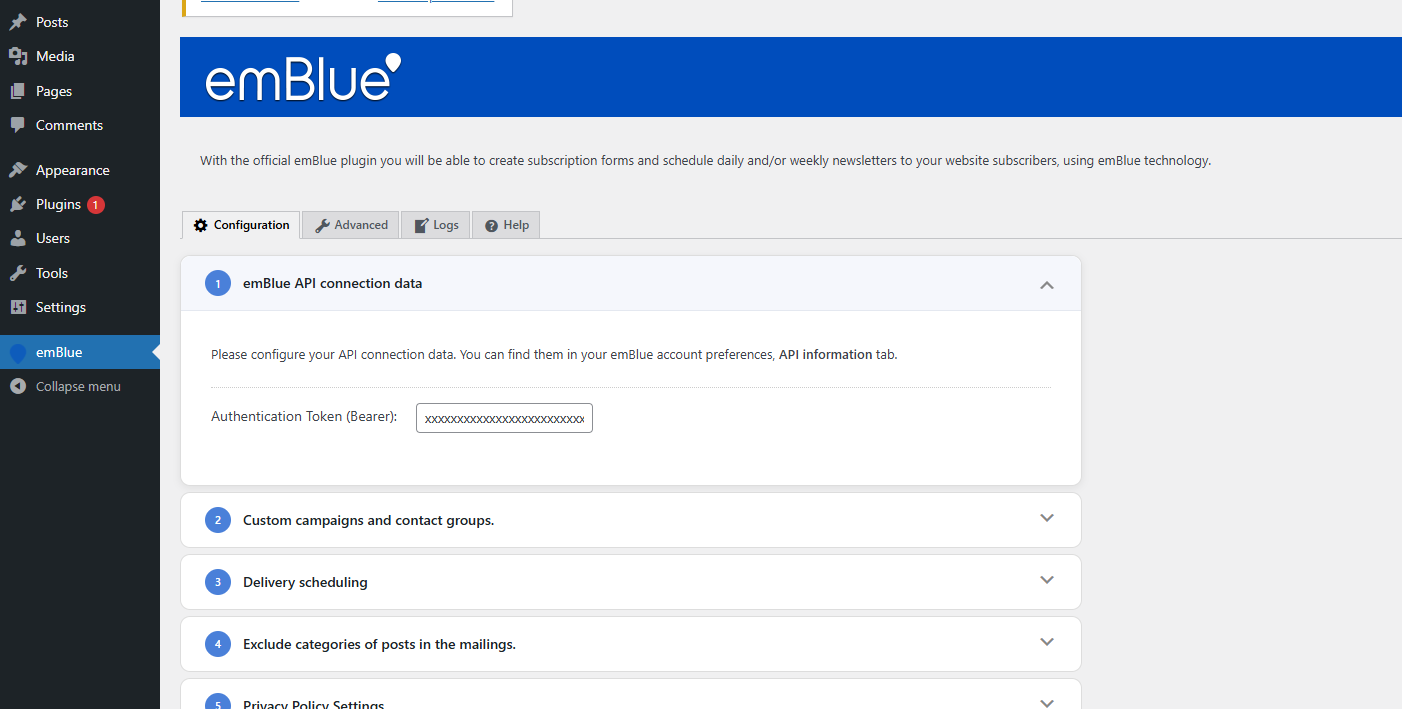
Connect your WordPress site to emBlue by entering your API credentials.
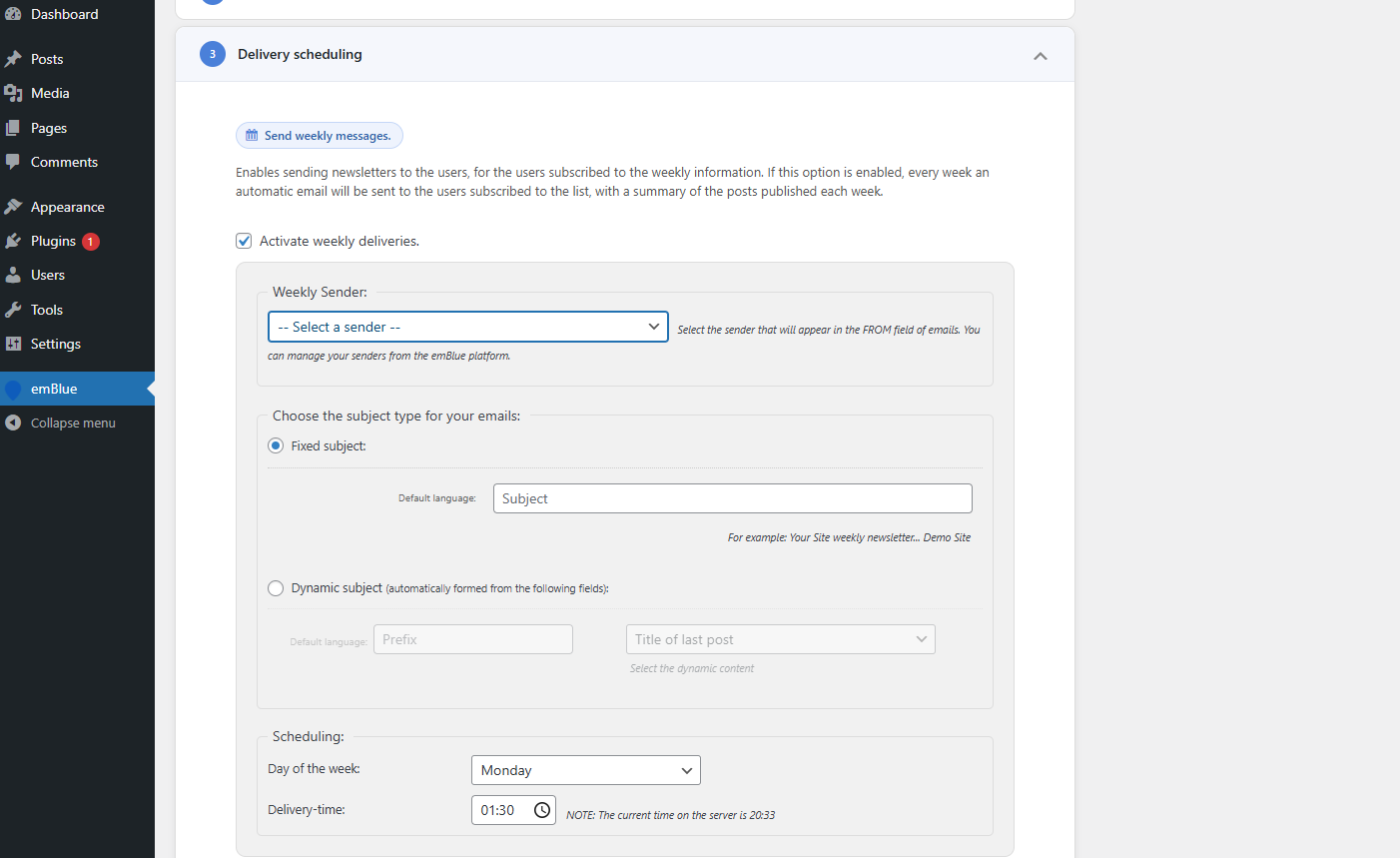
Schedule daily or weekly newsletters and choose which categories to include.
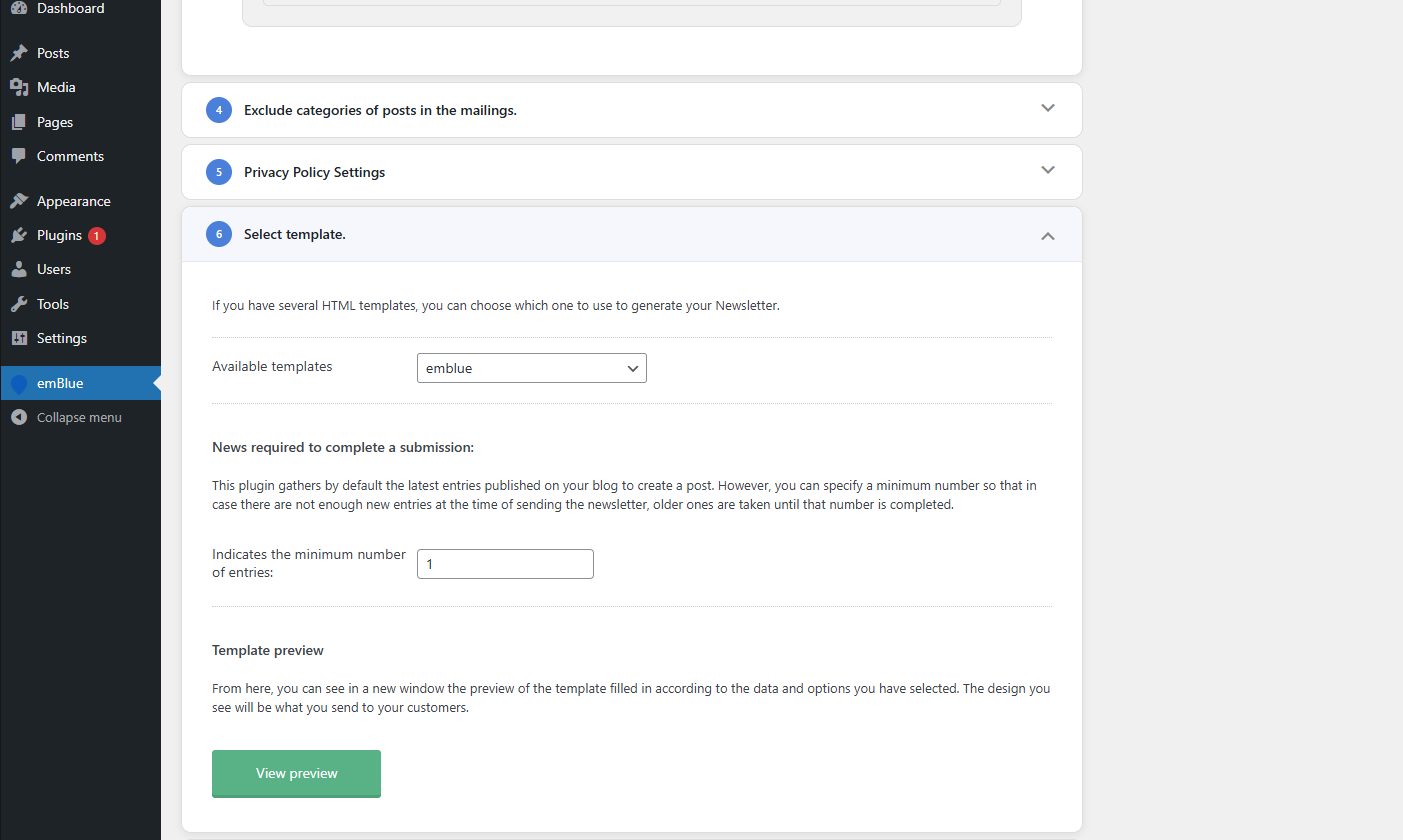
Pick one of the built-in templates or upload your own custom template.
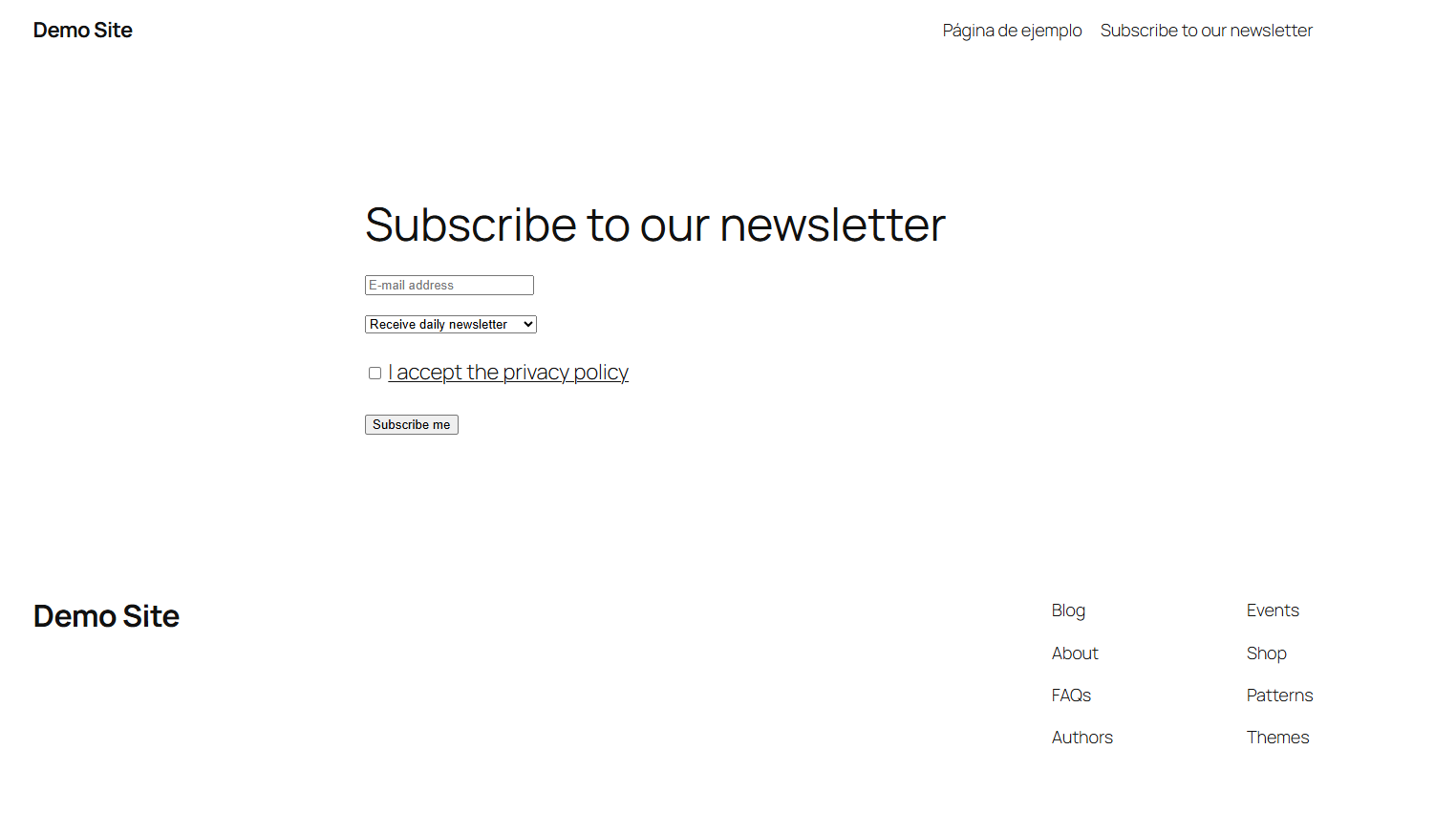
The subscription form as your visitors see it, ready to be placed with a shortcode or widget.

