
Capybara SEO Lead Source Tracker Wordpress Plugin - Rating, Reviews, Demo & Download

Plugin Description
Capybara SEO Lead Source Tracker captures UTM parameters and click IDs (gclid, gbraid, wbraid, fbclid) from the URL, stores them in localStorage (first-touch attribution), and automatically updates WhatsApp links with a dynamic message that includes the lead source data.
Key features:
- Captures utm_source, utm_medium, utm_campaign, utm_content, utm_term, gclid, gbraid, wbraid, fbclid
- First-touch attribution: data is preserved across pages even if subsequent visits have no UTMs
- Automatic channel detection: Google Ads, Meta Ads, Organic, Referral
- Lines with no captured data are omitted from the WhatsApp message
- Combinable button placements: Floating button (auto-injected, zero setup) and CSS Selector (reuse existing buttons) can both be turned on at once, plus the always-available [capysele_button] shortcode — all sharing the same number and tracking
- Customizable message template with placeholders
- Multilingual: English and Spanish included. Language is set automatically based on the WordPress site locale.
- Debug mode: logs captured data to the browser console
Available placeholders for the message template:
{channel}, {utm_source}, {utm_medium}, {utm_campaign}, {utm_content}, {utm_term}, {gclid}, {gbraid}, {wbraid}, {fbclid}, {landing_page}, {captured_at}
Screenshots
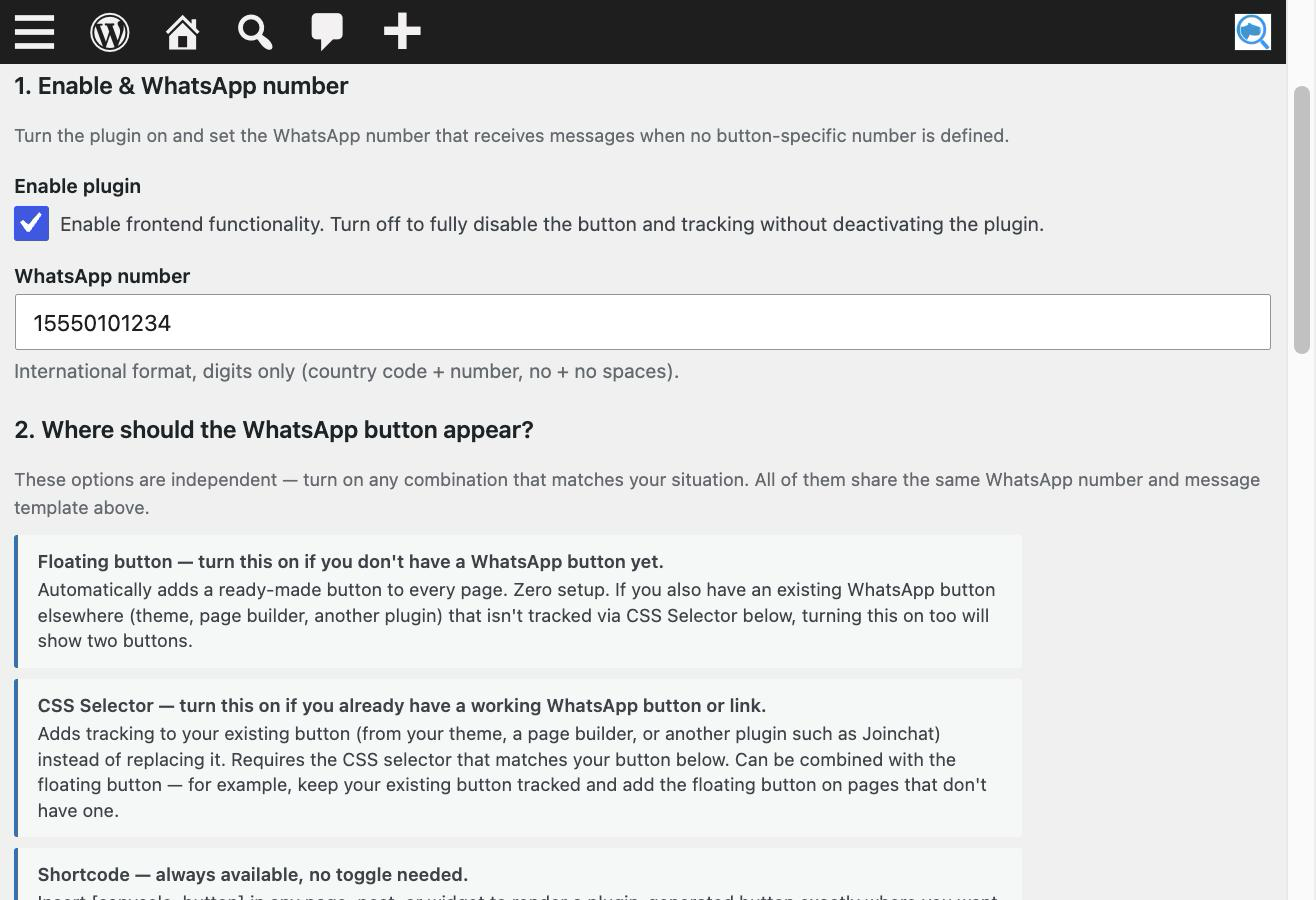
Configure the receiving number and choose one or more button placements.
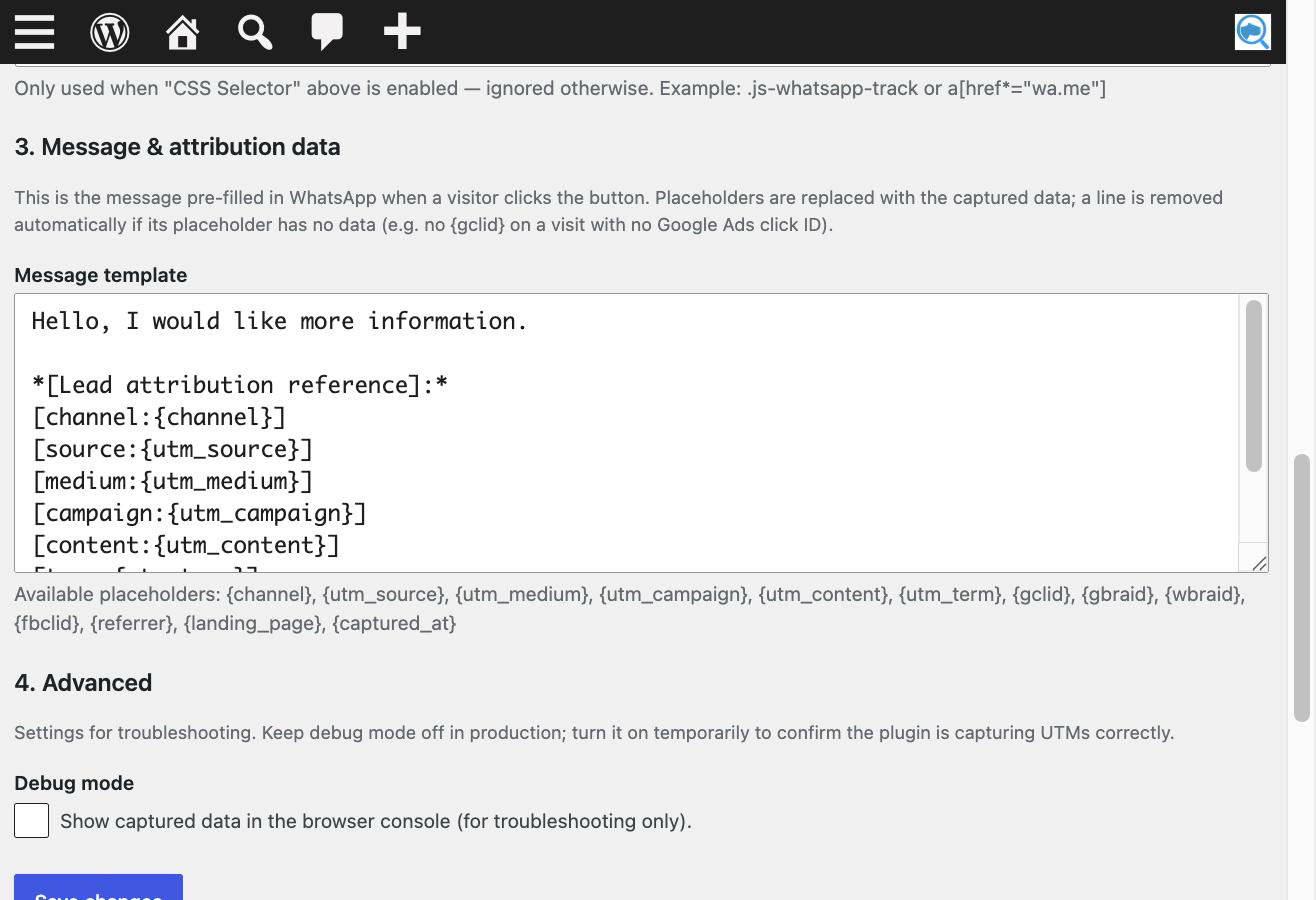
Customize the message template with first-touch attribution placeholders.
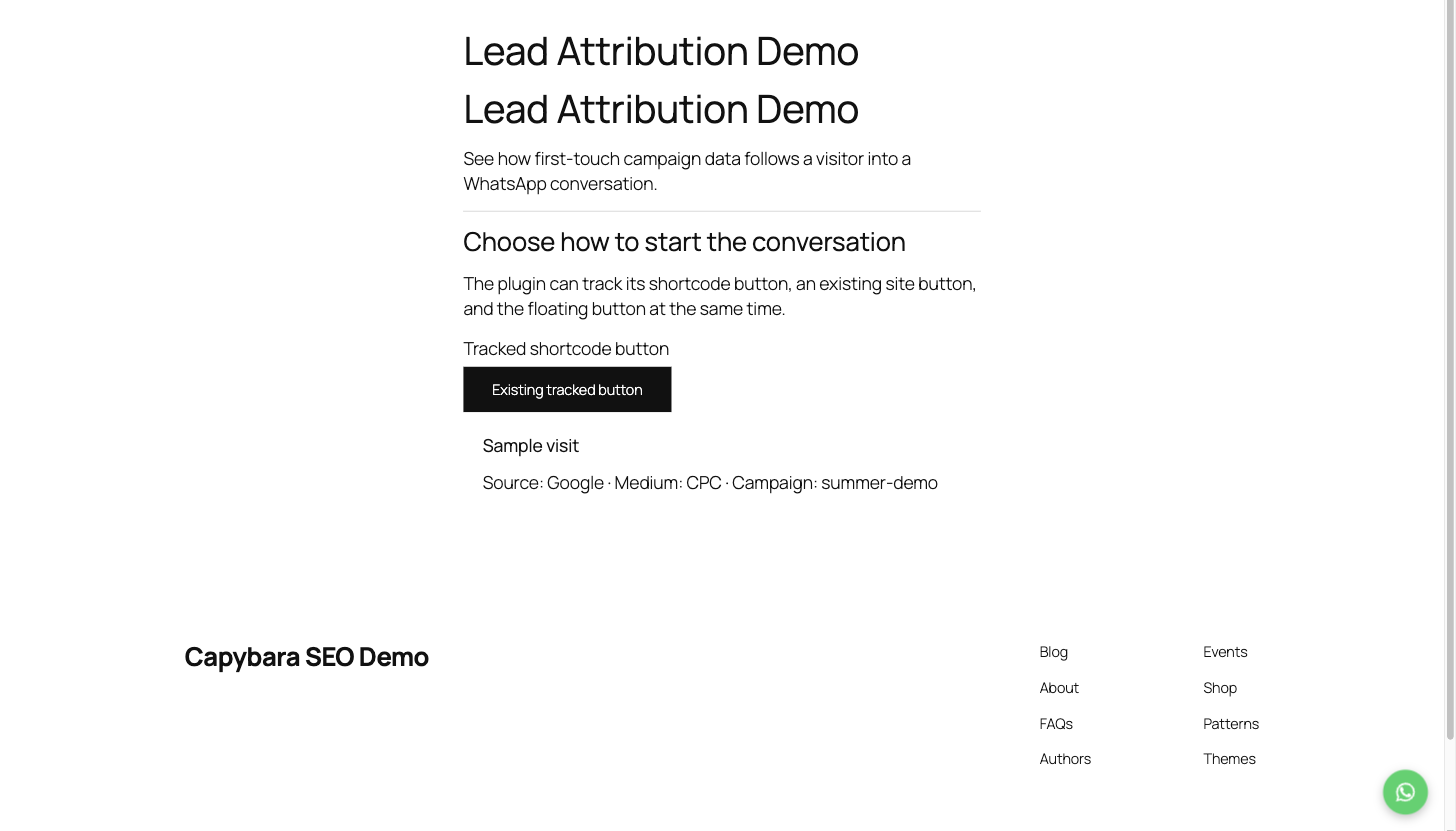
Display the tracked floating button and shortcode button on a WordPress page.
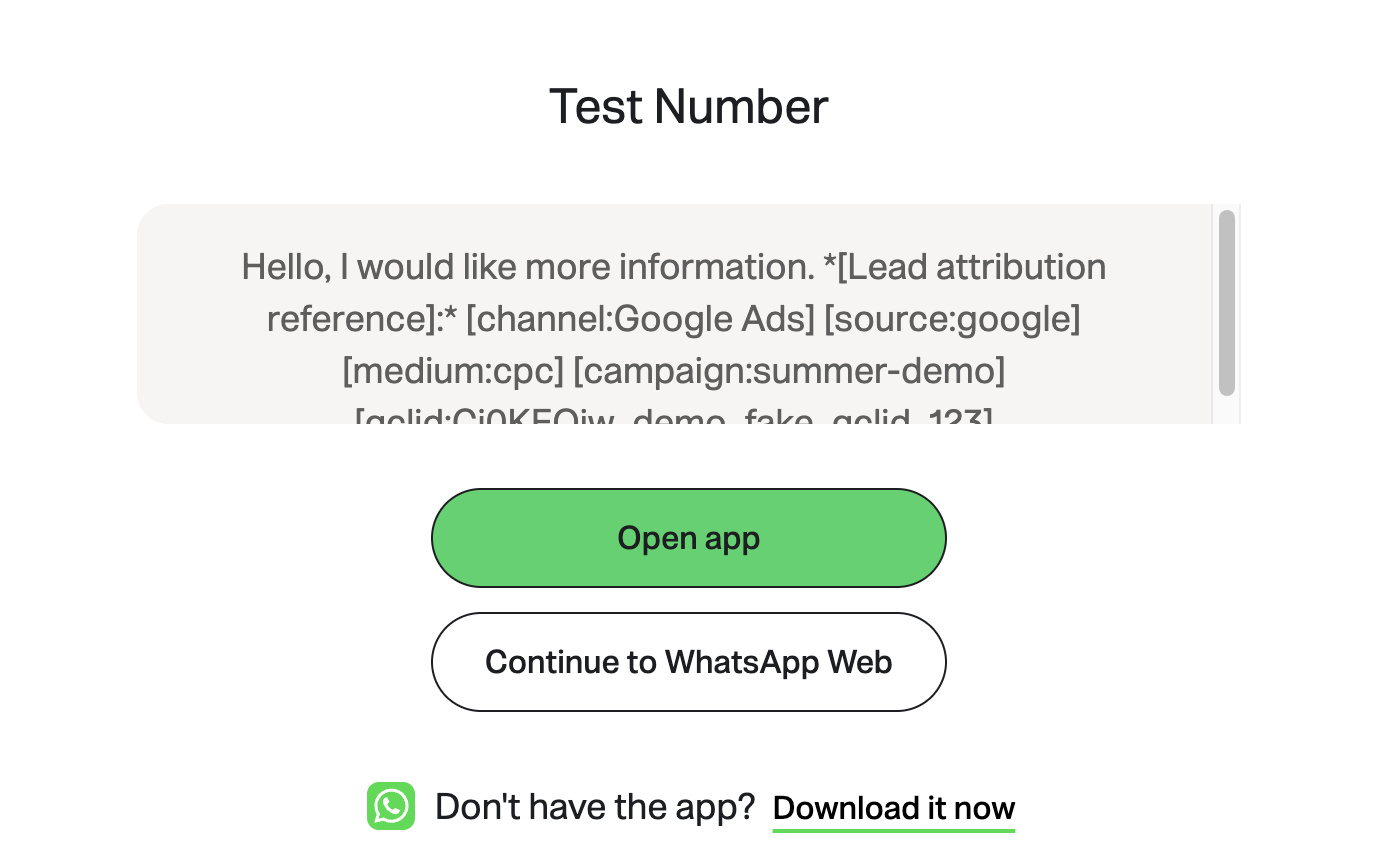
Send a prefilled WhatsApp message containing the captured lead-source data.

