
XOF Admin Chalkboard Wordpress Plugin - Rating, Reviews, Demo & Download

Plugin Description
XOF Admin Chalkboard is a clean, modular dashboard widget designed to help site administrators save, organize, and manage important text, URLs, and code snippets right from the WordPress dashboard.
Whether you are staging a development site, saving frequently used shortcodes, or just keeping daily admin notes, the Chalkboard keeps your most important snippets one click away.
Features
- Code-Safe Saving: Safely store raw code snippets, plain text, and URLs without the system stripping out your HTML or PHP tags.
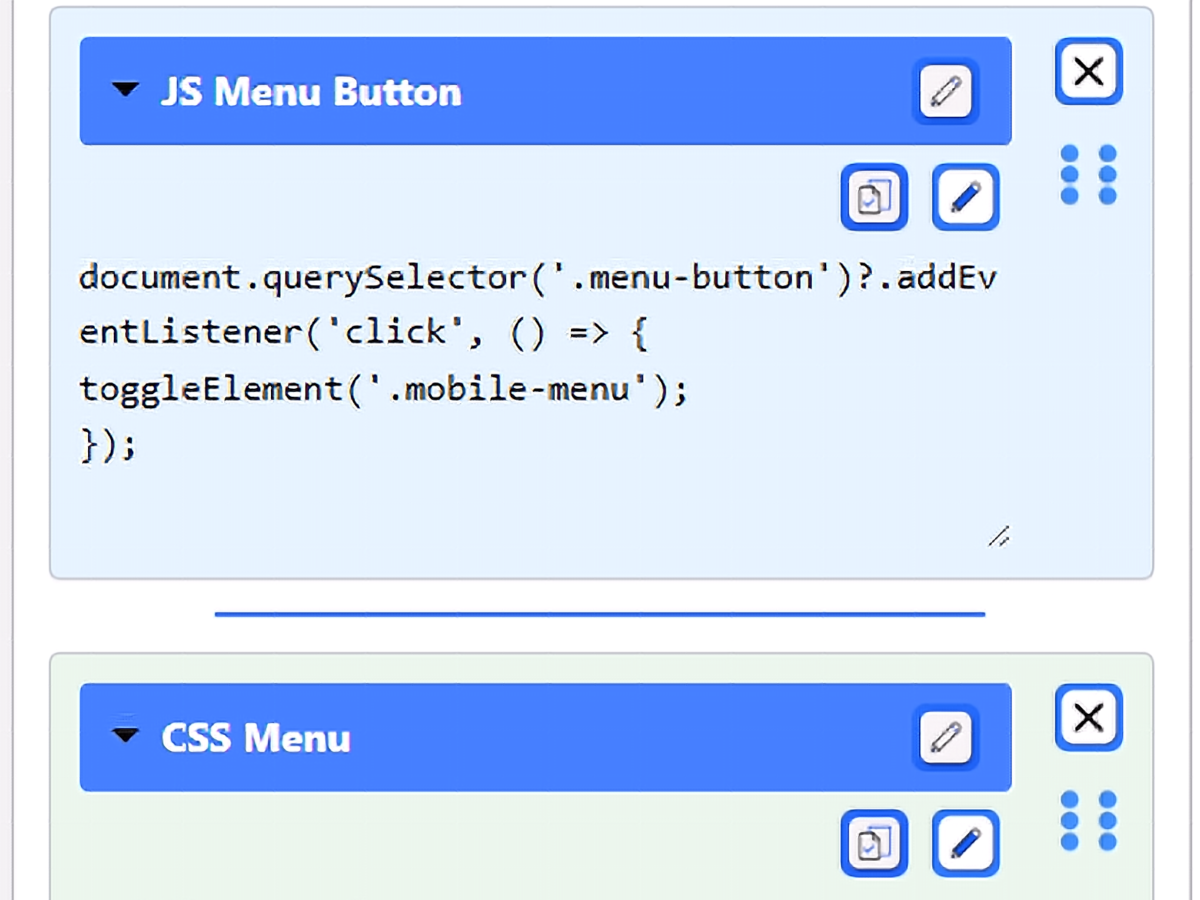
- Drag-and-Drop Reordering: Easily organize your snippets by clicking and dragging them into your preferred order.
- Color Coding: Assign specific colors to your snippets to visually categorize them at a glance.
- One-Click Copy: Click the clipboard icon to instantly copy your snippet to your device’s clipboard.
- Accordion UI: Keep your dashboard clean by expanding only the snippets you need and collapsing the rest.
- Resizable Workspace: Easily drag the corner of any snippet to dynamically expand the viewing or editing area, giving you plenty of room to work with large code blocks.
- Import/Export: Export your entire chalkboard to a JSON file to easily migrate your snippets to another server or backup your data.
Screenshots
A full overview of the dashboard widget in action, featuring the creation section, global import/export tools, and a stacked library of snippets.
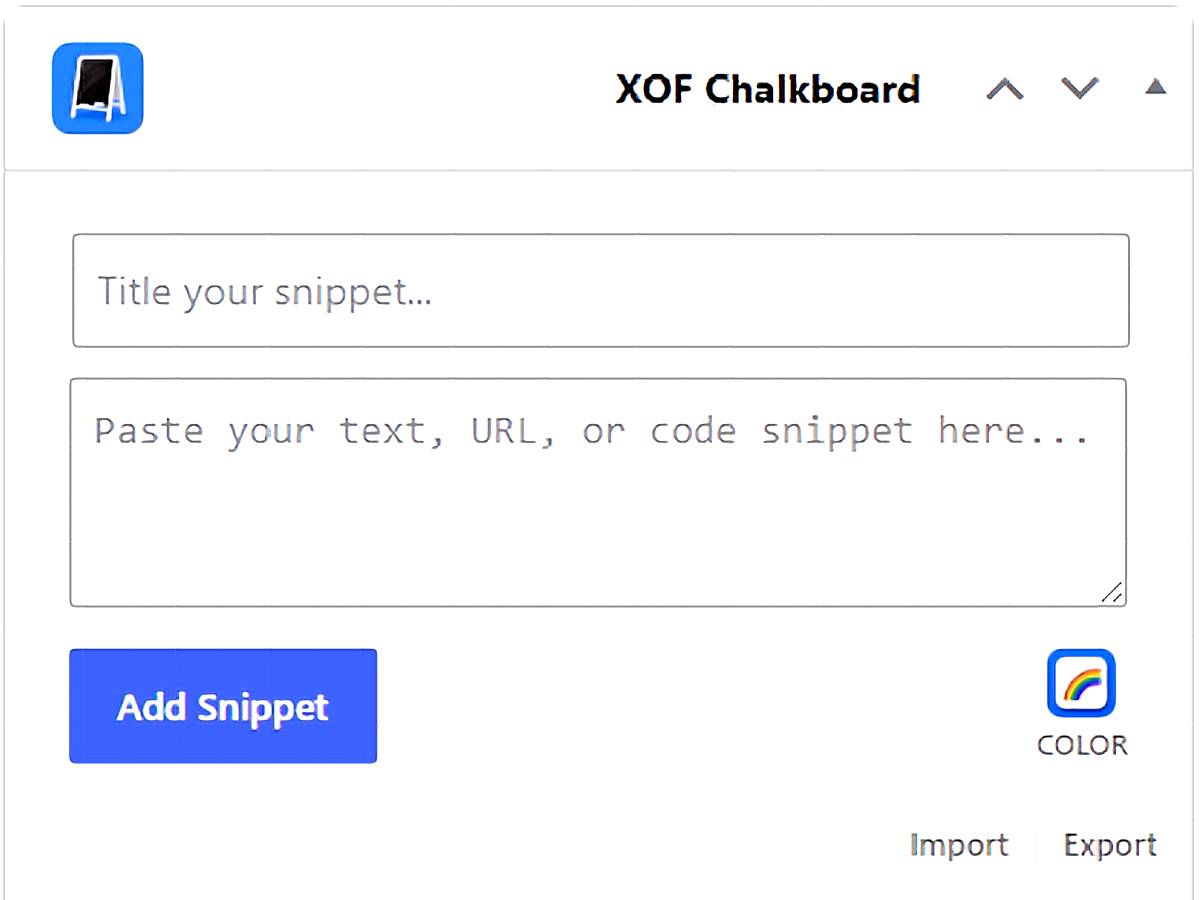
The main XOF Chalkboard dashboard widget UI, highlighting the snippet creation tools and color picker.
An expanded JavaScript snippet demonstrating the action icons, drag-and-drop handle, and resizable workspace, with a collapsed CSS snippet stacked below.
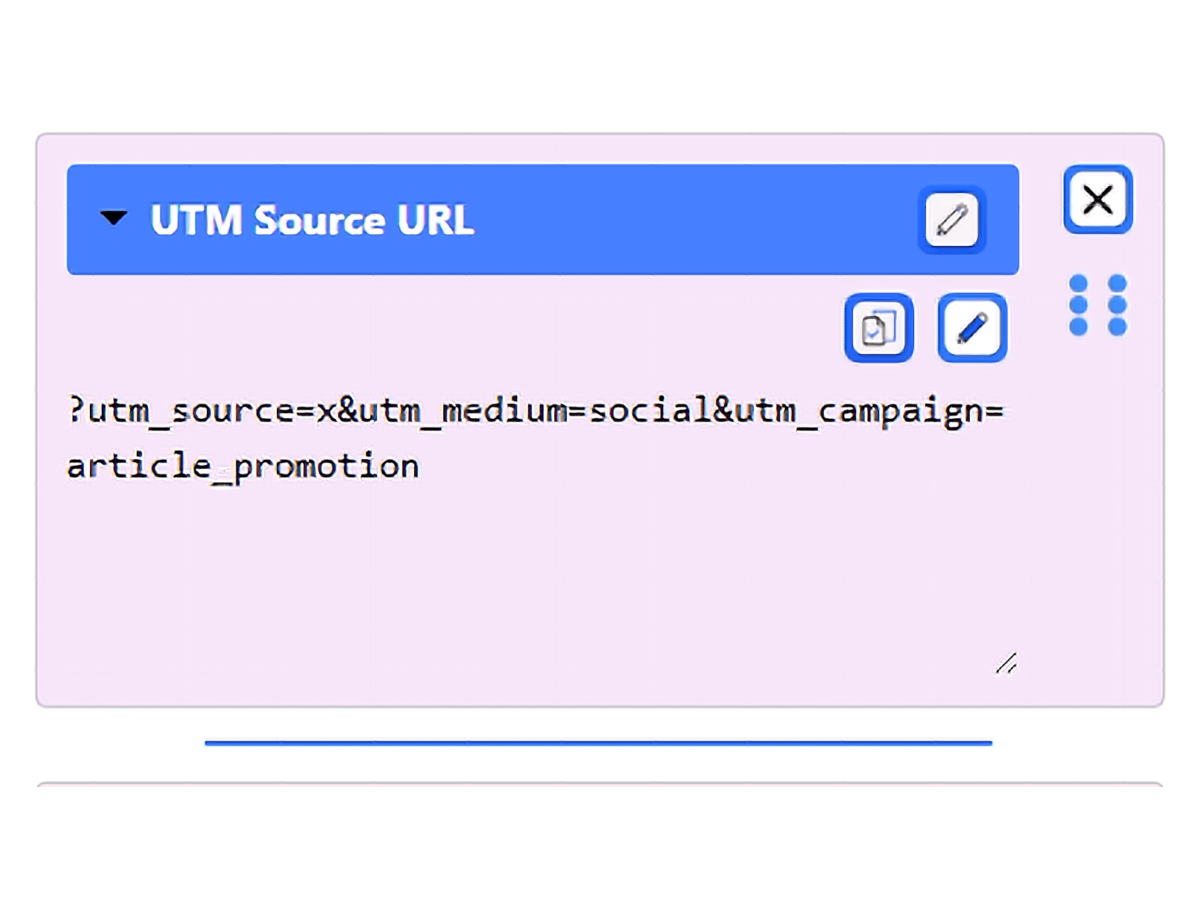
Saving a URL for quick access. The expanded view reveals the snippet title, action controls, and adjustable text area.
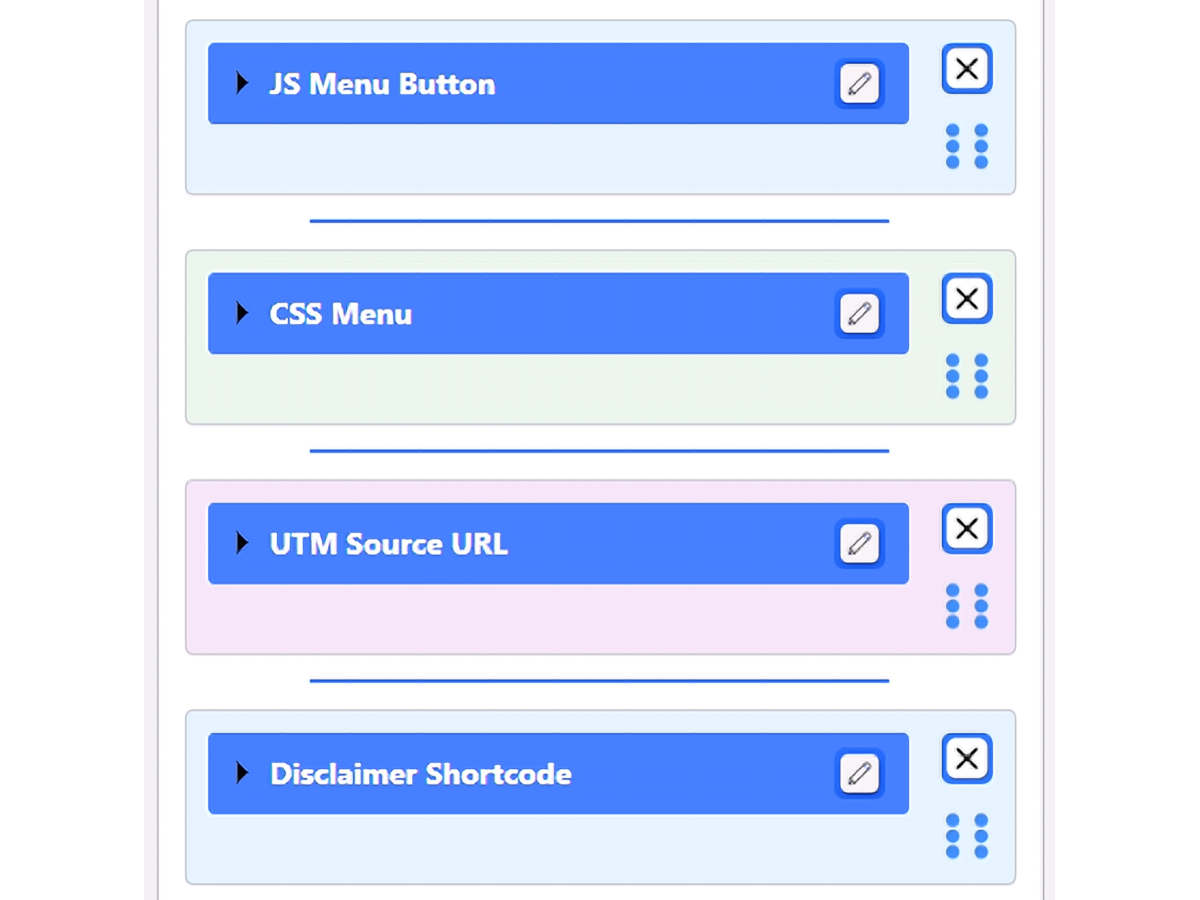
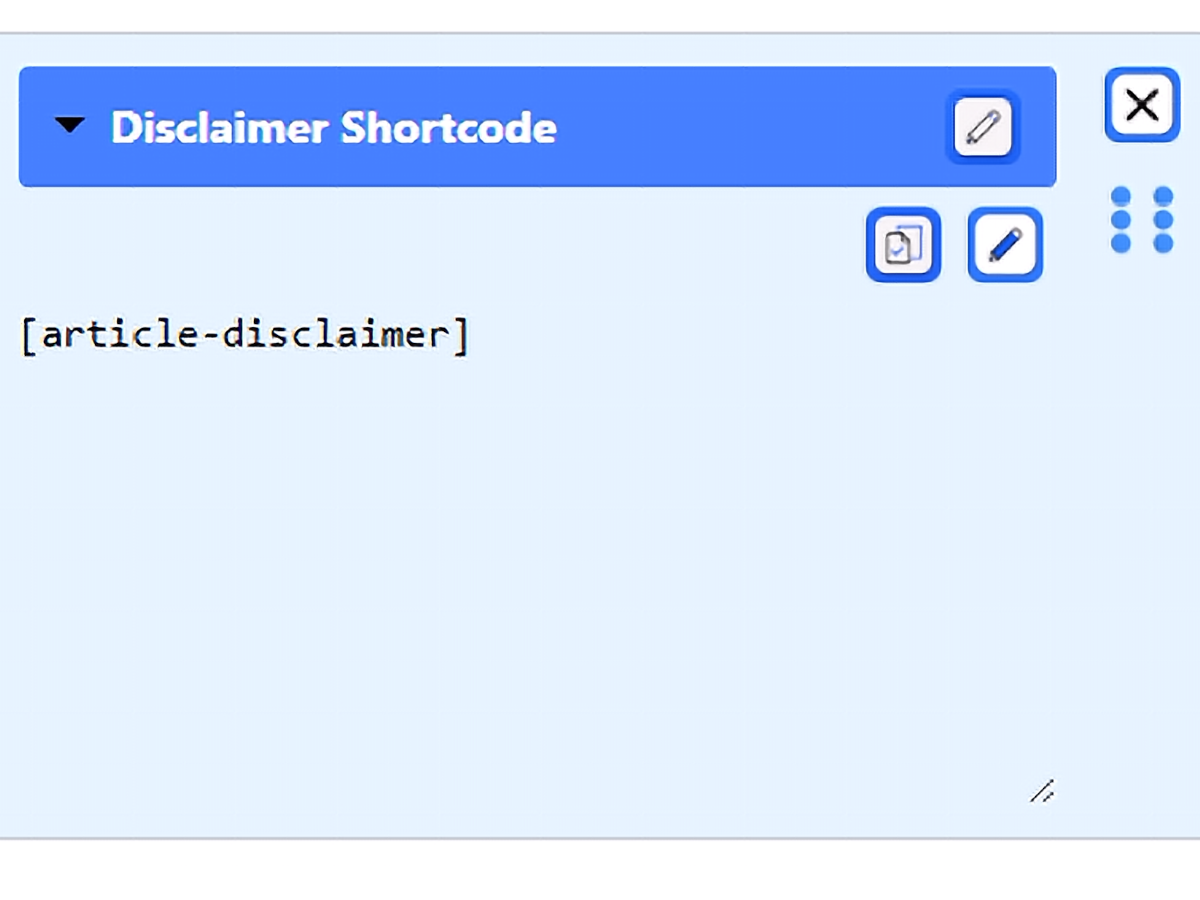
Storing a frequently used WordPress shortcode. You can easily copy it to your clipboard directly from this expanded view.
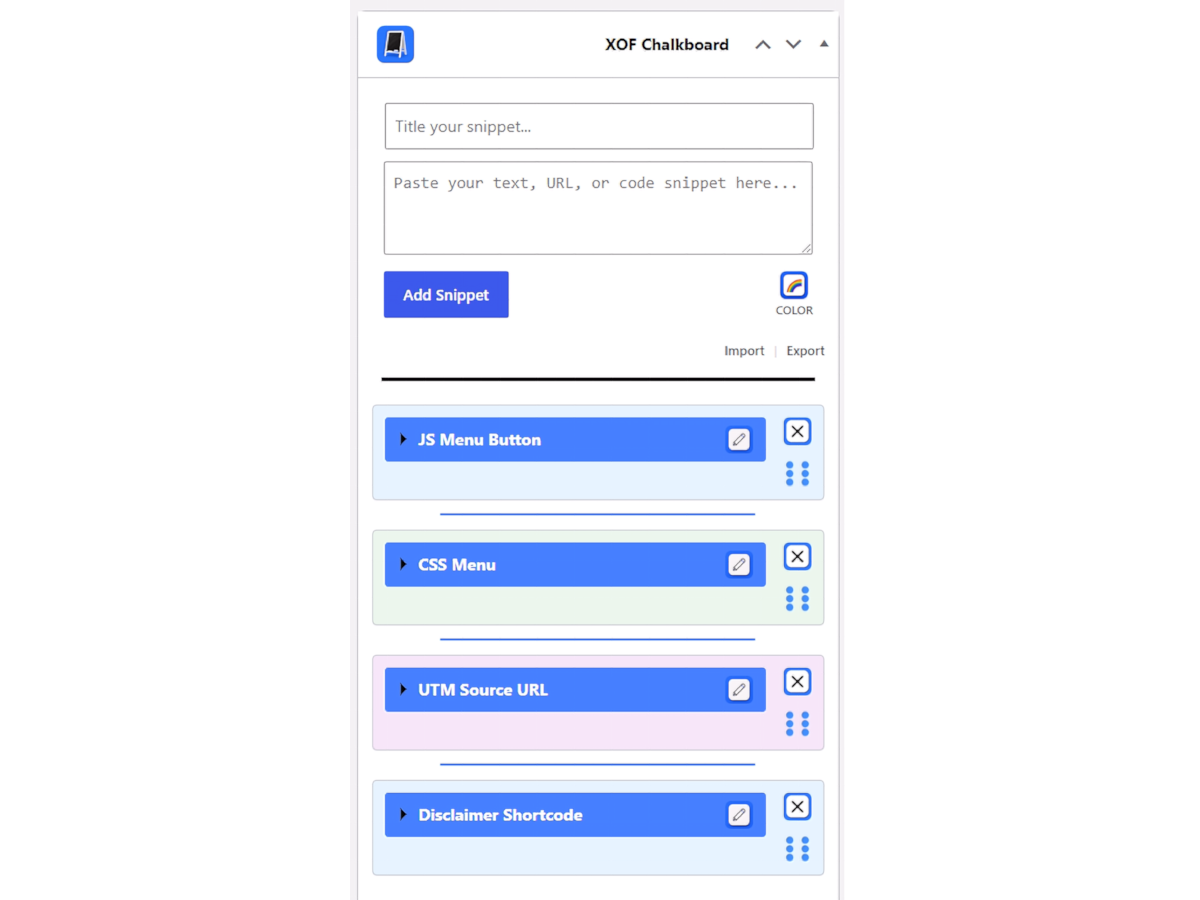
A clean, collapsed view of multiple saved snippets, showcasing the color-coding and compact accordion UI.


