IntelliPOS E-commerce Fiscalization Wordpress Plugin - Rating, Reviews, Demo & Download
Plugin Description
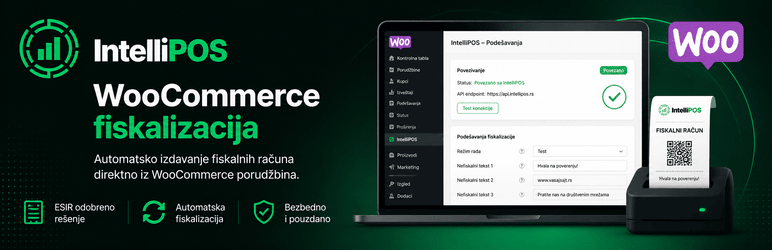
IntelliPOS E-commerce Fiscalization connects a WooCommerce store to the IntelliPOS ESIR service and enables fiscalization of orders directly from WordPress administration.
The plugin is intended for merchants in Serbia that use WooCommerce and IntelliPOS for electronic fiscalization.
After connecting an IntelliPOS instance, orders can be fiscalized automatically when they reach a selected WooCommerce status. Fiscalization can also be started manually from the order screen.
Main features
- Automatic fiscalization of WooCommerce orders.
- Manual fiscalization of individual orders.
- Select the WooCommerce order status that triggers fiscalization.
- Full refund of a previously fiscalized receipt.
- Optional automatic IntelliPOS full refund when WooCommerce has fully refunded the order.
- Protection against duplicate fiscalization.
- Protection against duplicate refunds.
- Fiscal document data stored with the WooCommerce order.
- Status and error history in WooCommerce order notes.
- Support for individuals and companies.
- Company name and Serbian tax ID (PIB) fields for business customers.
- Tax-label mapping for standard, reduced and zero tax classes.
- Optional IntelliPOS tax label, unit of measure and barcode per product.
- Optional non-fiscal text on the receipt.
- Connection test without issuing a fiscal receipt.
- Unique integration ID for each installation.
- WooCommerce High-Performance Order Storage (HPOS) compatibility.
- Support for classic WooCommerce checkout and WooCommerce Checkout Blocks.
How it works
- Install and activate the plugin.
- Open WooCommerce > Settings > IntelliPOS.
- Enter the URL, username and password of your IntelliPOS instance.
- Test the connection.
- Configure tax labels and the order status that triggers automatic fiscalization.
- Enable IntelliPOS.
- New WooCommerce orders are fiscalized through the connected IntelliPOS instance.
Manual fiscalization and full refunds are also available from individual WooCommerce orders.
External IntelliPOS service
This plugin relies on the external IntelliPOS service operated by Obelus for electronic fiscalization. Installing the plugin alone does not contact the IntelliPOS service. Communication starts when the site administrator configures an IntelliPOS instance, tests the connection, or enables fiscalization.
An active and correctly configured IntelliPOS instance is required for fiscalization. The WordPress plugin itself is not an ESIR and cannot issue fiscal receipts independently.
During authentication, the plugin sends the configured username and password only to the IntelliPOS instance entered by the administrator. During fiscalization or refunds, the plugin sends data required to create the fiscal document. This may include order data, products, quantities, prices, taxes, payment method, and relevant customer identification data.
Service information:
https://intellipos.rs/
Privacy Policy:
https://intellipos.rs/politika-privatnosti.html
Terms of Use:
https://intellipos.rs/uslovi-koriscenja.html
Getting a production IntelliPOS instance
If you do not yet have an IntelliPOS instance, you can request activation at:
https://intellipos.rs/aktivacija.html
For questions and support:
info@obelus.rs
Privacy
The plugin does not send data to advertising or analytics services.
When the administrator enables the IntelliPOS integration, data required for fiscalization is sent to the IntelliPOS instance configured by the administrator.
Depending on the order, transmitted data may include:
- order identifier and order number,
- product information,
- quantities and prices,
- tax labels,
- payment method and amount,
- customer identification data when required for fiscalization,
- company name and Serbian tax ID (PIB) for business customers.
The site administrator is responsible for ensuring that the site’s privacy policy describes the processing performed through fiscalization and the IntelliPOS service.
IntelliPOS Privacy Policy:
https://intellipos.rs/politika-privatnosti.html
IntelliPOS Terms of Use:
https://intellipos.rs/uslovi-koriscenja.html
Screenshots
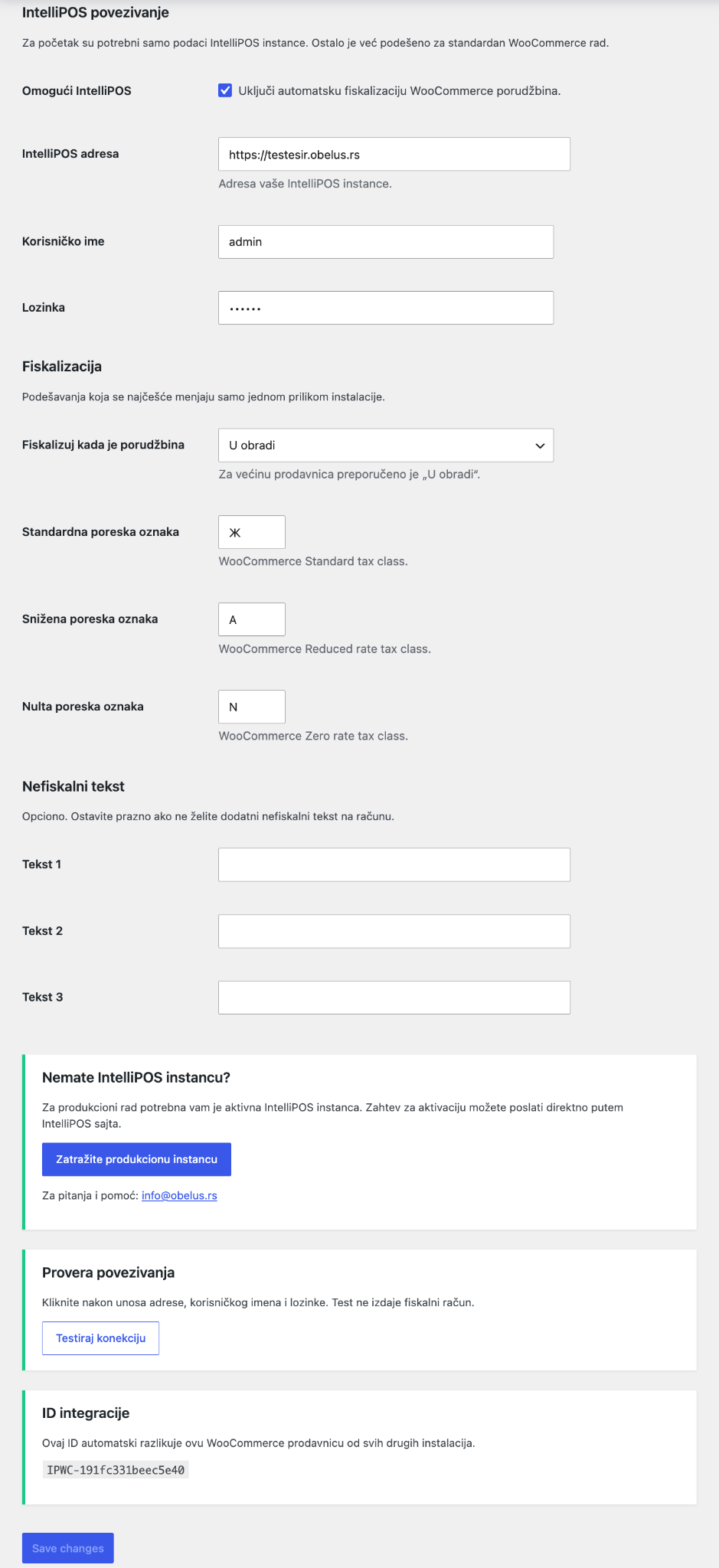
IntelliPOS settings in WooCommerce: instance connection, automatic fiscalization, tax labels, non-fiscal text, connection test and production activation.
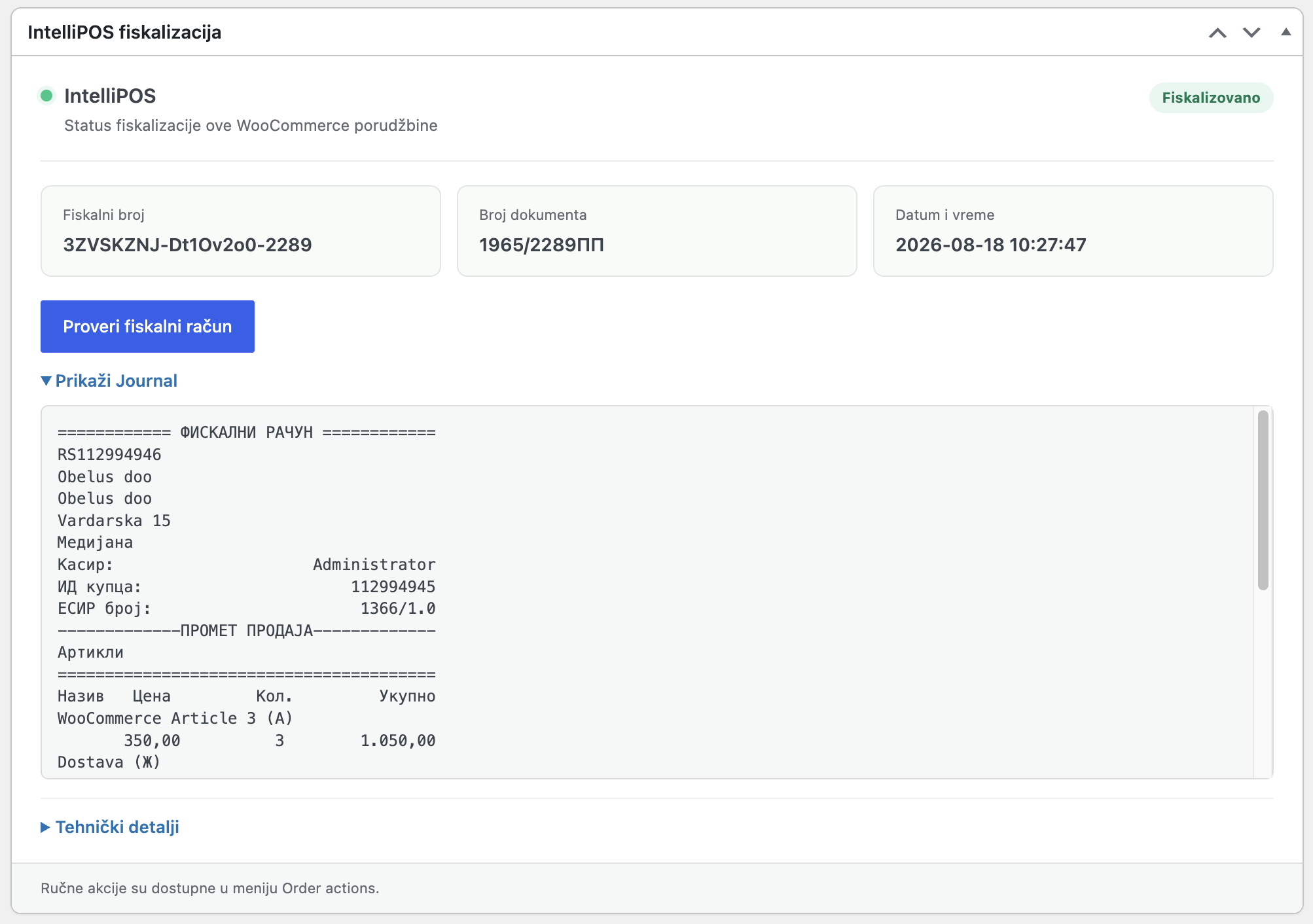
A fiscalized WooCommerce order showing fiscalization status, fiscal document number, issue time and receipt journal.
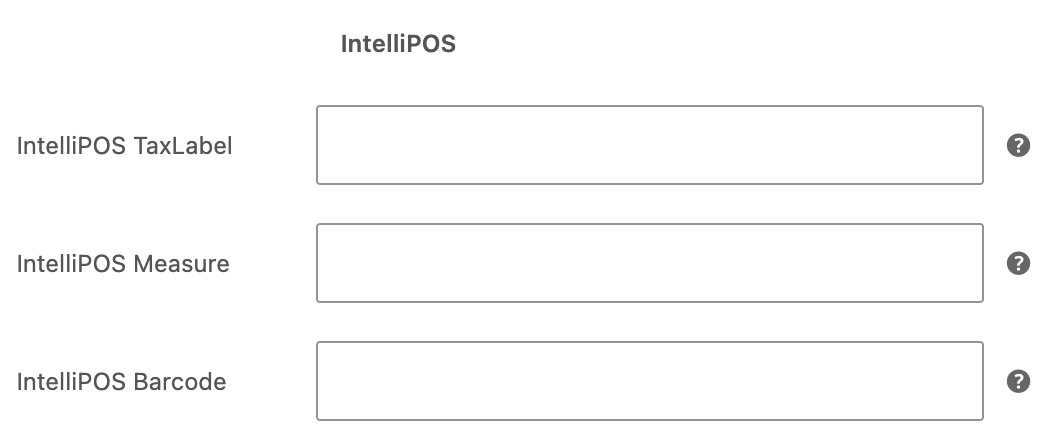
Product-level IntelliPOS settings for tax label, unit of measure and barcode.