Precision Hreflang Wordpress Plugin - Rating, Reviews, Demo & Download
Plugin Description
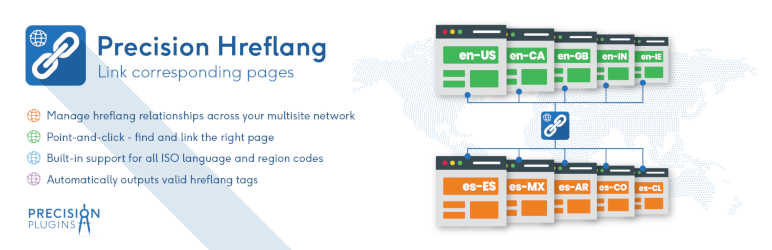
International SEO depends on correctly identifying equivalent content in different languages and regions. Precision Hreflang helps you build and maintain those relationships across your WordPress Multisite network.
Network administrators: Precision Hreflang is managed centrally. After network activation, the plugin is configured from the main site and manages hreflang relationships across the entire multisite network.
For each group of equivalent pages, simply choose the language, country and corresponding page from anywhere in your network. The plugin generates the required hreflang tags automatically.
Because pages are linked by identity rather than fixed URLs, hreflang tags continue to work as pages evolve. Renaming a page, changing a permalink or publishing updated content does not require you to recreate your hreflang relationships.
Precision Hreflang was developed from the experience of managing a production WordPress Multisite with 19 languages.
Existing plugins made it difficult to see the overall picture. We wanted a single view of every hreflang relationship because validating international SEO is much easier when you can see how every page connects to every other page.
Features
- Getting Started guide for users new to hreflang.
- Point-and-click page selection from across your WordPress Multisite network.
- Keeps hreflang relationships up to date by automatically handling permalink changes, deleted pages and unpublished content.
- Validate your international SEO more easily with a single view of every hreflang relationship.
- Designed specifically for WordPress Multisite.
Screenshots

Manage hreflang relationships from the main site of your WordPress Multisite network.

Link corresponding pages across your multisite network using the page picker.

Review every hreflang relationship from a single overview.

Edit language and regional relationships for a page group.