Advanced Buttons For Elementor Wordpress Plugin - Rating, Reviews, Demo & Download
Plugin Description
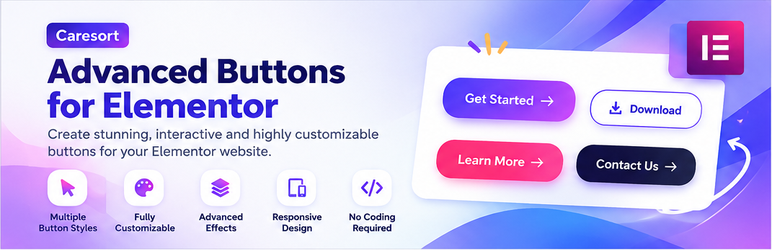
Advanced Buttons for Elementor, by CareSort Solutions, adds a single powerful “Advanced Button” widget to the Elementor page builder — fully compatible with the free version of Elementor (no Elementor Pro required).
Button Types
- Gradient Buttons — modern two-color gradient look.
- Animated Buttons — solid color background with a strong hover motion effect.
- Icon Buttons — icon + text, or icon-only circular buttons.
- Outline Buttons — minimal transparent-background style with a colored border that fills with color on hover.
- Floating Action Buttons (FAB) — a fixed, always-visible button (mobile-app style) pinned to a screen corner, as a circle or a pill with a label.
- Social Media Buttons — a group of circular icons (Facebook, Instagram, WhatsApp, X/Twitter, LinkedIn, YouTube) with brand colors.
- Download / CTA Buttons — ready-made presets for “Download PDF”, “Buy Now”, and “Subscribe”.
Other Features
- 7 hover animations: Slide Fill, Zoom, Pulse Grow, Glow Pulse, Icon Bounce, Shine Sweep, Flip.
- Separate Normal and Hover style controls for background, text, and icon colors.
- Dedicated Icon Size and Social Icon Size controls.
- Optional hover Tooltip text on any button.
- Optional built-in Popup Trigger — opens a lightweight custom modal (title + message), no Elementor Pro Popup Builder needed.
- Dynamic Link types: Custom URL, WooCommerce “Add to Cart” (requires WooCommerce), Phone Call, WhatsApp Message (with pre-filled text), and Email.
- Full style controls: colors, typography, padding, border radius, border width, box shadow.
- Lightweight — all animations are pure CSS; only a small vanilla-JS file is used for the popup modal (no jQuery, no external animation libraries).
Requirements
- Elementor (free version) must be installed and activated.
- WooCommerce is only required if you use the “Add to Cart” dynamic link option.
Screenshots

The Advanced Button widget’s Content tab with all button types.

Gradient, Outline, Icon, and FAB button examples.