
LNDLE Speed Wordpress Plugin - Rating, Reviews, Demo & Download

Plugin Description
LNDLE Speed is a caching and front-end optimization plugin for WordPress sites running on Apache-compatible servers. It stores finished HTML pages as static files, serves them through .htaccess rewrite rules and applies a small set of low-risk optimizations to the HTML when a page is cached.
After activation, a setup wizard inspects the site and proposes settings. You decide which of them are applied, and every setting can be changed later.
Features
- Page cache – Pages are saved as static HTML files in
wp-content/cache/lndle-speed/and served directly by Apache or LiteSpeed. On other web servers the cache is served through PHP by theadvanced-cache.phpdrop-in. - Automatic cache clearing – When a post, page, comment or term changes, the affected pages and their archives are cleared. Changes to themes, menus, widgets, plugins and Elementor templates clear the whole cache. Cached pages also expire after a configurable lifetime.
- Cache preload – After the cache has been cleared, the plugin reads your XML sitemap and requests the pages one after another via WP-Cron, in short time-limited runs. If no sitemap is found, it uses the most recently modified published content.
- Browser cache rules – Optional Expires and Deflate (GZIP) rules written to
.htaccess. - Lazy load for images and iframes – Adds the native
loading="lazy"attribute. The first images on a page (two by default) are left out so that the logo and hero image load immediately. Exclusions by file name or class are possible. - Lazy load for video posters – Preview images of videos load shortly before the video scrolls into view, and the video file itself only loads on playback. Videos with autoplay are not changed.
- Missing image dimensions – Adds
widthandheightto local images that have neither, to avoid layout shifts. - CSS minification – Minifies local stylesheets that are not minified yet. The original files are not changed.
- Google Fonts display swap – Adds
display=swapto Google Fonts stylesheet URLs that are already on the page. - Preconnect hints – Adds
preconnectlinks for the origins you enter. - WordPress cleanup – Disable the emoji script and the embed script, remove the generator tag, RSD, wlwmanifest and shortlink from the head, remove Dashicons for visitors who are not logged in, remove jQuery Migrate on the front end, and reduce or disable the Heartbeat API.
- Manual database cleanup – Removes revisions, auto-drafts, trashed posts, spam and trashed comments and expired transients, then optimizes the tables. It runs only when you click the button.
- Setup wizard – Detects the web server, Cloudflare, an existing server-side page cache, other caching and optimization plugins, plugins that already lazy-load images, Elementor, WooCommerce, cookie banner plugins, directory protection and the WP-Cron configuration, and recommends settings based on what it finds.
- Tools – Admin bar entries to clear the whole cache or the current page, and a “View as visitor” link that shows the optimized page while you are logged in.
What is not cached
Logged-in users, requests with query strings (common tracking parameters such as utm_*, gclid and fbclid are ignored), password-protected posts, search results, 404 pages, feeds, REST requests, and visitors with a comment-author or WooCommerce cart cookie. The WooCommerce cart, checkout and account pages are always excluded. You can exclude further paths in the settings.
Elementor
LNDLE Speed is built with Elementor sites in mind. The cache is cleared when Elementor templates are saved or when Elementor regenerates its CSS files, the Elementor preview is never cached or optimized, and the setup wizard points out when Elementor’s CSS print method is set to inline output.
Requirements and limits
- Apache or LiteSpeed with
.htaccesssupport is recommended. On other web servers (for example Nginx) the.htaccessrules have no effect; cached pages are then served through PHP, and the browser cache rules do not apply. - WordPress Multisite is not supported.
- There is no separate cache for mobile devices and no cache for logged-in users.
- Cache preload and cache expiry depend on WP-Cron. On a site that is served mostly from the cache, a real cron job calling
wp-cron.phpis recommended.
LNDLE Speed Pro
LNDLE Speed Pro is a separate plugin available at lndle.media/plugins/speed/. It replaces the free plugin, takes over its settings and adds:
- Defer JavaScript and Delay JavaScript until user interaction
- Combine CSS and load selected stylesheets asynchronously
- Preload of the hero background image and of fonts
- Lazy load for background images
- WebP conversion
- YouTube facade (preview image instead of the iframe until the video is clicked)
- Scheduled database cleanup
The Pro features are not contained in this plugin: the code for them is only part of the separate Pro plugin. Everything in the feature list above works without Pro, and your settings are kept if you switch.
Screenshots
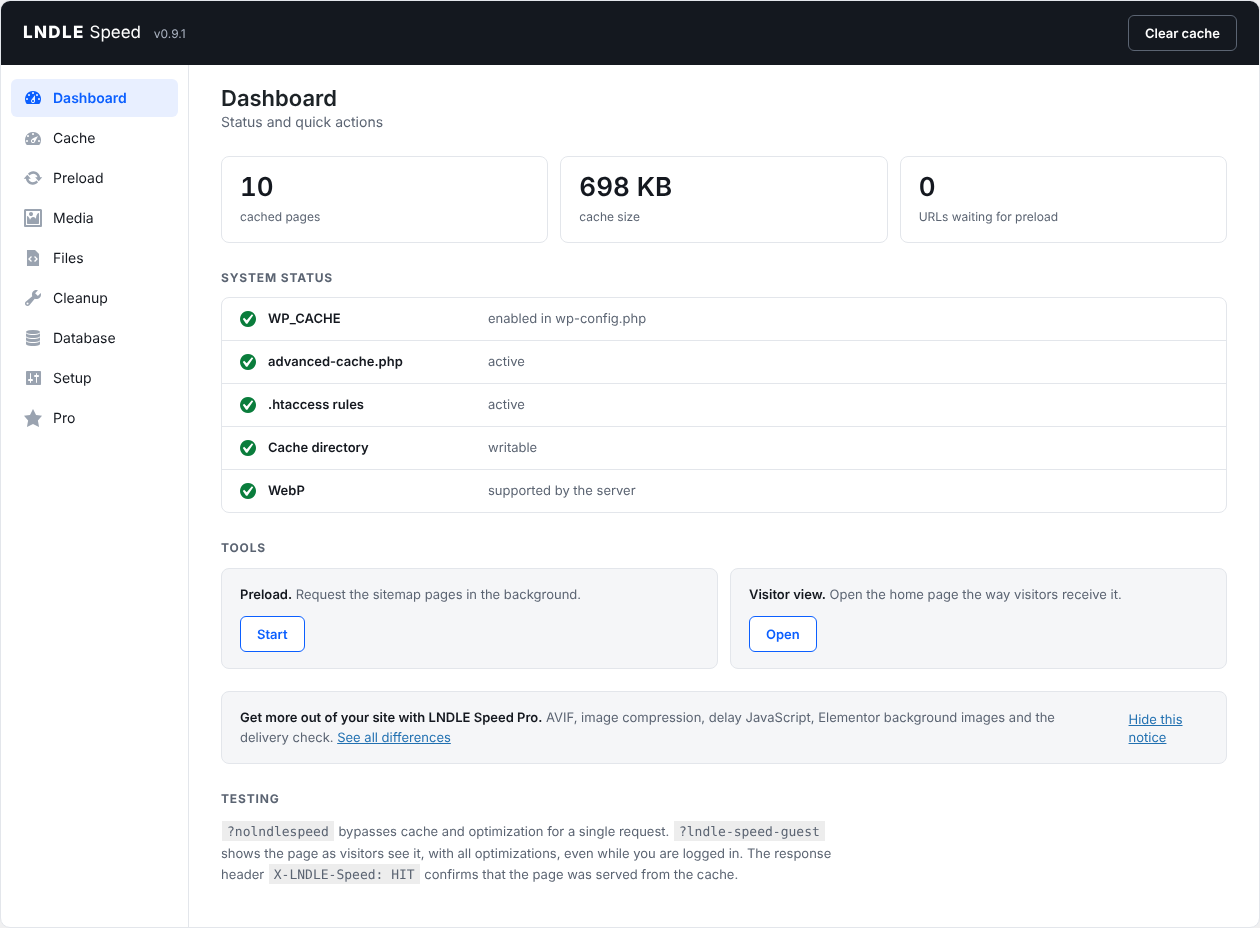
Dashboard
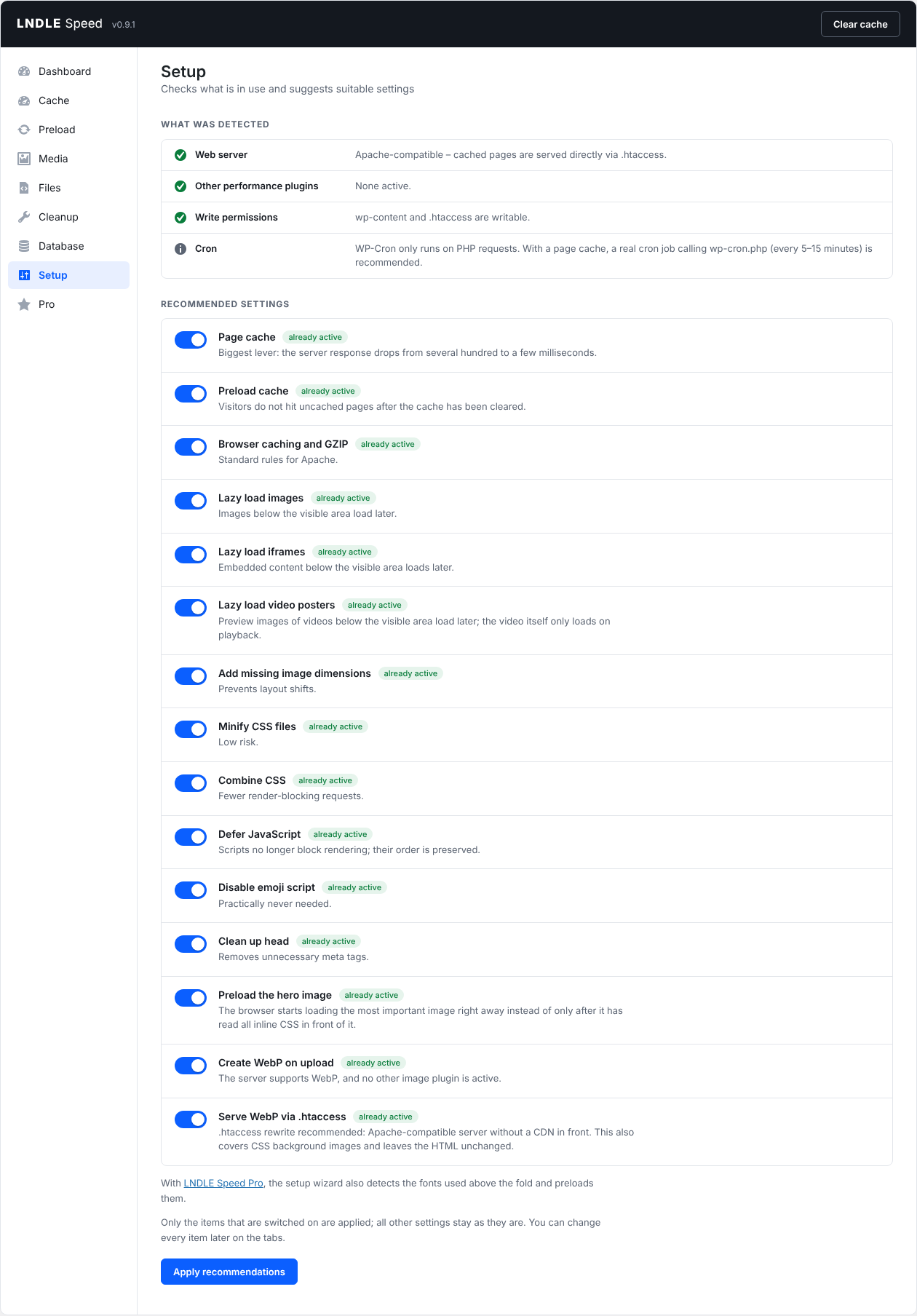
Setup wizard
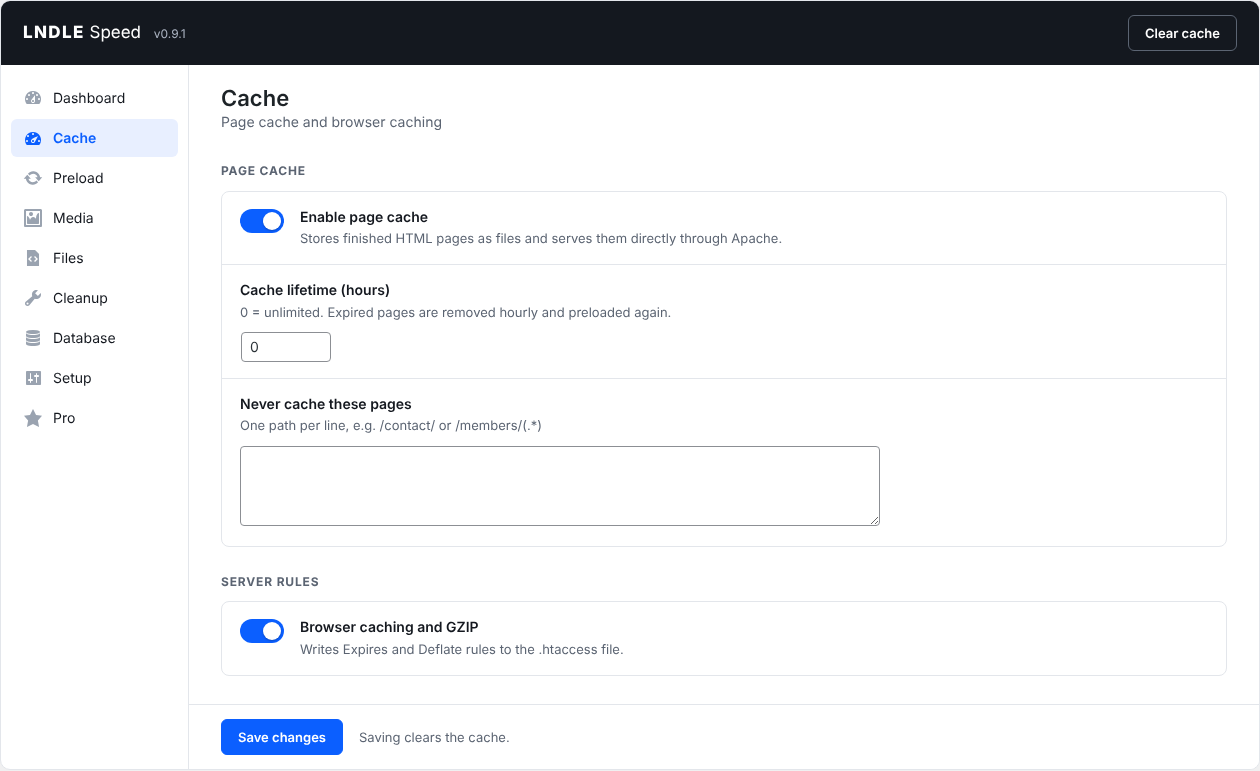
Cache settings


