
VidUP Player Wordpress Plugin - Rating, Reviews, Demo & Download
Plugin Description
Set it once. Every upload updates itself.
The usual flow is Upload, Copy embed code, Edit page, Publish. With VidUP it is one step: Send.
VidUP gives every account one player link, play.vidup.co/your-code. VidUP is built on patented technology: each new upload replaces the video on the same player, so your page updates automatically. Embed it once and never touch the page again.
Get your free player code
Don’t have VidUP yet? Get your free player code by signing up in the VidUP app. Your player code is in your VidUP account.
Features
- VidUP Player block with live preview in the editor.
- Paste your 8-character player code (like
zachjltb) or a full play.vidup.co link. - Responsive 16:9 player with Left/Center/Right alignment, max width and rounded corners (on by default).
- Shortcode:
[vidup code="zachjltb" width="100%"]. - Settings › VidUP: save a default player code.
- No ads, and the plugin itself adds no tracking code or cookies. The only external content is the embedded VidUP player (see External service below).
External service
This plugin embeds the VidUP player from play.vidup.co in an iframe when a page with a VidUP block or shortcode is viewed (and in the editor preview). Your visitor’s browser loads the player directly from VidUP. The plugin itself sends no data anywhere.
When the player loads, VidUP receives the visitor’s IP address, user agent and the referring page (so VidUP knows which site the player is embedded on), as with any embedded content. The play.vidup.co player page uses Cloudflare Web Analytics, which is cookieless and collects aggregate statistics such as page views, referring sites and load performance. The player may also store playback preferences (for example captions on/off) in the visitor’s browser. See the VidUP privacy policy for details.
- Service: VidUP, https://vidup.co
- Terms: https://vidup.co/terms
- Privacy policy: https://vidup.co/privacy
Screenshots
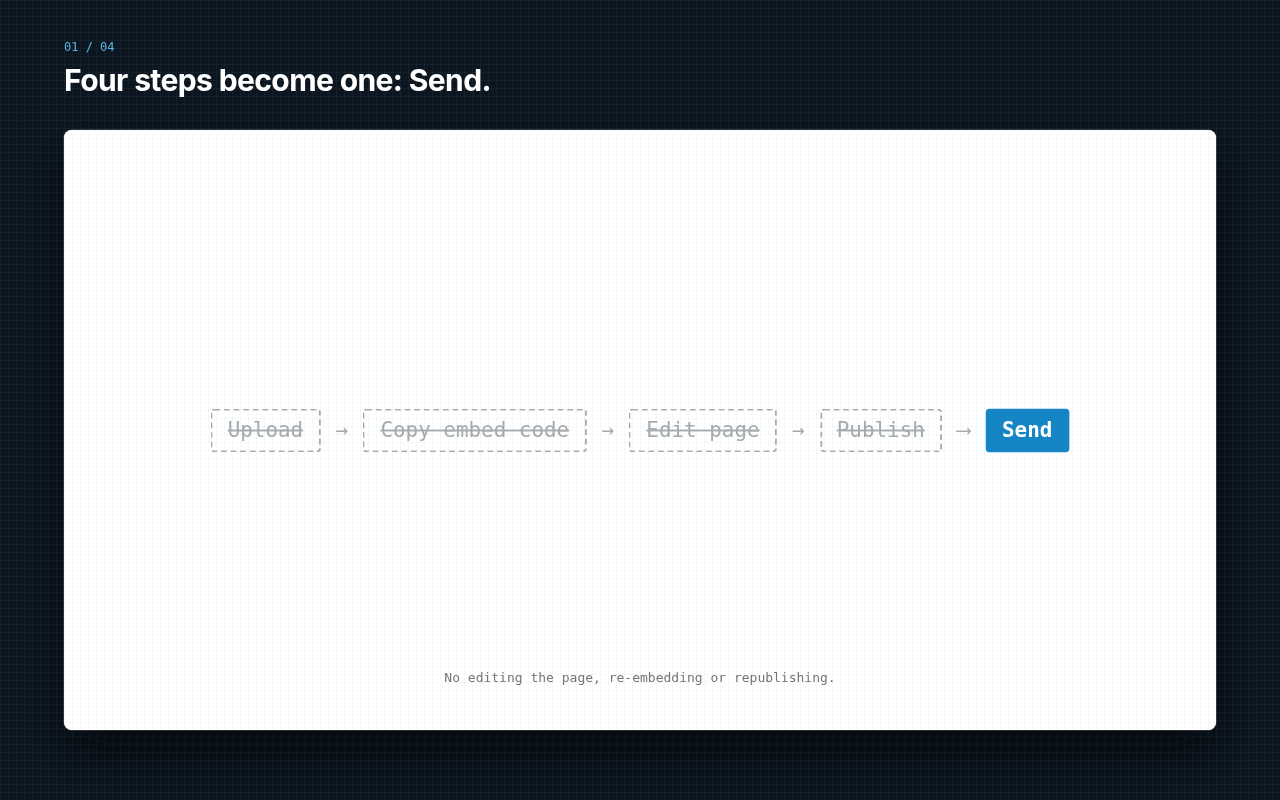
Four steps become one: Send.
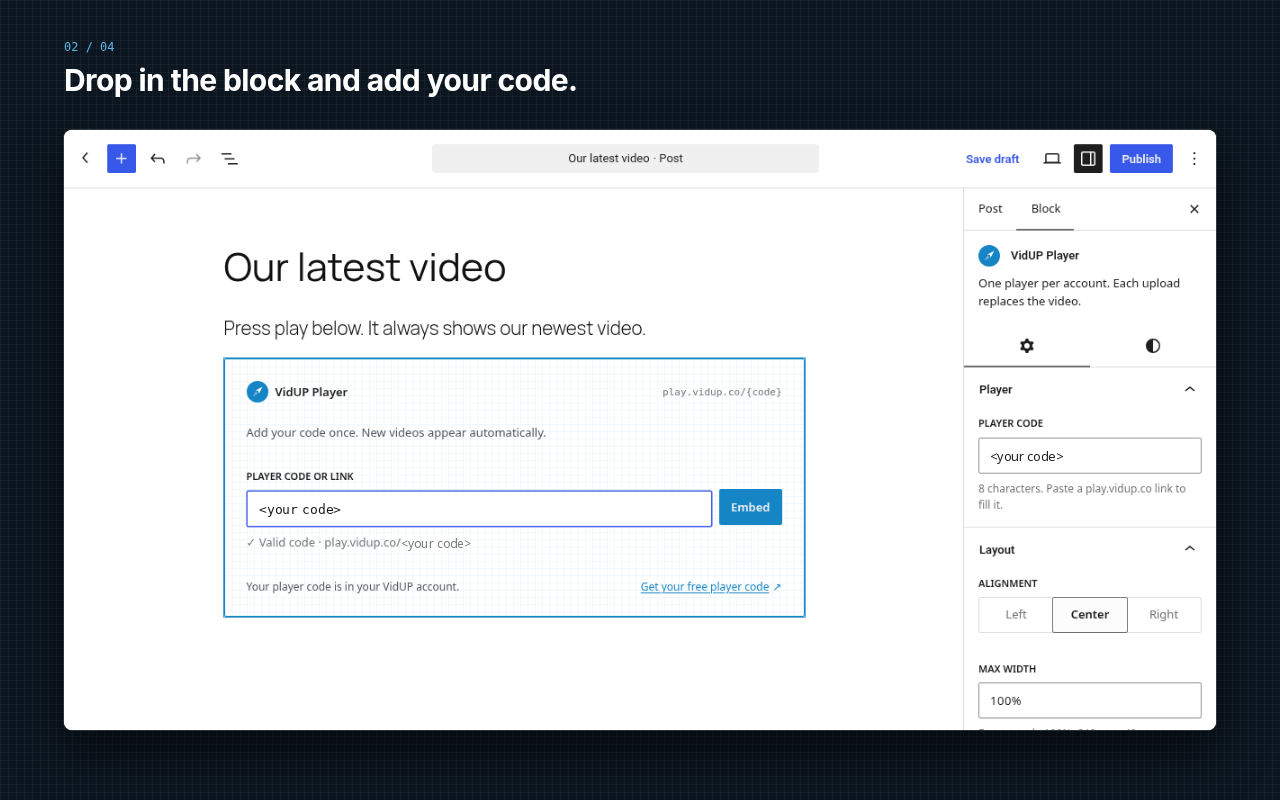
Drop in the block and add your code.
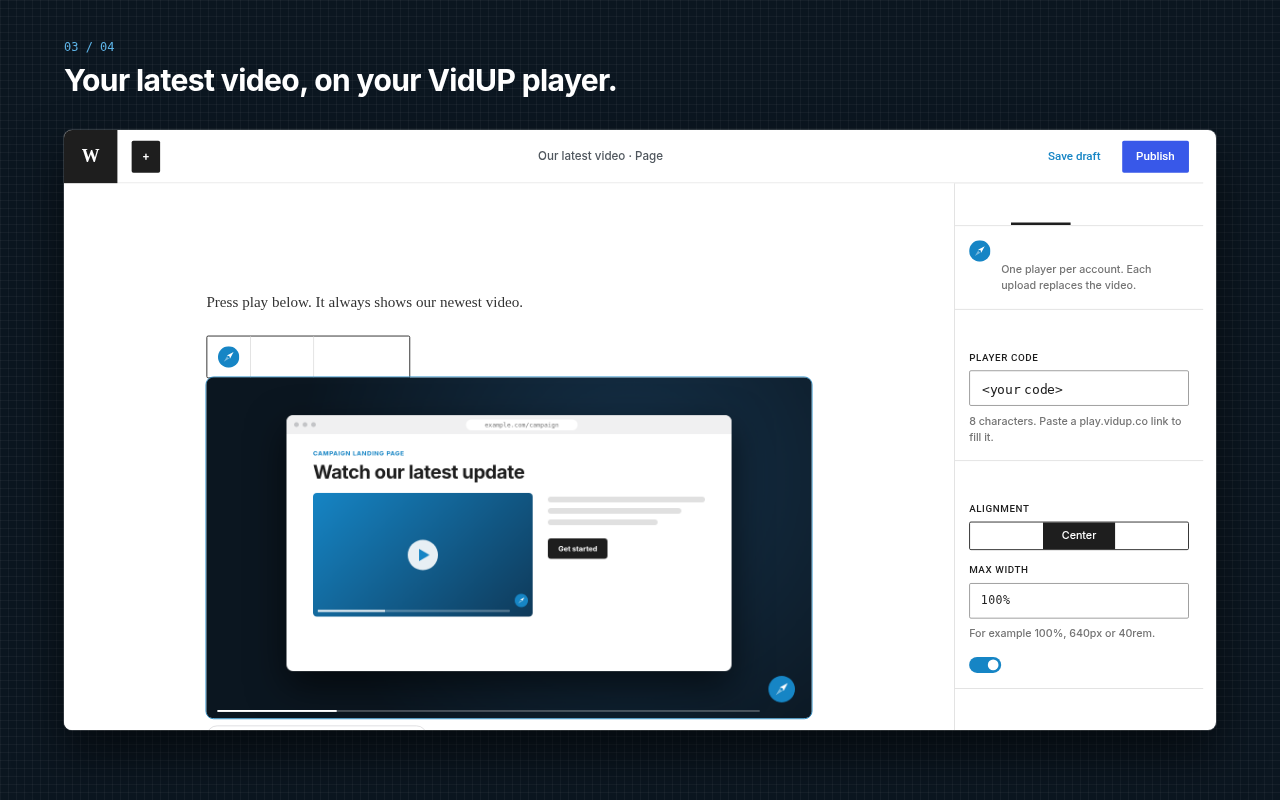
Your latest video, on your VidUP player.
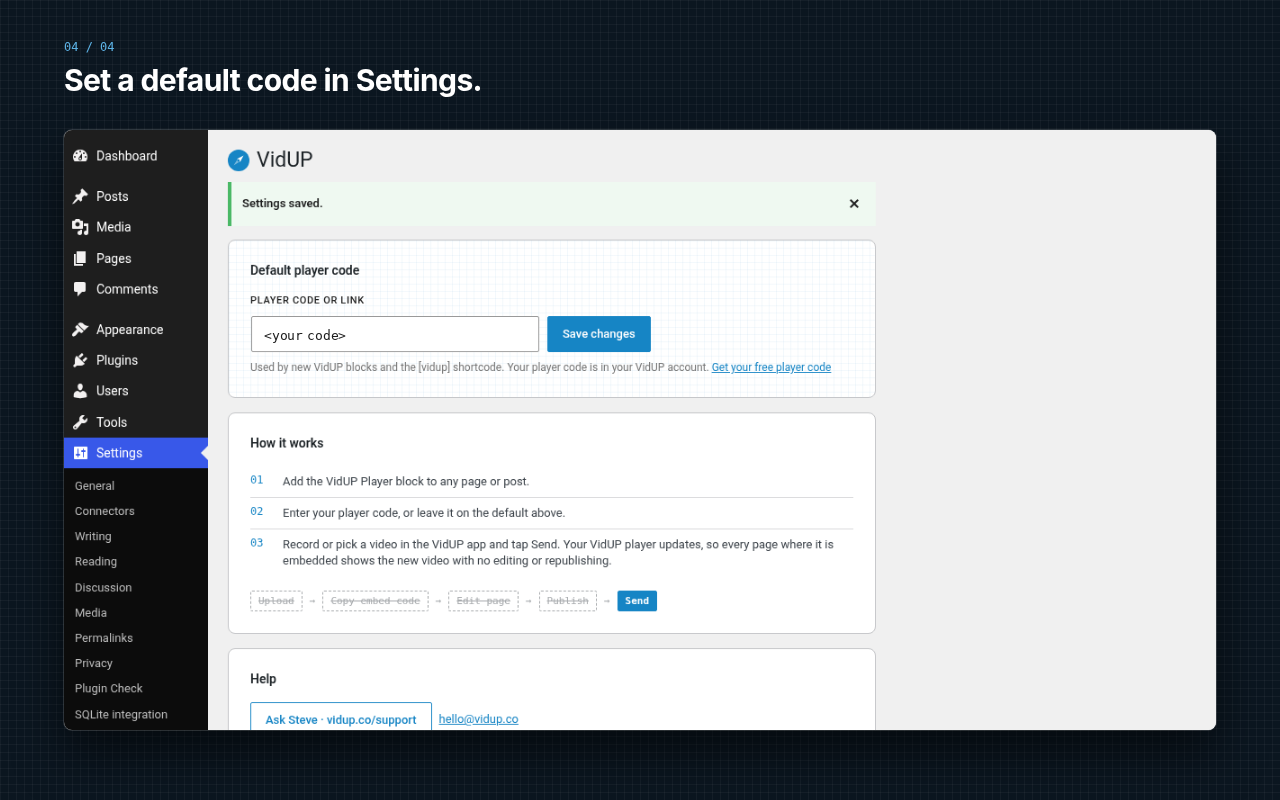
Set a default code in Settings.


