Lovely Notes Wordpress Plugin - Rating, Reviews, Demo & Download
Plugin Description
Lovely Notes adds a small, independent notebook to your WordPress site. Publish thoughts, poems, song lyrics or everyday moments without a visible post title.
The plugin interface is currently in French. Its text is translation-ready. Your notes can be written in any language, and dates follow your WordPress language and timezone settings.
Features
- Write notes in the WordPress editor or the quick-publish widget on the dashboard.
- Add an image, a video, or an optional external media embed.
- Display a note reader using
[lovely_notes]. - Browse notes without reloading the whole page, on desktop and mobile.
- Display monthly archives using
[lovely_notes_archive]. - Open a full note from the archives and copy its permanent sharing link.
- Show video thumbnails in the archives, with a fallback when a preview is unavailable.
- Enlarge images in a lightbox.
- Set a maximum reading area in ordinary text lines; longer text remains available by scrolling.
- Choose a custom name for your microblog.
- Add an optional “Lovely Eye” link to something you want readers to discover.
No account, API key or paid service is needed to use the notebook with your own text and locally hosted media. External videos and images depend on their hosting services.
Support the author
Lovely Notes is free. If you enjoy it, you can buy the author a coffee. Donations are entirely optional and the amount is up to you. The settings page includes the same optional support link.
Shortcodes
Add a Shortcode block to a page and paste:
[lovely_notes]
This displays the newest published note, with navigation to other notes.
For the monthly archive, use:
[lovely_notes_archive]
The plugin also creates an archive page automatically. Open the plugin settings to view that page and copy either shortcode.
Optional reader attributes:
[lovely_notes text_lines="8"]sets the maximum reading height for this reader.[lovely_notes show_name="yes"]always displays the microblog name.[lovely_notes show_name="no"]hides the microblog name.[lovely_notes show_date="no"]hides the publication date.[lovely_notes show_media="no"]hides media attached through the plugin’s dedicated media fields; media inside the note text remains part of that text.
The default show_name="auto" displays the name when you have chosen a custom name. The class attribute can add your own CSS classes.
Only published notes without a password appear in the public reader, archives and sharing links.
External services
Lovely Notes has no built-in analytics or telemetry and does not send note text or administrator account details to an author-operated server. It makes no external media request merely because the plugin is activated. External media requests occur when an author explicitly adds external media to a note and WordPress or a visitor displays that media. The optional support link contacts PayPal only when you choose to open it.
YouTube / Google
Purpose: display author-selected videos and their archive thumbnails. WordPress may request embed metadata for the selected video URL. A visitor’s browser loads thumbnails from i.ytimg.com and players from YouTube or youtube-nocookie.com, depending on the saved embed. These requests disclose the selected video identifier and normal connection information such as the requester IP address and browser details. The hosting service may use cookies or other storage according to its own policy.
- Terms: https://www.youtube.com/t/terms
- Privacy: https://policies.google.com/privacy
Vimeo
Purpose: display author-selected videos and retrieve their thumbnails. The site server sends the selected video URL to Vimeo’s oEmbed service; a visitor’s browser loads the returned thumbnail and, when the note is displayed, its Vimeo player. An unlisted video’s access hash is retained when needed. Provider responses are cached for up to seven days; unsuccessful thumbnail lookups are cached for one hour. Requests expose the media URL and normal connection information to the provider.
- Terms: https://vimeo.com/legal/
- Privacy: https://vimeo.com/legal/privacy
PayPal.Me (optional donations)
Purpose: let users voluntarily support the plugin author. Clicking the support link opens the author’s PayPal.Me page in a new tab. The browser then sends normal connection information to PayPal. Any account or payment details you provide there are handled by PayPal. Lovely Notes does not load PayPal scripts, images or payment forms, and does not send WordPress account details or note content to PayPal.
- Terms: https://www.paypal.com/fr/legalhub/paypal/paypalme-tnc
- Privacy: https://www.paypal.com/fr/legalhub/paypal/privacy-full
Other externally hosted media
Images, video files and manually inserted iframes contact the host selected by the author. Standard WordPress embeds use the oEmbed providers enabled by WordPress or other installed plugins. Requests may include the selected media URL and normal connection information. Check the selected host’s terms and privacy policy before using its media. WordPress’s built-in embed documentation: https://wordpress.org/documentation/article/embeds/
Use locally hosted media to avoid third-party media hosts. Lovely Notes does not itself provide a visitor cookie-consent interface; configure your site’s consent tools where needed for your selected embeds and external thumbnails.
Screenshots
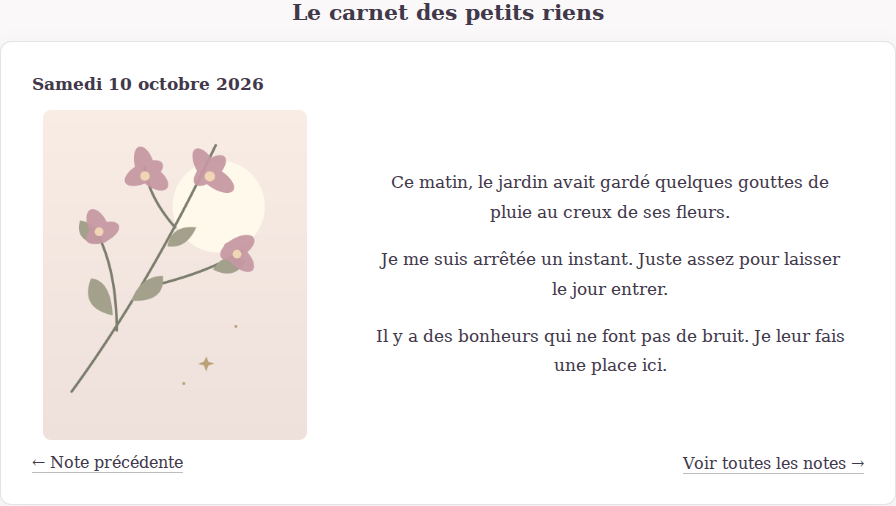
A personal note reader with centered media and navigation.
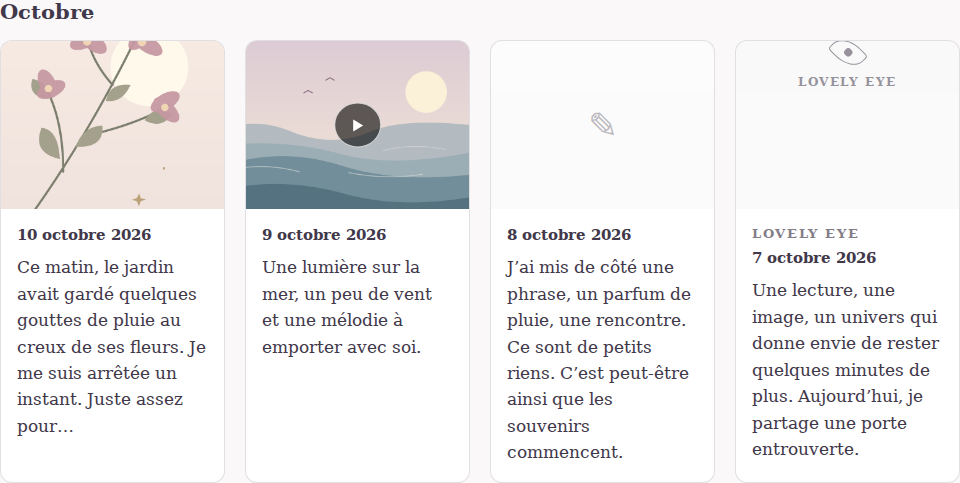
Monthly archives with images, video previews and links to complete notes.
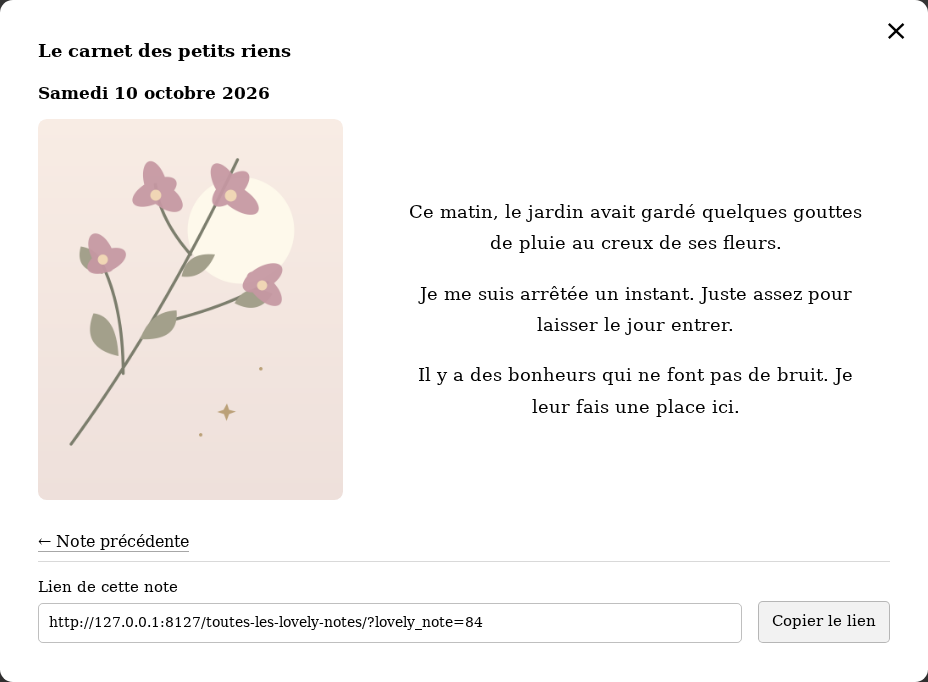
A complete note with its sharing link.
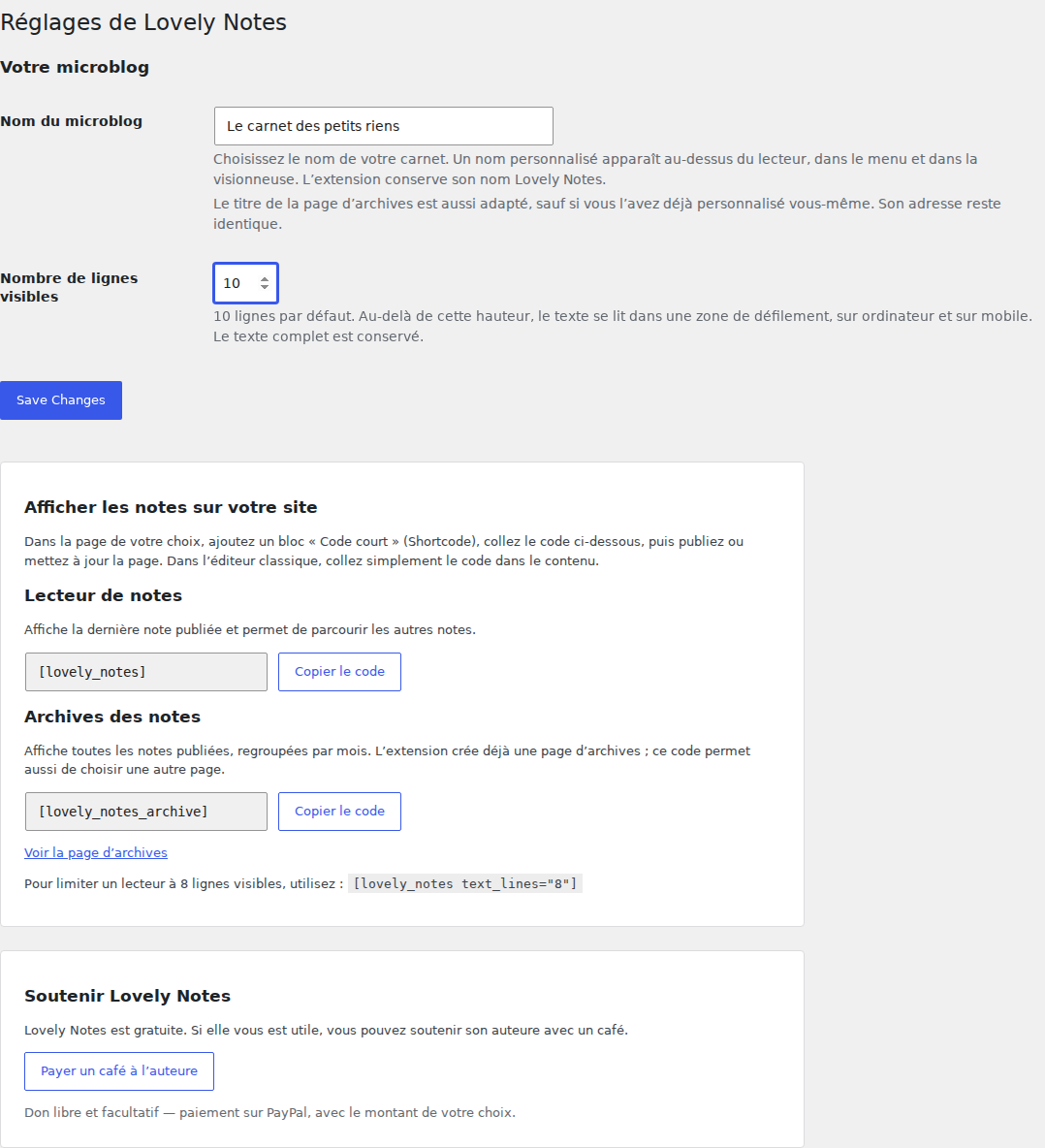
Settings with a custom notebook name, line limit, copyable shortcodes and an optional author support link.
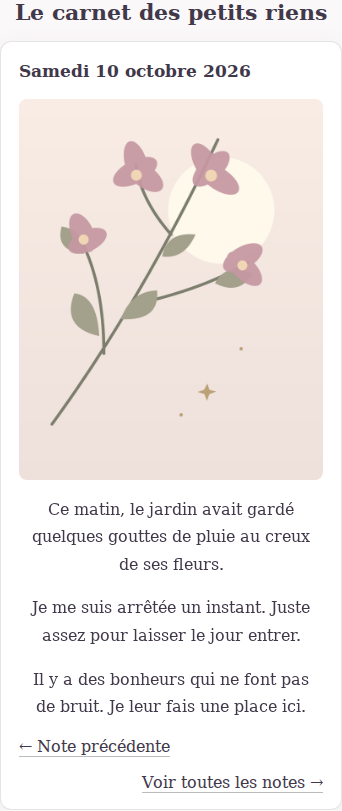
The note reader on a mobile screen.