
Mloun Bulk Category Creator For WooCommerce Wordpress Plugin - Rating, Reviews, Demo & Download
Plugin Description
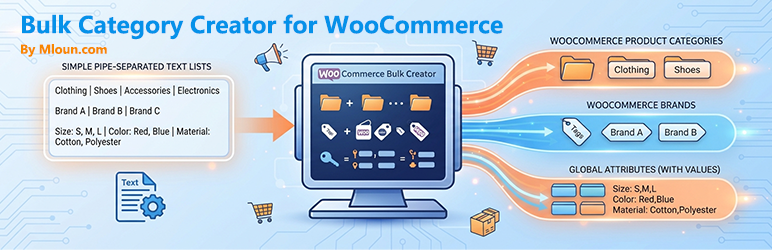
Mloun Bulk Category Creator for WooCommerce lets you create large numbers of product categories, brands and global attributes in a single pass, from a simple pipe-separated text list you can paste straight from a spreadsheet.
Features
- Bulk product categories – multi-level hierarchies; pick the parent from a dropdown or per line.
- Bulk brands – automatic detection of major brand plugins (Perfect WooCommerce Brands, YITH WooCommerce Brands, WooCommerce Brands).
- Bulk global attributes – create attributes and their values in one pass; values are added to existing attributes automatically.
- Pipe-separated format –
Name | Parent | Description | Slug, easy to paste from Excel or CSV. - Duplicate detection – existing items are skipped, never overwritten.
- Batch processing – large lists are submitted in configurable chunks, with a live progress bar.
- Extensible – filters for custom brand taxonomies, batch size and per-item hooks.
Supported brand plugins
- Perfect WooCommerce Brands (free)
- YITH WooCommerce Brands (free)
- WooCommerce Brands (official extension)
- Any brand plugin that registers a hierarchical term taxonomy – add it with the
bulk_add_cat_brand_taxonomiesfilter.
Data format
Product categories – Name | Parent | Description | Slug (only Name required):
Electronics
Mobile Phones | Electronics | Smartphones and tablets
Brands – Name | Description | Slug:
Apple | Apple Inc. | apple
Samsung
Attributes – Name | Values (comma separated) | Type | Slug:
Color | Red,Blue,Black,White | select | color
Size | S,M,L,XL | select | size
Screenshots
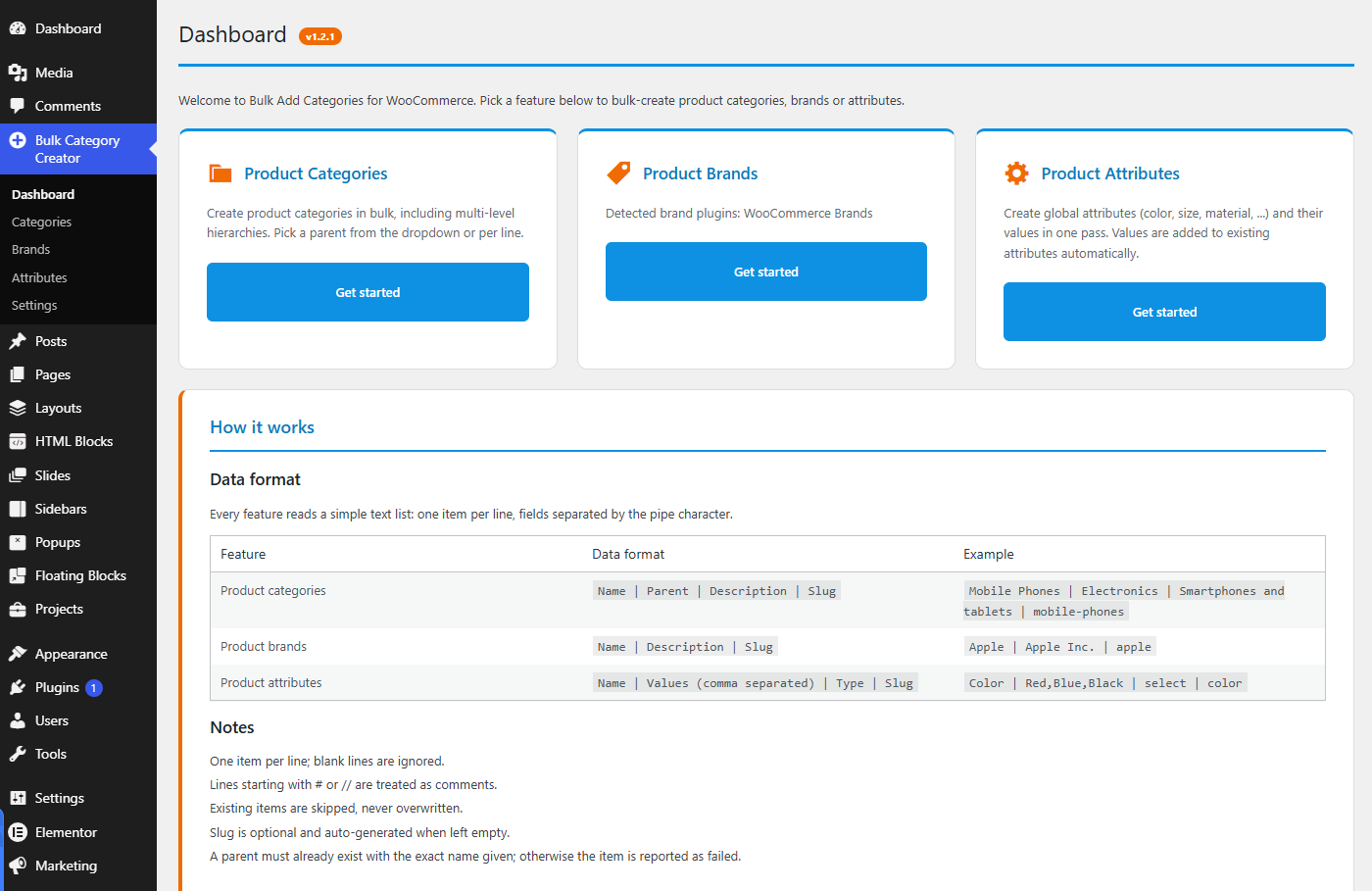
Dashboard — Three bulk tools in one screen: categories, brands and attributes.
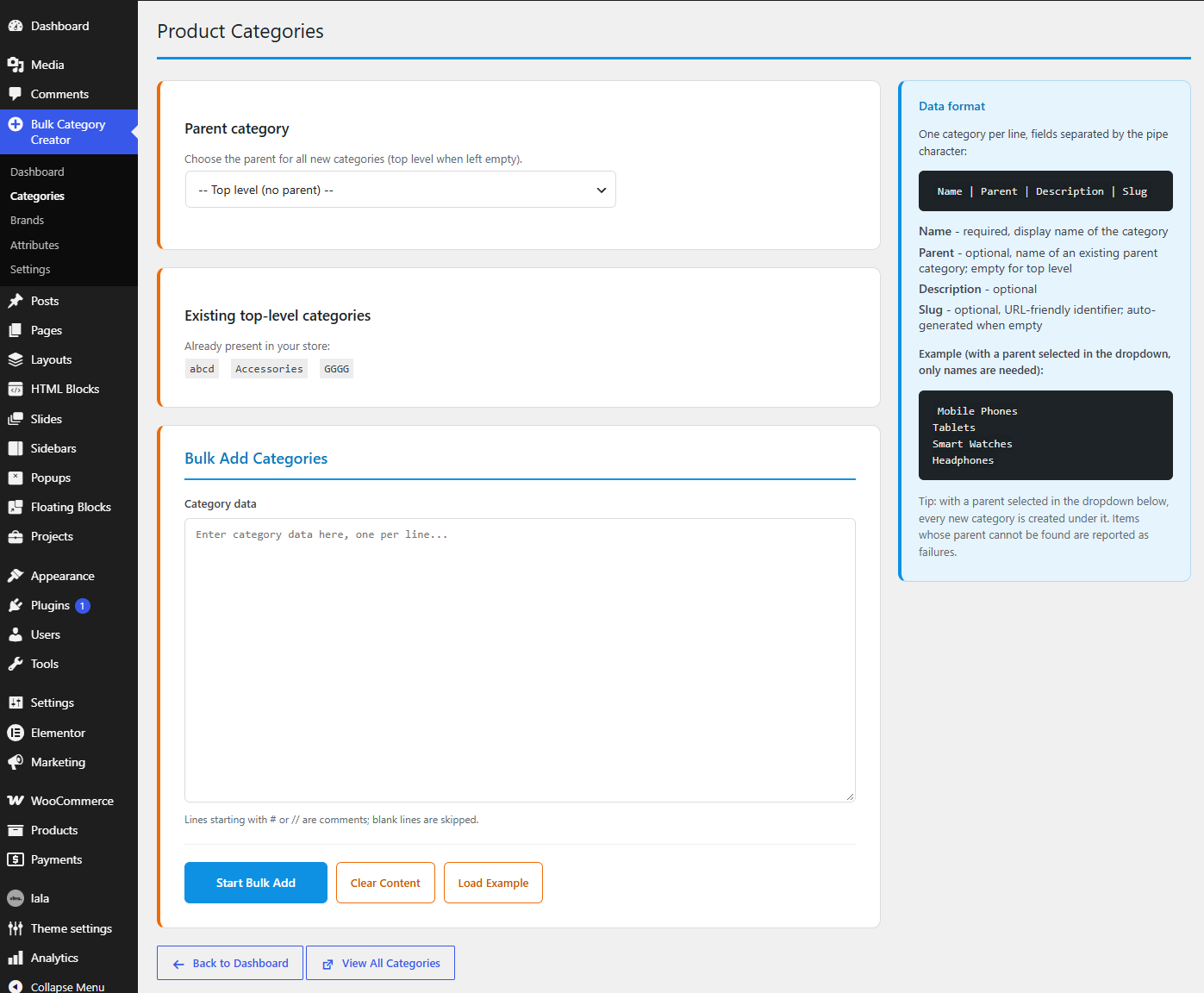
Categories — Pick a parent once for the whole batch, or name a different parent on each line.
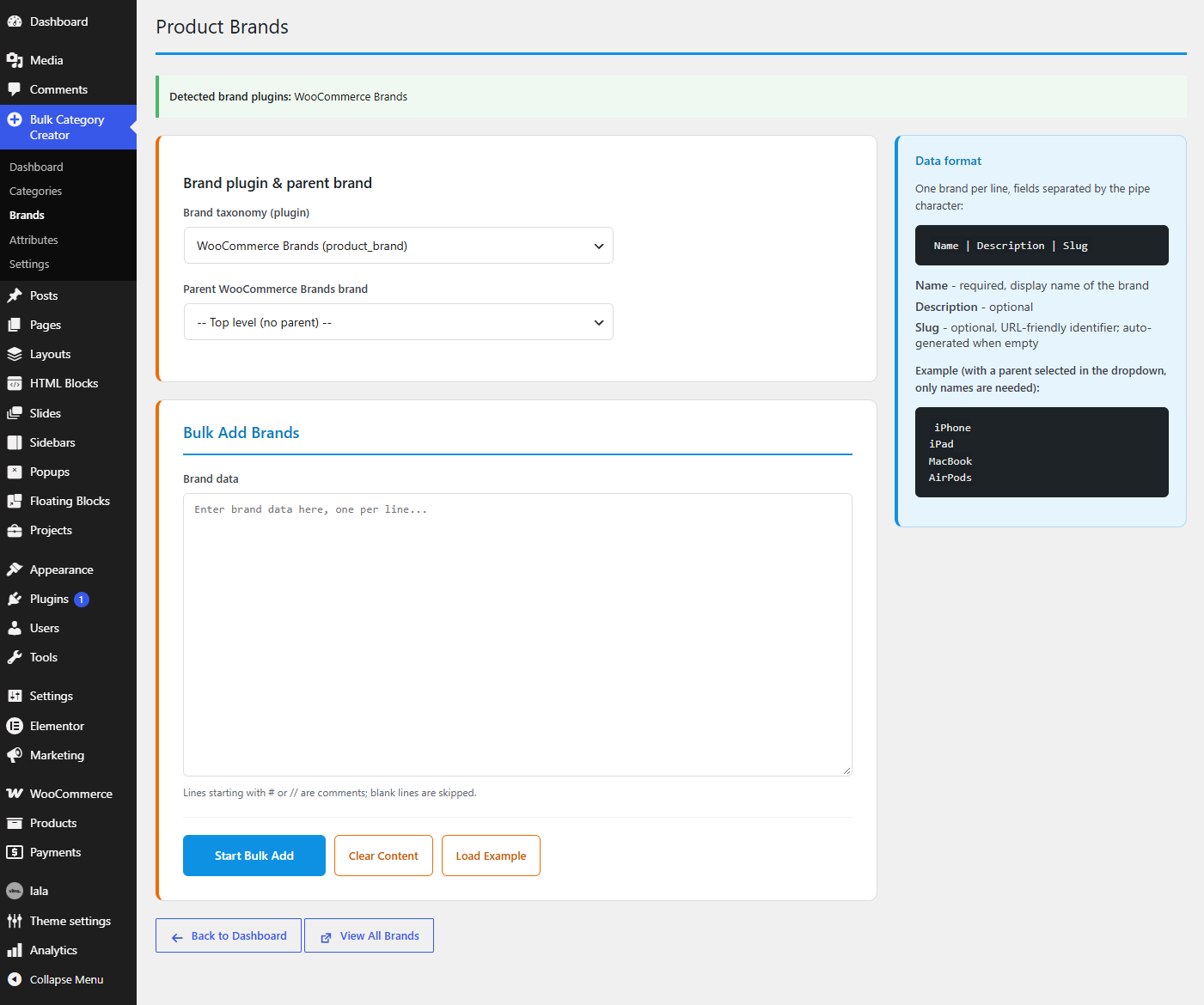
Bulk Add Brands — Works with the popular brand plugins, with a per-brand parent selector.
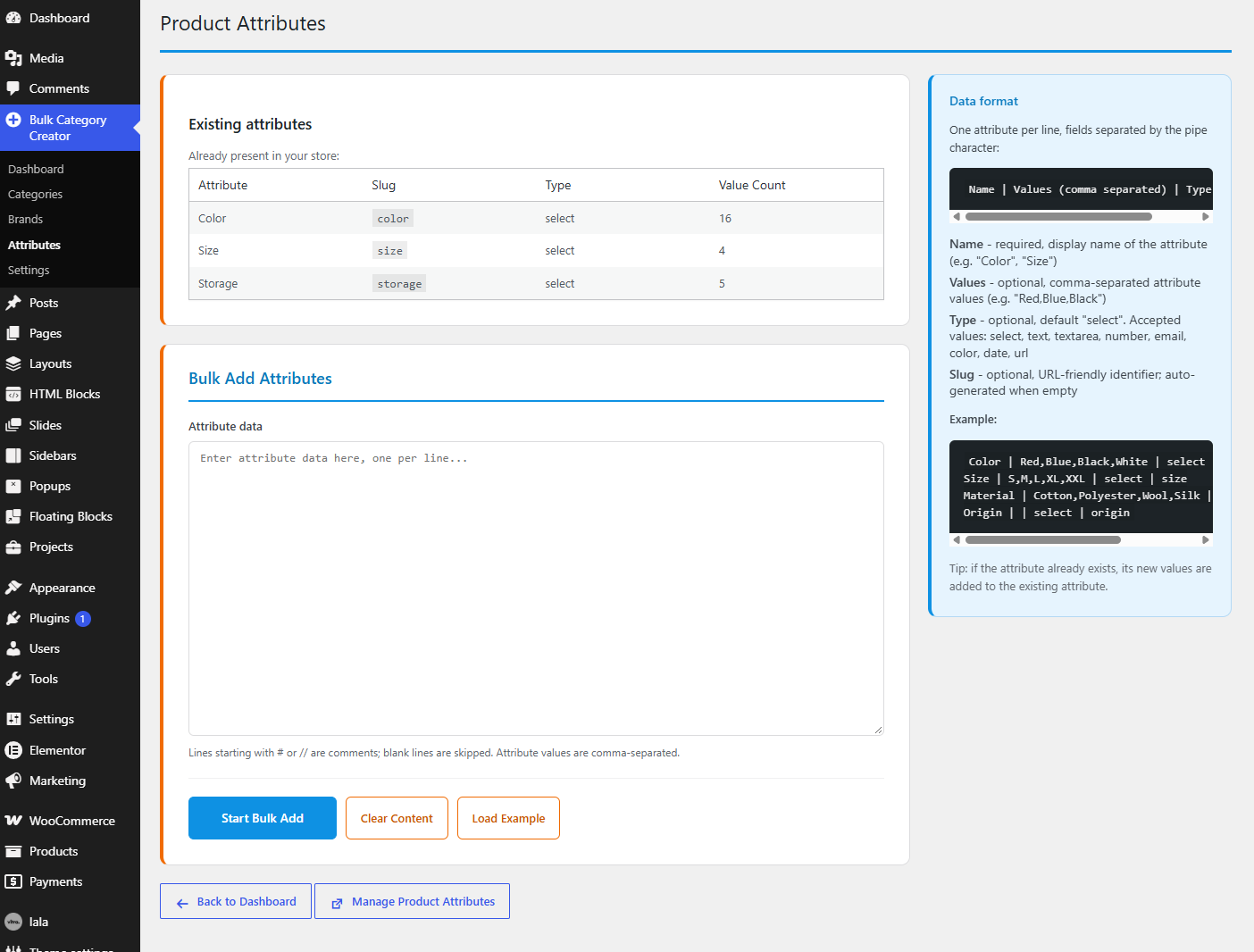
Bulk Add Attributes — Create global attributes and their values in a single pass.
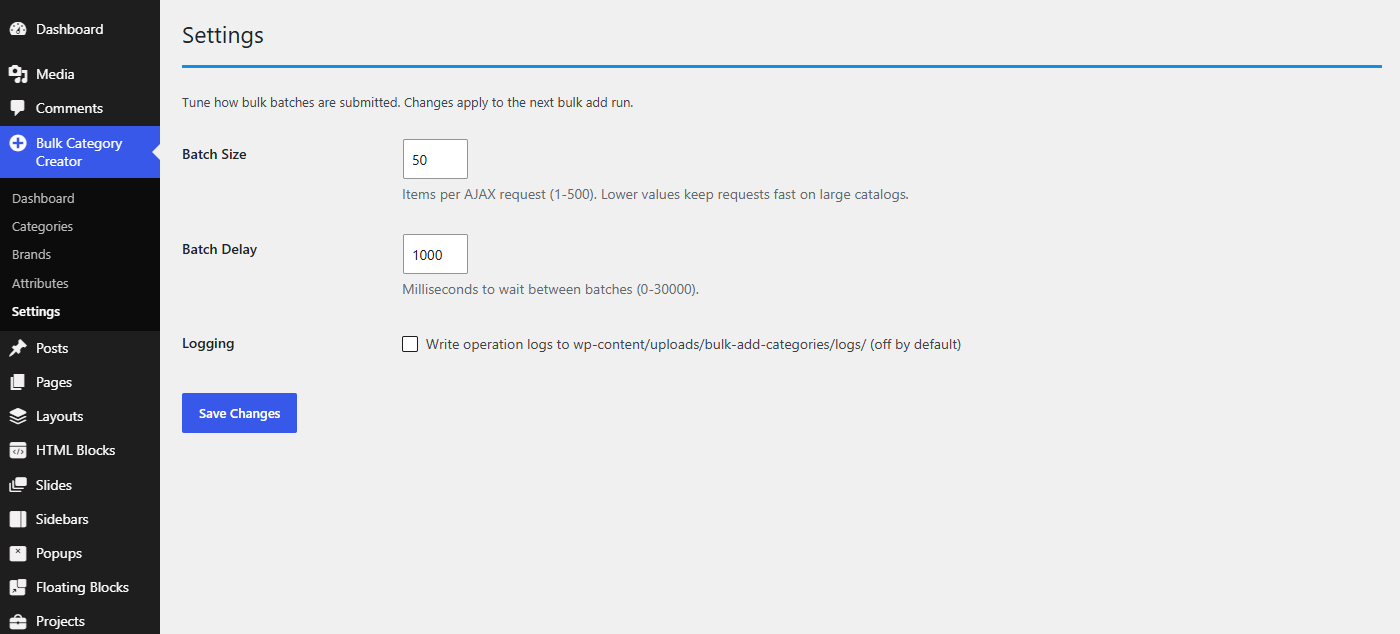
Settings — Batch size, delay between requests and optional operation logging.


