Cart Bridge JP – Migrate For WooCommerce Wordpress Plugin - Rating, Reviews, Demo & Download

Plugin Description
Cart Bridge JP moves product data between Color Me Shop (カラーミーショップ), a Japanese e-commerce platform, and WooCommerce: categories, groups, products with their options and images, and stock. Preview the whole migration first with a dry run that writes nothing, read why each item would be skipped or changed, then run it.
This plugin does not migrate customers, orders, or coupons. They are migrated by a separate add-on, Cart Bridge JP Pro (see the FAQ).
It is built for a one-way migration: from Color Me Shop to WooCommerce, or from WooCommerce to Color Me Shop. It is not a sync tool, and moving the same items back and forth is not supported. If that happens by mistake, items that were imported from Color Me Shop are not exported to Color Me Shop, and items that were created in Color Me Shop by an export are not overwritten by a later import, which keeps values from being changed in the usual cases.
Import from Color Me Shop
- Categories and groups (as product categories and product tags)
- Products, including options (as variations), prices including tax, the standard and reduced tax rates, and images
- Stock
Export to Color Me Shop
- Products (including options) and stock
- Product image upload – Beta: needs the premium plan, has not been tested on a real premium-plan shop yet, and is off by default
Color Me Shop cannot create categories through its API, so you map WooCommerce categories to existing Color Me Shop categories in the Mappings tab instead.
Before and after the migration
- Dry run: preview every item, in both directions, without writing anything.
- CSV report: download the dry run’s results, with a plain-language cause for each warning and, where possible, a fix.
- Verification report: after an import, compare the number of items read from Color Me Shop with the linked items in WooCommerce, and find links to items that no longer exist.
- Tools: rebuild the links to the data that this plugin imported (for example after moving the database).
- Compatible with WooCommerce’s High-Performance Order Storage (HPOS).
- Long migrations run in the background with Action Scheduler, wait automatically when the API’s rate limit is reached, and can be retried or cancelled.
Requirements
- WooCommerce 10.0 or later
- PHP’s sodium extension, which encrypts the saved credentials (most PHP builds include it)
- A Color Me Shop store, and a developer app that you register yourself in Color Me Shop’s developer center (the plugin shows the redirect URI to register)
- The shop owner’s Color Me Shop account to authorize the app (Color Me Shop does not let sub-administrator accounts authorize apps)
External services
This plugin connects to the Color Me Shop API (https://api.shop-pro.jp), operated by GMO Pepabo, Inc., only while you use it: when you connect your shop, test the connection, open the Mappings tab (to list the shop’s categories), run a dry run, an import, or an export, or use “Link and resolve” in the Export tab (to check that an item exists in the shop).
- What is sent: your developer app’s client ID and client secret, the authorization code, and your site’s callback URL (to
https://api.shop-pro.jp/oauth/token, to connect); the access token with every request; and, when you export, the data you choose to export: products (such as names, prices, descriptions, options, and stock), stock levels, and – if you turn on the Beta feature – product images. - What is read: your shop’s settings (plan, tax settings), products, categories, groups, and stock.
- Images: when you import products, categories, and groups, the plugin downloads their images from the image URLs that the Color Me Shop API returns.
- The plugin sends no data to the plugin’s author or to any other service, and has no tracking.
Color Me Shop API terms of use: https://api.shop-pro.jp/developers/tos
Color Me Shop terms of service: https://shop-pro.jp/terms/colorme-terms/
GMO Pepabo privacy policy: https://pepabo.com/company/privacy/
Trademarks
WooCommerce and its associated designs are trademarks of Automattic Inc. Color Me Shop (カラーミーショップ) is a trademark of GMO Pepabo, Inc. This plugin is not affiliated with or endorsed by Automattic Inc. or GMO Pepabo, Inc.
Source code
The JavaScript of the admin screens in build/ is compiled from TypeScript, and their CSS from style.css, with @wordpress/scripts. The source code is on GitHub: https://github.com/artisanworkshop/cart-bridge-jp (this plugin is in plugins/cart-bridge-jp/, and the TypeScript files and style.css of the admin screens are in its src/ directory). To build them, run npm install and then npm run build in the root directory of the repository. The vendor/ directory contains only the Composer autoloader; the plugin has no third-party PHP packages.
Screenshots
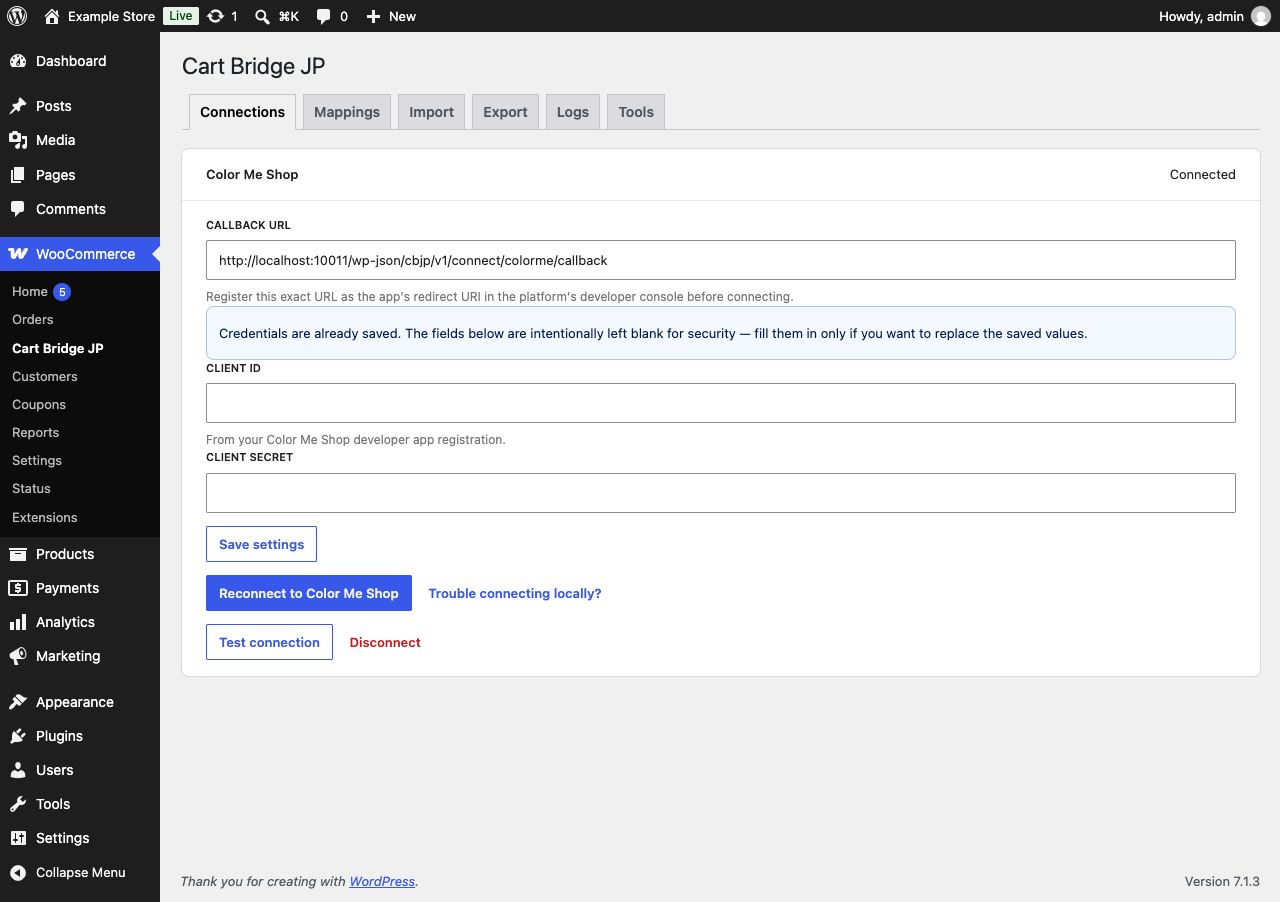
Connections: connect your Color Me Shop with your own developer app.
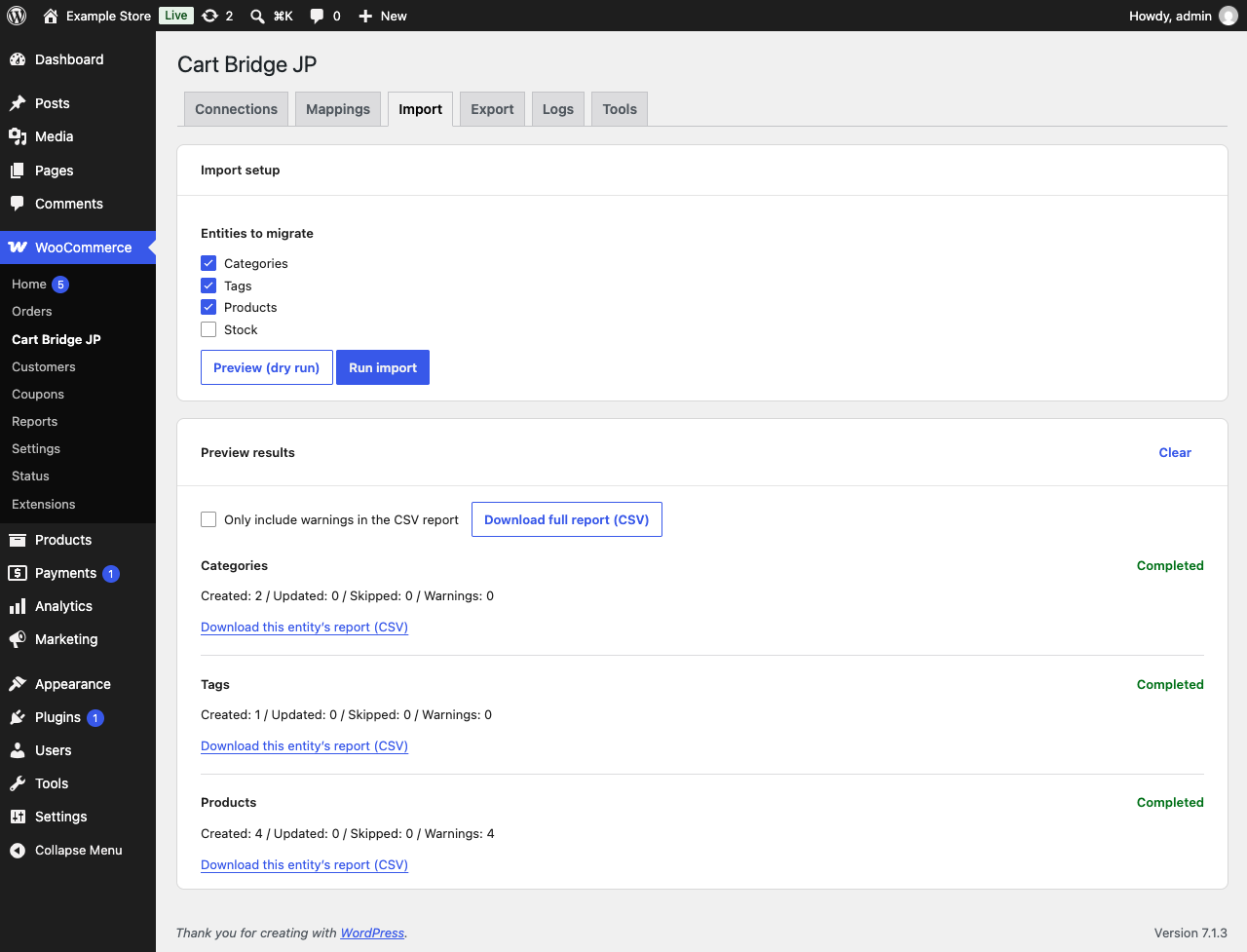
Import: the dry run’s results, with counts and a CSV report for each kind of data.
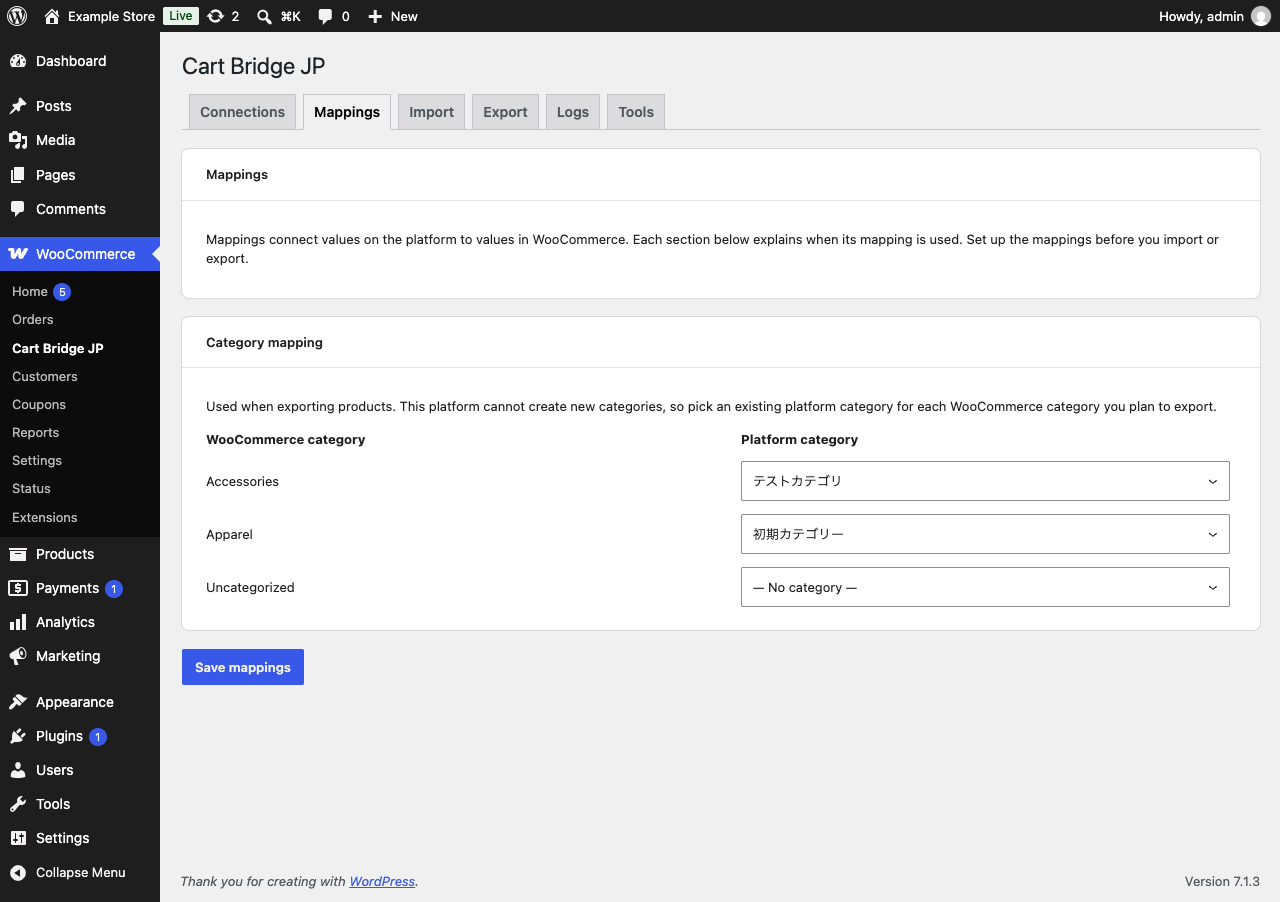
Mappings: map WooCommerce categories to Color Me Shop categories for export.
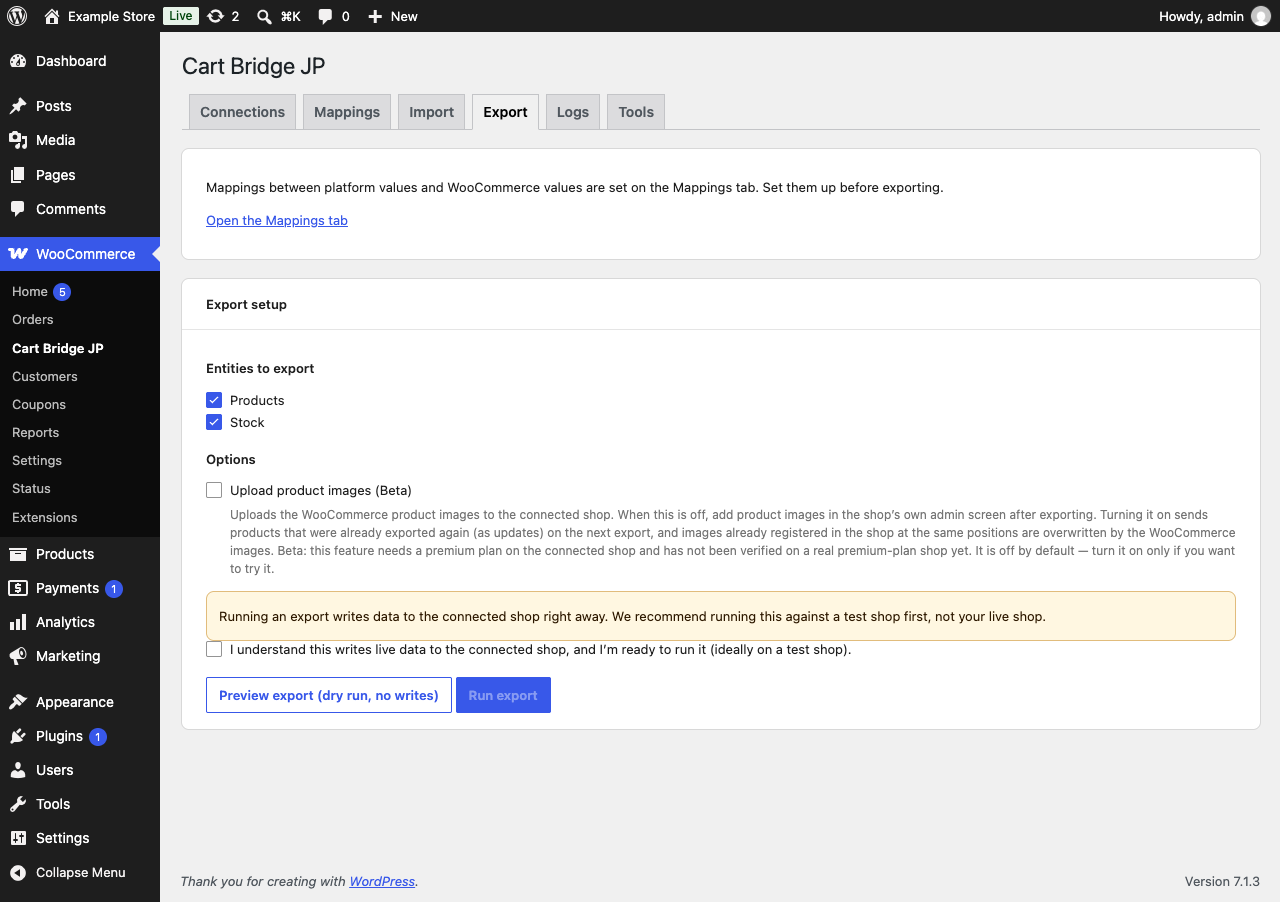
Export: choose what to export. Product image upload is Beta and off by default.
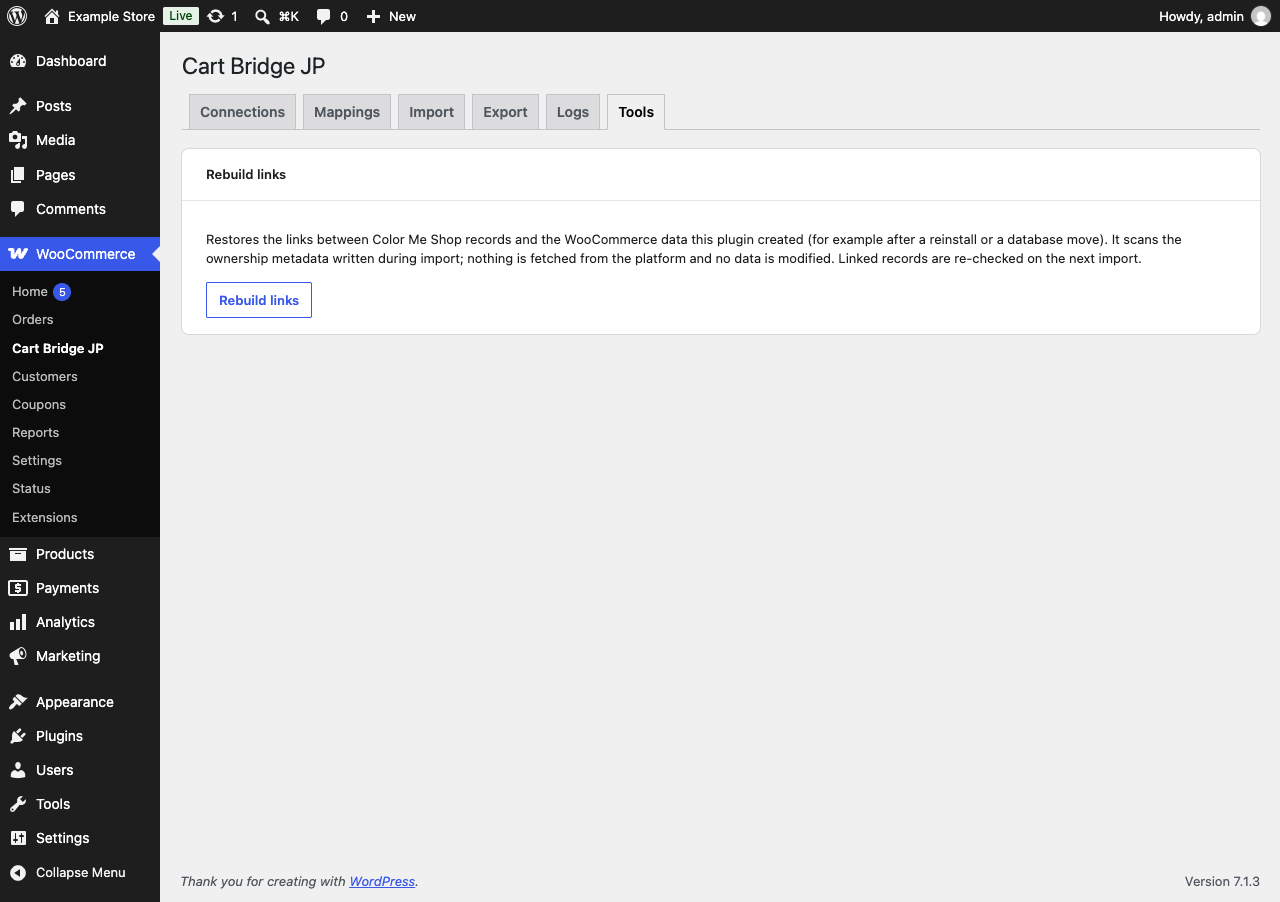
Tools: rebuild the links to the data that this plugin imported.