
Horde Trace Wordpress Plugin - Rating, Reviews, Demo & Download
Plugin Description
You change a sentence in the page editor, save, refresh, and the old sentence is still there. It lives somewhere else: a template file, a widget, a menu, a shortcode, a synced pattern or a theme setting.
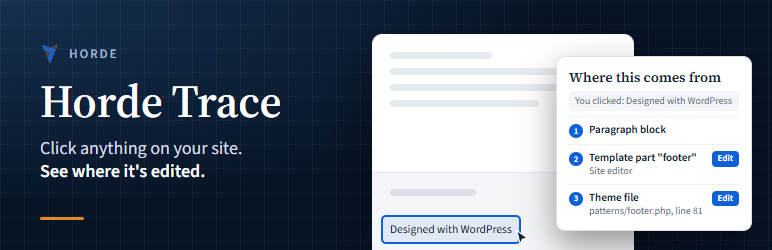
Horde Trace finds it. Switch Trace on from the admin bar, click the thing you want to change, and Trace shows where it comes from, with a link straight to the screen where you can edit it.
What Trace can find
- Blocks, and the page, post or synced pattern they’re saved in
- Site editor template parts and navigation menus (block themes)
- Widgets, and the widget area they’re in
- Classic menus, by menu and item
- Shortcodes, and the plugin or theme that registered them
- Text hardcoded in theme files, with the file name and line number
- Site title, tagline, Customizer settings and other stored settings
- Text saved in custom fields and page builder layouts
Built to stay out of the way
- Only administrators who switch it on see anything. Visitors never load any of it.
- Read-only. Trace never changes, moves or deletes anything.
- Nothing is sent anywhere. Everything runs on your own site.
Screenshots
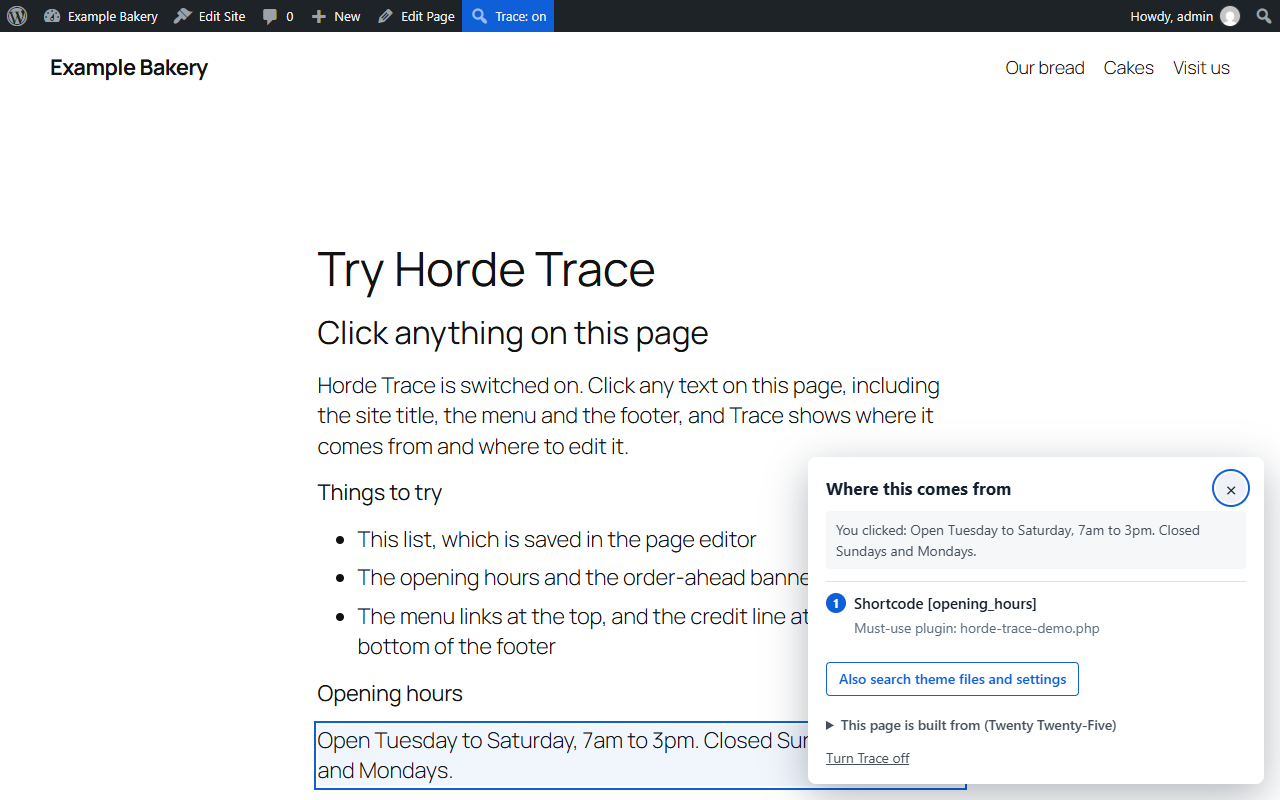
Click any text and Trace shows where it comes from. These opening hours are printed by a shortcode.

Text saved in a synced pattern, with a link straight to the pattern editor.

A menu link: the link, the navigation block, the header template part and the saved menu.
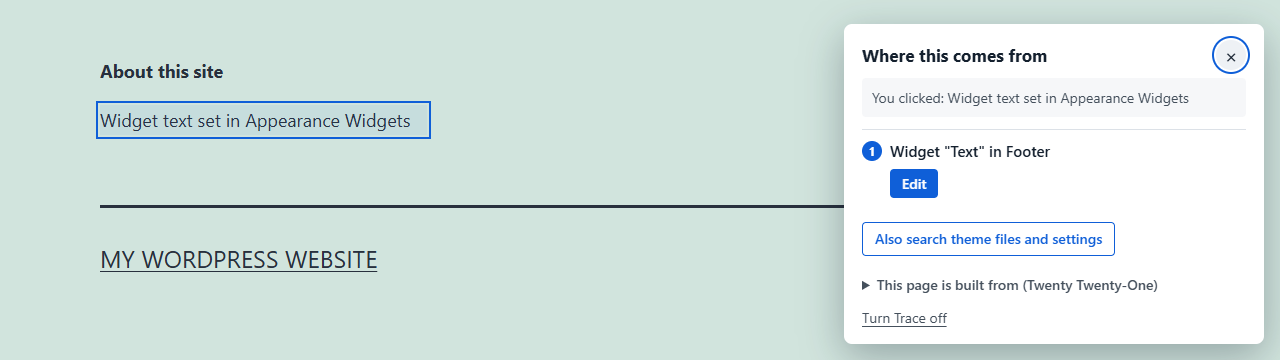
Classic themes work too. This text lives in a widget in the footer widget area.


