
PixVisualize Wordpress Plugin - Rating, Reviews, Demo & Download
Plugin Description
PixVisualize adds a professional Before/After image comparison slider to WordPress.
Use it with:
- Gutenberg – native block with live preview,
- Elementor – drag-and-drop widget with visual controls.
Built for agencies, photographers, renovation, beauty, automotive and e-commerce stores that need to prove the transformation.
Free version includes:
- Gutenberg block + Elementor base widget
- Custom Before/After labels, horizontal slider, aspect ratio, height, position
- Full width, alignment, caption title + text
- Container shadow, border and rounded corners (one-click presets)
- Touch, swipe and keyboard support, fully responsive
Learn more: PixVisualize product page
Pricing: PixVisualize plans and pricing
Live demo: PixVisualize Pro demo
Development: GitHub repository
Contact: contact@i-naridigit.com
Upgrade to Pro
PixVisualize Pro is a separate premium product. A single codebase powers both versions: upgrading keeps all your existing blocks and settings — no migration, no rebuild.
Pro version unlocks:
- Vertical orientation, custom handle (circle, line, arrows, custom SVG)
- Advanced labels, separator styling with grouped drop shadow
- Container fine-tuning: shadow, border, per-corner radius
- Responsive per breakpoint (tablet + mobile position and ratio)
- Hover mode, Auto-Scan intro animation, Magnifier loupe
- Shortcode generator with saved list + visual re-edit
- WooCommerce placements + Product Data panel
- Priority updates and support
Pro usage:
- Shortcode: PixVisualize Shortcode Generator copy, e.g.
[pixvisualize before="URL-BEFORE" after="URL-AFTER" position="50" ratio="16/9"] - WooCommerce: edit a product PixVisualize tab images + placement Update.
See current plans on the PixVisualize pricing page and try the Pro slider on the live demo. Checkout, license and auto-updates are handled securely via Freemius.
Screenshots
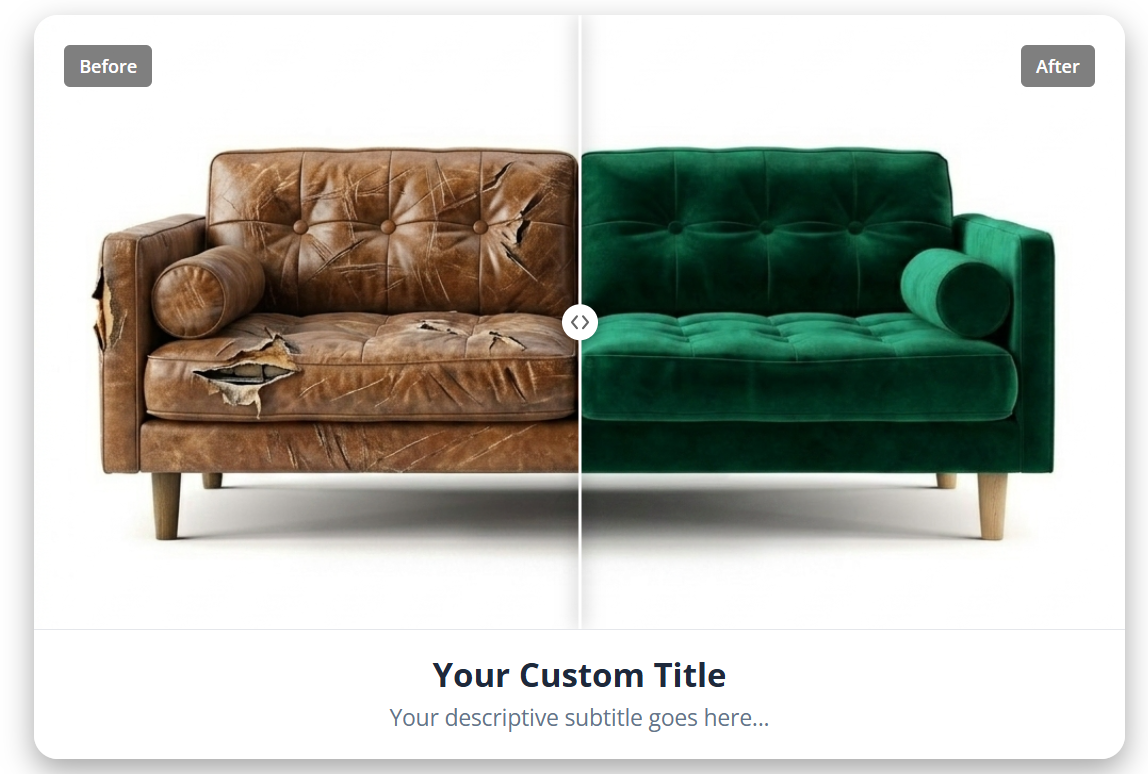
Frontend display with custom labels, border radius, title, and description
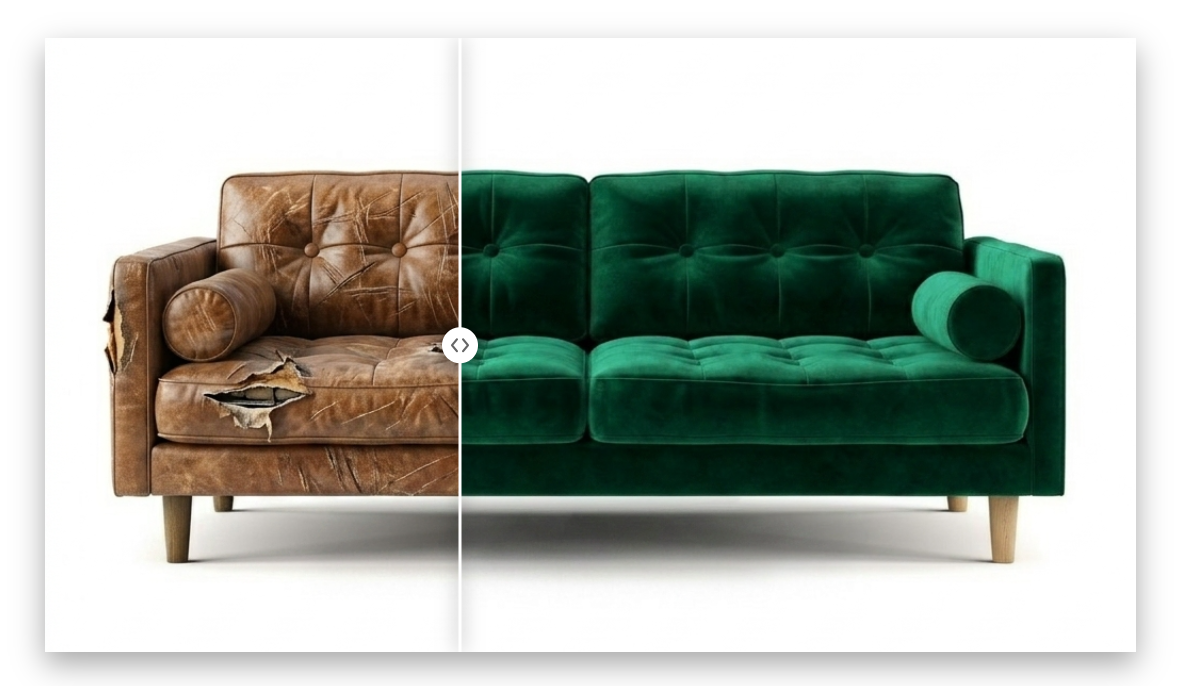
Minimalist frontend display without labels, captions, title, description, or border radius.
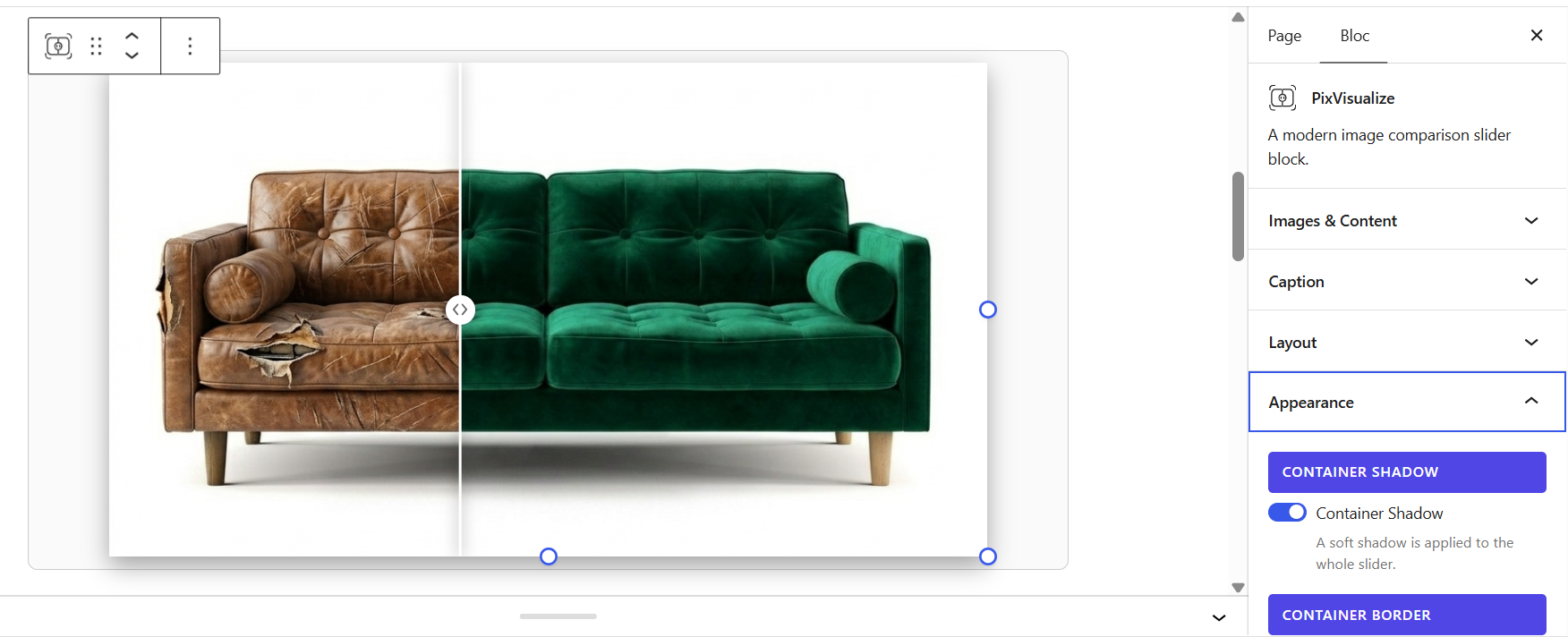
Gutenberg block editor preview showing the slider component and its sidebar configuration settings.
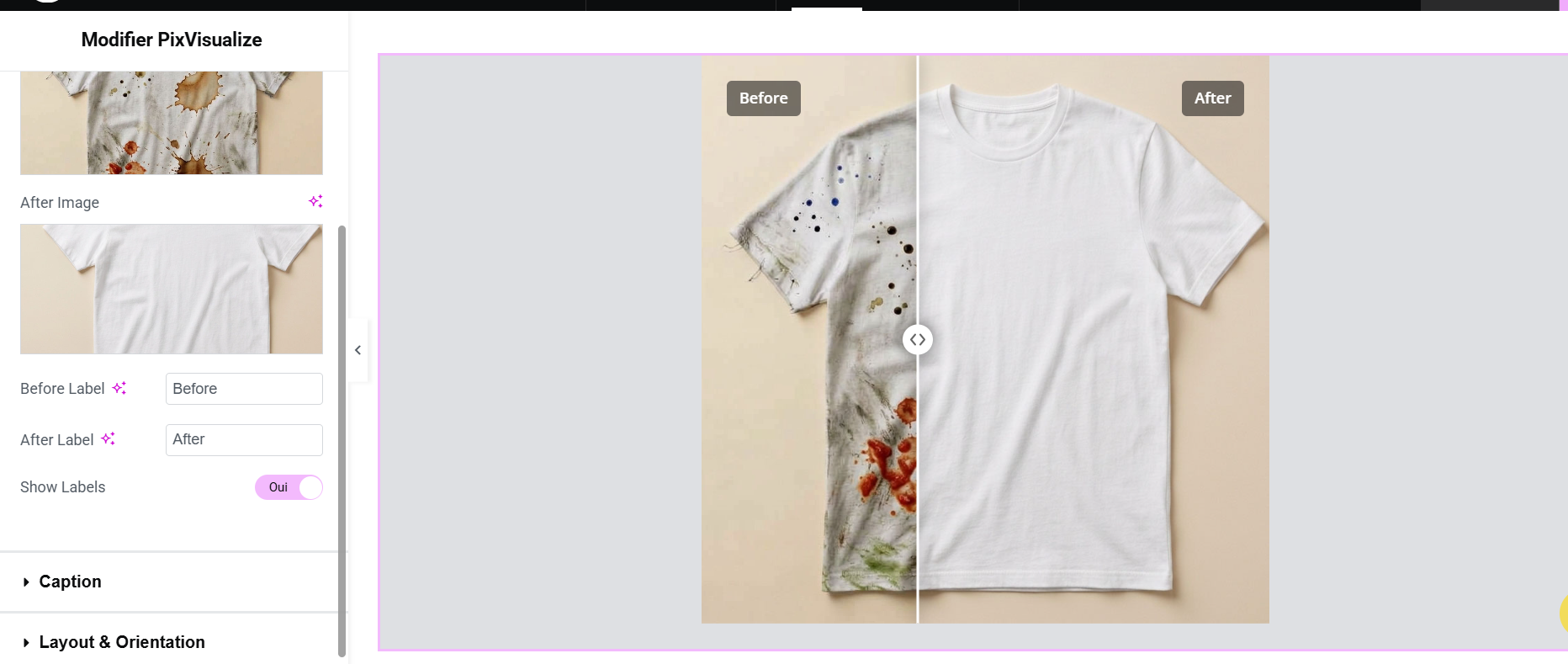
Elementor widget with live WYSIWYG preview.
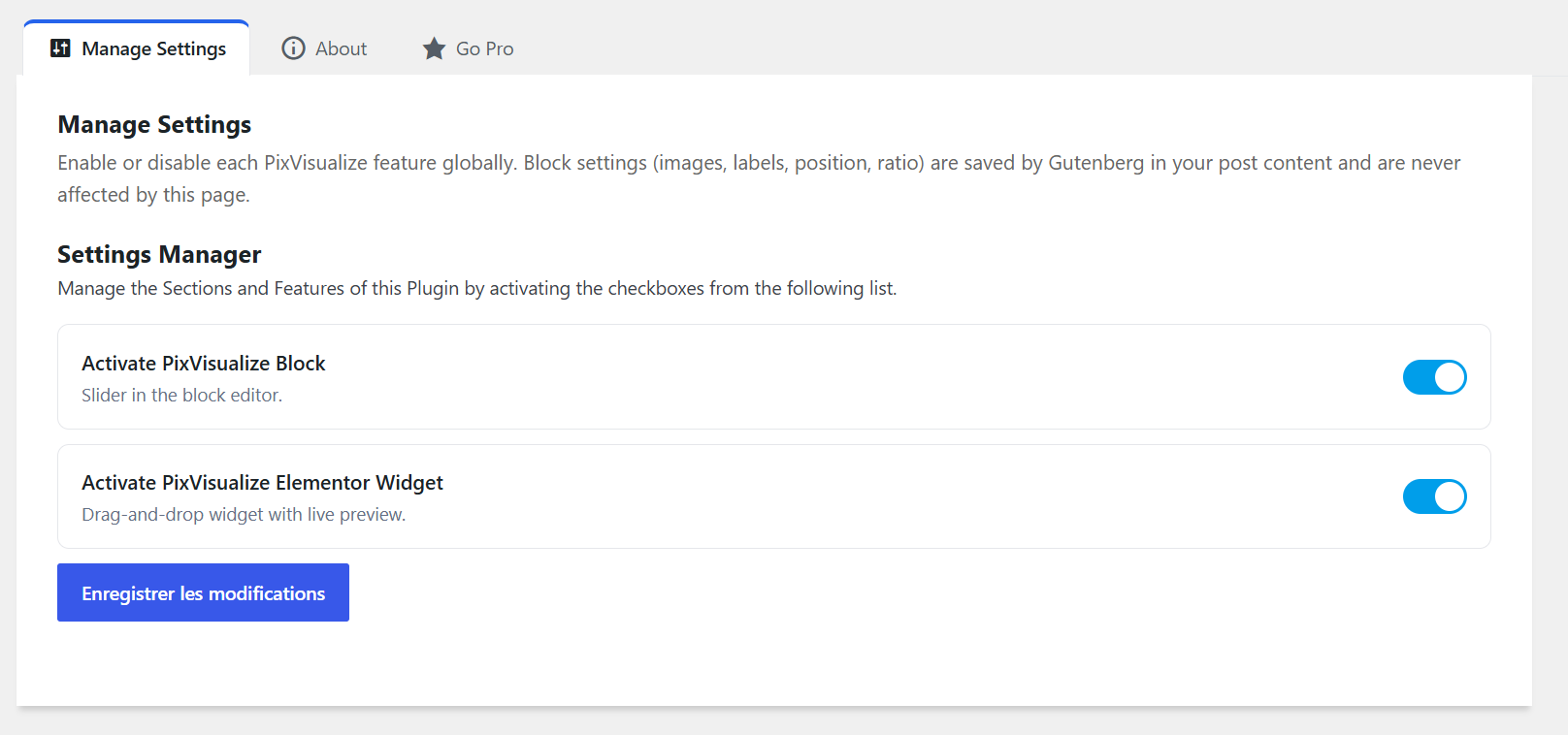
Global settings page to enable or disable the Gutenberg block and Elementor widget.

Elementor widget configuration sidebar highlighting layout orientation, aspect ratio, height, and full width settings (also available as a native Gutenberg block).


