
LeimgLocal Wordpress Plugin - Rating, Reviews, Demo & Download
Plugin Description
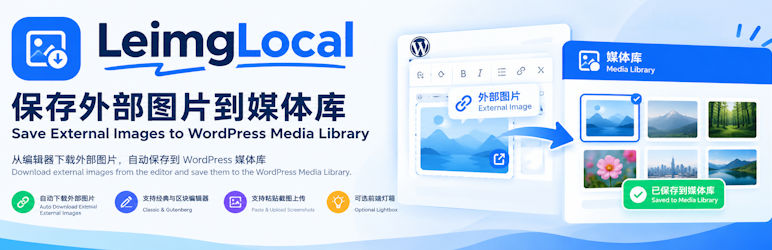
LeimgLocal downloads images that are linked from outside your site and stores them in the WordPress Media Library. It is meant for republishing articles, editing posts, and routine site maintenance.
- Download external images in the editor and replace them with local URLs.
- Works in both the Classic Editor (TinyMCE) and the Gutenberg block editor.
- Upload a pasted screenshot or clipboard image and insert it into the content. This can be turned off in the settings.
- Optional front-end lightbox. Only images that meet the minimum size can be opened.
- Limit the lightbox to post content so images in sidebars and other areas are left alone.
- Optional magnifying-glass badge, shown only on images that are large enough to open.
- A main on/off switch so the features can be enabled per site.
- Follows WordPress coding practices and requires PHP 7.4 or newer.
Plugin page: https://www.lezaiyun.com/leimglocal.html
Developer page: https://www.laojiang.me/
Usage
- Open a post (new or existing).
- Click the Localize Images button in the editor.
- Wait while external images are downloaded and replaced with local URLs.
- Click Update or Publish to save the post.
To upload pasted screenshots automatically, enable that option under Settings LeimgLocal.




