Trimora 3D Product Viewer For WooCommerce Wordpress Plugin - Rating, Reviews, Demo & Download
Plugin Description
Display interactive GLB 3D models and product videos from the Media Library or supported external video links in WooCommerce galleries.
Transform WooCommerce Products with Interactive 3D
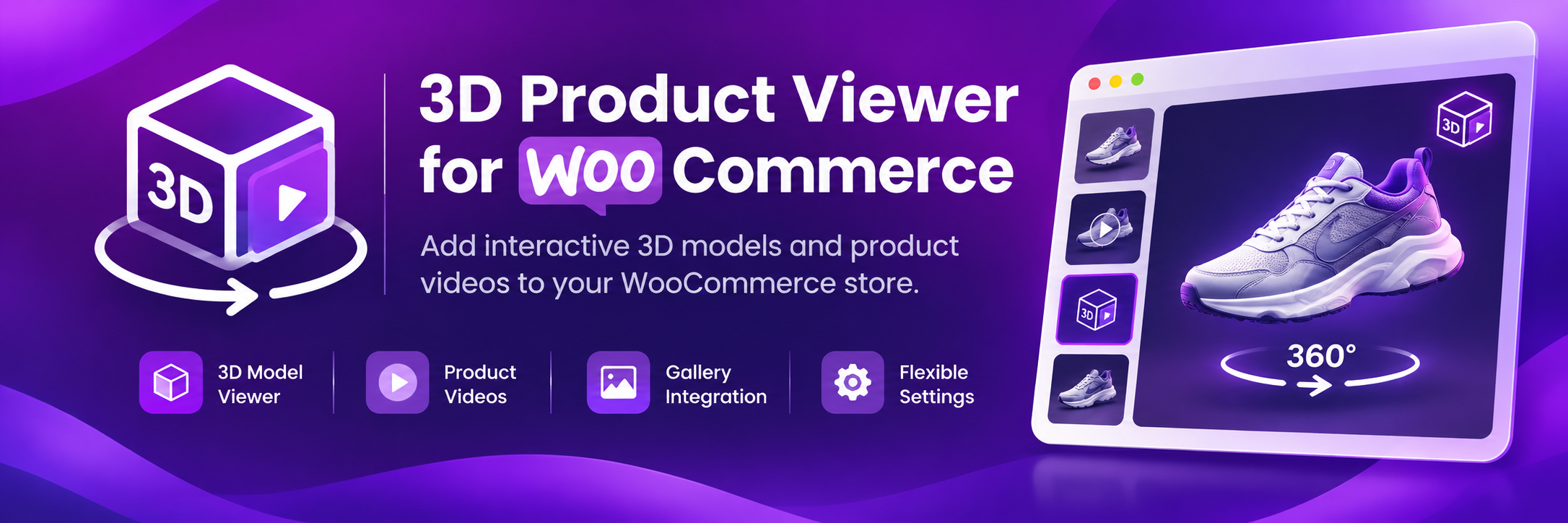
Trimora 3D Product Viewer for WooCommerce helps you display interactive 3D product models directly on supported WooCommerce product galleries. Give customers another way to explore products beyond traditional product images.
What Does This Plugin Do?
Trimora lets store owners assign a supported GLB model to an individual WooCommerce product. Customers can interact with the 3D viewer on the product page, using mouse or touch controls to rotate the model.
Key Features
- Interactive 3D product viewing: Display supported GLB models on WooCommerce product pages.
- Product-level model setup: Select a GLB model for an individual product.
- Product gallery integration: Add a selectable 3D preview to supported product galleries.
- Custom thumbnail: Optionally use a custom thumbnail image or icon.
- Appearance settings: Configure thumbnail position and dimensions, borders, colors, and responsive 3D viewer height.
- Mouse and touch controls: Rotate the model using supported pointer and touch interactions.
- Auto-rotation option: Auto-rotation is disabled by default.
- WordPress admin settings: Manage the viewer’s available options from the WordPress dashboard.
- Product videos: Add videos from the WordPress Media Library or paste public video URLs, one per line. Direct MP4, WebM and OGG links are supported, along with Google Drive, YouTube and Vimeo share links.
- Video playback: Direct video files use native browser controls. Google Drive, YouTube and Vimeo links use their provider embed player and may have provider-specific controls.
- Video playback settings: Configure desktop and mobile video height, cover or contain fitting, loop playback, and muted playback globally from the plugin Settings page.
Who Can Use Trimora?
Trimora can be useful for WooCommerce stores selling jewelry, accessories, design products, and other items that benefit from 3D visualization.
How to Get Started
- Install and activate Trimora 3D Product Viewer for WooCommerce.
- Open a WooCommerce product in the WordPress dashboard.
- In the 3D Product Viewer Model panel, select a GLB model and/or video files from the Media Library, or paste public video URLs (one per line).
- Open 3D Product Viewer > Settings > Product Video to configure video sizing, fitting, loop, and muted behavior.
- Save the product and view the 3D model or video in the product gallery.
Requirements
- WordPress
- WooCommerce
- A 3D model in GLB format for 3D viewing (optional if using only product videos)
- Publicly accessible video URLs. Direct MP4/H.264 links are recommended for broad compatibility. Google Drive files must be shared as “Anyone with the link”.
Note: Gallery placement depends on the active theme or page builder’s gallery markup. Test on a staging site before using it on a live store.
Third-party software
The plugin bundles Bootstrap 5.3.8 for its own admin dashboard and settings interface. The compiled CSS is scoped to the plugin admin wrapper. See THIRD-PARTY-NOTICES.txt and assets/vendor/bootstrap/LICENSE.txt for license details.
Screenshots

Product editor showing the 3D Product Viewer Model panel.

Product page showing the interactive 3D model viewer in the product gallery.

Plugin settings page for configuring the viewer appearance, thumbnail design and product video behavior.