
Ceacliu QR Table Ordering For WooCommerce Wordpress Plugin - Rating, Reviews, Demo & Download
Plugin Description
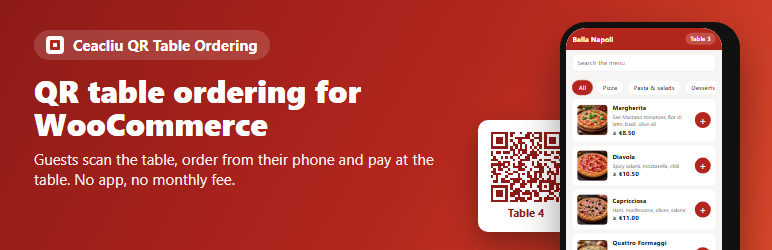
Ceacliu QR Table Ordering turns your WooCommerce shop into a dine-in ordering system for restaurants, pizzerias, bars and cafés.
You print one QR code per table. A guest scans it, sees your menu on a fast mobile page and sends the order. The order arrives in WooCommerce Orders as a normal order, with the table name on it. Your stock, reports and e-mails keep working as before. The guest pays at the table, as usual.
Features
- Any number of tables, each with its own secret QR code.
- Printable QR cards (title, table name, your colour), made inside the plugin – no external QR service.
- Mobile menu for guests: categories, search, photos, sizes / variations, sold-out items, notes such as “no onion”.
- Orders are real WooCommerce orders with the table name, the guest’s note and (optionally) the guest’s name.
- Guests see the status of their order: received, being prepared, served.
- Opening hours (also over midnight) and an on/off switch for ordering.
- Choose which product categories appear on the menu.
- Your title and colour on the guest page.
- A copied or photographed QR code can be replaced in one click (“New QR code”).
- Limits against abuse: maximum items per order, maximum orders per visitor in 10 minutes.
- The guest page speaks the language of the guest’s phone, for every language installed from translate.wordpress.org. Orders stay in your site language.
- Works with WooCommerce High-Performance Order Storage (HPOS).
- No tracking, no external services, no account needed.
Pro version
For busy restaurants there is a Pro version. It adds:
- a live orders board for the kitchen or the counter, with sound alerts, late orders in red and a “Served” button;
- “Call the waiter” and “Bring the bill” buttons for guests, shown on the same board.
Pro uses the same tables and QR codes, so nothing has to be printed again when you switch.
Screenshots

The guest page: menu with categories, search and photos.

Choosing a size and writing a note for the kitchen.

The guest’s order with the total, before sending.

Order sent: number and live status for the guest.

Printable QR cards, one per table.


