Polanger Ticket System For WooCommerce Wordpress Plugin - Rating, Reviews, Demo & Download
Plugin Description
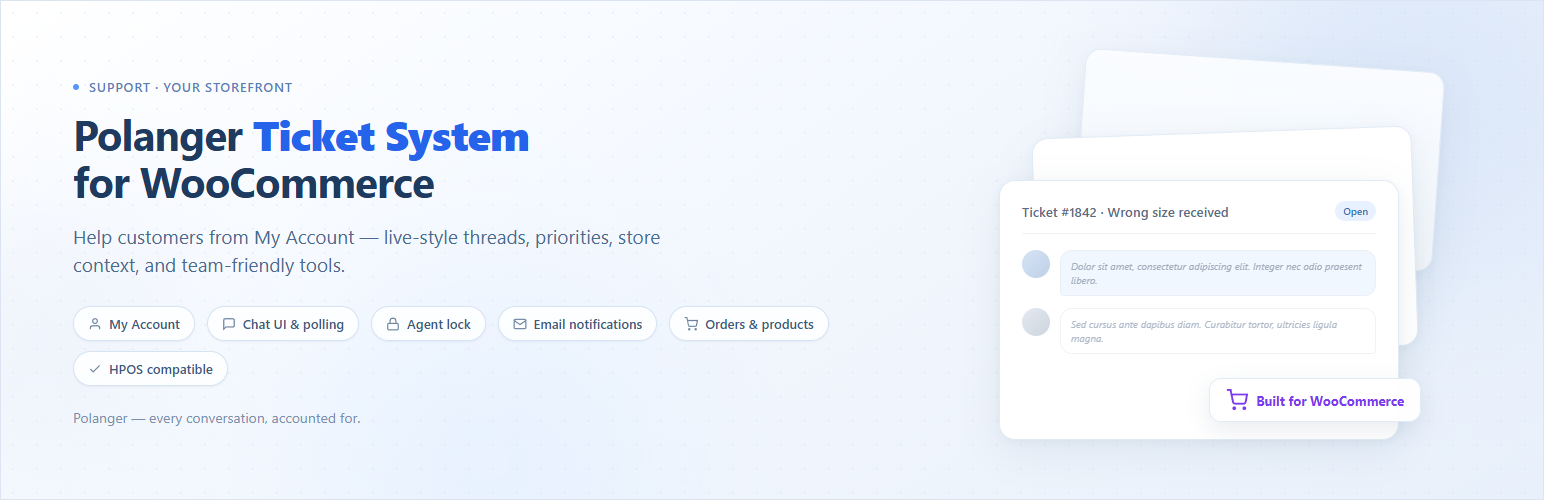
Polanger Ticket System is a support ticket plugin for WooCommerce. It provides a ticket-based support system integrated with WooCommerce.
Key Features
Polanger Ticket System includes the following features:
- Chat-style messaging interface
- Real-time collision detection (Agent Lock)
- Automatic email notifications
- Customizable categories & priorities
- WooCommerce order & product linking
- Customer ticket closing option
- Maximum active tickets limit
- Auto-close inactive tickets
- HPOS compatible
- Fully translatable (i18n ready)
Ticket Management
- Create Tickets – Customers can easily create support tickets from their My Account page
- Track Status – Monitor tickets through Open, In Progress, Waiting, Resolved, and Closed statuses
- Priority Levels – Organize tickets by urgency with customizable priority levels (Low, Normal, High, Urgent)
- Categories – Categorize tickets for better organization and routing
- Order Association – Link tickets to specific WooCommerce orders for context
- Product Association – Connect tickets to purchased products
Chat Interface
- Real-time Updates – Automatic polling for new messages without page refresh
- Chat-style Design – Familiar messaging interface like popular chat apps
- Admin & Customer Badges – Clear distinction between support team and customer messages
- Time Stamps – Human-readable “X minutes ago” format
- User Avatars – Visual identification for all participants
Security & Control
- Agent Lock / Collision Detection – Prevents multiple admins from working on the same ticket simultaneously with real-time warnings
- Heartbeat System – 30-second presence checks to track active viewers
- Auto-Leave Detection – Automatically removes inactive agents using sendBeacon API
- 2-Minute Timeout – Inactive admins are automatically removed from viewer list
- Max Active Tickets – Limit how many open tickets a customer can have at once
- Nonce Verification – All AJAX requests are secured with WordPress nonces
- Capability Checks – Role-based access control for all operations
Settings
- Enable/Disable System – Turn the entire ticket system on or off
- Require Product Purchase – Only allow customers who purchased products to create tickets
- Custom No-Purchase Message – WYSIWYG editor for custom messages with links
- Tickets Per Page – Control pagination for ticket lists
- Customer Ticket Closing – Allow or prevent customers from closing their own tickets
- Auto-Close Days – Automatically close tickets after X days of inactivity
- Max Active Tickets – Set maximum number of active tickets per customer
Email Notifications
- New Ticket Alerts – Admin receives email when a new ticket is created
- Reply Notifications – Customers receive email when admin replies
- Custom Admin Email – Set a specific email address for notifications
- Enable/Disable – Full control over email notifications
Interface
- Admin Dashboard – Gradient headers, card-based layout
- Status Color Coding – Each status has a distinct color for quick identification
- Priority Indicators – Visual priority badges with customizable colors
- Row Highlighting – Ticket list rows colored by status
- Hover Effects – Smooth animations and transitions
- Fully Responsive – Works perfectly on all devices
- Unread Badge – Shows unread ticket count in My Account menu
WooCommerce Integration
- My Account Integration – Seamless “Support Tickets” tab in customer account
- Order Linking – Associate tickets with specific orders
- Product Linking – Connect tickets to purchased products
- Purchase Verification – Optionally require product purchase for ticket creation
- HPOS Compatible – Full support for High-Performance Order Storage
Developer Friendly
- Hook System – Extensive action and filter hooks for customization
- Clean Code – WordPress Coding Standards compliant (PHPCS)
- Custom Database Tables – Optimized performance with dedicated tables
- i18n Ready – Complete translation support with .pot file
- Debug Logging – Built-in logging when WP_DEBUG is enabled
Available Hooks for Developers
Extend the plugin with these hooks:
PGTS_before_new_ticket_form– Before ticket formPGTS_new_ticket_form_start– Form startPGTS_ticket_attachments_field– Pro: add file upload UI (free has no attachments)PGTS_admin_composer_tools– Add admin reply toolsPGTS_admin_message_after_content– After message contentPGTS_ticket_created– When ticket is createdPGTS_message_added– When message is added
Pro Version
The Pro version extends the plugin with 10 modular addons that can be enabled or disabled independently.
Support Panel
A complete frontend support interface for agents. Manage tickets without WordPress admin access. Includes ticket claiming system, internal notes, agent assignment, live messaging with real-time updates, and customer search functionality.
File Attachments addon
File uploads are not included in the free version; they are added by Pro. The File Attachments addon lets customers and agents attach files to new tickets and replies. In Pro settings you can turn uploads on or off, set the maximum file size (MB), and restrict allowed file extensions. It supports drag-and-drop, secure storage, download links protected with nonces, and works together with the Support Panel and ticket messages.
Canned Responses
Create and use pre-written responses for common questions. Features include keyboard shortcuts, categories, dynamic placeholders ({customer_name}, {ticket_id}, etc.), personal and global responses, and usage tracking.
Auto Assignment
Automatically assign unassigned tickets to agents after a configurable time period. Supports “Least Active” and “Round Robin” strategies, agent capacity limits, and race condition protection.
SLA Management
Track response and resolution times with Service Level Agreements. Features priority-based SLA policies, working hours support, automatic pause/resume when waiting for customer, breach detection, and visual SLA indicators.
Analytics Dashboard
Real-time analytics for support operations. Monitor live ticket status, SLA health, daily performance, agent metrics, breach rates, and reopen rates. Includes smart caching and AJAX refresh.
Customer Priority
Automatic customer scoring based on order history and spending. Priority customers are sorted to the top of ticket lists. Includes customer insights panel with order history, ticket history, and manual priority override.
Agent Notifications
Real-time notifications for support agents when new tickets arrive or customers reply.
Merge/Split Tickets
Merge related tickets into one or split complex tickets into multiple separate tickets.
Ticket Rating
Collect customer satisfaction ratings after ticket closure to measure support quality.
More information:
Screenshots
No screenshots provided