TemplateHouse Block Toolkit Wordpress Plugin - Rating, Reviews, Demo & Download

Plugin Description
TemplateHouse Block Toolkit is a professional WordPress block library. It helps you design landing pages, business websites, blogs, documentation, comparison pages, review content, and interactive tools — without leaving the WordPress block editor.
Instead of installing several single-purpose block plugins, TemplateHouse Block Toolkit gives you one consistent toolkit with shared design controls, responsive settings, modern styling options, and clean frontend output.
What you can build:
– Layout & page building: sections, rows, columns, hero areas, feature layouts, comparison sections, pricing layouts, and conversion-focused page structures
– Content & editorial: accordions, quotes, styled lists, timelines, FAQs, article modules, reading aids, and structured content blocks
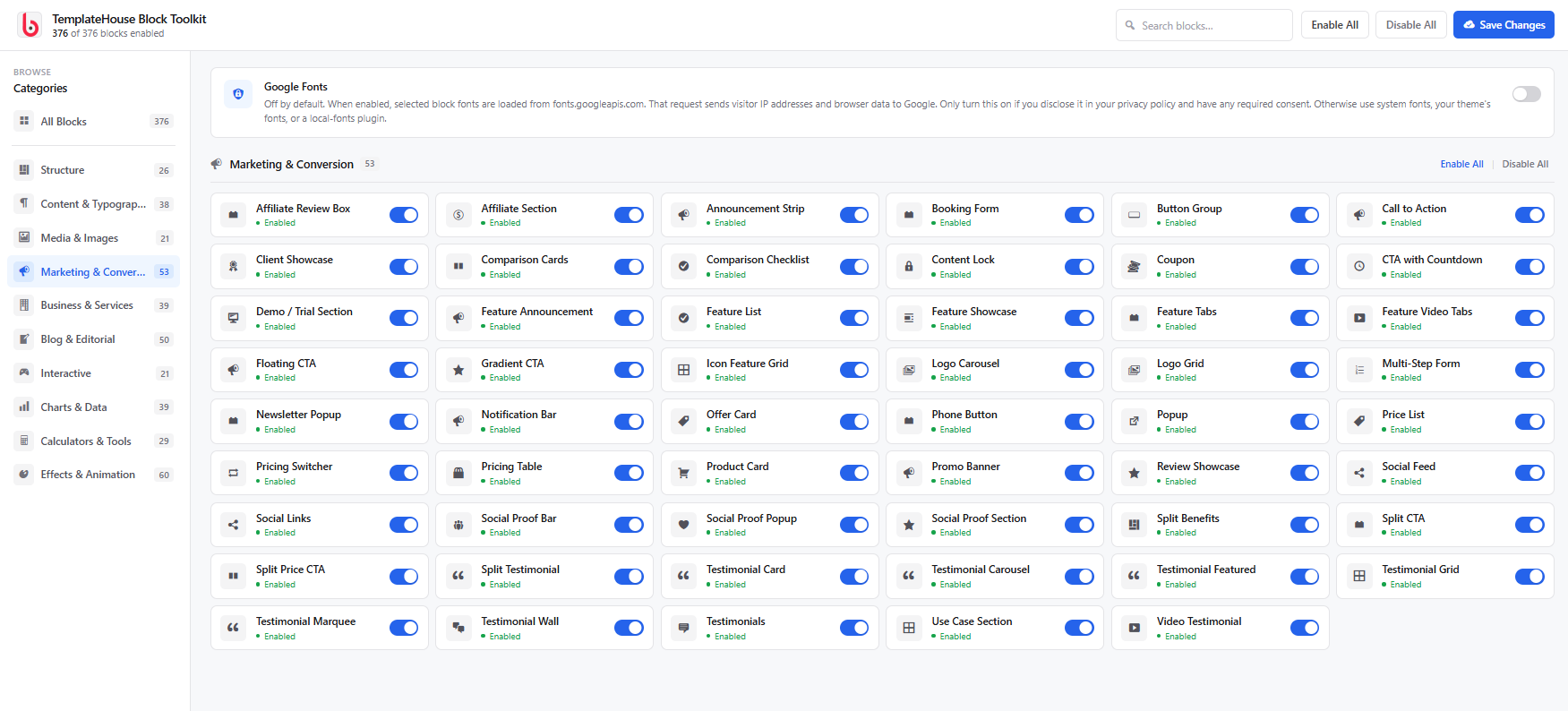
– Marketing & conversion: call-to-action blocks, countdown timers, announcement bars, trust bars, promo sections, coupons, and lead-generation layouts
– Media & interactive: maps, YouTube and Vimeo embeds, video popups, before/after sliders, marquees, carousels, galleries, and interactive cards
– Social proof & business: team members, testimonials, star ratings, review boxes, business hours, contact blocks, and brand showcases
– Charts, calculators & tools: data tables, progress bars, charts, planners, converters, calculators, and comparison utilities
TemplateHouse Block Toolkit is built for real publishing work — fast editing, clear controls, and frontend results that stay lightweight.
Key Features:
– Native block editor workflow — create pages in the WordPress block editor without Elementor, Divi, or another page builder
– One consistent design system — typography, colors, spacing, borders, shadows, alignment, and responsive controls that feel the same across blocks
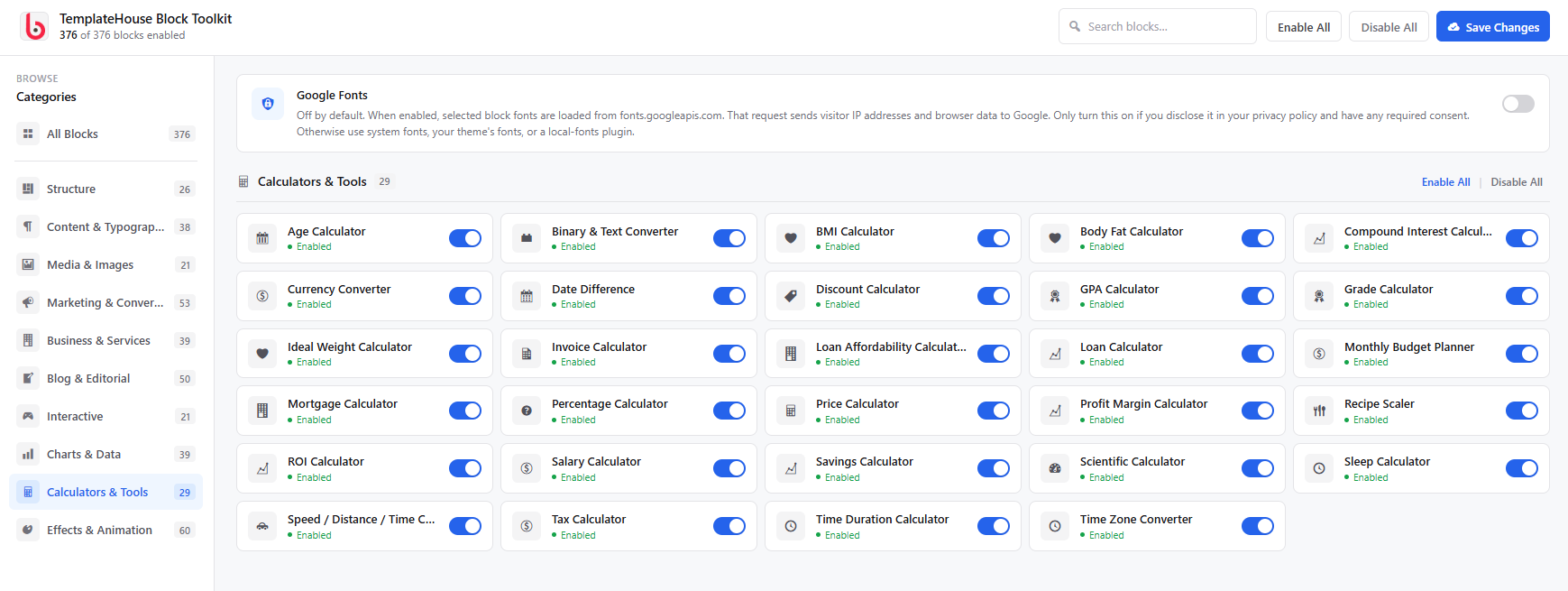
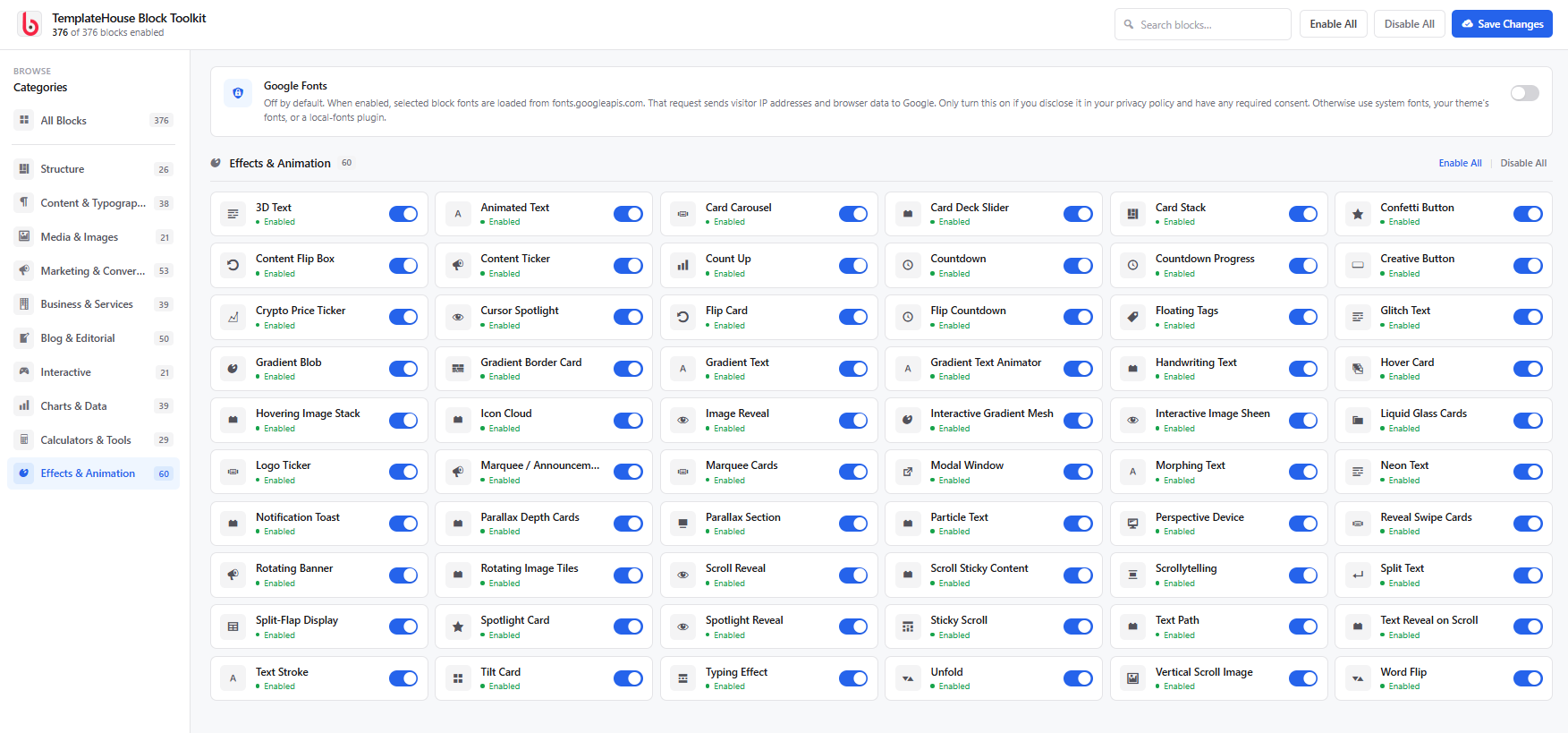
– Block Manager dashboard — enable or disable individual blocks so the editor stays focused and lean
– Performance-minded output — lightweight assets, selective script loading, and clean markup
– Accessibility-aware interactions — keyboard-friendly patterns and semantic frontend structure
– Theme-friendly — works with modern block themes, classic themes, and Full Site Editing setups
– Agency-ready toolkit — reuse the same professional blocks across client projects without stacking plugins
– SEO-friendly content modules — FAQs, comparison layouts, review sections, tables, timelines, and structured editorial blocks that help organize content clearly
External services
This plugin does not phone home to TemplateHouse. It does not collect visitor data on its own. Some optional blocks connect to third-party services so they can show maps, weather, prices, videos, or share links. Those connections happen only when the matching block is on a page (and, where noted, only after a visitor clicks or an admin enters an API key). Each service may receive the visitor’s IP address and browser information as part of a normal HTTPS request.
Google Maps (Google Map block, Location Cards block)
Used to display an embedded map for an address the site editor enters, or to open a Google Maps search when a visitor clicks a location card.
When a Google Map block is shown, the visitor’s browser loads an iframe from Google Maps (maps.google.com or https://www.google.com/maps/embed/v1/place). The request includes the configured address/search query, zoom, map type, and — if the editor saved one — the site’s Google Maps Embed API key. Google may receive the visitor’s IP address, user agent, and similar browser data. Location Cards only send the address to Google when a visitor clicks to open Maps.
This service is provided by Google LLC: Google Maps/Google Earth Additional Terms of Service, Google Maps Platform Terms, Google Privacy Policy.
OpenWeatherMap (Weather Widget block)
Used to show current weather and an optional forecast for a city the editor configures, or for the visitor’s coordinates if “auto location” is enabled and the visitor allows geolocation.
When the weather block is shown and an OpenWeatherMap API key is saved in the block, the visitor’s browser requests https://api.openweathermap.org/data/2.5/weather and optionally /forecast. The request includes the API key, city name or latitude/longitude, units, and language. OpenWeatherMap may receive the visitor’s IP address and browser data. If auto location is off, no geolocation permission is requested.
This service is provided by OpenWeather Ltd.: Terms of use, Privacy policy.
CoinGecko (Stock Ticker block)
Used to display cryptocurrency market prices for coin IDs the editor configures (for example bitcoin, ethereum).
When the stock ticker block is shown, the visitor’s browser requests https://api.coingecko.com/api/v3/coins/markets with the selected coin IDs and currency. No visitor account data is sent. CoinGecko may receive the visitor’s IP address and browser data. Requests repeat on the refresh interval set in the block.
This service is provided by Gecko Labs Pte. Ltd. (CoinGecko): API Terms of Service, Privacy Policy.
WhatsApp (Social Share block, Phone Button block)
Used so a visitor can share the current page in WhatsApp, or start a WhatsApp chat with a number the editor configured.
No request is made to WhatsApp until the visitor clicks the share or chat button. The click opens https://api.whatsapp.com/send or https://wa.me/ with the page URL and optional pre-filled text, or the configured phone number. WhatsApp may then receive that content plus the visitor’s IP address and device data according to WhatsApp’s policies.
This service is provided by WhatsApp LLC: Terms of Service, Privacy Policy.
YouTube (video blocks: Video Popup, Playlist, Grid, Hero, Sticky Video, Video Testimonial, and similar)
Used only when an editor pastes a YouTube URL into a video block. The visitor’s browser then loads YouTube’s embed player and may load a thumbnail from https://img.youtube.com/. YouTube/Google may receive the video ID, the visitor’s IP address, cookies, and browser data.
This service is provided by Google LLC / YouTube: YouTube Terms of Service, Google Privacy Policy.
Vimeo (same video blocks, when a Vimeo URL is used)
Used only when an editor pastes a Vimeo URL. The visitor’s browser loads Vimeo’s embed player (https://player.vimeo.com/). Vimeo may receive the video ID, the visitor’s IP address, cookies, and browser data.
This service is provided by Vimeo.com, Inc.: Terms of Service, Privacy Policy.
Social share networks (Social Share block)
Share buttons open the selected network only after a visitor clicks. The click sends the current page URL and optional title/text as query parameters. No share request is made on page load.
- X (Twitter): Terms, Privacy
- Facebook: Terms, Privacy
- LinkedIn: User Agreement, Privacy
- Pinterest: Terms, Privacy
- Telegram: Terms, Privacy
- Reddit: User Agreement, Privacy
Google Fonts (optional, off by default)
Used only if a site administrator enables “Google Fonts” in Block Toolkit settings. Selected fonts are then requested from https://fonts.googleapis.com/ (and font files from https://fonts.gstatic.com/). That request may send the visitor’s IP address and browser data to Google. Leave the setting off to avoid any Google Fonts request.
This service is provided by Google LLC: Google Fonts Terms, Google Privacy Policy.
Chart.js (bundled)
Chart and loan-calculator blocks use Chart.js 4.4.3, MIT-licensed and bundled in assets/vendor/chart.js/. No CDN request is made. Upstream source: https://github.com/chartjs/Chart.js/tree/v4.4.3. License: https://github.com/chartjs/Chart.js/blob/v4.4.3/LICENSE.md
Natural Earth (World Map block)
Country outlines are bundled inside the plugin (public domain). No visitor request is sent to Natural Earth at runtime. Source: https://www.naturalearthdata.com/
Privacy
This plugin does not collect, store, or share personal data by default. It does not send usage analytics to TemplateHouse.
When you use an optional block that talks to a third party (maps, weather, prices, video embeds, share buttons, or Google Fonts), the visitor’s browser may send IP address and browser data to that provider. See External services above for what is sent, when, and links to each provider’s terms and privacy policy. Disclose those services in your own site privacy policy and obtain consent where required.
Third-Party Libraries
This plugin bundles Chart.js 4.4.3 (MIT) in assets/vendor/chart.js/ for chart and loan-calculator blocks. It does not include amCharts or other GPL-incompatible mapping libraries. The World Map block renders an SVG map with original JavaScript and locally bundled Natural Earth geography data (public domain).
Source Code
This plugin ships original, human-readable PHP, JavaScript, and CSS. It does not use npm, webpack, Babel, or another build step to generate block assets.
The files in /blocks (including each block’s index.js and frontend.js) and /assets are the source. They are not compiled, minified, or obfuscated. There is no separate src/ directory or generated bundle.
Chart.js 4.4.3 is a third-party MIT library bundled in assets/vendor/chart.js/ (UMD build plus LICENSE). Upstream source: https://github.com/chartjs/Chart.js/tree/v4.4.3
No build tools are required to review, modify, or fork the plugin. Edit the files in place.
Screenshots
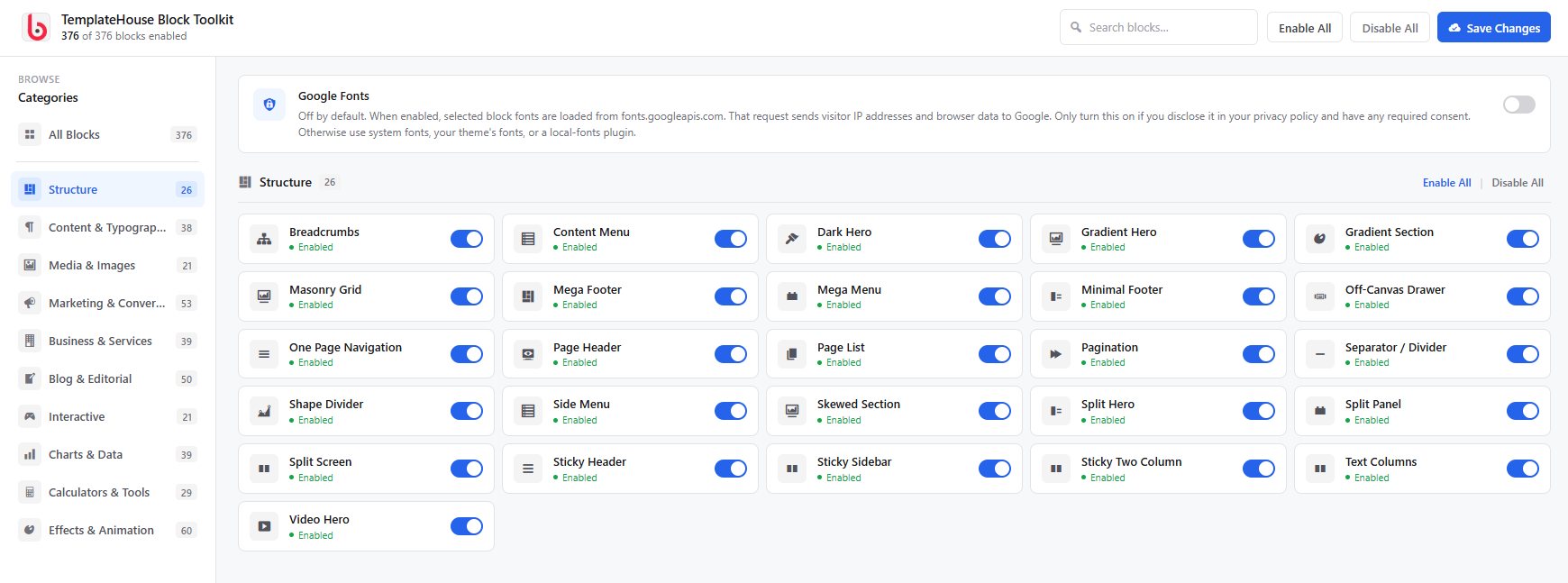
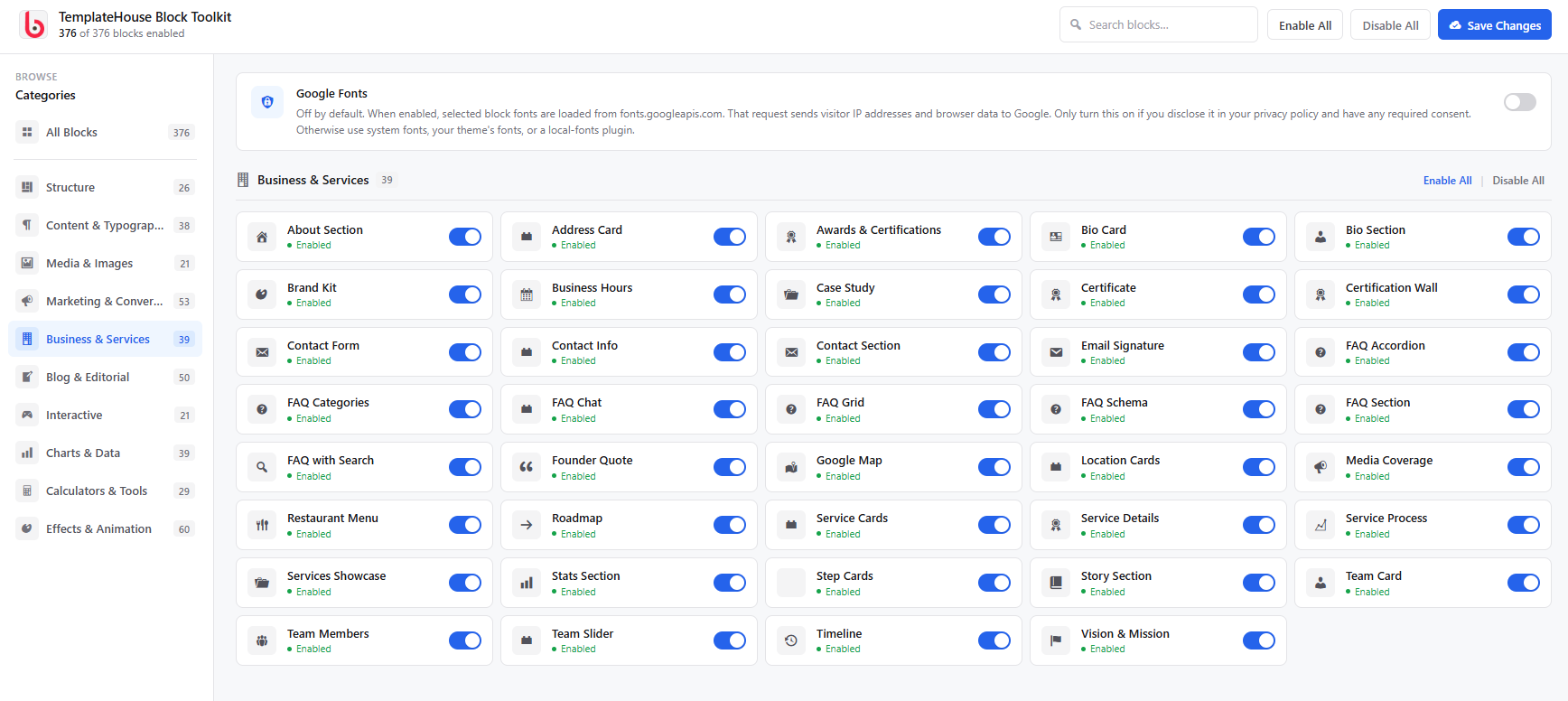
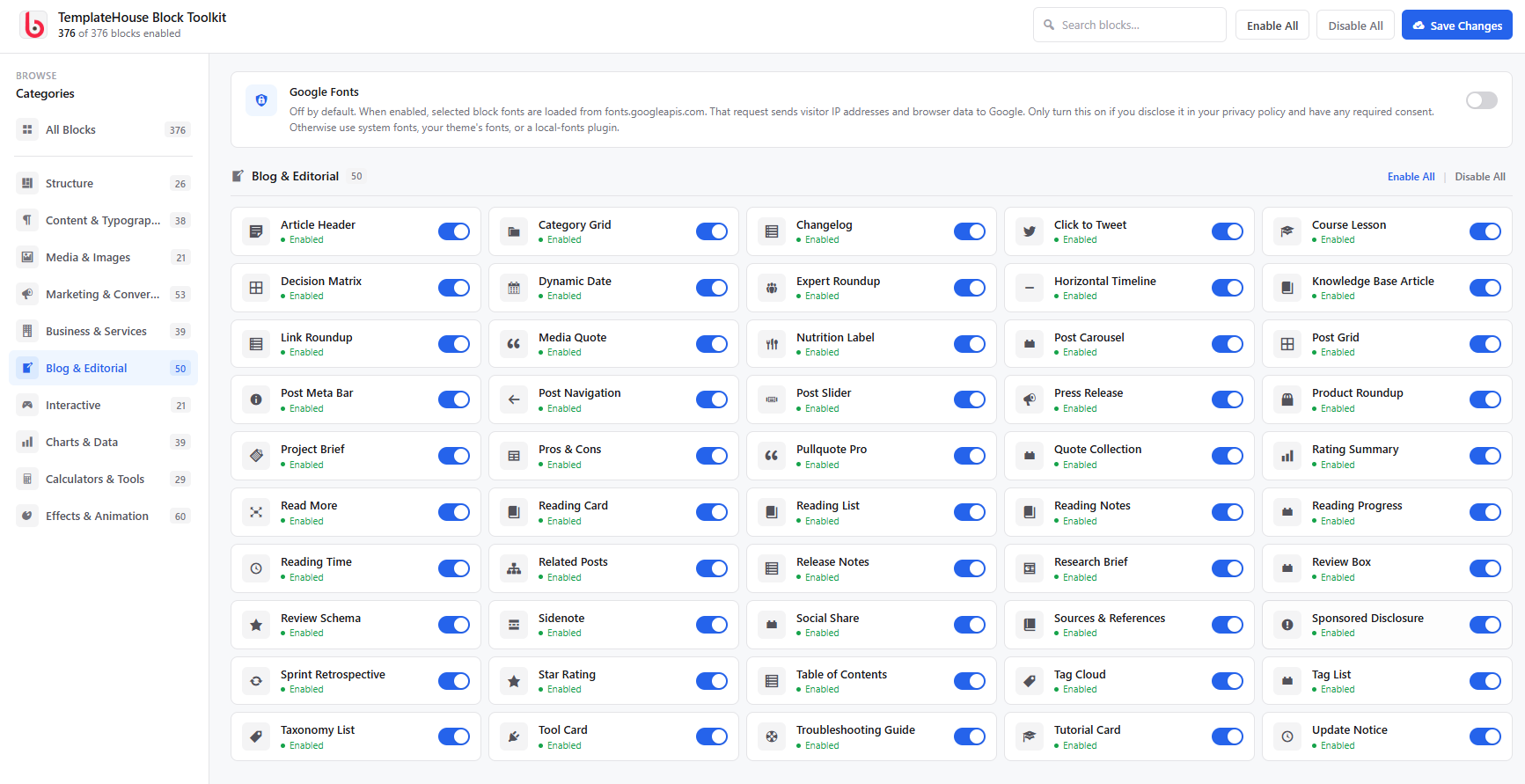
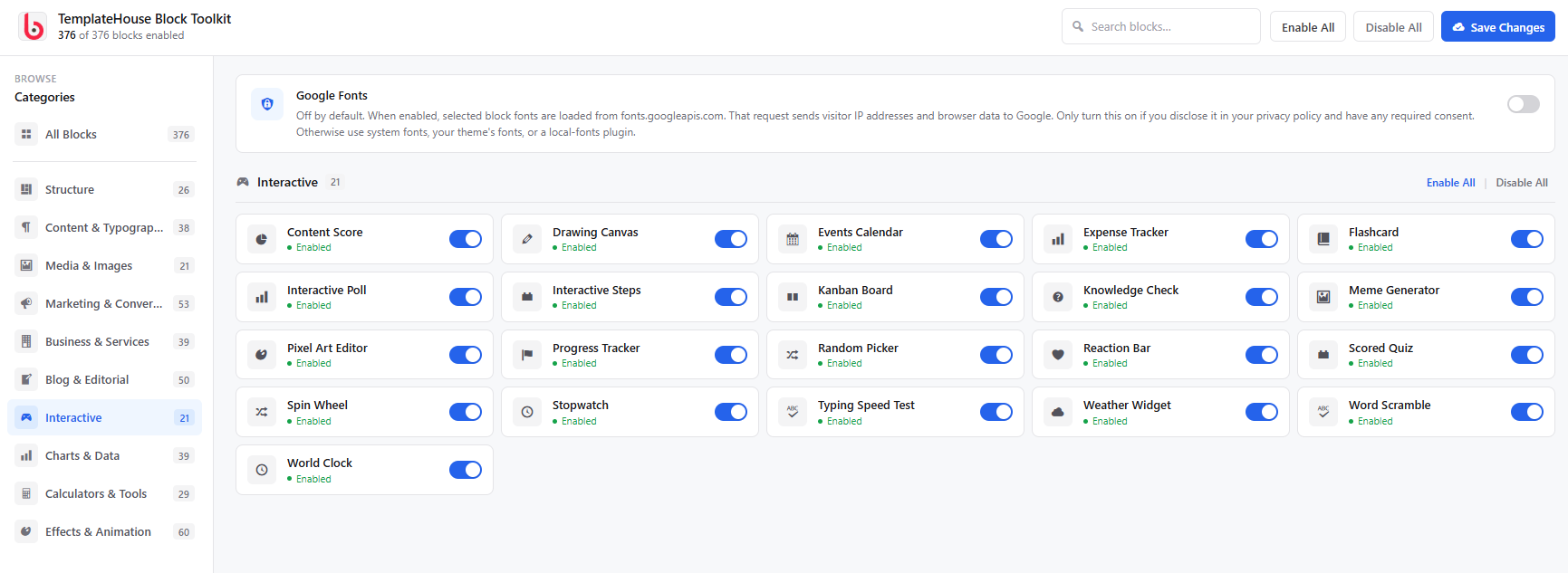
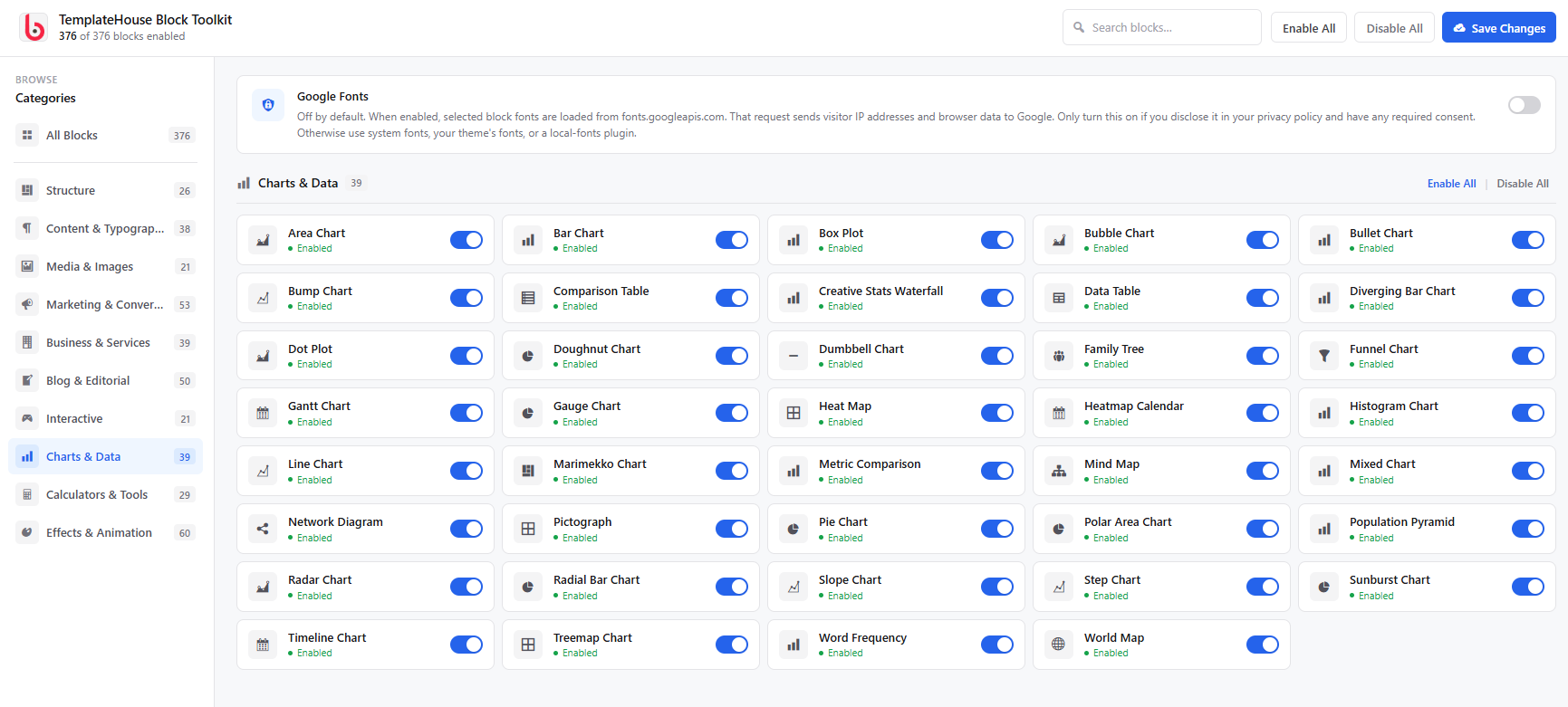
TemplateHouse Block Toolkit Admin UI Screenshot
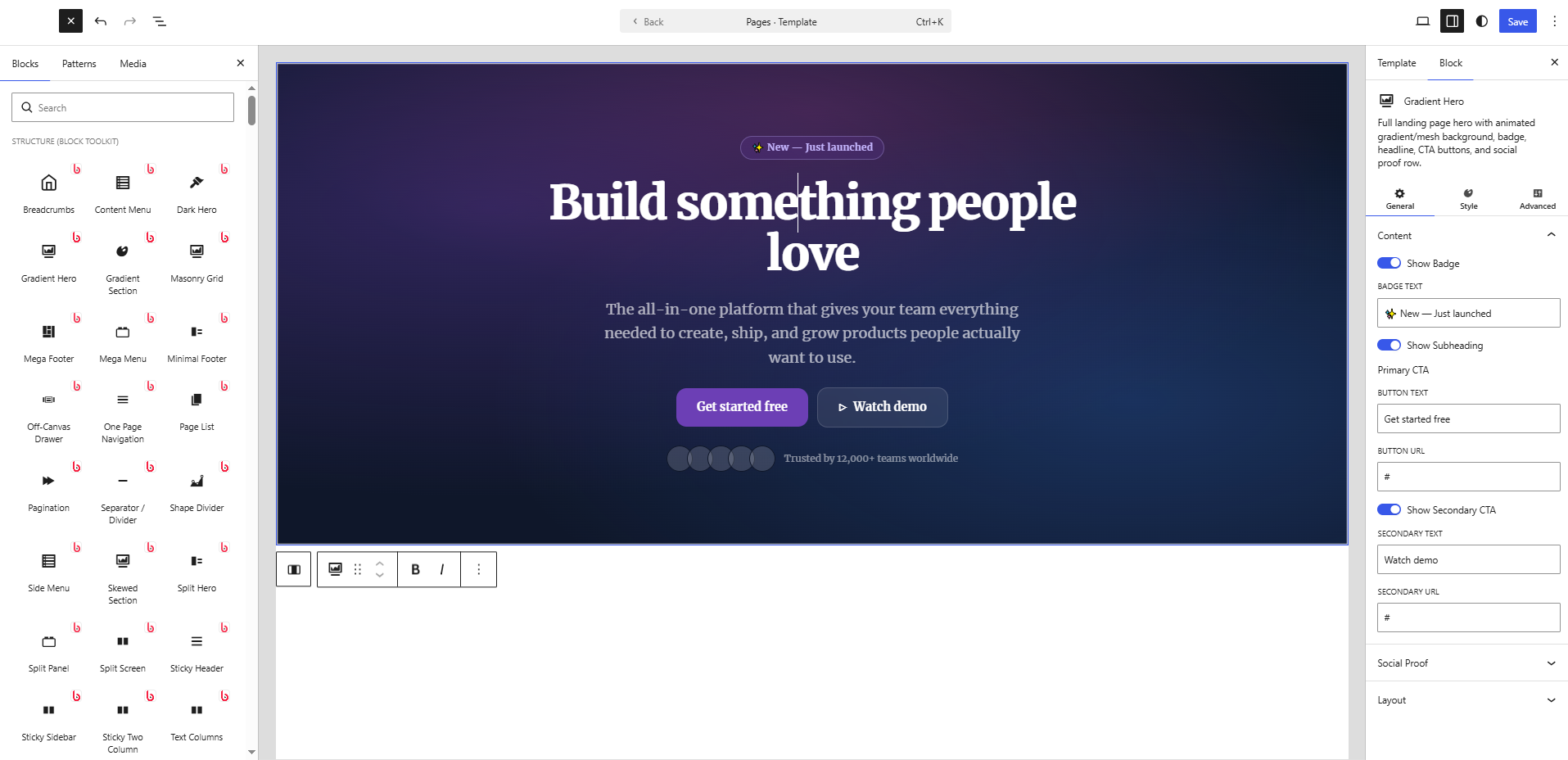
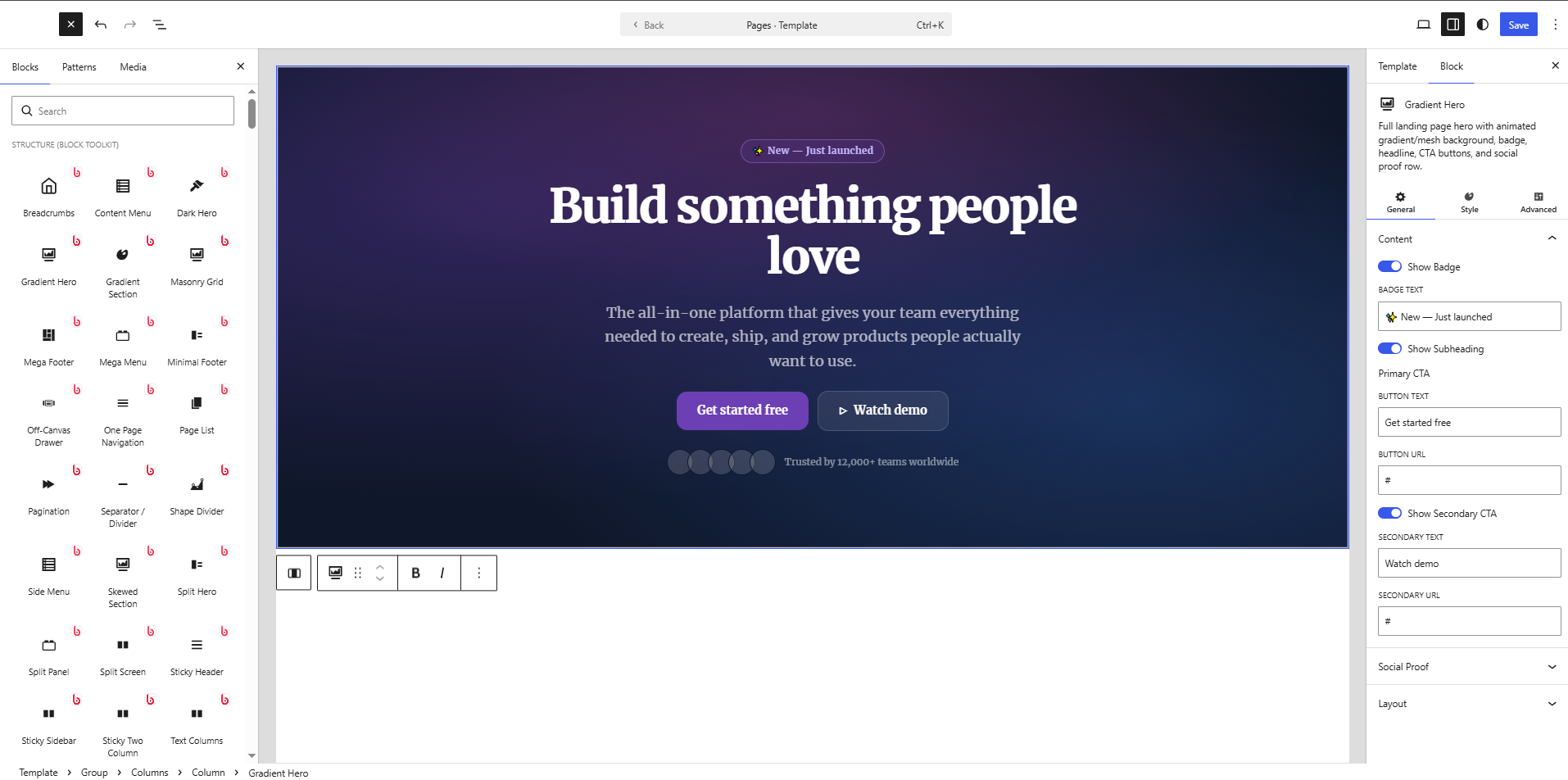
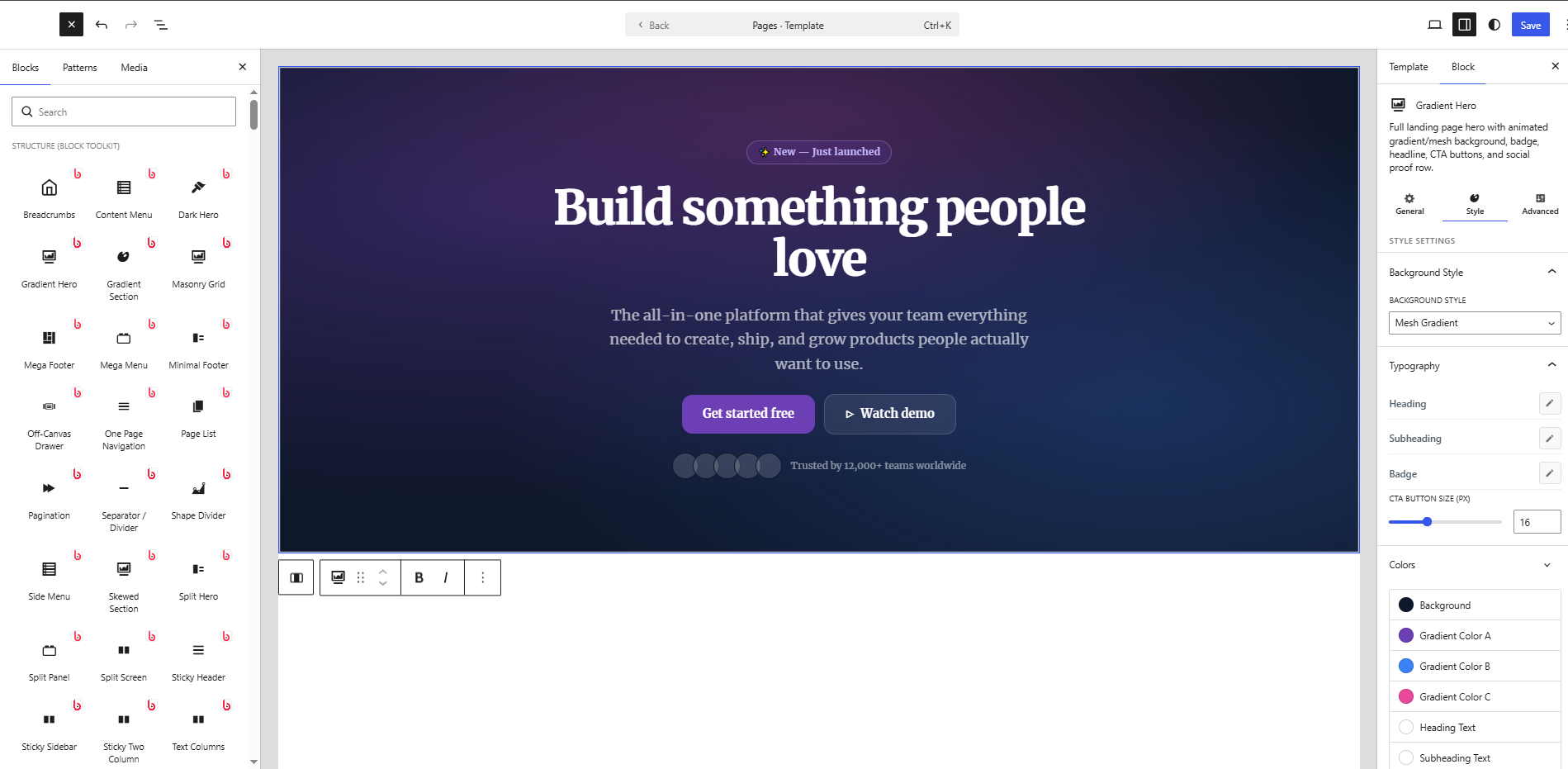
Gutenberg Editor Screenshot
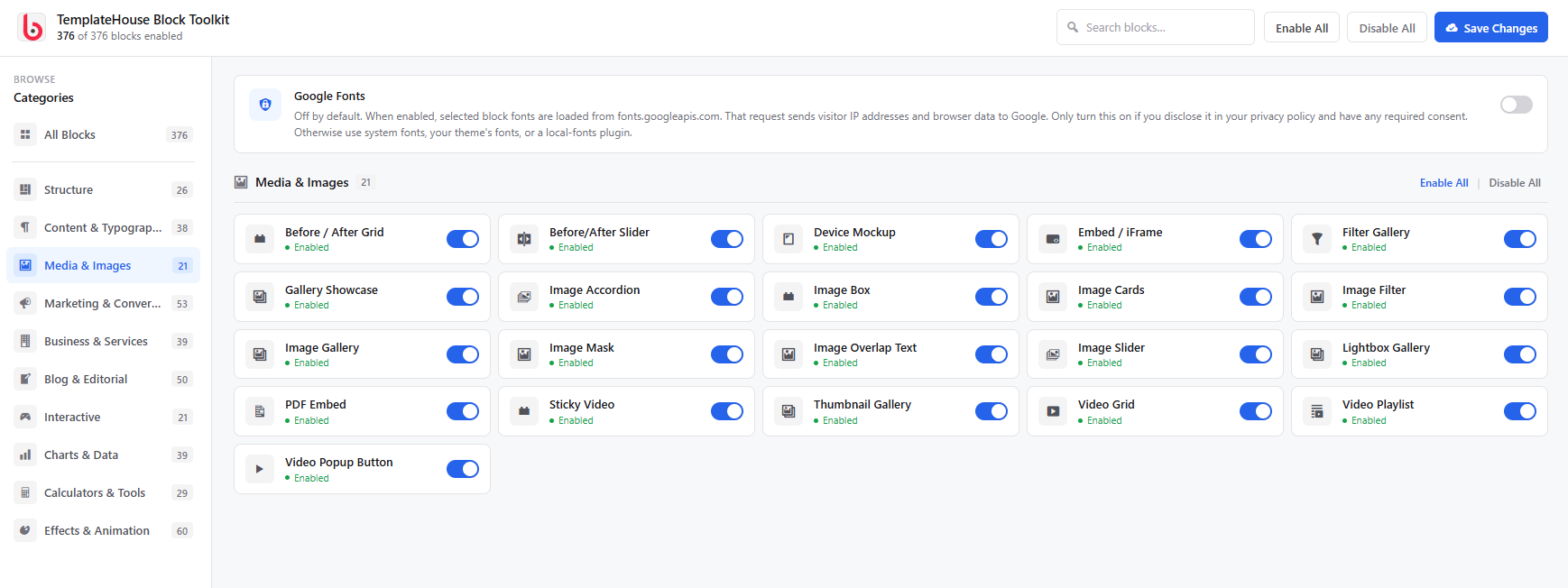
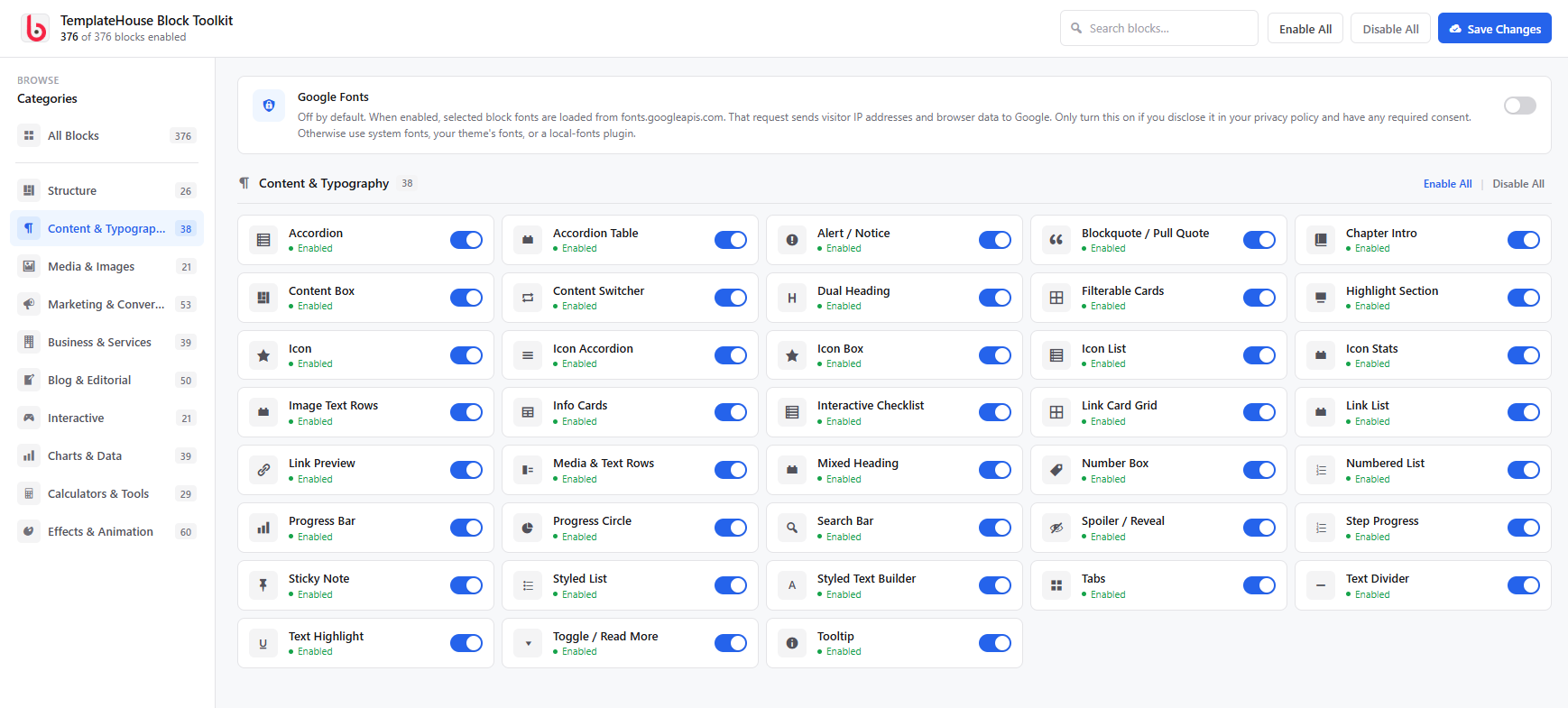
Setting Screenshot
Banner and icons