Jamesinvoicing Crypto Payments Wordpress Plugin - Rating, Reviews, Demo & Download
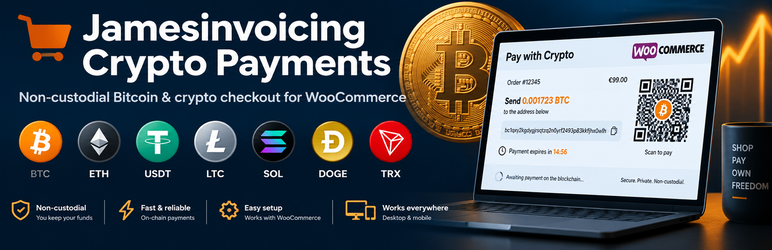
Plugin Description
Jamesinvoicing Crypto Payments connects WooCommerce to Jamesinvoicing, a self-custodial cryptocurrency payment and invoicing platform for merchants, freelancers and online stores.
Customers pay to an address derived from your own wallet (xPub) or an approved receiving address. Jamesinvoicing never holds your funds and the plugin never asks for private keys or seed phrases.
Features
- WooCommerce payment gateway, including the block-based Checkout and HPOS
- Unique receiving address for every order from your verified xPub
- Hosted payment page with QR code, live exchange rate and countdown timer
- Orders are marked paid only after real blockchain confirmations
- Signed webhooks (HMAC, timestamp and replay protection) plus a polling fallback
- Duplicate-invoice protection for retried and repeat orders
- Works with CartFlows, FunnelKit, LaunchFlows and WPFunnels when they create a standard WooCommerce order
- Shortcodes:
[jamesinvoicing_checkout amount="100" item="Consulting"]and[jamesinvoicing_invoice id="..."] - Integration and System Status screens that never display secrets
Requirements
- A free Jamesinvoicing account and API key: https://www.jamesinvoicing.com
- WooCommerce 6.0 or later for the checkout gateway
- HTTPS on your site
External services
This plugin relies on third-party services to create invoices and confirm payments. No data is sent until you add an API key in the plugin settings.
Jamesinvoicing API (https://www.jamesinvoicing.com/api/public/v1)
Used to create invoices, check payment status, verify your xPub and register the webhook endpoint. Sent when an order is placed with this payment method, during status checks (every minute for pending orders) and when you save settings: order ID, order total and currency, customer name and email, your site URL and your API key.
Terms of Service: https://www.jamesinvoicing.com/terms
Privacy Policy: https://www.jamesinvoicing.com/privacy
CoinGecko API (https://api.coingecko.com)
Used to display the live USD/BTC exchange rate. Only a price request is sent; no customer or order data.
Terms: https://www.coingecko.com/en/terms
Privacy Policy: https://www.coingecko.com/en/privacy
Blockchain explorers (mempool.space, blockchair.com, etherscan.io, bscscan.com, tronscan.org, solscan.io, xmrchain.net)
Only linked from the order screen so you can view a transaction. Nothing is sent unless you click the link. Each site’s own terms and privacy policy apply.
Third-party libraries
- QRCode.js by davidshimjs — MIT License — https://github.com/davidshimjs/qrcodejs (bundled as assets/js/qrcode.min.js; source at the link above).
Screenshots
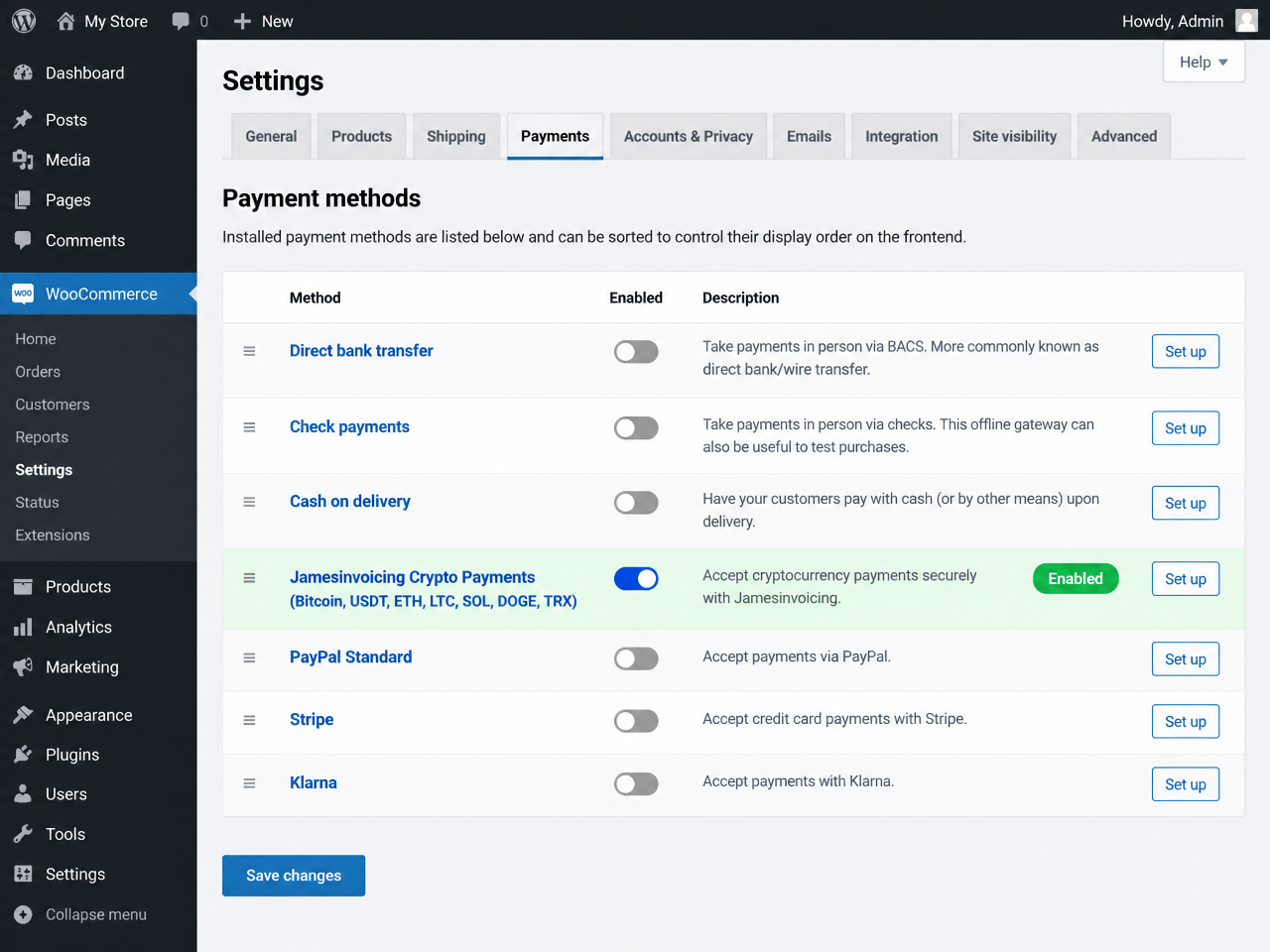
Enable Jamesinvoicing Crypto Payments in WooCommerce > Settings > Payments.
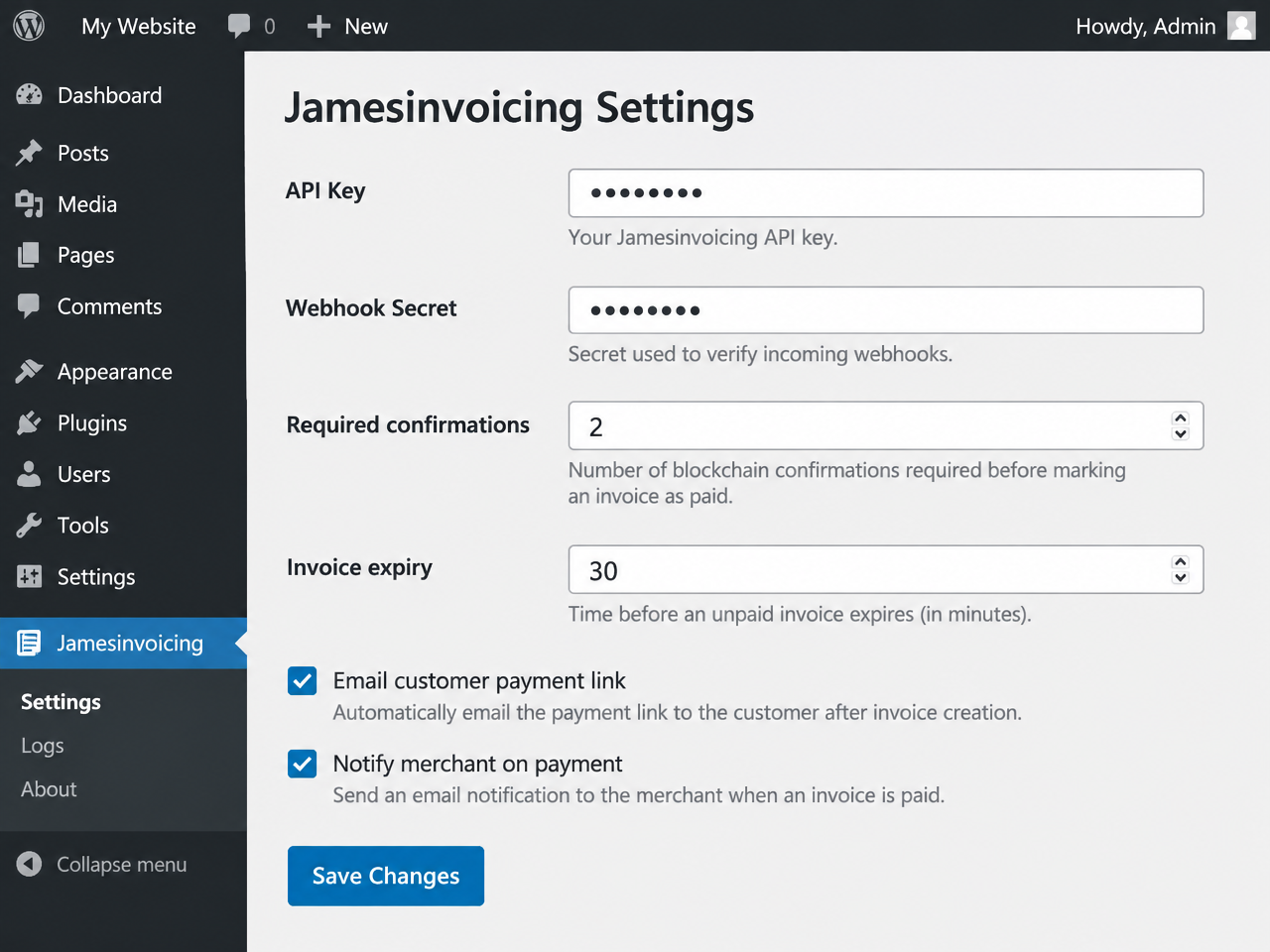
Plugin settings: API key, webhook secret, confirmations, expiry and notifications.
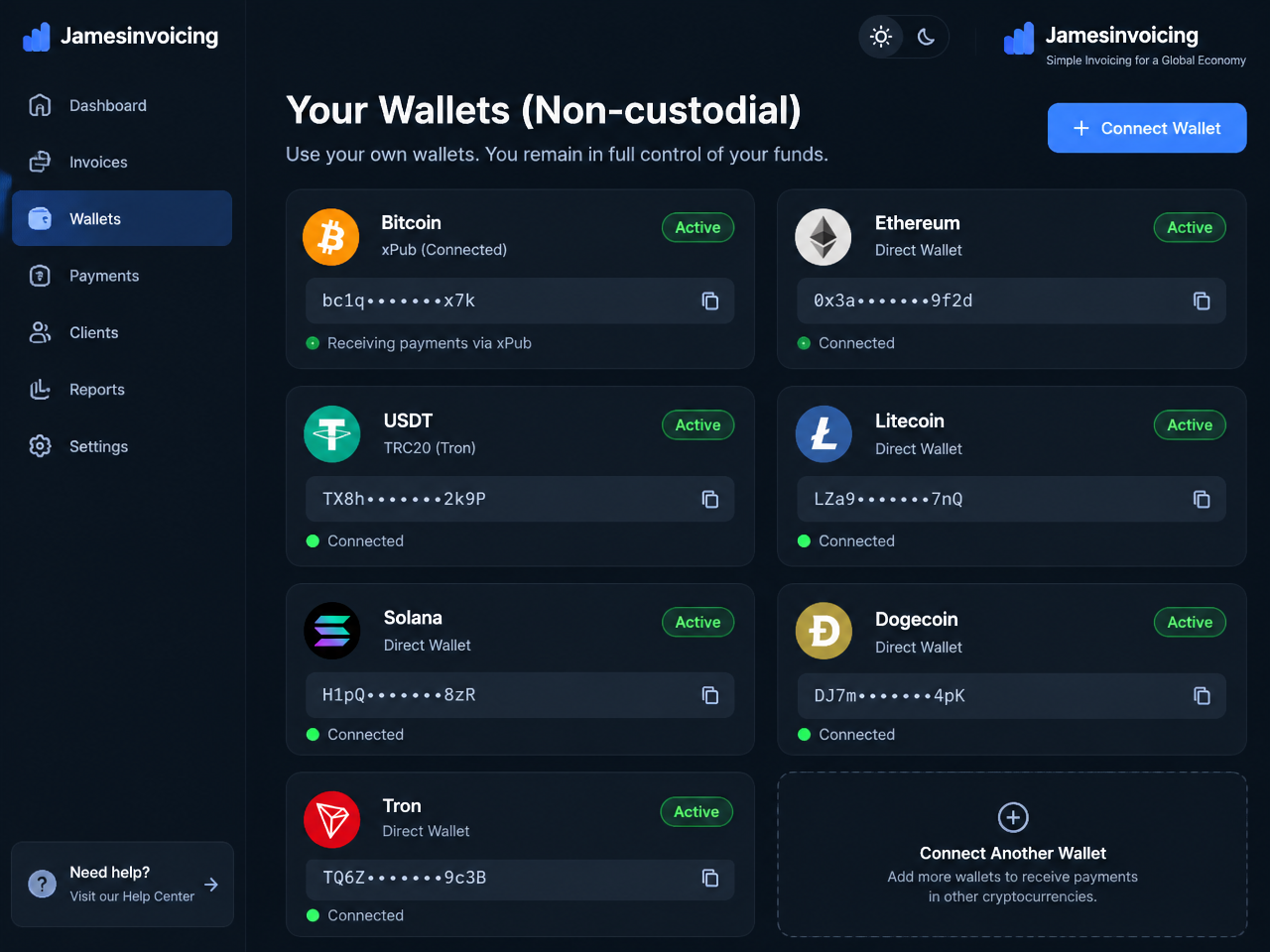
Non-custodial wallets and xPub for BTC, ETH, USDT, LTC, SOL, DOGE and TRX.
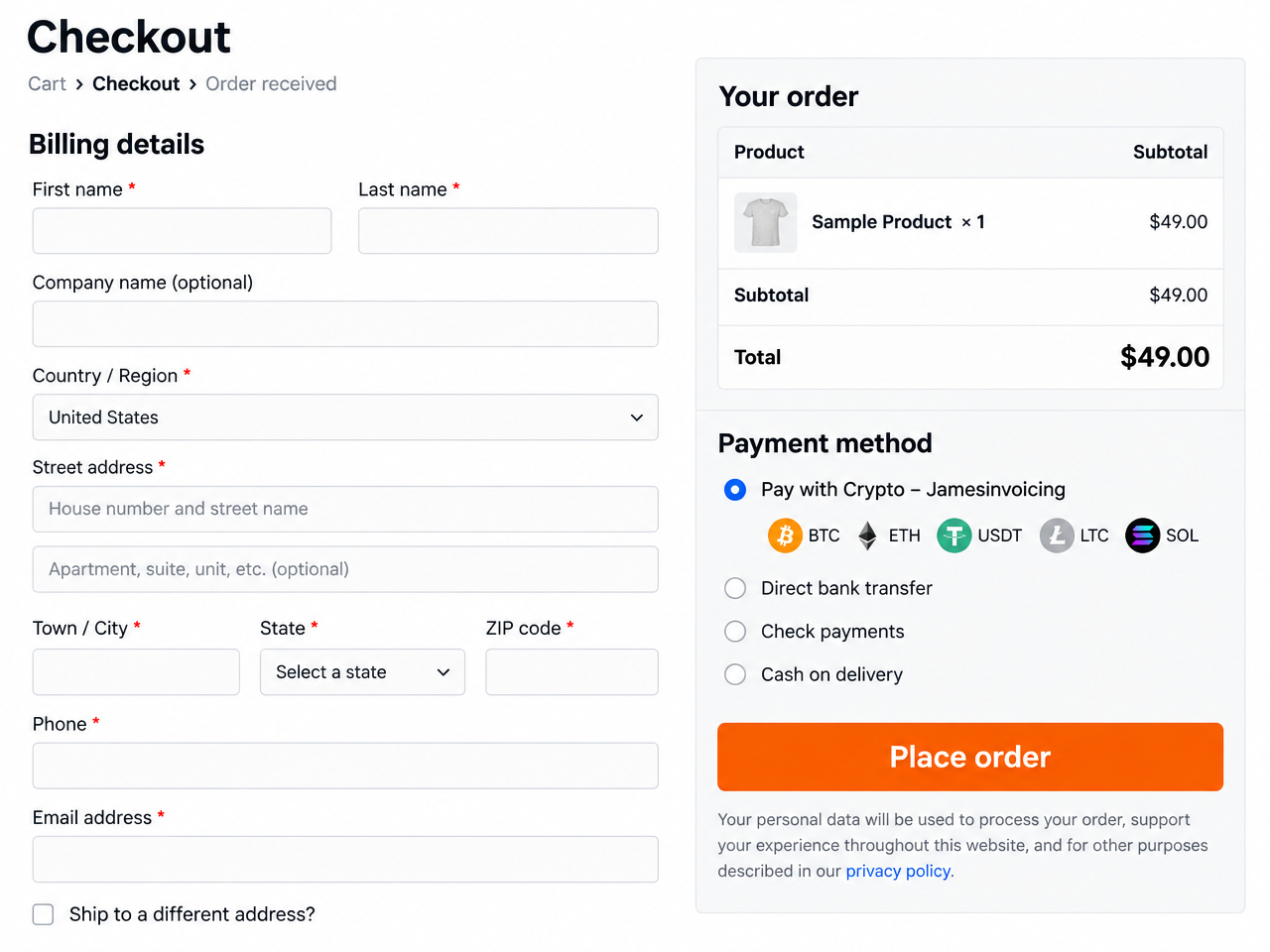
Customers choose “Pay with Crypto” at checkout.
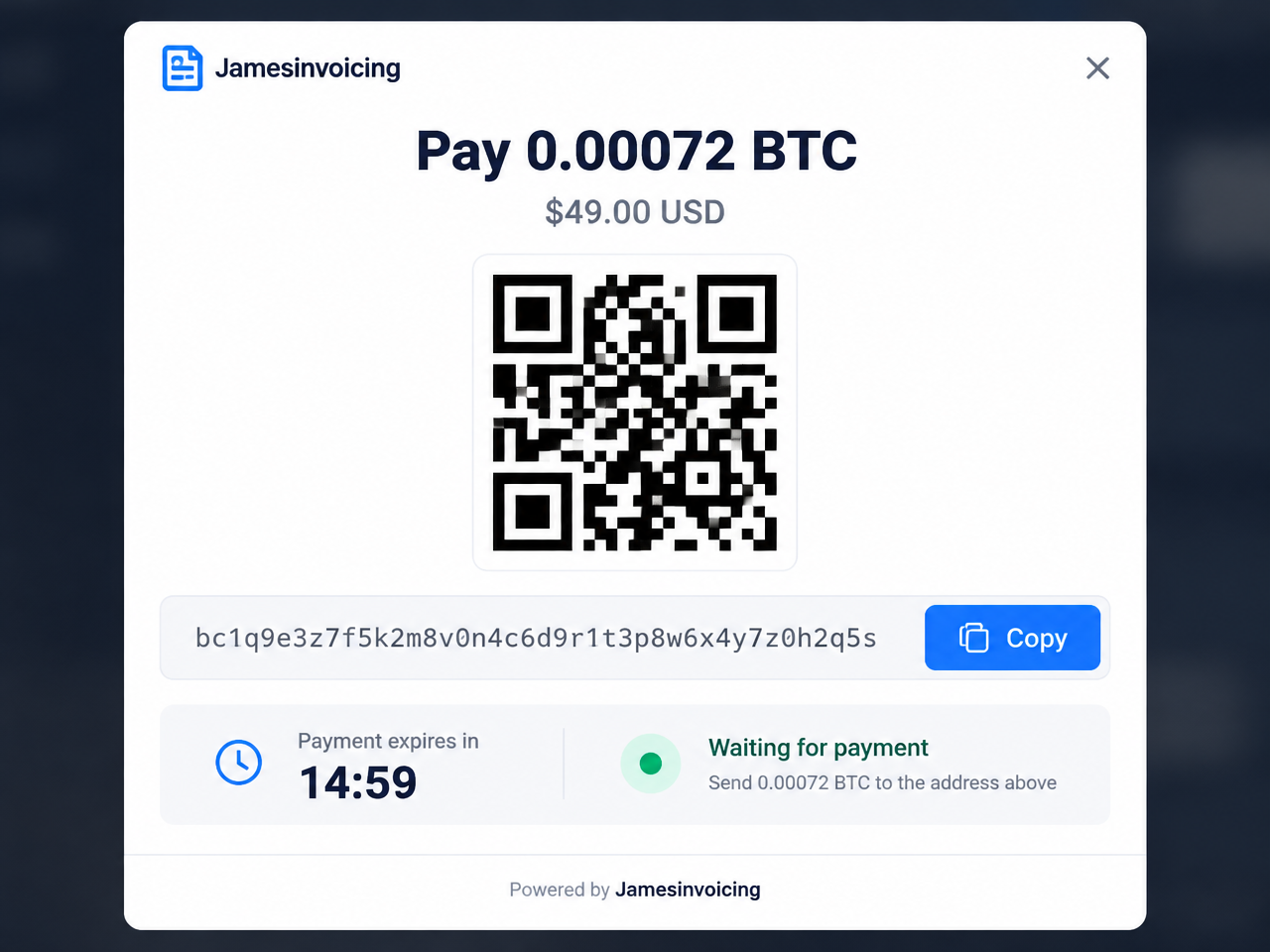
Hosted invoice with QR code, copyable address and countdown.
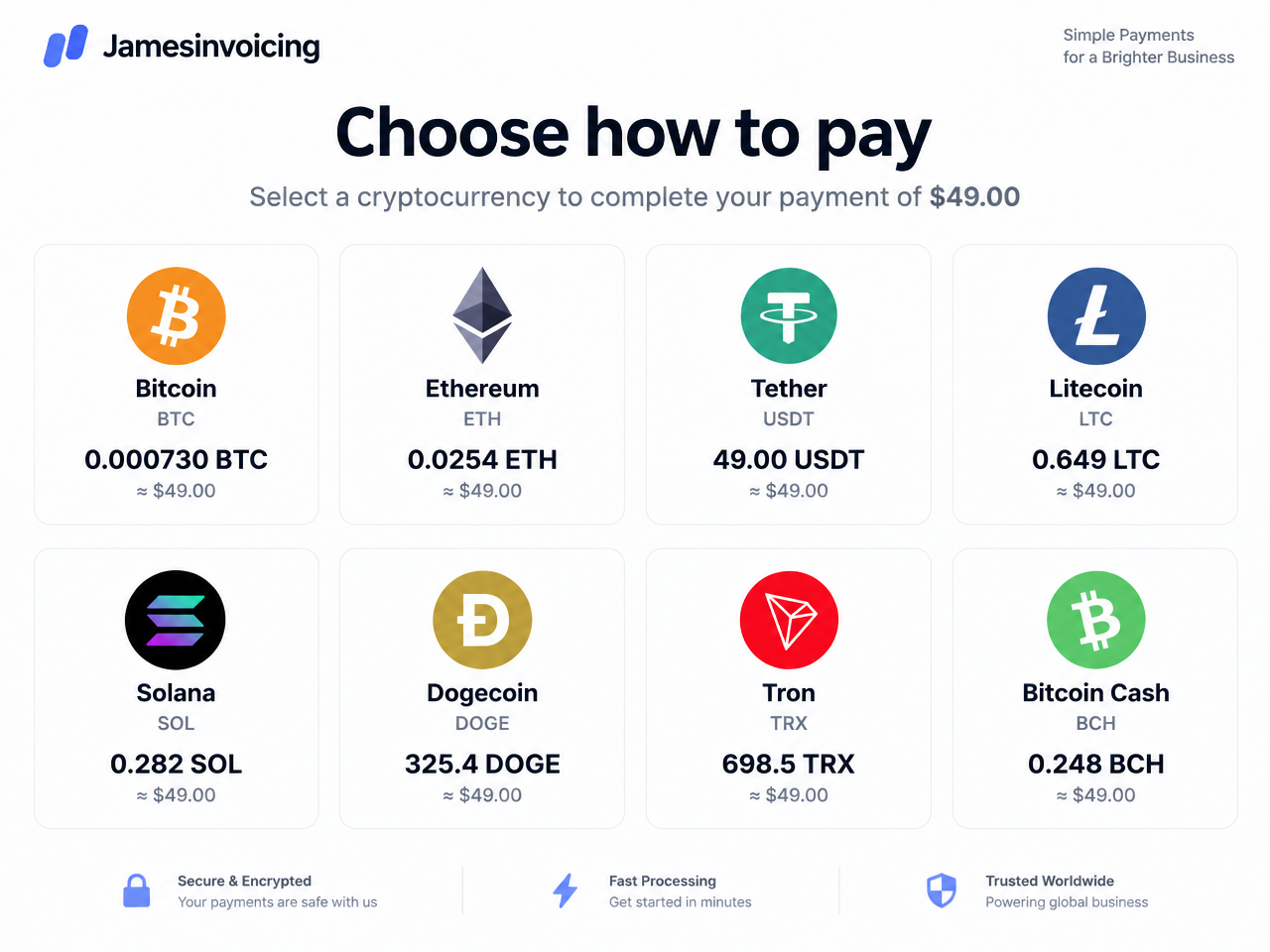
Buyers choose which cryptocurrency to pay with.
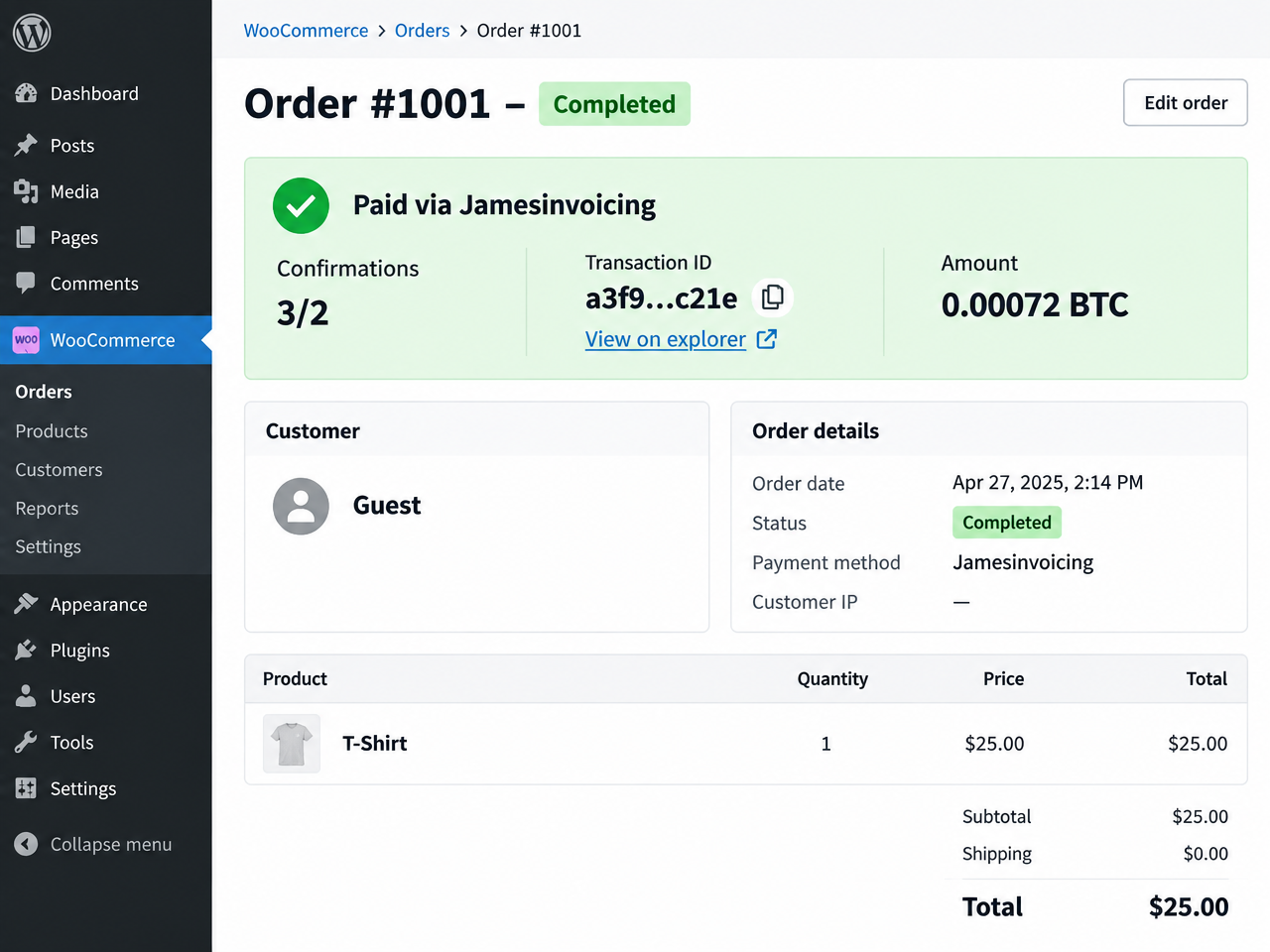
Order marked Completed after blockchain confirmation, with transaction link.
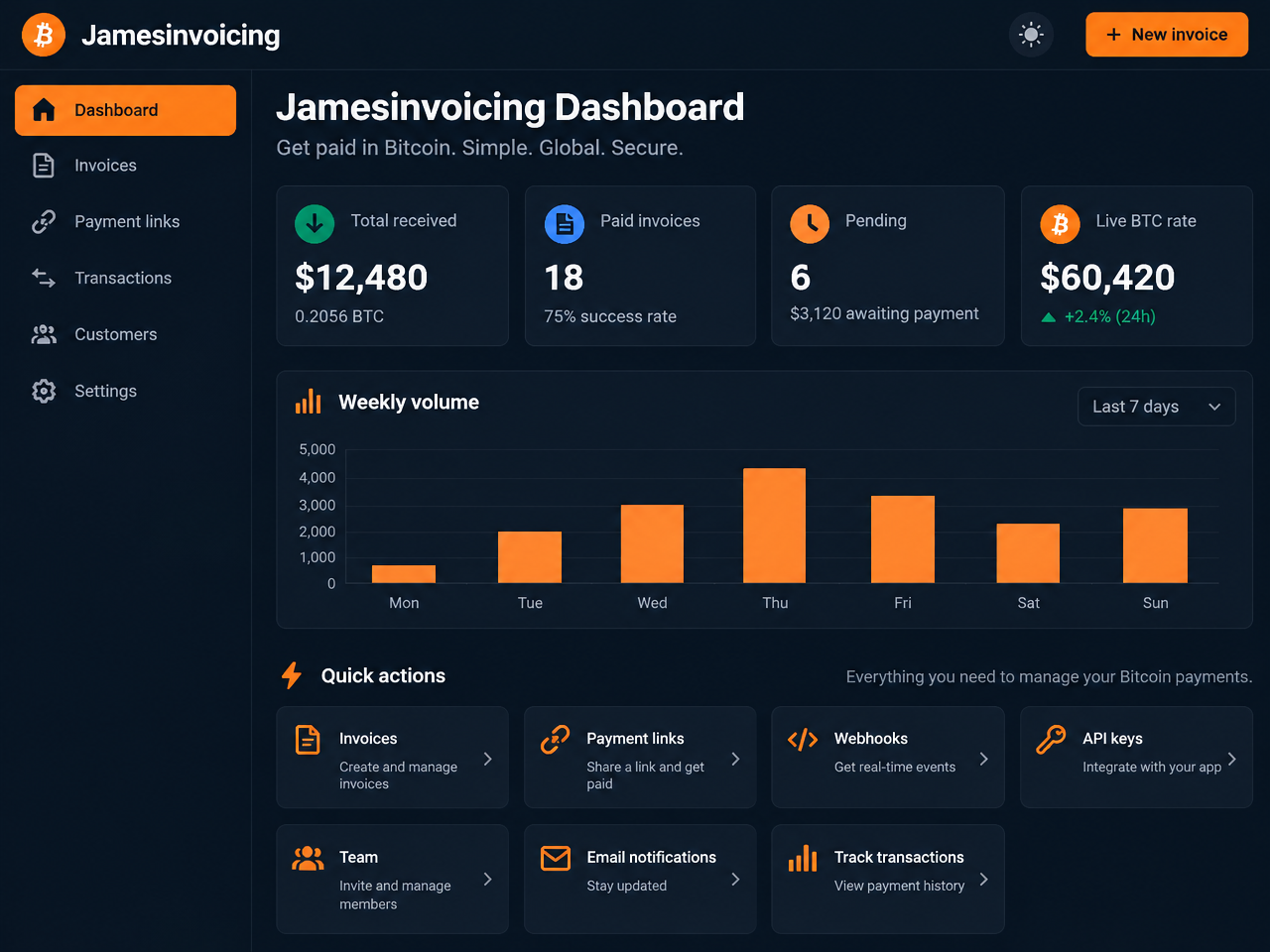
Merchant dashboard: invoices, payment links, webhooks, API keys, team and notifications.