ASB Connect For LINE Wordpress Plugin - Rating, Reviews, Demo & Download
Plugin Description
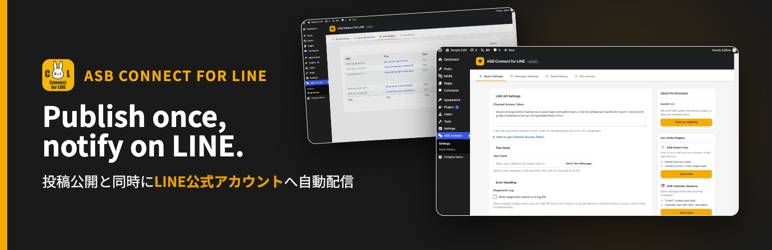
ASB Connect for LINE links WordPress to the LINE Messaging API. When a standard post is published, it broadcasts the post’s title, a short excerpt and its link to the friends of your LINE Official Account.
Features
- Automatic notification when a standard post is published, including scheduled posts and posts published through the REST API
- A predictable message: the post title, an excerpt of up to 100 characters, then the link
- A “Send a message to LINE” box on every post, in the Block Editor and the Classic Editor, with a site-wide default for new posts
- A test message to your own LINE account
- Send history with the result of every notification, and an optional diagnostic log
- Password-protected posts are announced with their title and link only
Pro edition
A separately sold Pro plugin adds a message layout of your own, featured images, pages and custom post types, a category and tag filter, automatic retry with an error email, history search and CSV export, and LINE Login with member management and targeted messages. Nothing in this plugin is switched off or waiting for it.
External services
The plugin connects to third-party services only after the corresponding feature is configured and used.
LINE Messaging API
The plugin uses the LINE Messaging API to deliver notifications. When a post is published with “Send a message to LINE” ticked, it sends the message text (the post title, a short excerpt and the post URL) to LINE together with the Channel Access Token you saved, and LINE broadcasts it to the friends of your LINE Official Account. When you press “Send Test Message”, it sends a short test text to the LINE user ID you typed. Nothing is sent before a Channel Access Token has been saved.
Service endpoint: https://api.line.me/
Terms: https://terms2.line.me/LINE_Developers_Agreement
Privacy policy: https://www.lycorp.co.jp/en/company/privacypolicy/
Trademarks
LINE is a trademark of LY Corporation. This plugin is an independent product of Asobit LLC and is not affiliated with, endorsed, or sponsored by LY Corporation.
Screenshots
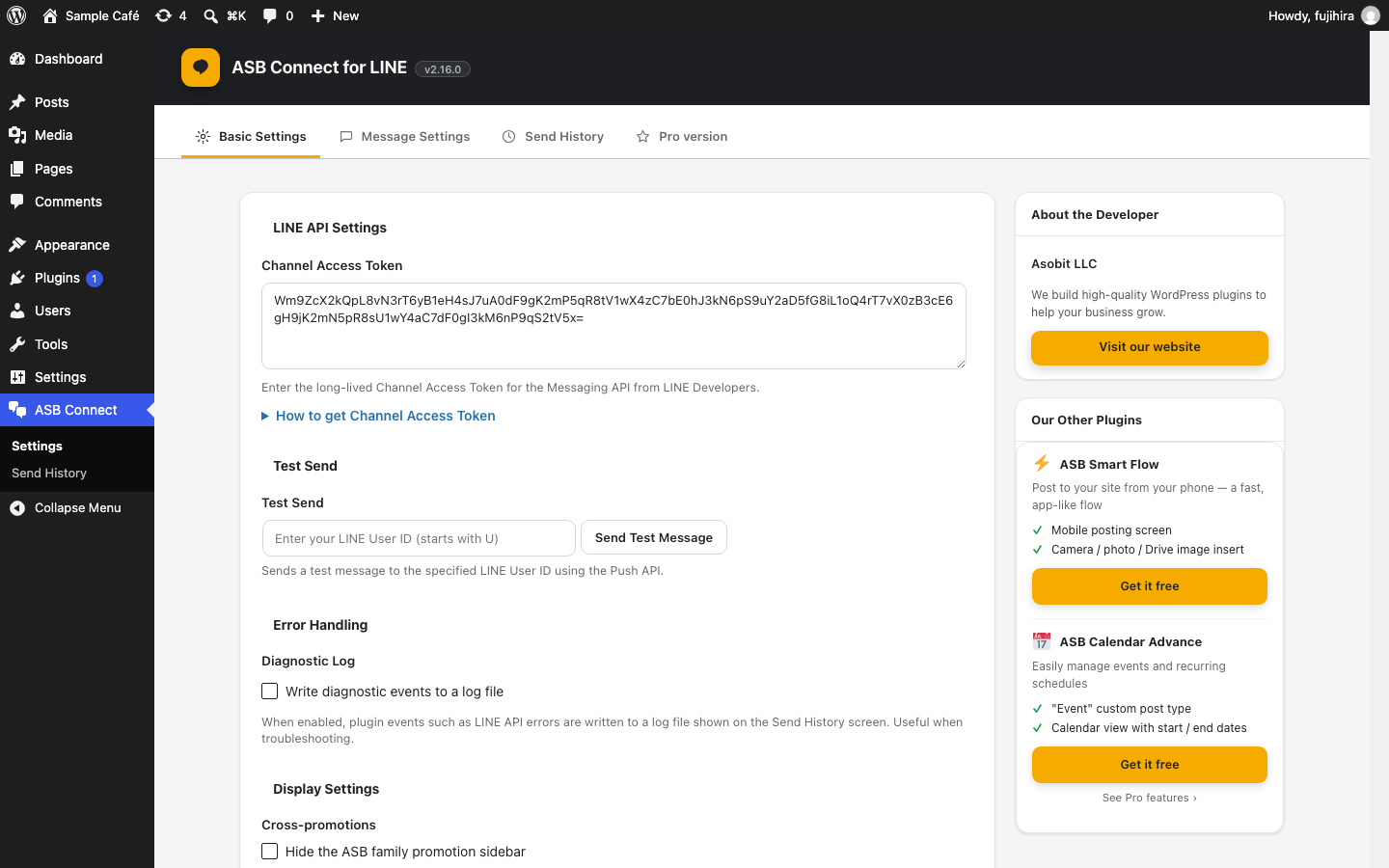
Basic Settings: the Channel Access Token, a test message and the diagnostic log.
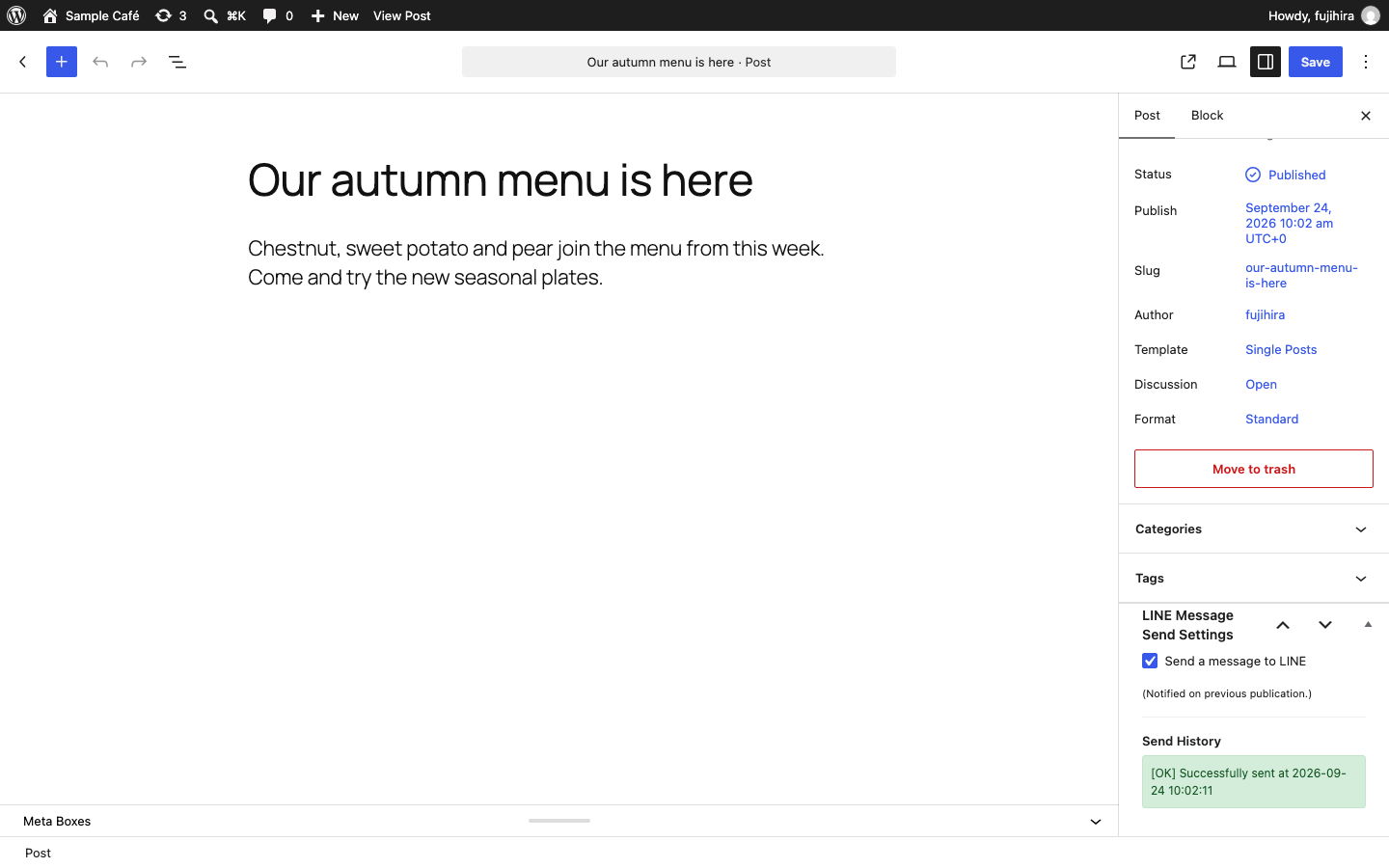
The “Send a message to LINE” box in the Block Editor, with the result of the last send.
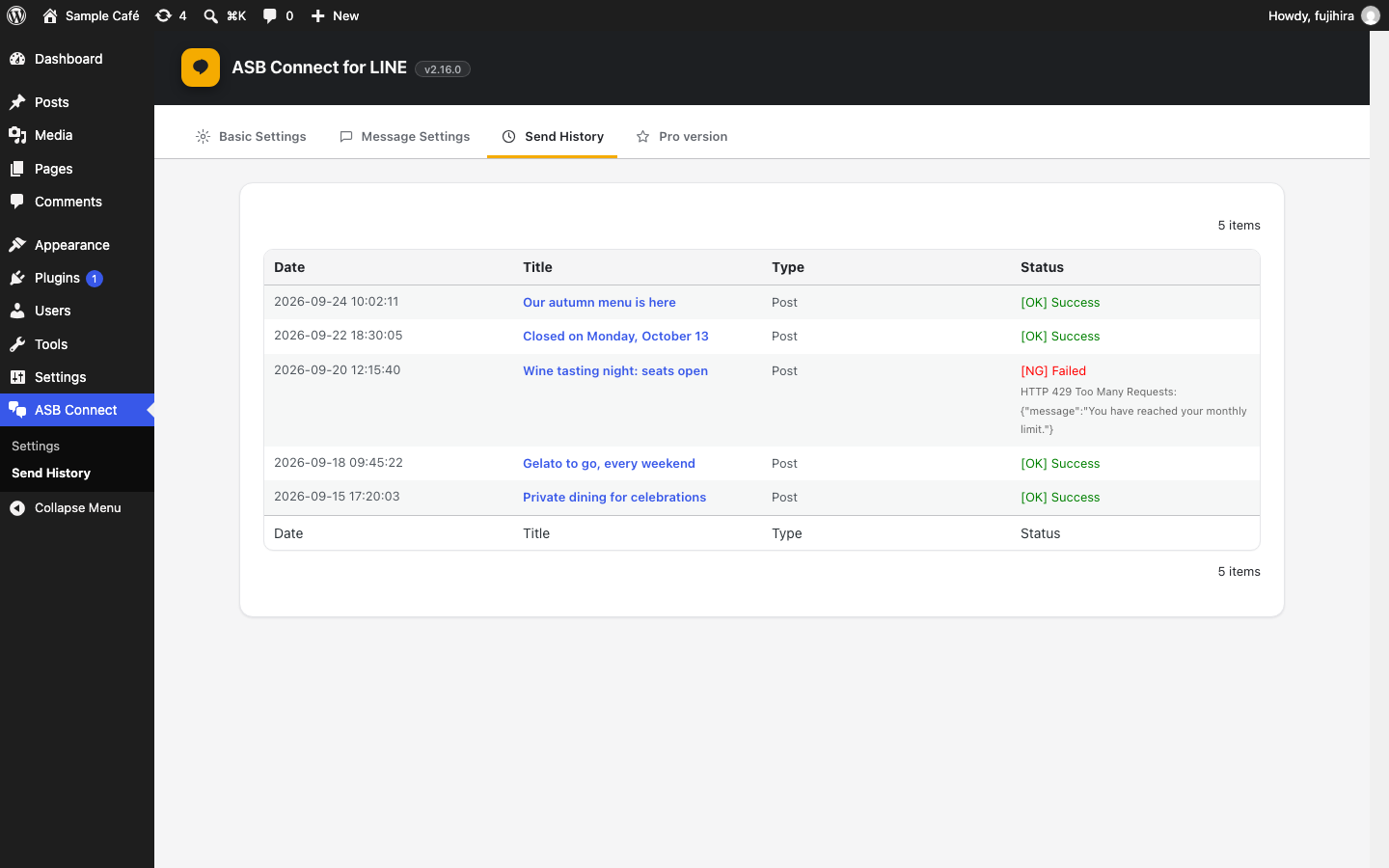
Send history with the result of every notification.
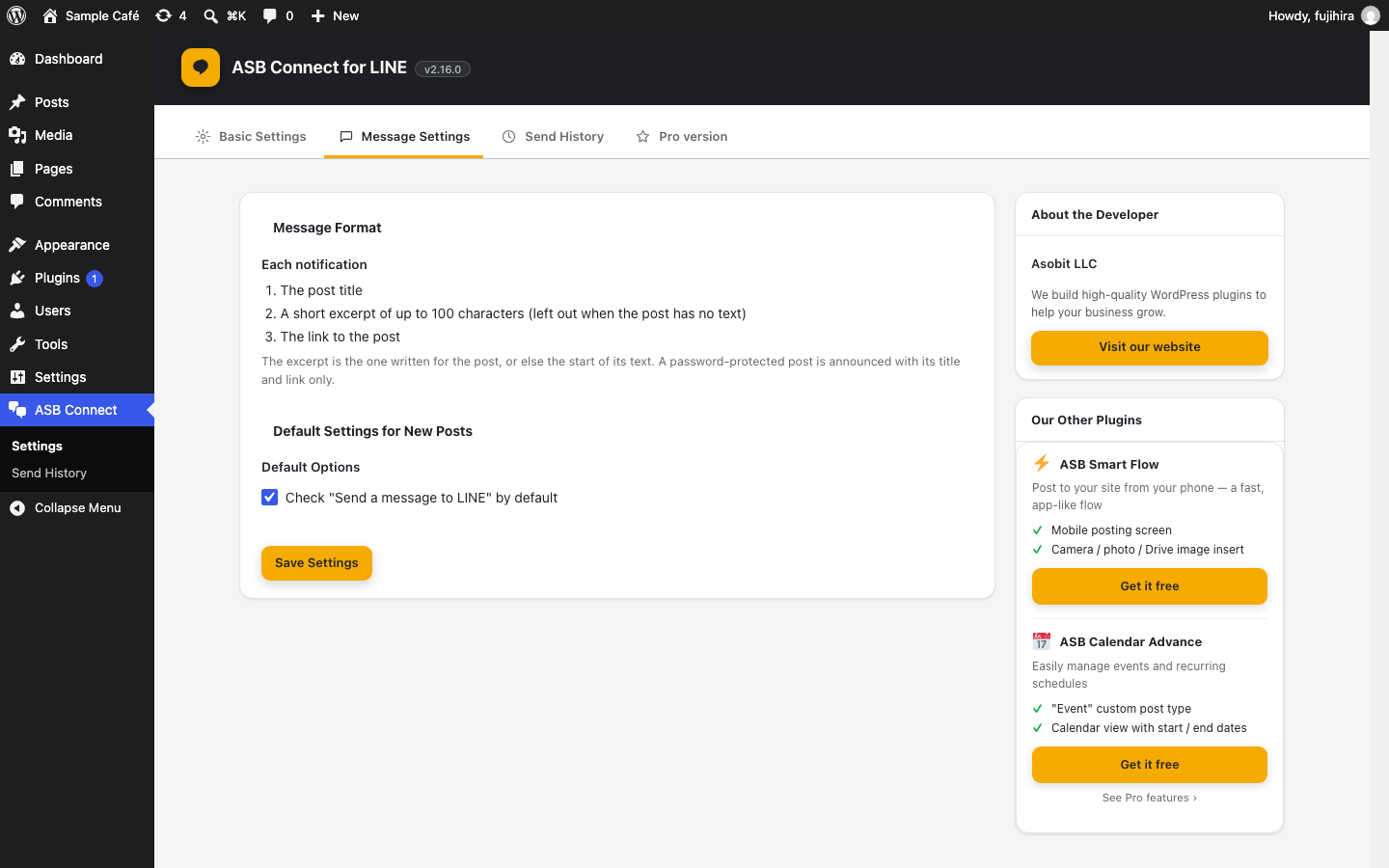
Message Settings: the notification format and the default for new posts.