Fusion64 Product Quote Requests For WooCommerce Wordpress Plugin - Rating, Reviews, Demo & Download
Plugin Description
Some products don’t have a fixed price: bulk orders, wholesale buyers, custom sizes, trade customers. Fusion64 Product Quote Requests lets shoppers collect several products in a quote list and send it to you with their details.
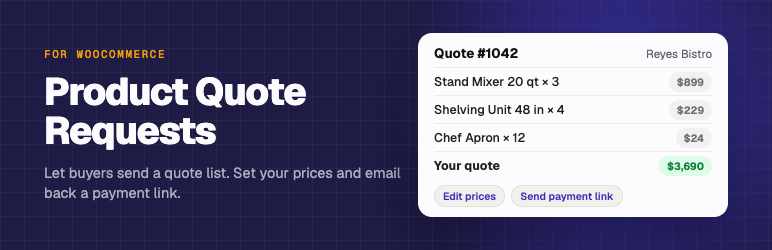
Each request is saved as a normal WooCommerce order with the status Quote requested, so there is nothing new to learn. Open it, change the prices, add shipping if needed, and choose Send quote to customer. The customer gets the standard WooCommerce invoice email with a link to pay online.
Features
- “Request a quote” button on product pages, for all products, chosen categories, or single products
- Two modes: quote button next to Add to cart, or quote only (hides the price and Add to cart button)
- Quote list with several products, quantities and variations
- Simple form: name and email, plus phone, company and message (each optional, required or hidden)
- Email to the shop for every request, with an optional copy to the shopper
- Quotes are WooCommerce orders: edit prices, then send a payment link in one click
- Quote requests are kept out of WooCommerce Analytics revenue until they are paid
- Spam protection without a CAPTCHA (hidden honeypot field and an hourly limit per visitor)
- Works with classic and block themes, and with High-Performance Order Storage (HPOS)
How it works
- A shopper clicks “Request a quote” on a product. It goes into their quote list.
- On the Request a Quote page they adjust quantities, fill in the form and send it.
- You get an email. The request appears under WooCommerce > Orders as “Quote requested”.
- Edit the prices, click Recalculate, then pick “Send quote to customer” in Order actions.
- The customer pays through your normal checkout. The order continues like any other.
For developers
Filters: f64raq_enabled_for_product, f64raq_quote_only, f64raq_supported_types, f64raq_form_fields, f64raq_validate, f64raq_hourly_limit.
Actions: f64raq_before_quote_saved, f64raq_quote_created, f64raq_quote_sent, f64raq_form_before_submit, f64raq_settings_after, f64raq_save_settings.
Screenshots

Quote settings under WooCommerce > Settings > Quotes.

The quote list and request form.

A quote request in WooCommerce > Orders, ready to price and send.