
Sepehr UI Wordpress Plugin - Rating, Reviews, Demo & Download
Plugin Description
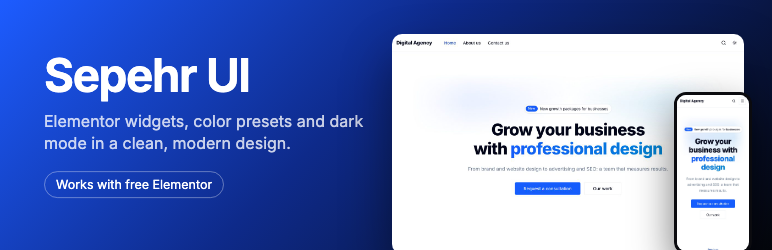
Sepehr UI gives Elementor a consistent, modern look. Pick your colors once, and every widget, page and post follows them, in light and dark mode.
- 18 widgets: Hero, Section Heading, Feature Grid, Card, Button, Badge, Alert, Accordion with FAQ data, Tabs, Stats, Steps, Testimonials, Call to Action, Contact Info, Social Links, Recent posts, Logo and Dark Mode Toggle.
- Design tokens driven by Elementor Site Settings: Global Colors, plus a Design System tab for corners, shadows and the dark palette.
- Appearance Customize Sepehr: every color, fonts, corners and shadows, with live preview.
- 3 presets and 2 starter sites with translatable sample content.
- Light, dark and system color modes without flashing.
- Any language, left to right or right to left. Bundled fonts load from your own server; Google Fonts stay available.
- Works with any theme, including the free Sepehr theme.
Sepehr Pro is a separate plugin that adds forms, a menu widget, header and footer templates, a slider, live search and more. Learn more at https://technello.com/sepehr
Credits
Starter site cover images (assets/starter): own work, CC0.
shadcn/ui (MIT, https://ui.shadcn.com), Lucide (ISC, https://lucide.dev), Simple Icons (CC0, https://simpleicons.org), Embla Carousel (MIT, https://www.embla-carousel.com), Tailwind CSS palette values (MIT, https://tailwindcss.com).
Fonts, SIL Open Font License 1.1: Inter, Manrope, Lora, Vazirmatn, Estedad, Lalezar (licence files in assets/build/fonts).
Screenshots

A starter site built only with the free widgets.

The same site in dark mode. Visitors can switch between light, dark and their system setting.

The magazine starter, with the latest and featured articles.

The Sepehr page: apply a color preset or import a starter site.

Colors, fonts, corners and shadows in the Customizer, with live preview.

The starter site on a phone.


