
AbiliZen – AI Abilities Manager Plugin for Wordpress MCP - Rating, Reviews, Demo & Download
Plugin Description
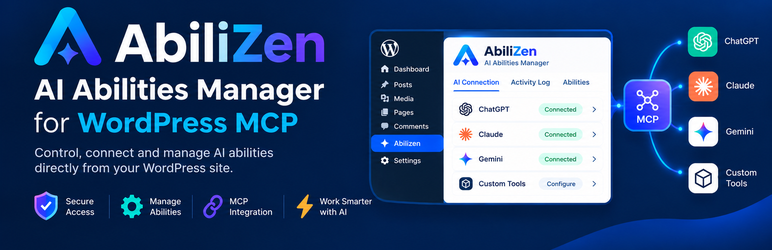
AbiliZen gives you a simple dashboard to control which WordPress Abilities are available to AI assistants.
WordPress 6.9 introduced the Abilities API, letting core and plugins register discrete, schema-described capabilities (an “ability” — read a post, create a page, get site info, and so on). The MCP Adapter exposes
those abilities to AI clients over the Model Context Protocol (MCP). AbiliZen sits on top of both:
- Abilities tab — every ability currently registered on the site is read live via
wp_get_abilities()and shown in one dashboard, grouped by category, with a toggle to enable or disable each one. Nothing is
hard-coded: whatever core or your other active plugins register shows up automatically. - AI Connection tab — a step-by-step walkthrough for connecting an MCP client (Claude Desktop, Claude Code, Cursor, VS Code, or any other MCP-compatible assistant) to this site, including live status checks and
ready-to-copy configuration snippets. - Logging tab — every call an AI assistant makes to the MCP endpoint is recorded: who made it, which ability it targeted, and whether it succeeded.
Authentication
AbiliZen only supports WordPress Application Passwords for authenticating MCP clients. There is no separate API key, token, or OAuth flow to configure or trust — an AI assistant connects as a real
WordPress user over HTTPS and is limited to exactly what that user’s role and capabilities allow, the same as any other Application Password integration.
Requirements
- WordPress 6.9+ (ships the Abilities API in core)
- The MCP Adapter plugin, active
- Application Passwords available on the site (on by default over HTTPS)
Screenshots
No screenshots provided


