AF Translate Wordpress Plugin - Rating, Reviews, Demo & Download
Plugin Description
Stop downloading language files over FTP just to fix a single broken string in Poedit.
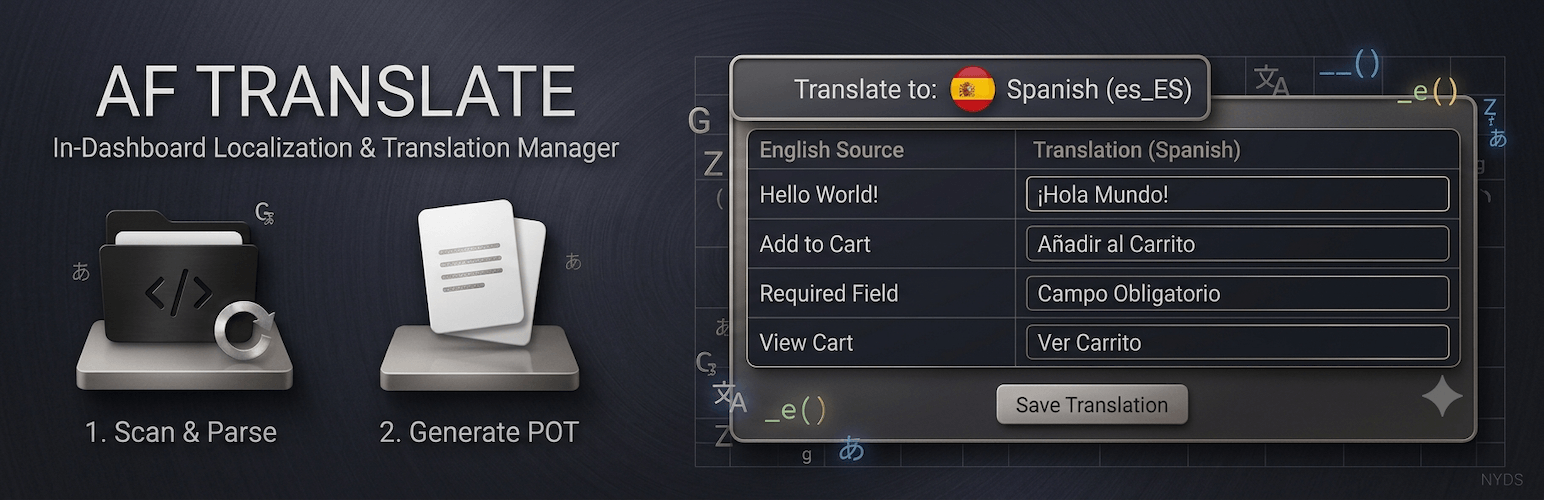
AF Translate eliminates the friction of traditional WordPress localization. Built for developers, translation managers, and agencies, it provides a safe, internal workspace to scan your codebase, compile translation templates, and edit strings natively inside your WordPress administration panels.
The Problems AF Translate Solves For You:
- No More Desktop Bottlenecks: Skip the endless loop of downloading source files, running external software, compiling binary
.mooutputs, and re-uploading via FTP. Translate on-the-fly right inside your browser. - Immunity to Update Data Loss: Standard translations stored inside theme or plugin folders get permanently wiped out during core repository updates. AF Translate safely isolates your custom translation work in a protected directory, keeping your assets intact forever.
- Absolute Performance Protection: Most translation and multilingual utilities heavily overload your database and front-end scripts, devastating your Core Web Vitals. AF Translate operates exclusively inside the admin dashboard (
is_admin()), loading exactly zero scripts, styles, or queries on your public-facing site. - Bulletproof Codebase Scanning: Powered by an intelligent lexical syntax tokenizer engine, the built-in scanner handles everything from traditional assets to modern block structures (like Twenty Twenty-Five) flawlessly, completely bypassing server-level regex tracking limits.
Configuration & Usage Guide
Manage your localization assets in minutes:
- Target Your Project: Open the AF Translate dashboard matrix and choose the active theme or plugin you need to modify.
- Instant Codebase Crawl: Run the scanner to instantly map out all translatable text blocks embedded inside your target extension’s source directories.
- Establish Your Baseline: If the extension lacks a core fallback mapping file, click Generate POT to instantly compile a fresh, clean translation standard template.
- Translate Side-by-Side: Add a native language locale tracker or initialize a custom one. Use the responsive edit matrix to fill out localized rows with clear contextual file lookups.
- Secure the Build: Save your translations. The system automatically updates the
.posource datasets and compiles clean, production-ready binary.moassets instantly on your disk.
Screenshots
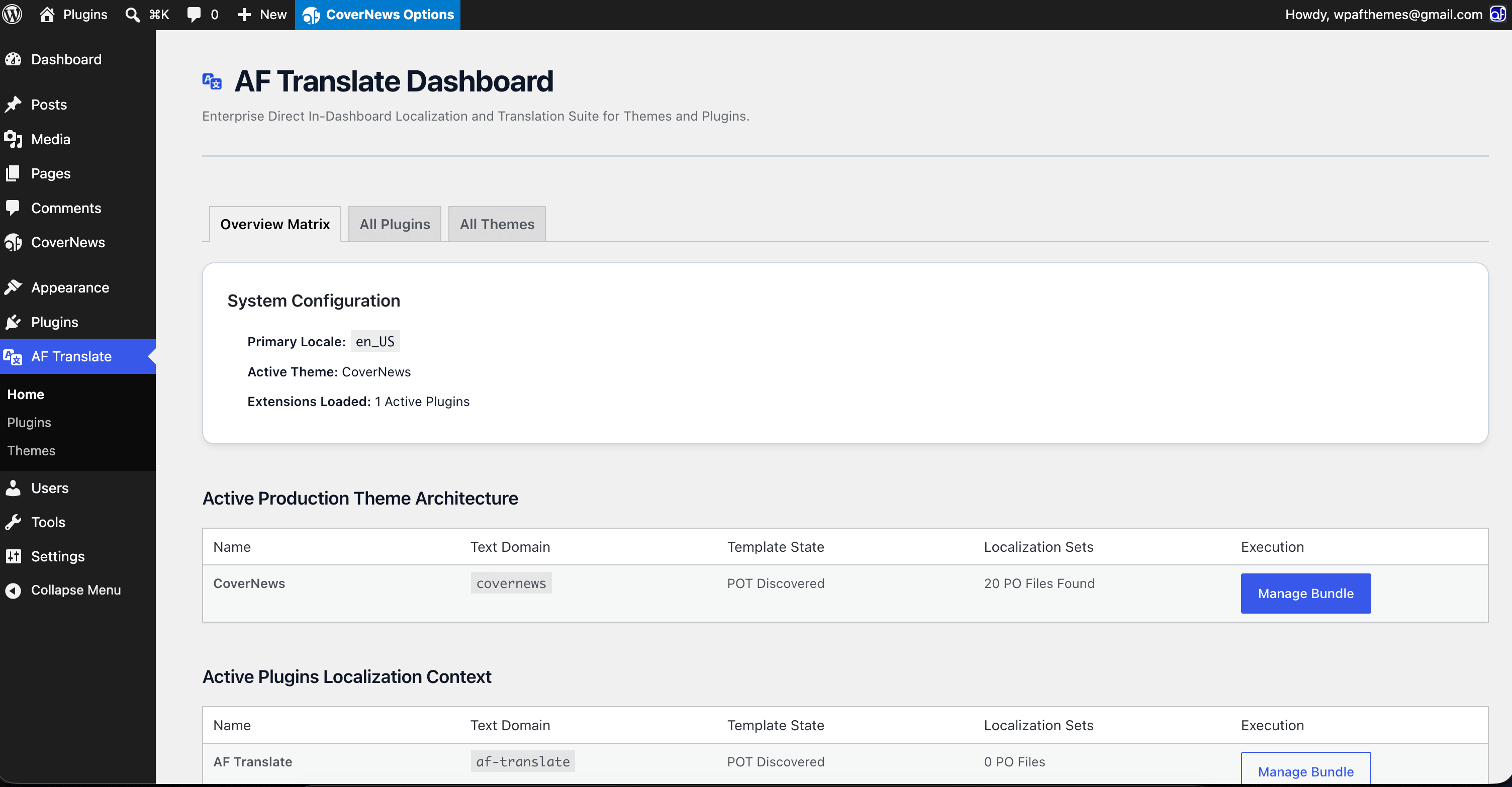
Project Dashboard Matrix: Overview of active themes, plugins, localized translation sets, progress metrics, and string lists.
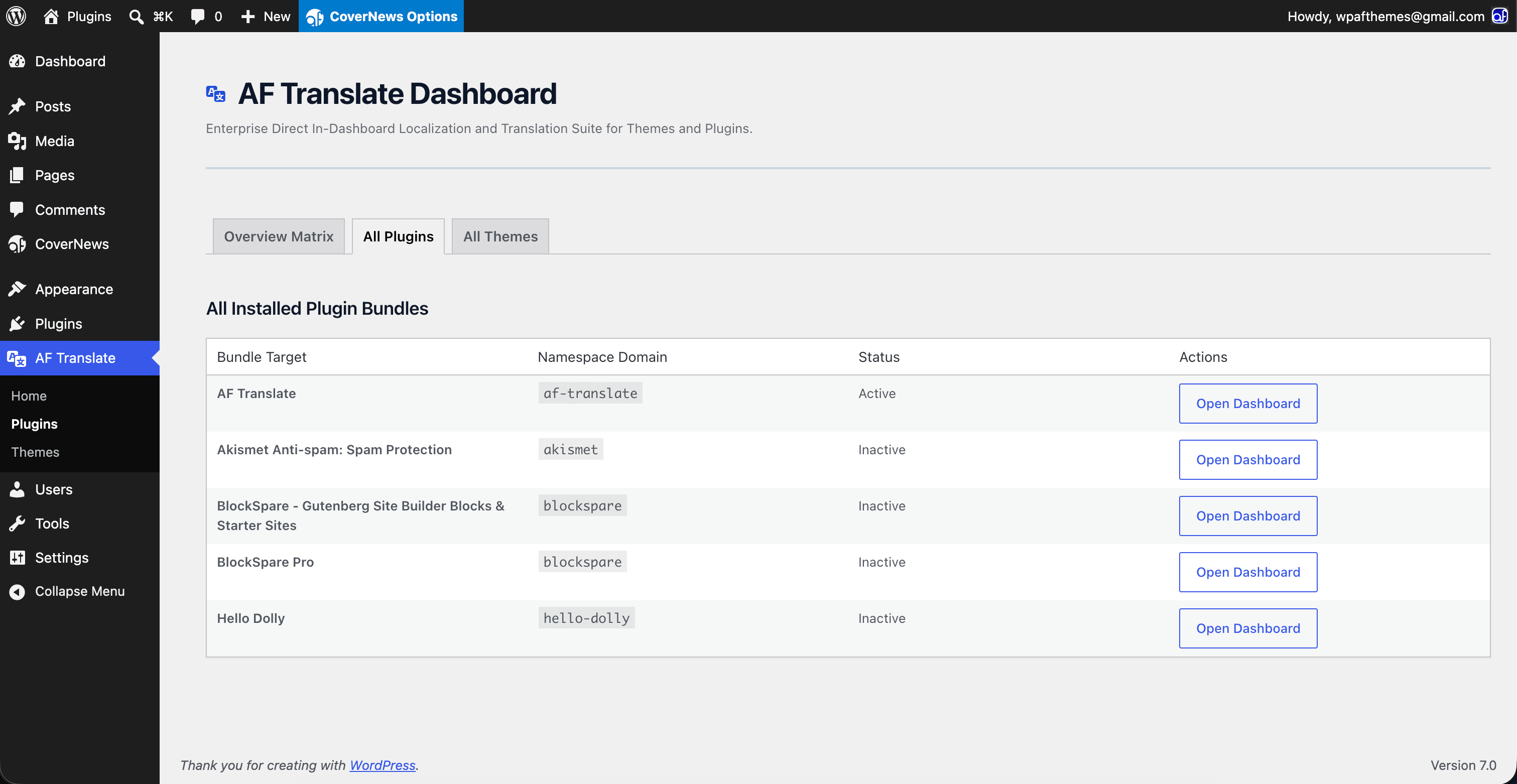
All Plugins Lists: Quick tracking view of your active plugin installations alongside active locale progress percentages.
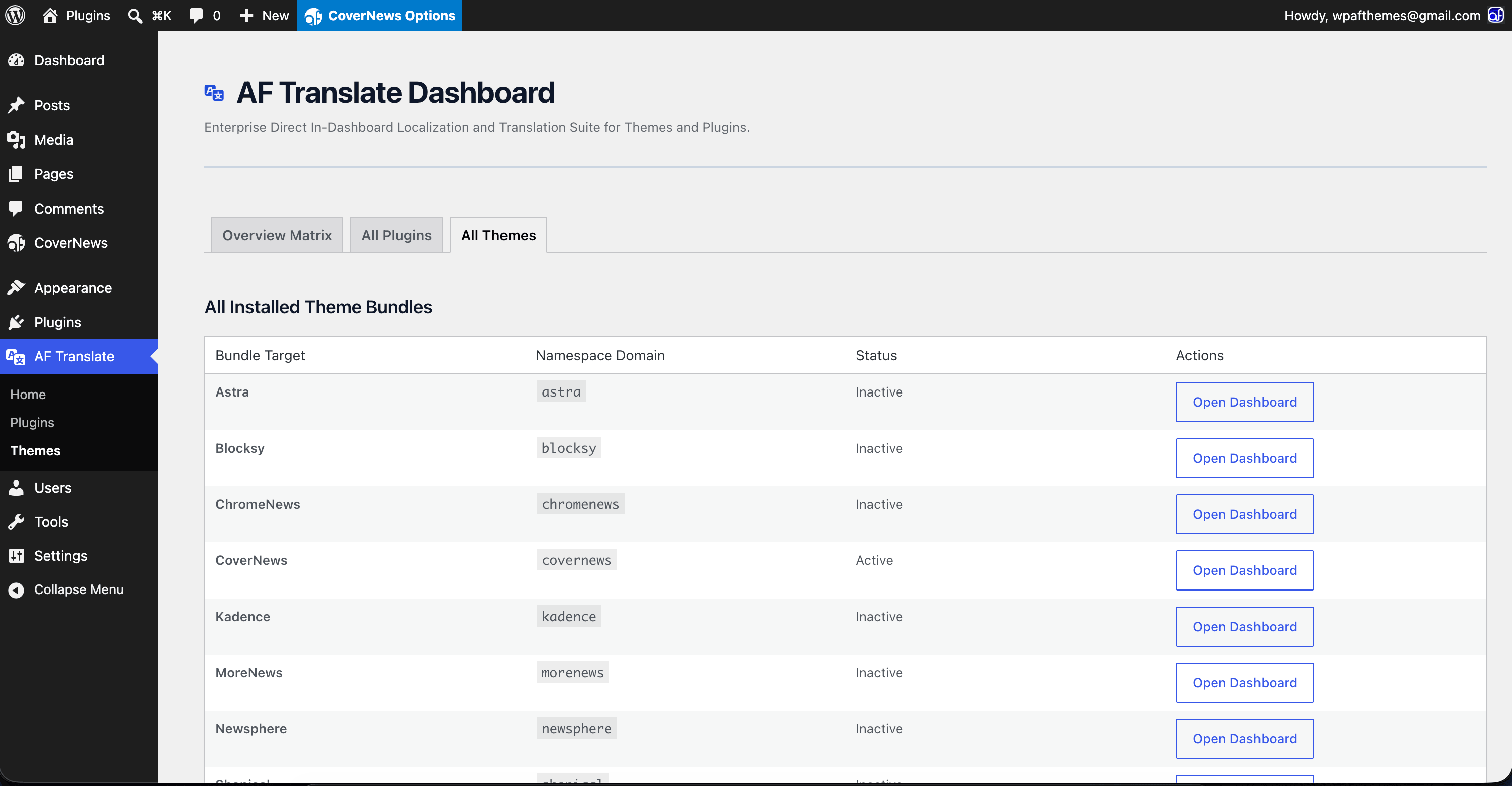
All Themes Lists: Unified view showing active theme frameworks, child theme layers, and localized translation tracking logs.
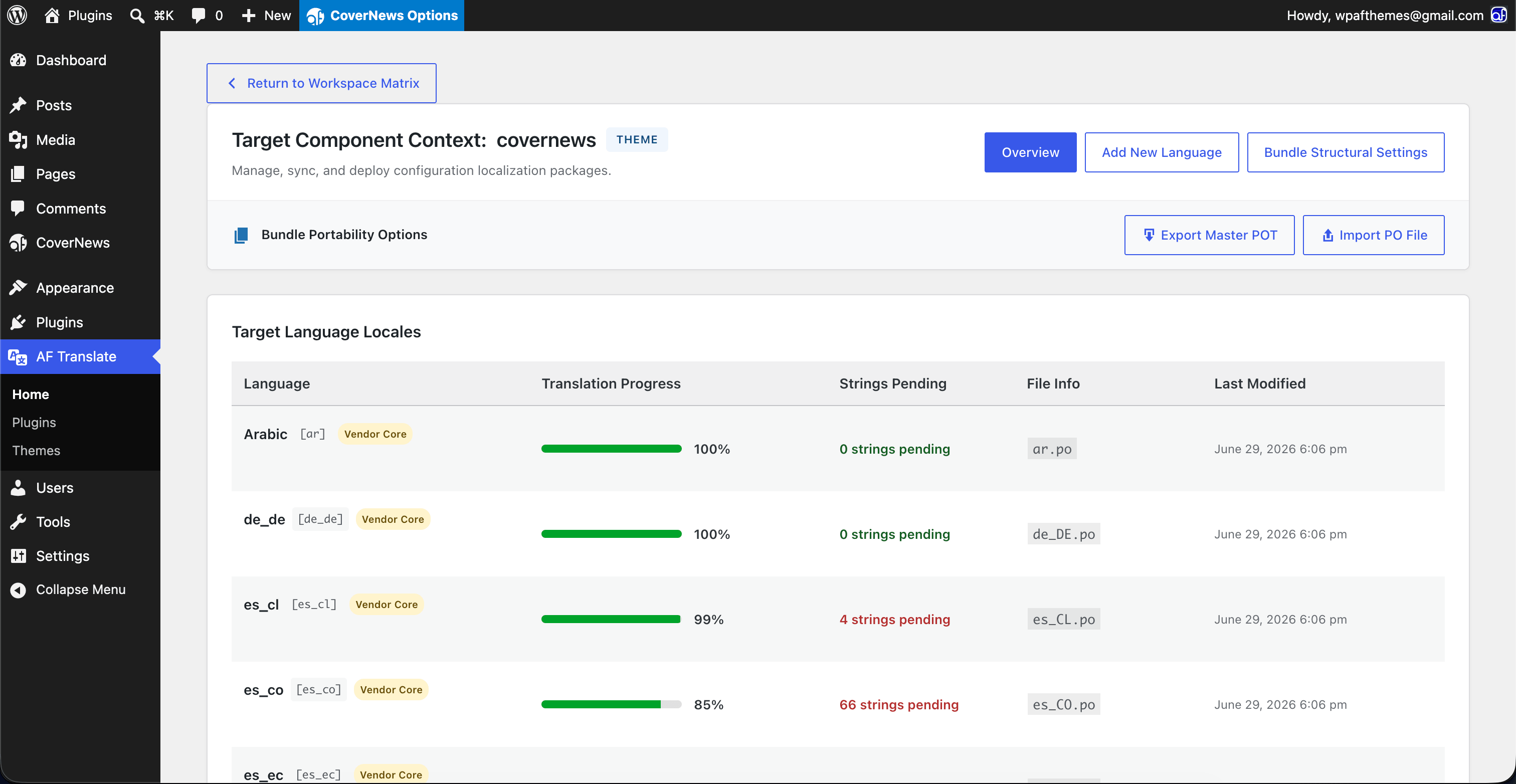
Project Translation Overview: Granular breakdown of a single target project showing total string volumes, modified milestones, and file paths.
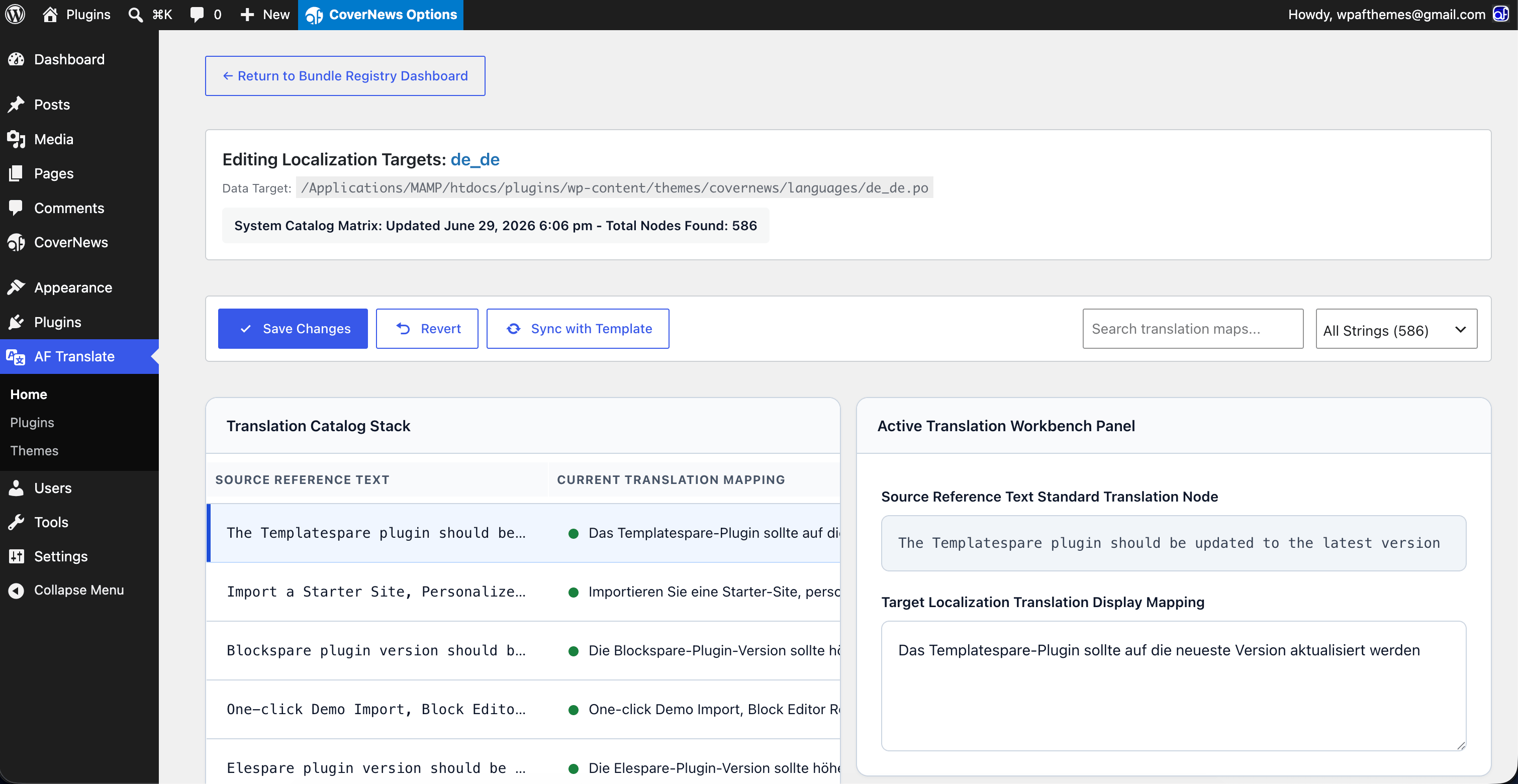
Translation Workspace View: The interactive editor workspace mapping source text variables alongside user input text fields for rapid editing.
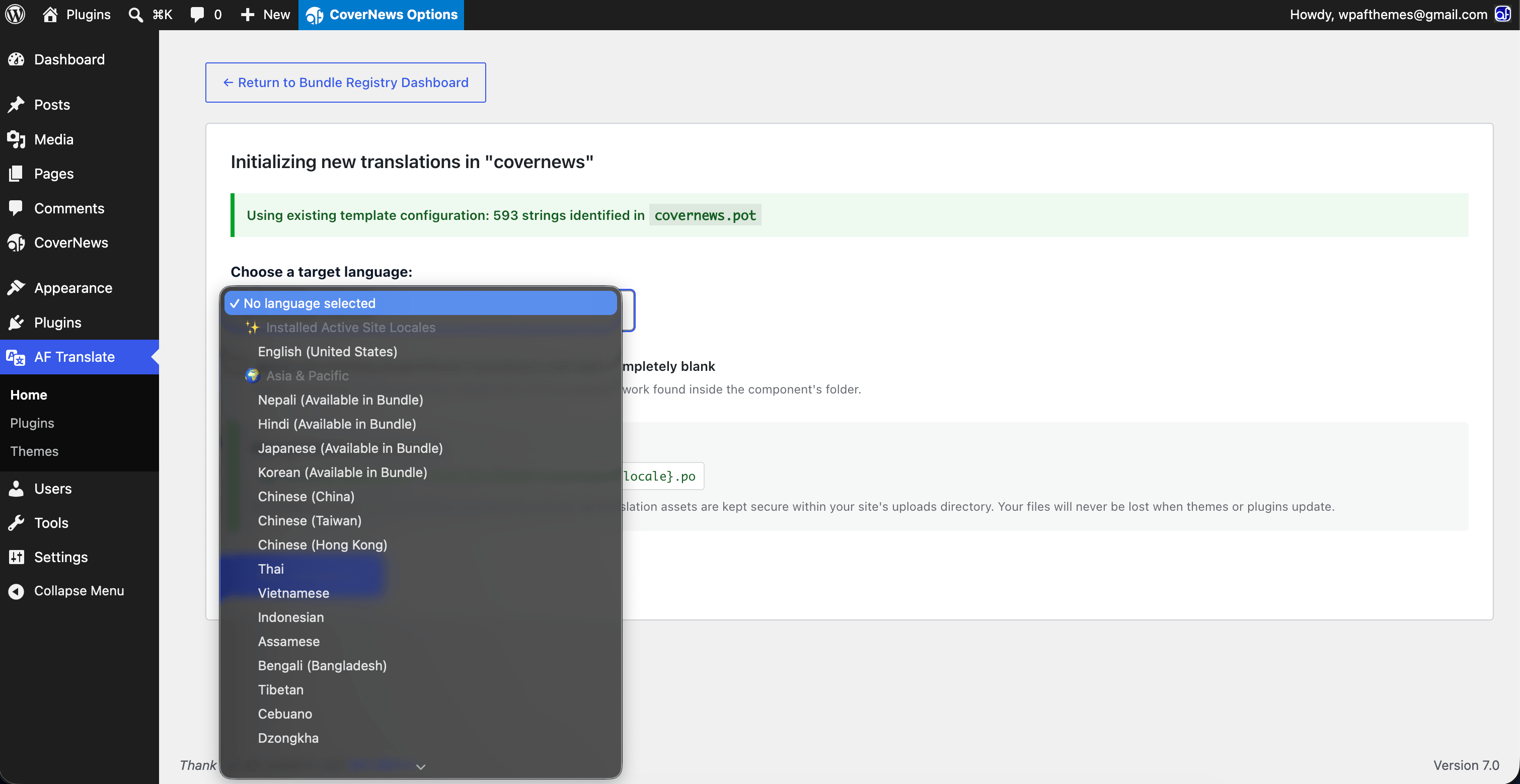
New Language Initializer Panel: Form interface to map native system locales or declare custom translation language identifiers safely.
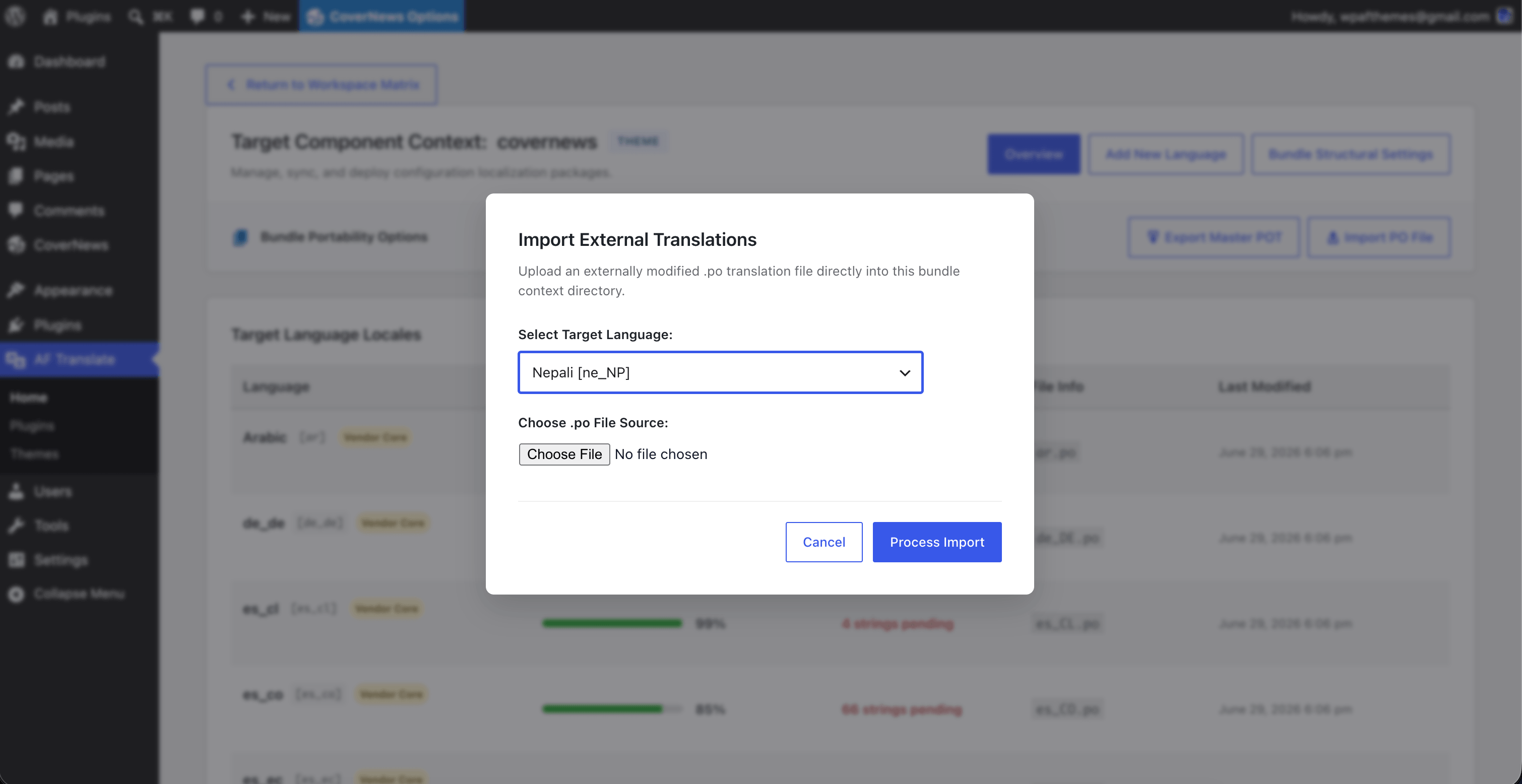
Import Language Panel: Clean interface to upload existing language files directly into your isolated safe space.