Anka Quote Basket For WooCommerce Wordpress Plugin - Rating, Reviews, Demo & Download
Plugin Description
Ideal for businesses that use WooCommerce as a product catalog instead of an online store.
Turn WooCommerce into a quotation catalog by replacing online purchasing with a quote basket workflow. Customers add multiple products to a quote basket, complete a quotation form and submit a single RFQ for project-based or custom-priced products.
Suitable for:
- B2B and wholesale catalogs
- Industrial / engineering / ex-proof equipment
- Custom pricing and project quotations
- Stores that hide checkout and collect quote requests instead
What customers do
- Add products to a quote basket from the product page or catalog
- Adjust quantities (including variable products)
- Open the quote page, fill a short contact form, and submit
What you get
- Incoming quote requests in the WordPress admin
- HTML email to your sales address (customizable templates with live preview)
- Optional confirmation email to the customer
- Optional PDF summary attached to the admin email
- Floating quote-basket button (can be turned off)
- Option to hide WooCommerce “Add to cart” for quote-only catalogs
Shortcodes
[ankaquba_form]— quote basket + form[ankaquba_menu]— quote basket link with count
Place the form shortcode on a page, then select that page under Quote Requests Settings.
Both tags use the plugin prefix ankaquba_. Older tags (woo_quote_*,
anka_quote_basket_*, product_quote_list_*, quote_requests_*) are no longer
registered. Upgrading rewrites [woo_quote_form] and [woo_quote_menu] in your
existing pages automatically; anything it cannot reach is listed in an admin
notice so you can update it by hand.
Screenshots
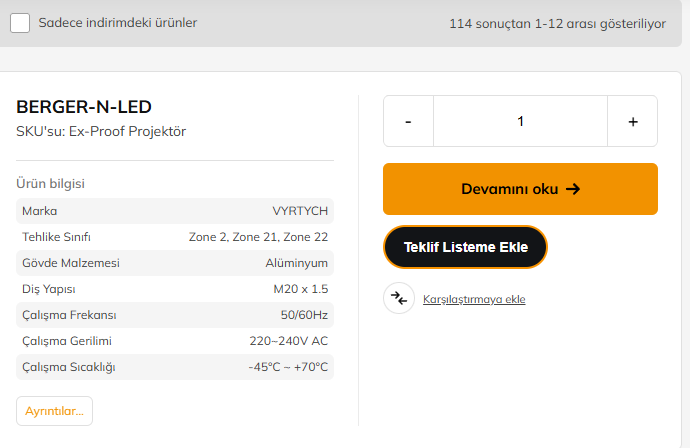
Product page — Add to quote list button
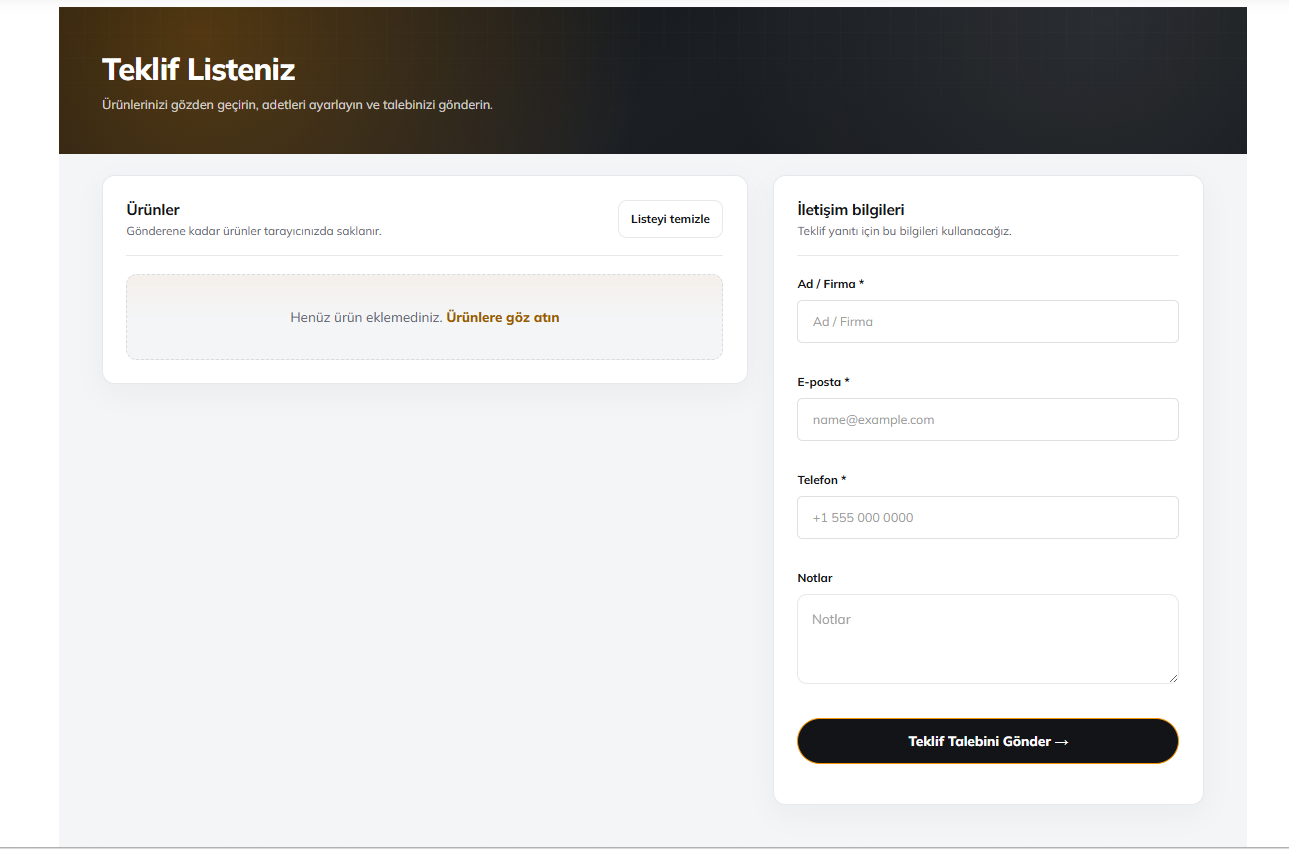
Quote list page with contact form
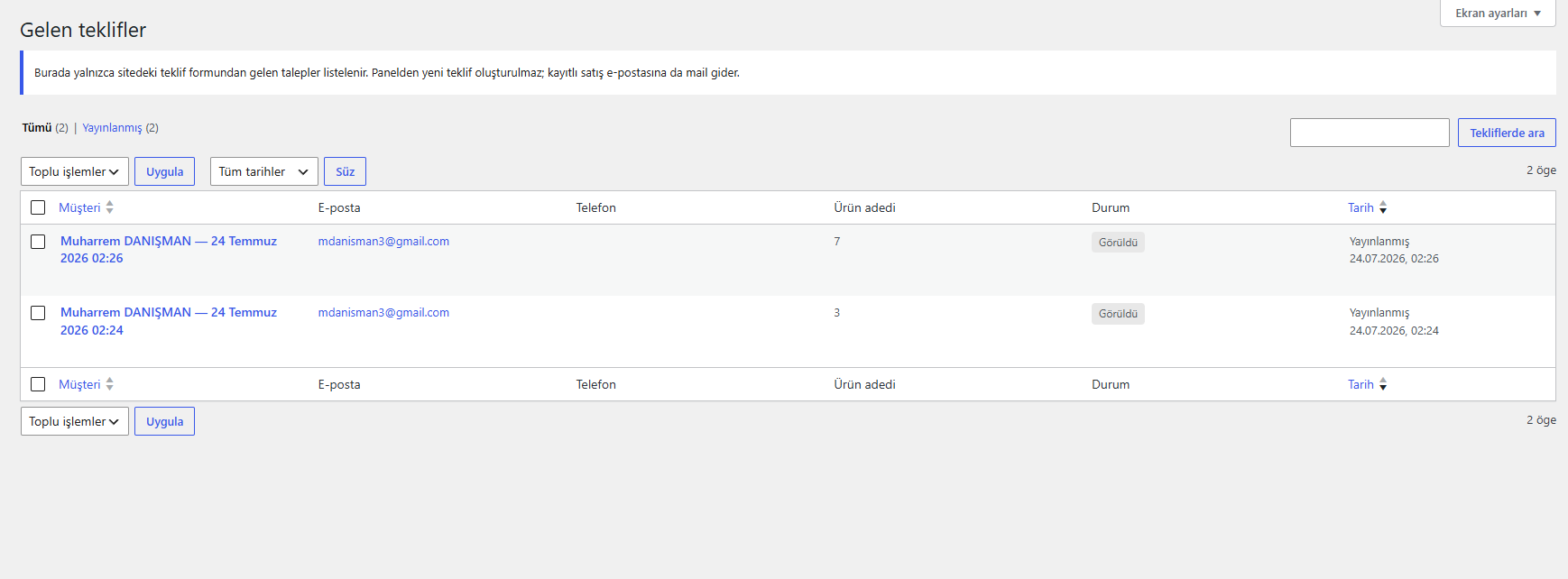
Admin — incoming quote request
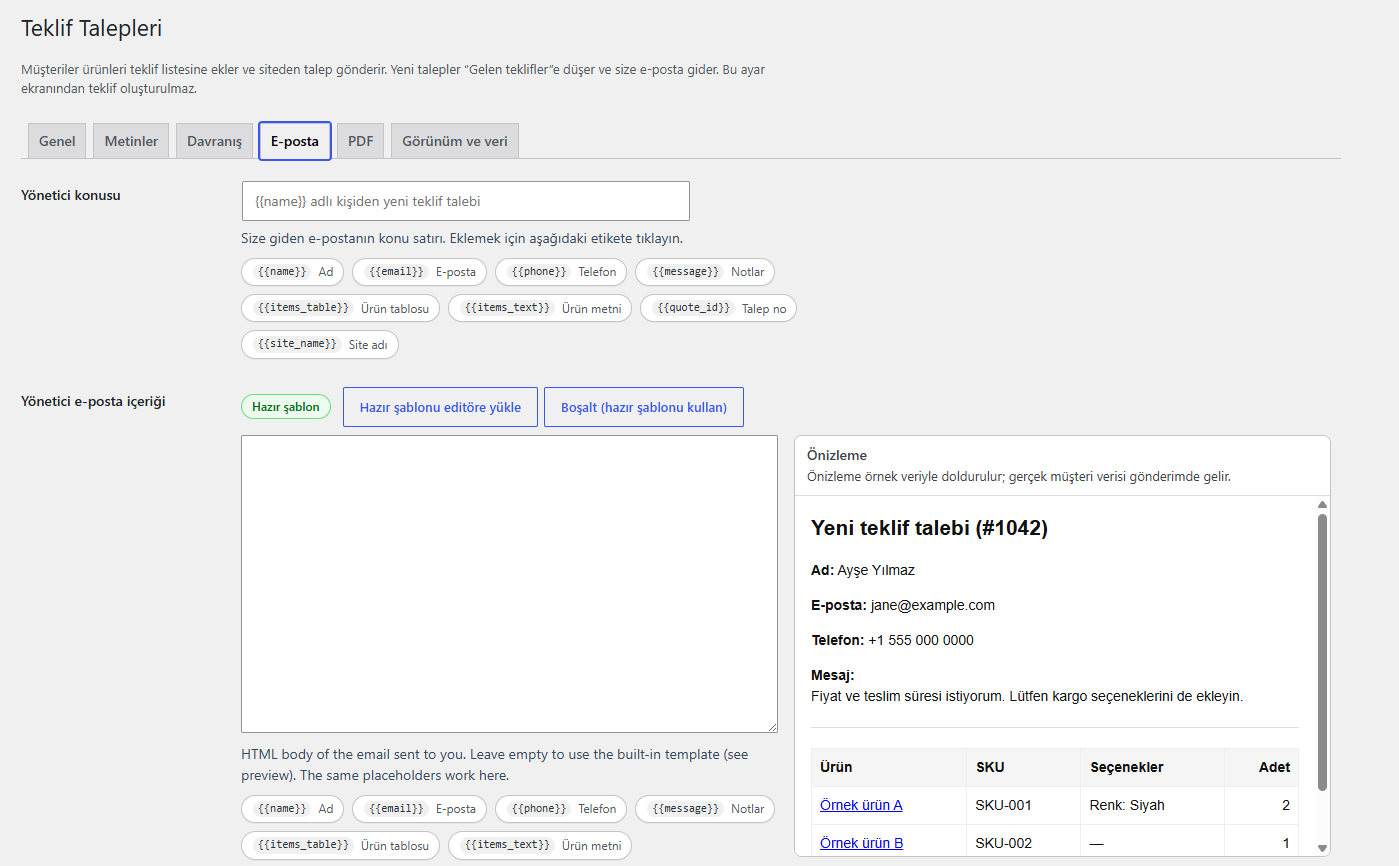
Settings — email template live preview
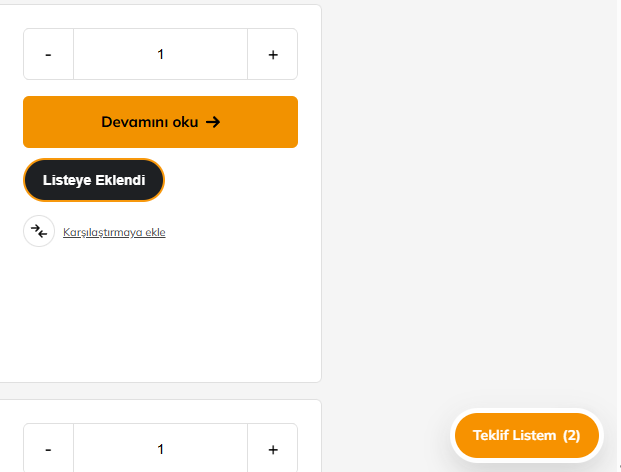
Floating quote list button