
Announcement Bar For WooCommerce – Gatemi Wordpress Plugin - Rating, Reviews, Demo & Download

Plugin Description
A line across the top of the shop: a sale, a shipping deadline, a delivery
promise. Shown between the dates you choose, and gone when they pass.
A dismissed bar never paints. The bar is server-rendered, so it works
before any script has run and a page cache can serve it. A dismissal is a fact
about one visitor, which a cache cannot know, so one tiny snippet in the head
reads the dismissal cookie and hides the bar before anything paints. A shopper
who closed it does not see it flash back on the next page.
A bar is text somebody typed, and it is treated that way. The message
passes wp_kses_post() at save and at render, because an import bypasses
the editor; a javascript: destination never becomes a link; and a colour is
validated as a colour rather than pasted into a style attribute.
The full edition
Gatemi Announcement Bar for WooCommerce
is a separate plugin, sold on gatemi.com, that adds as many bars as you like
and shows each one only where it belongs: on chosen pages or everywhere
except the checkout, by what is in the cart (its value, its categories, or
nothing at all), by the visitor’s role, or before a cutoff time for shipping
deadlines. It also adds a bar at the foot of the page and one that stays put
as they scroll.
Both editions store their bars the same way, so upgrading keeps everything —
and anything the full edition wrote is kept here untouched, ready to be
picked straight back up. This edition edits the first bar and shows one: the
first that is switched on, inside its dates and carries none of the full
edition’s targeting. A bar that carries targeting is not shown here at all,
because this edition cannot judge it and guessing could show it to somebody
the merchant excluded.
Screenshots
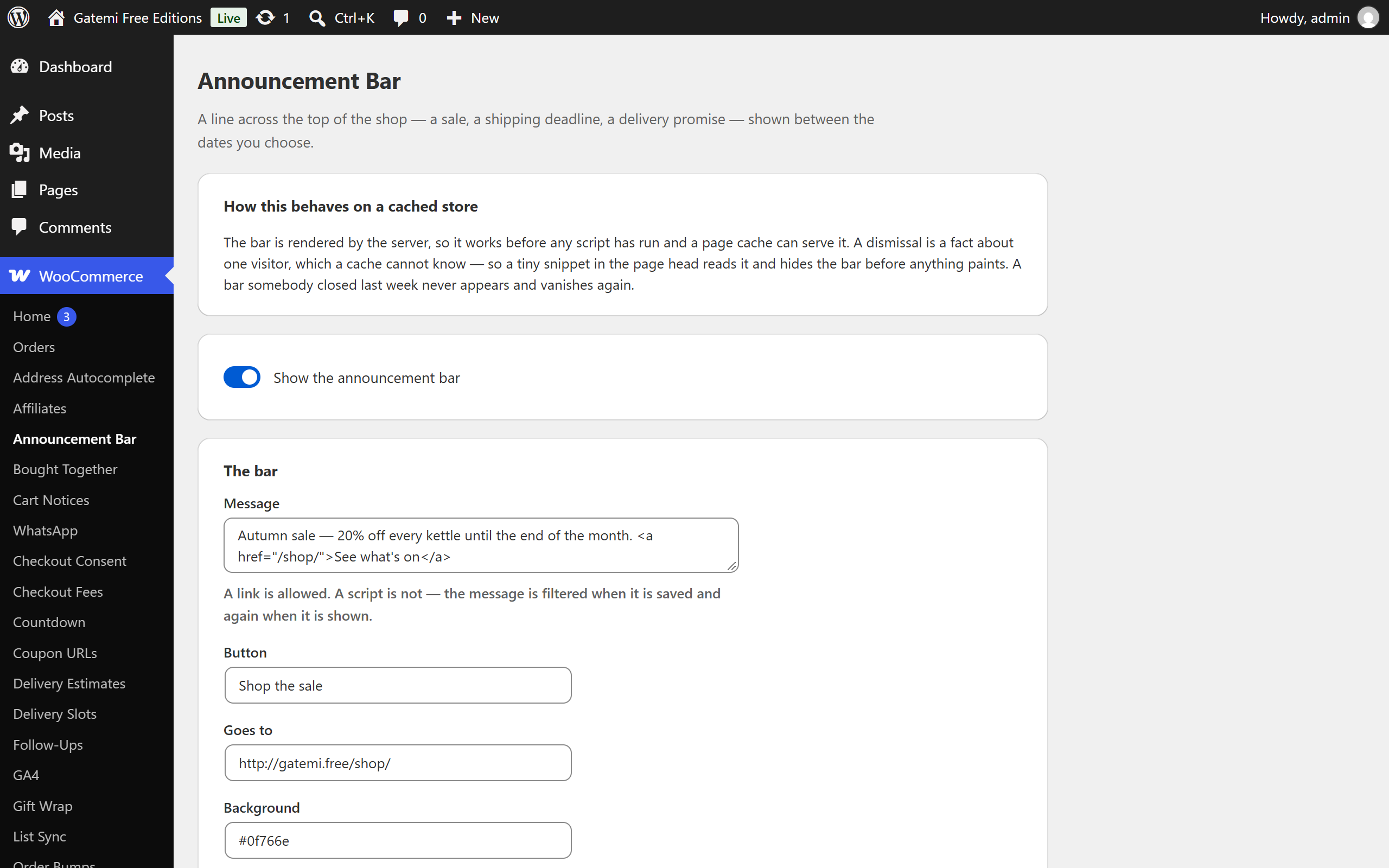
The settings screen: the switch, the one bar with its message, button, colours and dates, and the full edition described in plain text.
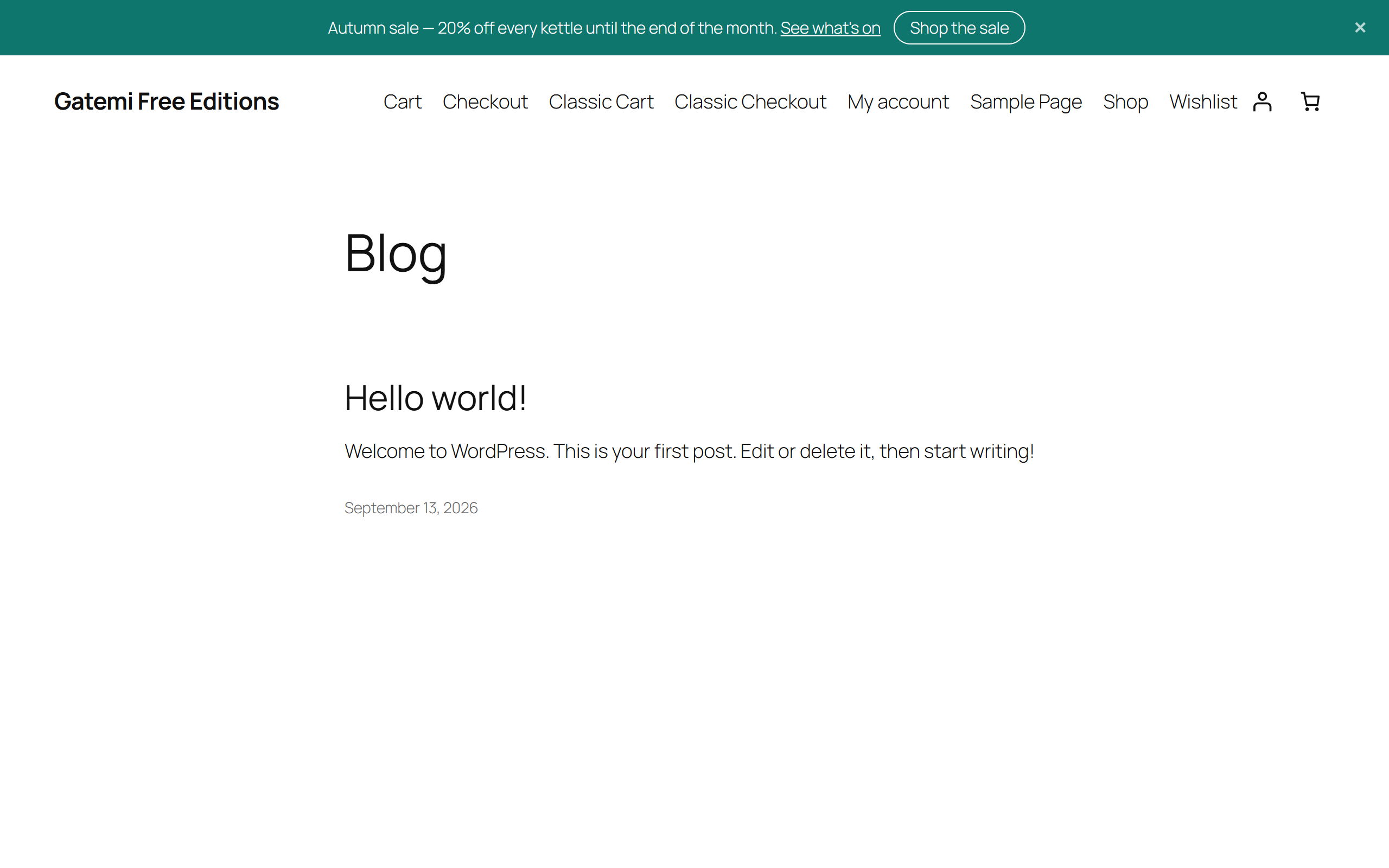
The bar across the top of the shop, with its message, its button and the close control.


