Aouwal Static Site Export Wordpress Plugin - Rating, Reviews, Demo & Download

Plugin Description
Aouwal Static Site Export turns your WordPress site into a static HTML site. It crawls every public page, captures the fully rendered HTML, downloads and localizes every asset (CSS, JS, images and fonts), and packages the result into one portable ZIP file.
The export is a plain folder of HTML files and assets. You can commit it to GitHub and deploy it on Cloudflare Pages, or host it on any static host or CDN. No WordPress, PHP or database is needed to serve it.
Author: Abdul Aouwal, Technical SEO Consultant.
What you can export
- Posts, pages and custom post types.
- Taxonomy archives, author archives and date archives.
- RSS feeds.
- A
404.htmlpage, plussitemap.xmlandrobots.txt. - A Cloudflare Pages
_redirectsfile and a_headersfile for caching.
How the export works
- The plugin discovers every public URL on your site.
- It fetches the fully rendered HTML of each page through the WordPress HTTP API.
- It downloads and localizes assets, including recursive CSS
url()and@importreferences. - It rewrites internal links to portable relative or root-absolute URLs.
- It removes server-side features that cannot run on a static host.
- It packages everything into a single ZIP file you can download.
What the export cleans up
- Removes comment forms, comment sections and comment feeds.
- Removes search forms.
- Strips WordPress version tags.
- Strips staging “noindex” robots meta so the exported site stays indexable.
Key features
- Chunked, timeout-safe export with a live progress log.
- Optional WP-CLI command:
wp aouwal-static-export run. - Optional, invisible author credit. It is off by default and can be enabled in Settings.
Screenshots
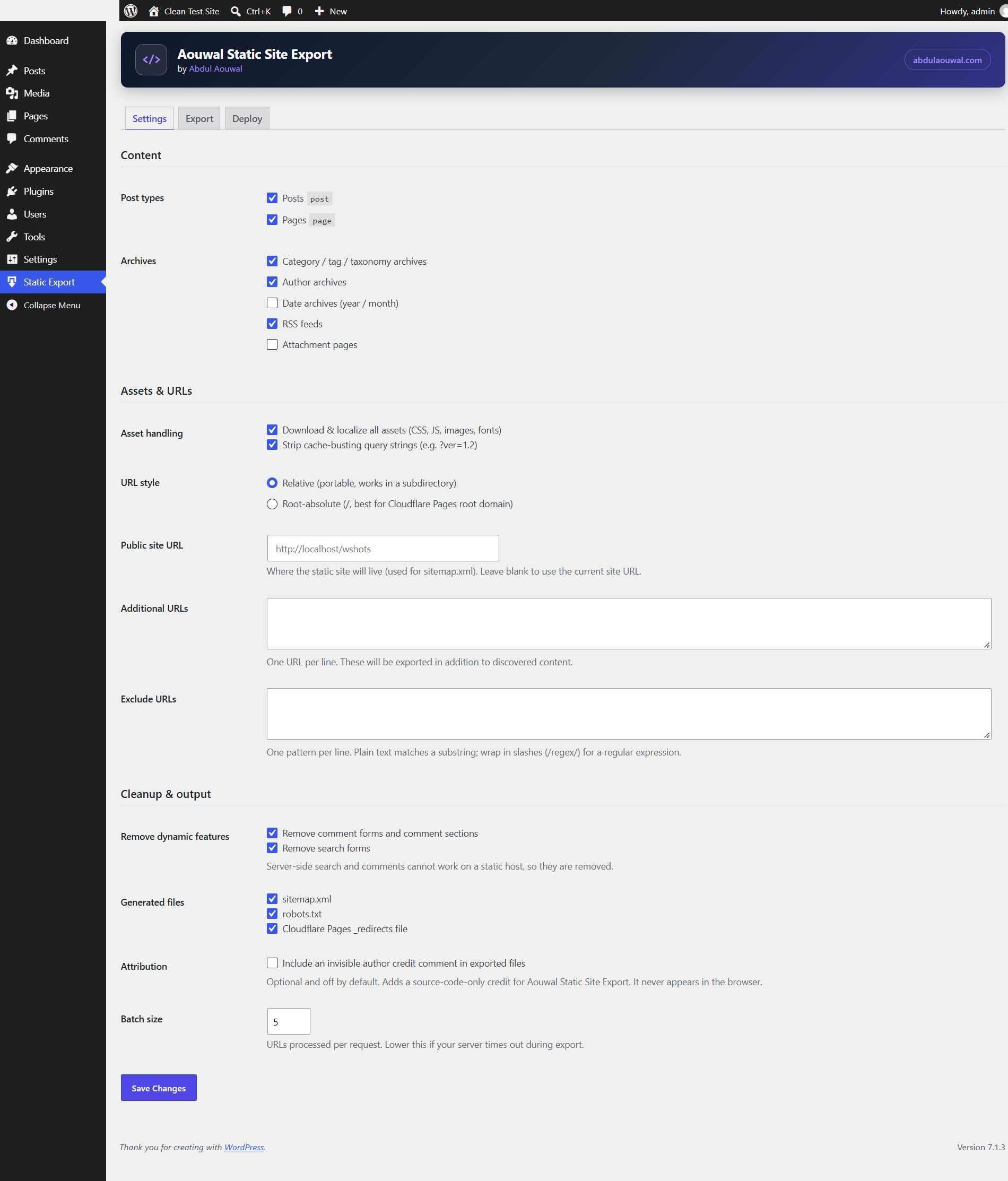
Configure what to export: post types, archives, asset handling, URL style, cleanup options and generated files.
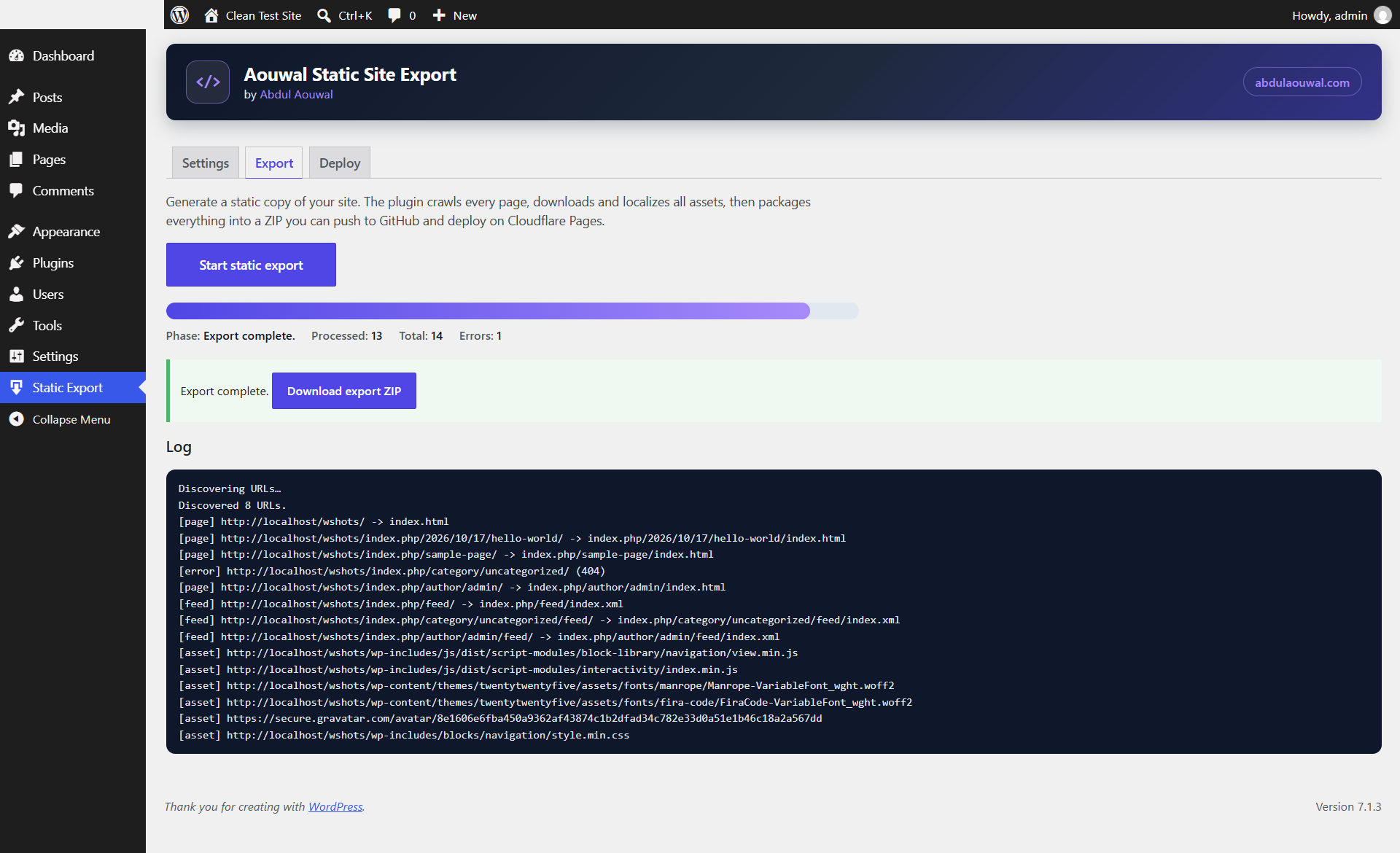
Run the export and follow the live progress log, then download the finished ZIP.
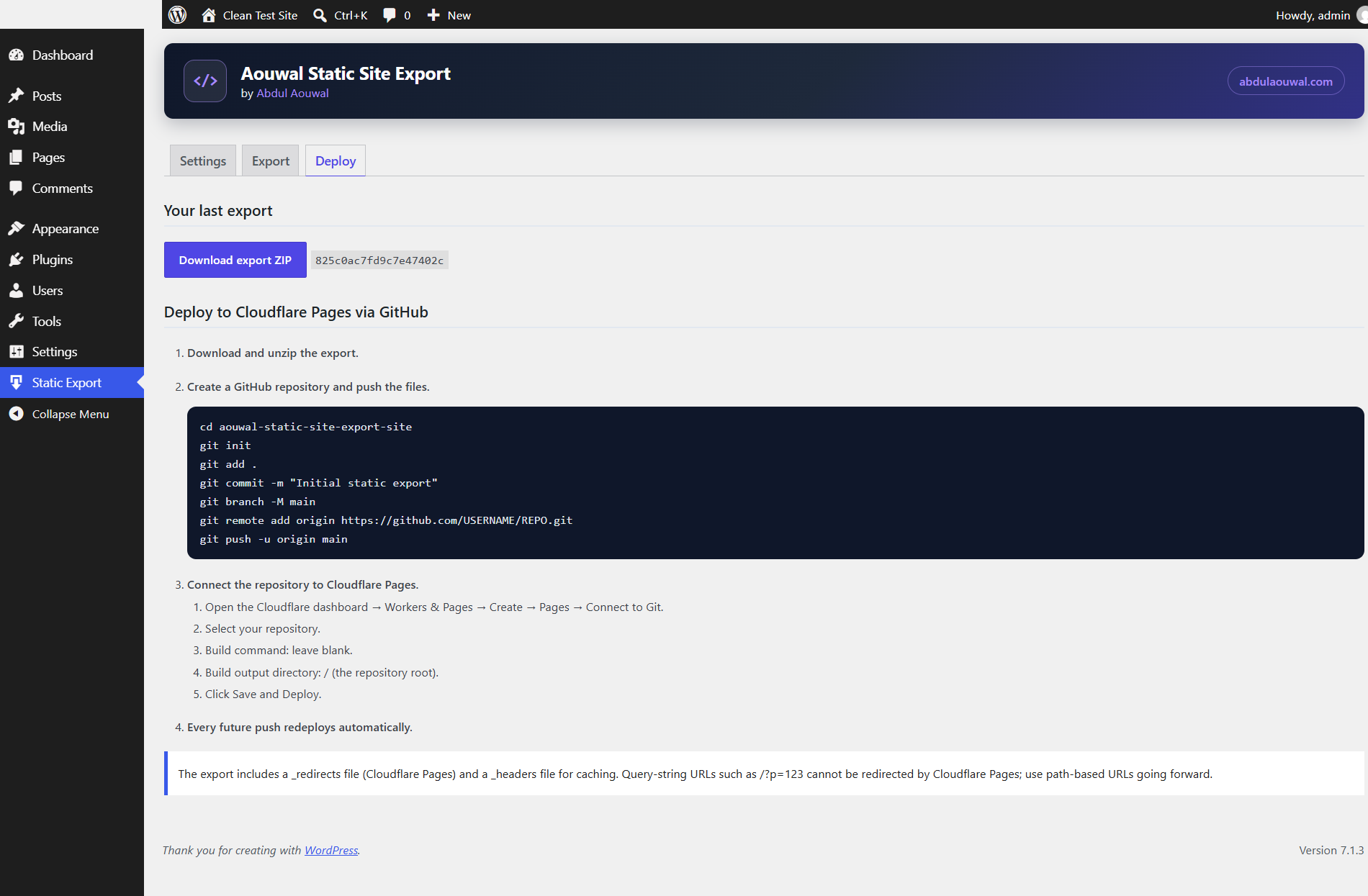
Deploy with the built-in GitHub and Cloudflare Pages steps, including the generated _redirects and _headers notes.