
ArticleDrop Wordpress Plugin - Rating, Reviews, Demo & Download

Plugin Description
ArticleDrop is a simple AI article writer for WordPress. Generate topic ideas and structured articles ready for review, then save drafts to edit, schedule, or publish using WordPress.
Built on simplicity.
Tell ArticleDrop about your business, audience, and content voice. Enter your own topic or generate three article ideas, choose Generate Article, and review the result. Choose Save as WordPress Draft to continue in the WordPress editor.
Your AI Content Department, by MySolutionGuy.
Simple AI content creation
ArticleDrop keeps AI content creation focused and easy to use:
- Save a Content Profile with your name or organization, website, description, target audience, and content voice.
- Generate three content ideas based on your Content Profile.
- Generate an article with a title, headings, and formatted content from your topic or a suggested idea.
- Preview the generated article and choose Save as WordPress Draft.
- Open the draft in WordPress to edit, schedule, or publish it.
A Content Profile is optional for your own topic and required for generated article ideas.
Your AI provider, configured through WordPress
ArticleDrop requires WordPress 7.0 or later and uses the WordPress AI Client with a compatible provider configured through WordPress Settings > Connectors. ArticleDrop > Settings provides AI Setup & Status guidance and generation readiness.
Content ideas, article generation, and draft saving are included in the Free plugin. No Pro purchase is required. ArticleDrop does not provide AI credits or an AI subscription. Your configured provider controls AI usage and charges and may require API credentials or credits. A consumer chatbot subscription does not necessarily include API access or credits.
Review generated content for accuracy, suitability, and rights before publication. ArticleDrop generates articles when you request them and saves drafts only when you choose. It does not run unattended article generation or an independent publishing scheduler. To schedule or publish an article, save a draft and use WordPress’s publishing controls.
External services
ArticleDrop uses the WordPress Core AI Client. It does not call provider endpoints directly or collect, store, or manage provider credentials. Install and activate a compatible AI provider plugin and configure it through WordPress Settings > Connectors. WordPress Core does not bundle provider implementations.
When an authorized administrator chooses Generate Article or Generate Topic Ideas or Generate 3 New Topics, ArticleDrop sends the article topic or idea request, its instructions, and populated Content Profile fields through the AI Client to a compatible configured provider. These fields are name or organization, website, description, target audience, and content voice. The website field is contextual text only; ArticleDrop does not fetch it. The connector/provider handles authentication and transport. The provider may receive server request metadata, such as your server’s IP address.
ArticleDrop does not run paid test prompts on activation, page views, or profile saves. Readiness checks match the complete request configuration against available capabilities; they do not verify credentials, connectivity, or provider credits. No automatic fallback or second paid request is made by ArticleDrop.
Provider usage charges may apply. Use only information you are authorized to share. Processing, retention, training, and privacy behavior depend on the configured provider, connector, account, and applicable terms. ArticleDrop does not guarantee zero retention or a provider-specific storage policy. Review the service terms and privacy information supplied by the provider/connector in WordPress Settings > Connectors before generating.
License
ArticleDrop is distributed under the GNU General Public License, version 2 or any later version. See LICENSE.txt for the GPL version 2 text.
Screenshots
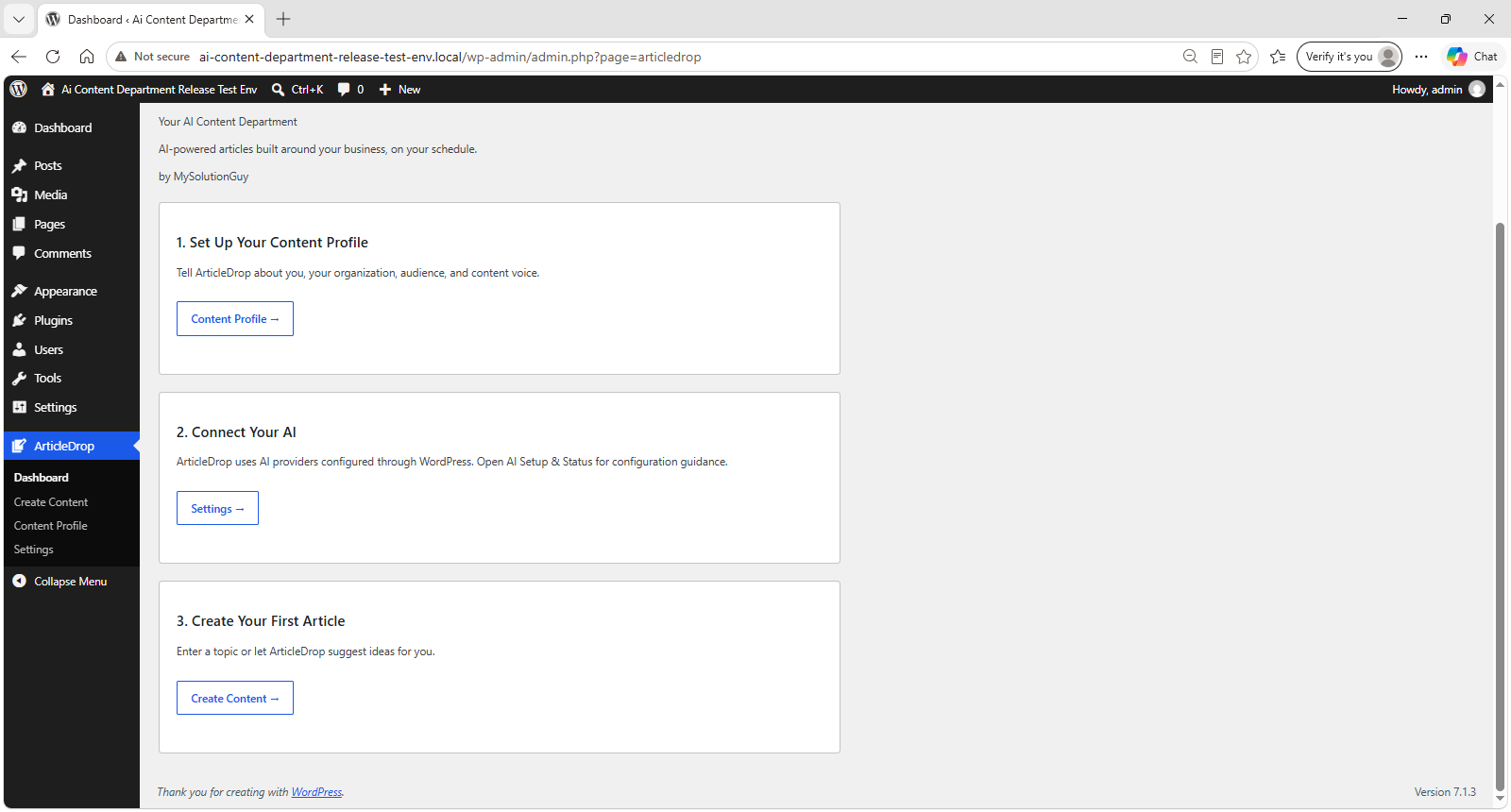
Get started in three simple steps: set up your Content Profile, connect your AI provider, and create your first article.
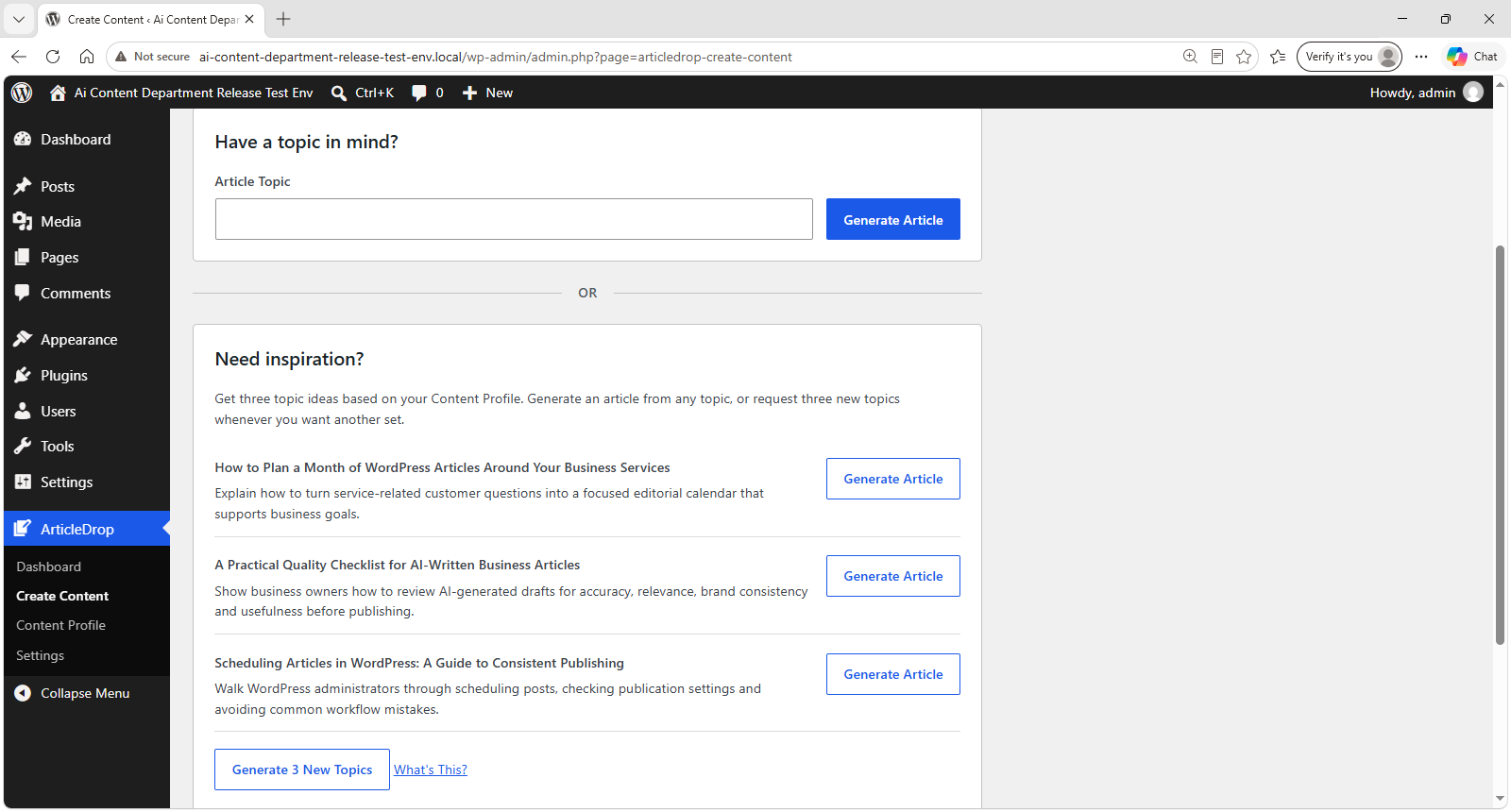
Generate article ideas based on your Content Profile, or start with your own topic.
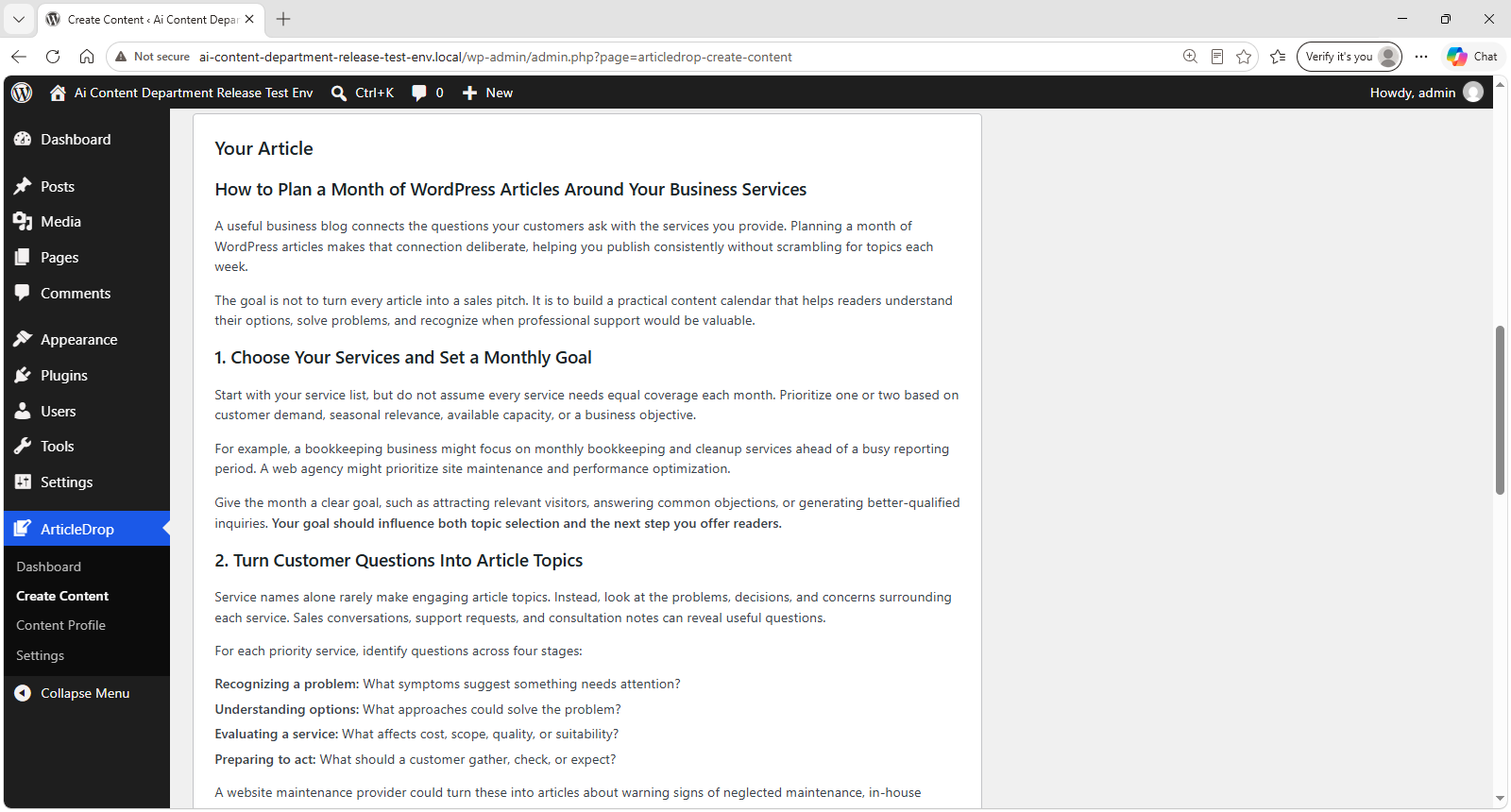
Preview a generated article with a title, headings, and formatted content, ready for review.
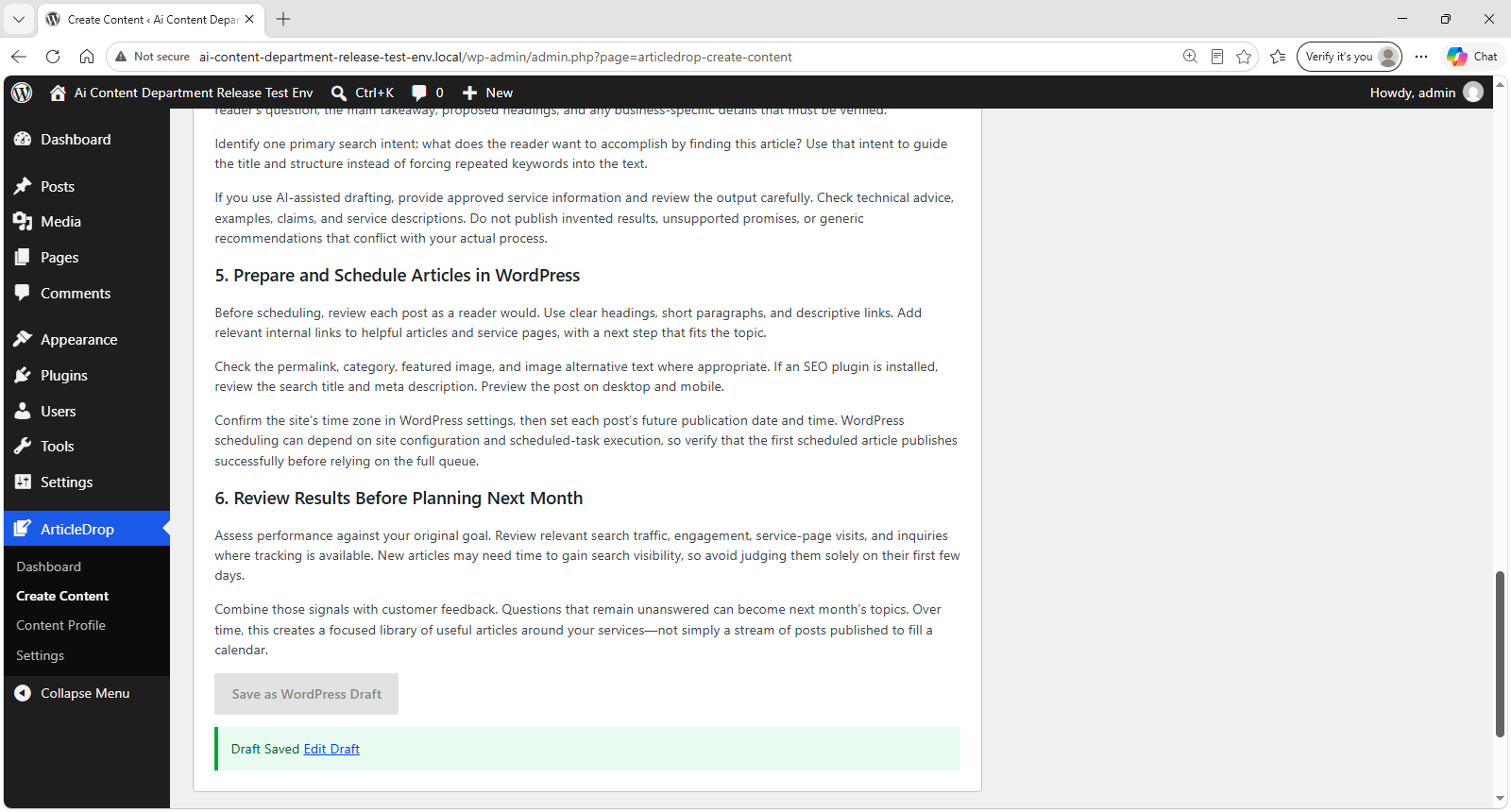
Save a generated article as a WordPress draft and open it in the WordPress editor.
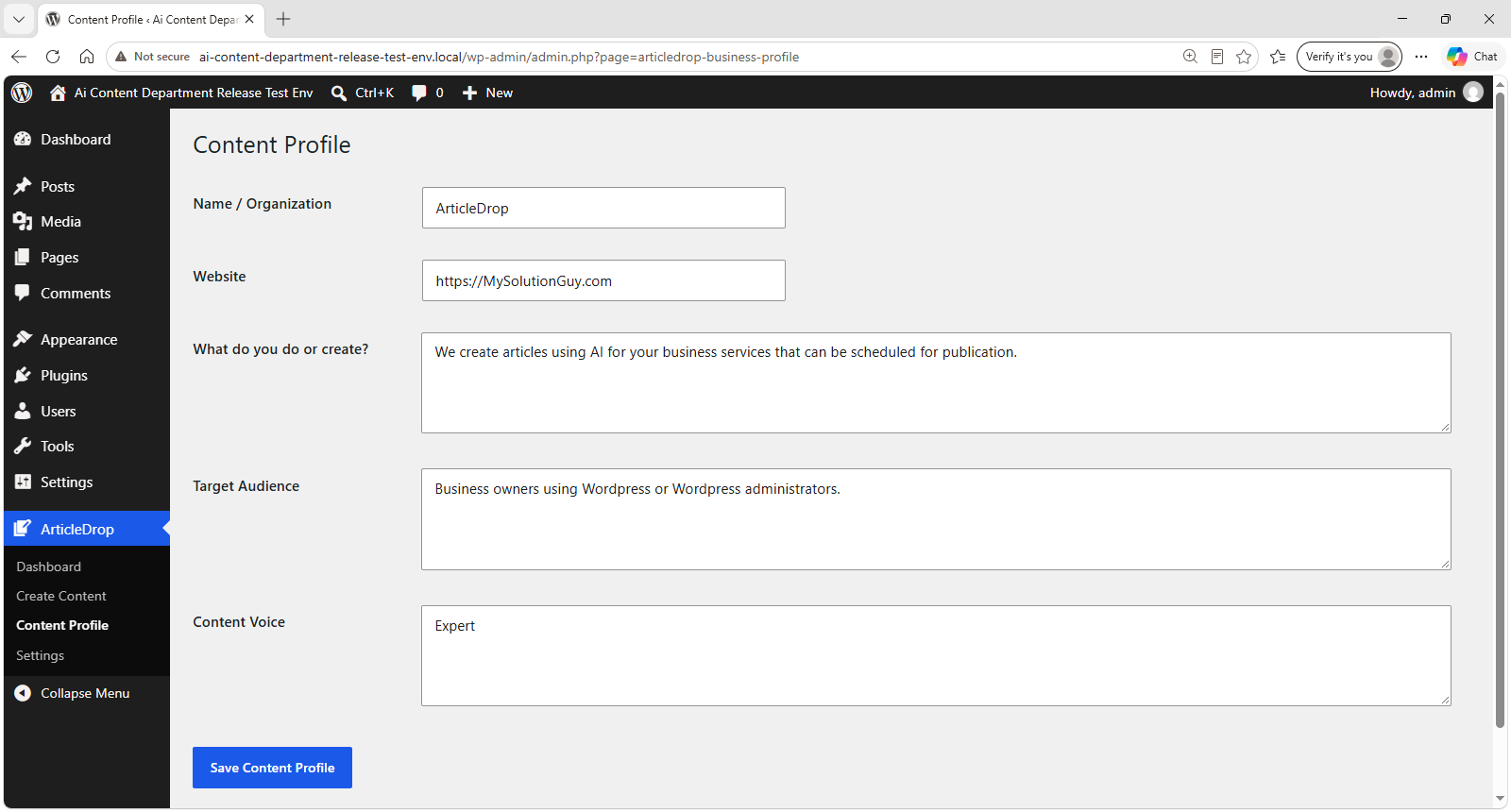
Build a Content Profile so ArticleDrop can create articles around your organization, audience, and content voice.
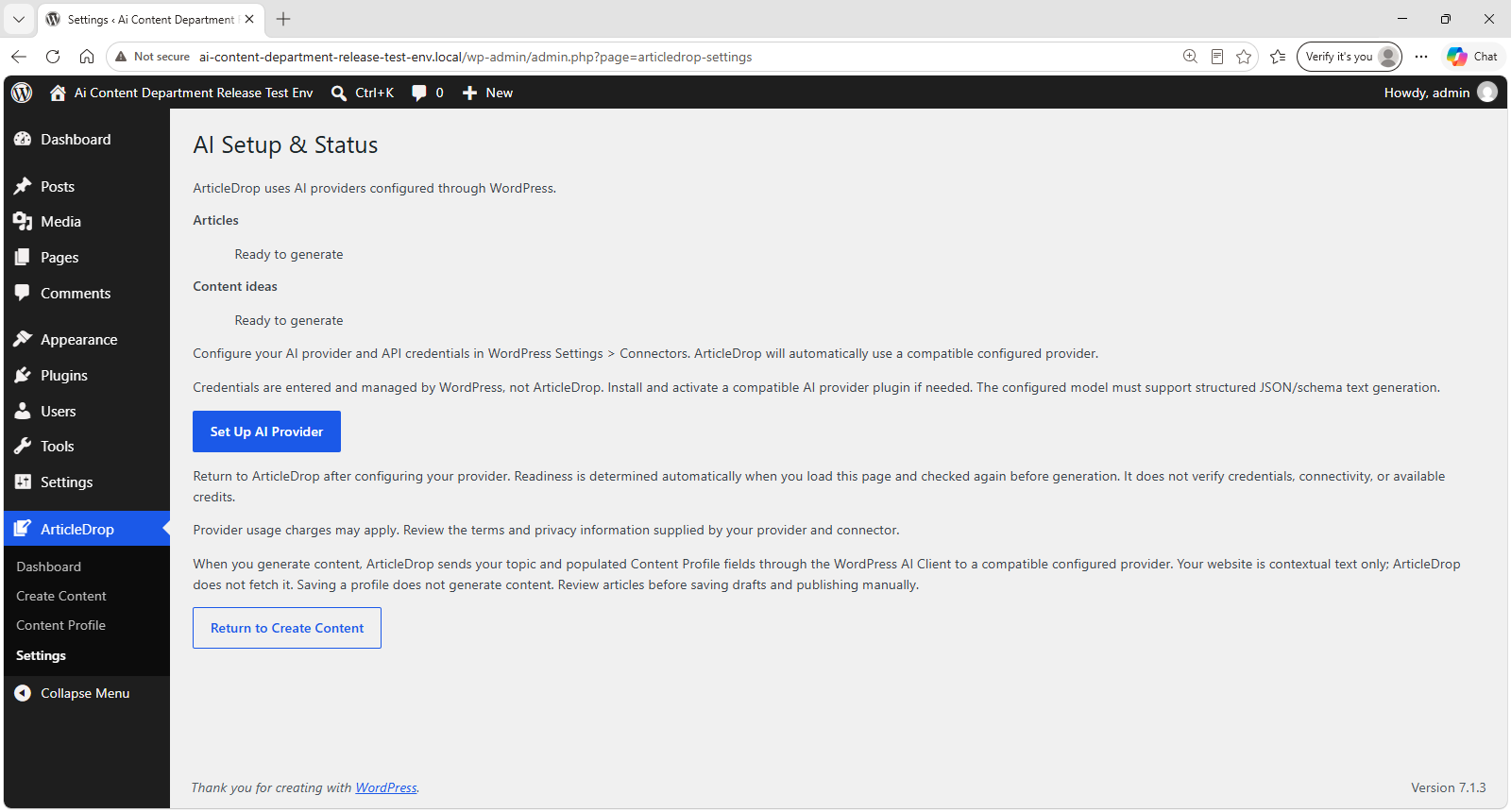
Connect ArticleDrop to a compatible AI provider through WordPress and see generation readiness at a glance.


