
ARWD List Image Size URLs Wordpress Plugin - Rating, Reviews, Demo & Download
Plugin Description
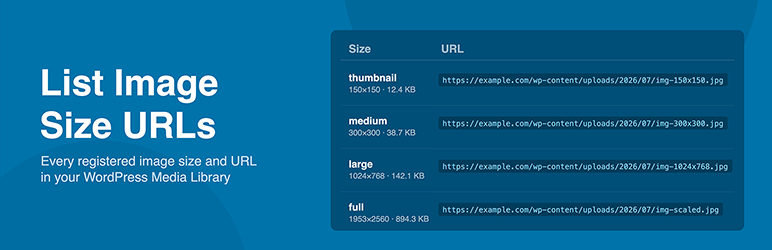
ARWD List Image Size URLs adds a clean, copyable list of every registered image size and its full URL to the attachment detail screen in the WordPress Media Library. When you click on any image, you will instantly see every size WordPress has generated, along with its name, pixel dimensions, and direct URL.
WordPress automatically generates multiple image sizes for every upload, including thumbnail, medium, medium-large, large, and any custom sizes registered by your theme or plugins. By default there is no easy way to see these sizes or copy their URLs without digging through the file system or writing custom code. This plugin solves that problem in a lightweight, no-frills way.
Clicking a URL selects it instantly for copying. No JavaScript is required, no settings page, no configuration. Just activate and go.
Plugin Features
- Displays every registered WordPress image size for each media attachment
- Shows the size name, pixel dimensions, file size, and full URL for each generated size
- Includes custom image sizes registered by themes and plugins
- Click any URL to select it instantly, ready to copy
- Works entirely without JavaScript
- No settings page or configuration required
- Lightweight with no impact on front-end performance
- Compatible with all themes and page builders
- Useful for developers, designers, and site managers
Who Is This Plugin For
- Developers who need quick access to specific image size URLs when building templates or custom queries
- Site managers who need to copy image URLs for use in page builders, email marketing tools, or third-party services
- Designers checking which image sizes have been generated for a particular upload
- Anyone who regularly works with custom image sizes registered via
add_image_size()
Screenshots

The attachment detail screen in the media modal showing all registered image sizes, dimensions, file sizes, and copyable URLs alongside the image preview.

A close-up of the size list showing size names, pixel dimensions, file sizes, copyable URLs, and Open links for each generated size.

The size list as it appears on the full attachment editor page, with the wider layout giving each URL more room to display on a single line.


