Authkey Wordpress Plugin - Rating, Reviews, Demo & Download
Plugin Description
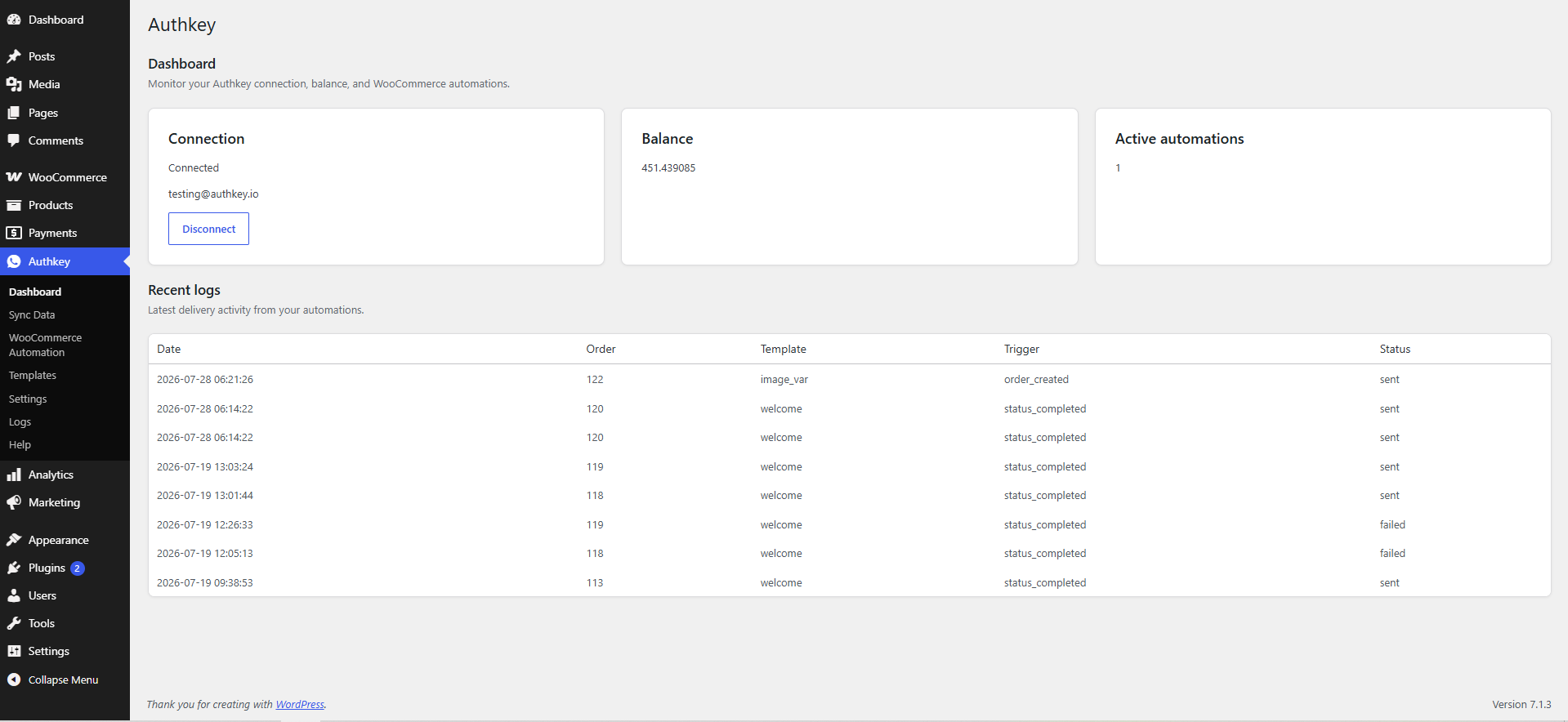
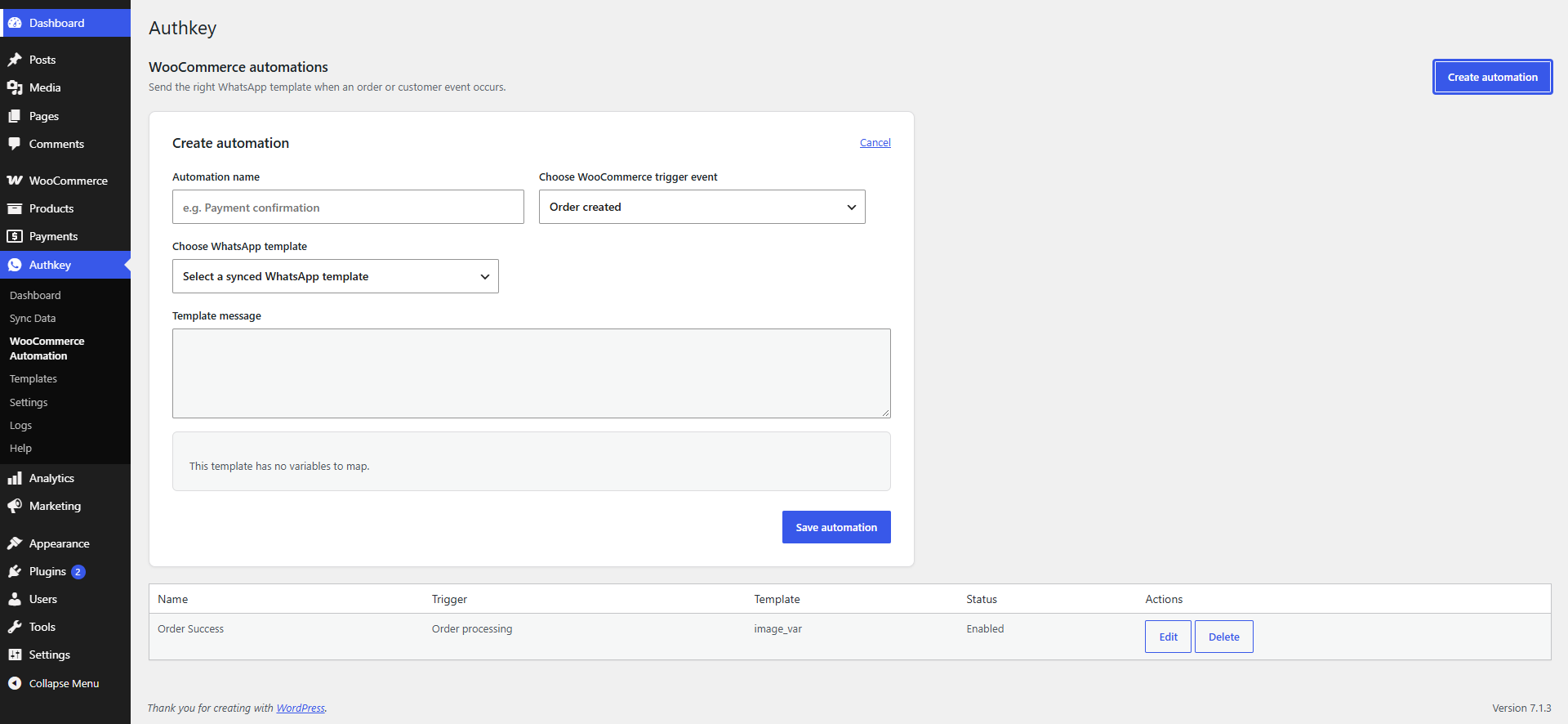
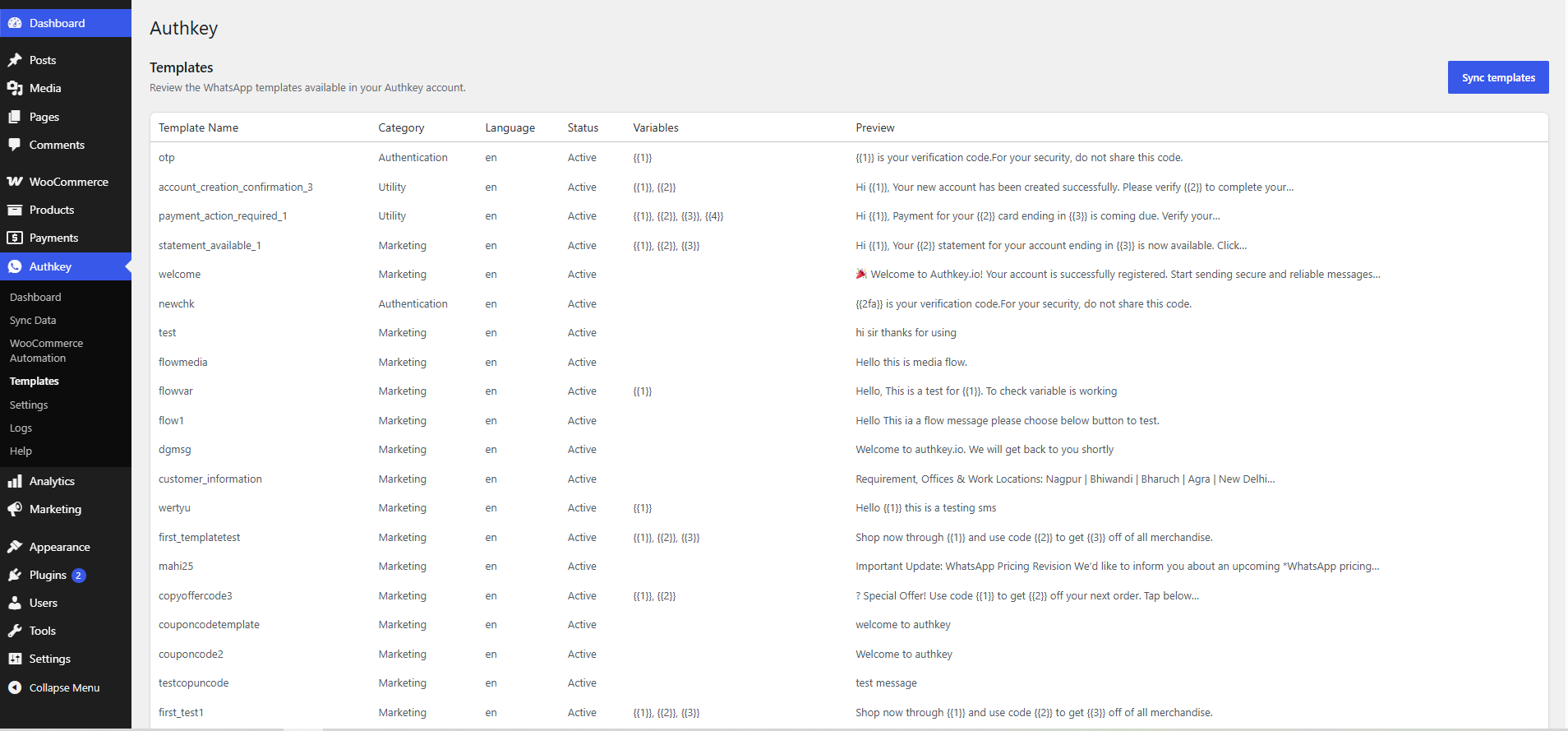
Authkey connects WooCommerce to the Authkey WhatsApp Business API. Store administrators can connect an Authkey account, sync approved WhatsApp templates, and create automations for order and customer events.
Requirements:
- WooCommerce 8.0 or later must be installed and active.
- An Authkey account and an approved WhatsApp template are required to send messages.
This plugin is free and licensed under GPLv2 or later. Authkey is an external messaging service; its services and message delivery may be subject to separate fees and terms.
Third-Party Service and Privacy
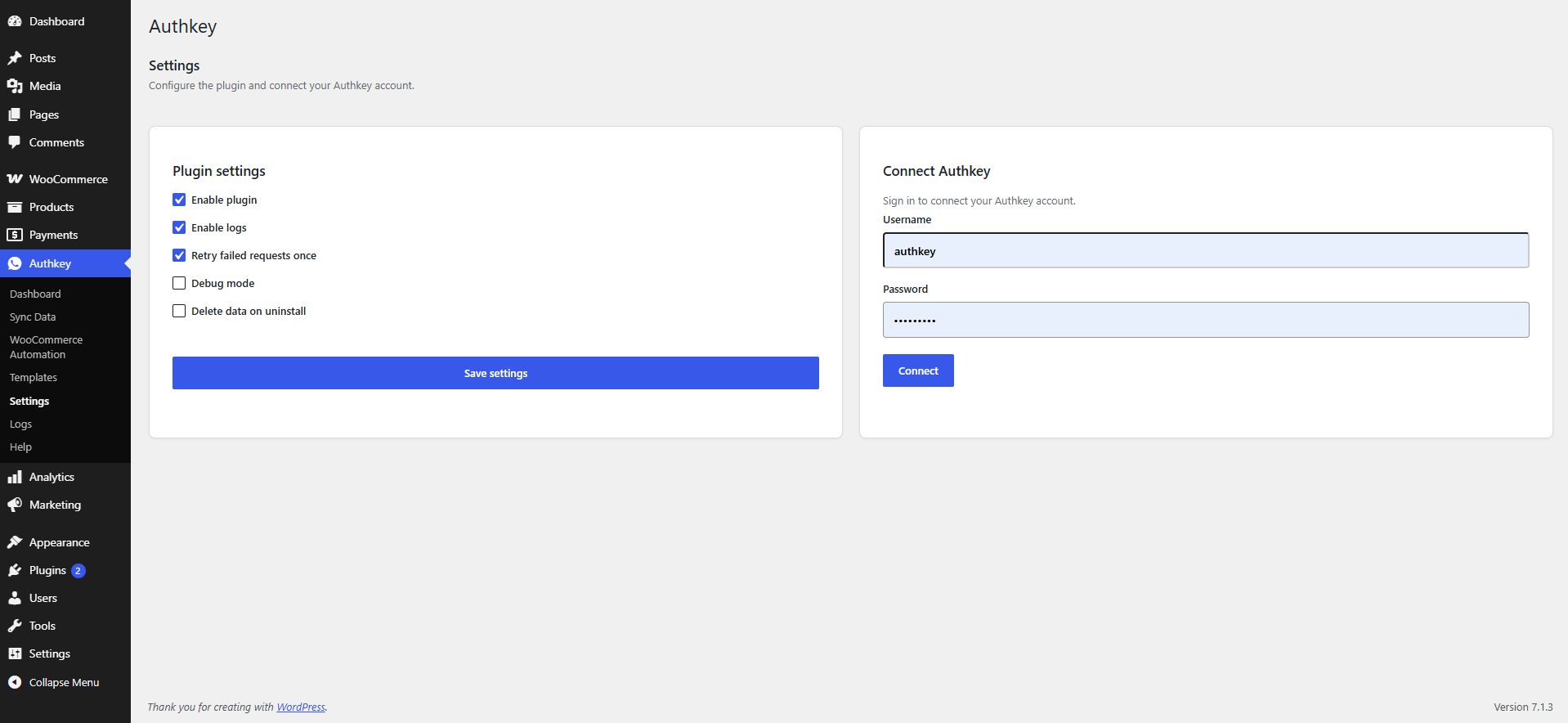
This plugin connects to the Authkey service. An administrator explicitly connects the service by entering Authkey account credentials. The account password is sent to Authkey to authenticate the connection but is not stored by WordPress.
When an administrator syncs contacts to an Authkey contact list, the selected customer name and billing phone number, together with the list name and country code, are sent to Authkey.
When an automation sends a WhatsApp message, the recipient phone number and the values selected for the approved template are sent to Authkey. These values can include a customer name, billing email, order number, product names, order total, order status, store name, and store URL.
The plugin stores the Authkey connection token, account ID, account name, balance details, automation configuration, and—when logging is enabled—delivery logs in the WordPress database. Delivery logs can contain an order ID, customer name, template, trigger, delivery status, and the Authkey API response. The plugin does not collect analytics or send data to services other than Authkey.
Site owners are responsible for obtaining any consent required to send WhatsApp messages and for describing this processing in their own privacy policy.
Authkey service documents: