
Baptd Accessibility Checks For RGAA Wordpress Plugin - Rating, Reviews, Demo & Download
Plugin Description
Baptd Accessibility Checks for RGAA helps you write accessible content as you draft it, instead of discovering issues during an audit after publishing. Unlike generic (international WCAG) accessibility checkers, Baptd Accessibility Checks for RGAA is built specifically around the French accessibility standard (RGAA 4.1.2, DINUM methodology), useful for any organization subject to the digital accessibility obligation — public sector, and increasingly the private sector too since the scope was extended in June 2025.
What the free version does
An automatic scan runs while you write, with alerts directly on the relevant blocks and a summary panel:
- Images — missing or generic alt text, guided decorative/informative question
- Structure — heading level skips, duplicate H1, hand-typed lists instead of a real List block
- Links — unclear labels (“click here”), empty links
- Tables — missing headers
- Forms — fields without a label (custom HTML block)
- Colors — insufficient text/background contrast (custom colors and theme palette colors)
- Frames — iframes without a title
- Multimedia — videos without captions, transcript reminder for audio
- Consultation — reminder to check the accessibility of attached office documents (PDF, Word…)
- Presentation — uppercase text used as styling instead of real semantic emphasis
Each checked post feeds a dashboard in the admin area, showing the number of points to fix per piece of content.
Pro version (separate add-on)
Baptd Accessibility Checks for RGAA Pro is a paid add-on, distributed outside of WordPress.org (see assistantrgaa.baptistedumouchel.fr): multi-page audit of the actually published site, accessibility statement draft, scheduled automatic audits with email alerts. This free plugin remains fully functional and useful without it.
What this plugin is NOT
Let’s be clear: Baptd Accessibility Checks for RGAA does not certify RGAA conformity. An official RGAA audit requires evaluating the 106 criteria of the standard on a representative sample of pages, following a precise methodology, including checks that cannot technically be automated (semantic relevance, real keyboard navigation, site-wide navigation consistency). This plugin is a writing assistant that reduces the most frequent errors upstream — not a substitute for an audit performed by a competent person.
This plugin does not contact any external service: the scan runs entirely in your browser.
Screenshots
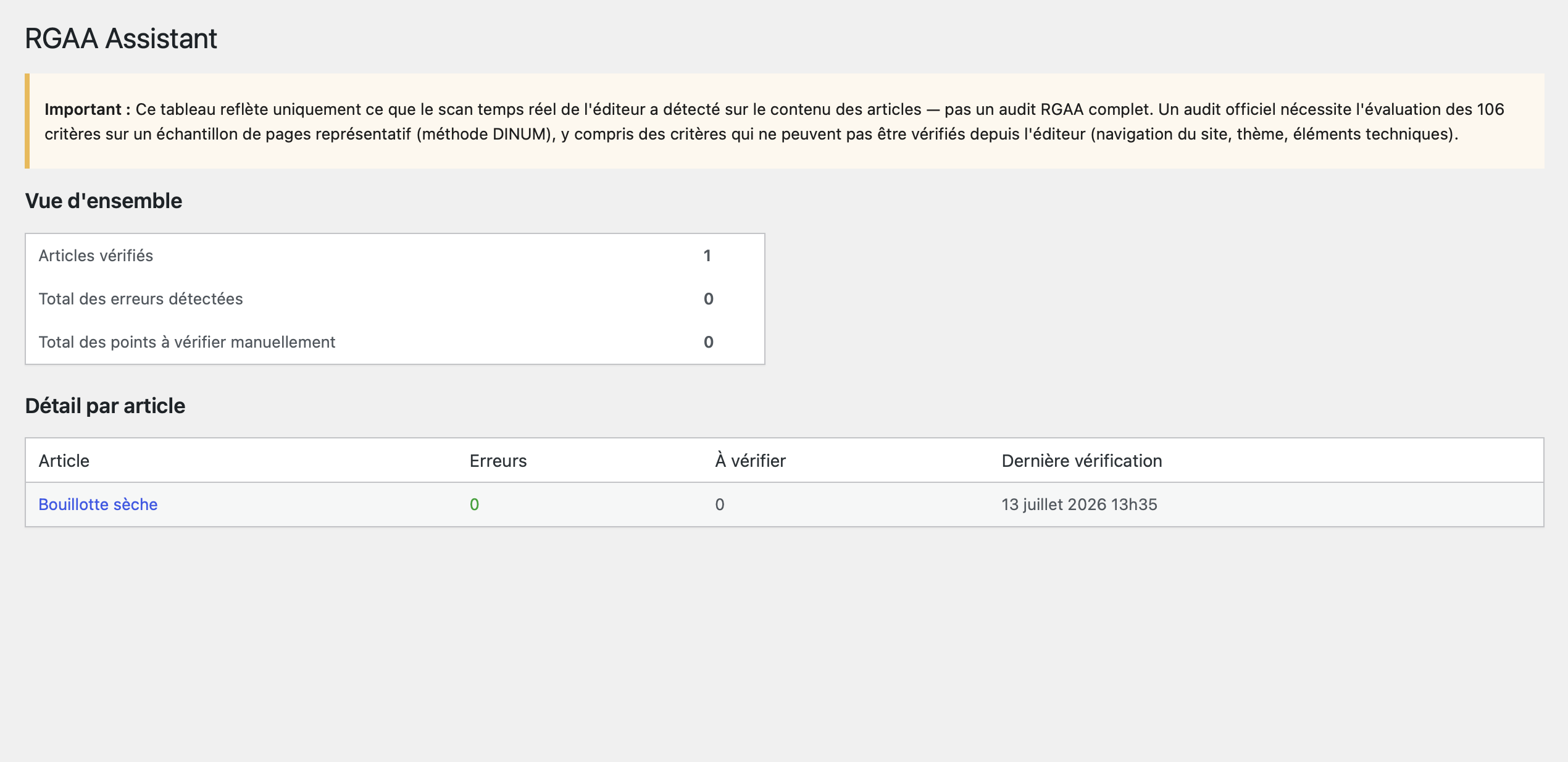
Baptd Accessibility Checks for RGAA panel in the editor, showing detected issues by theme
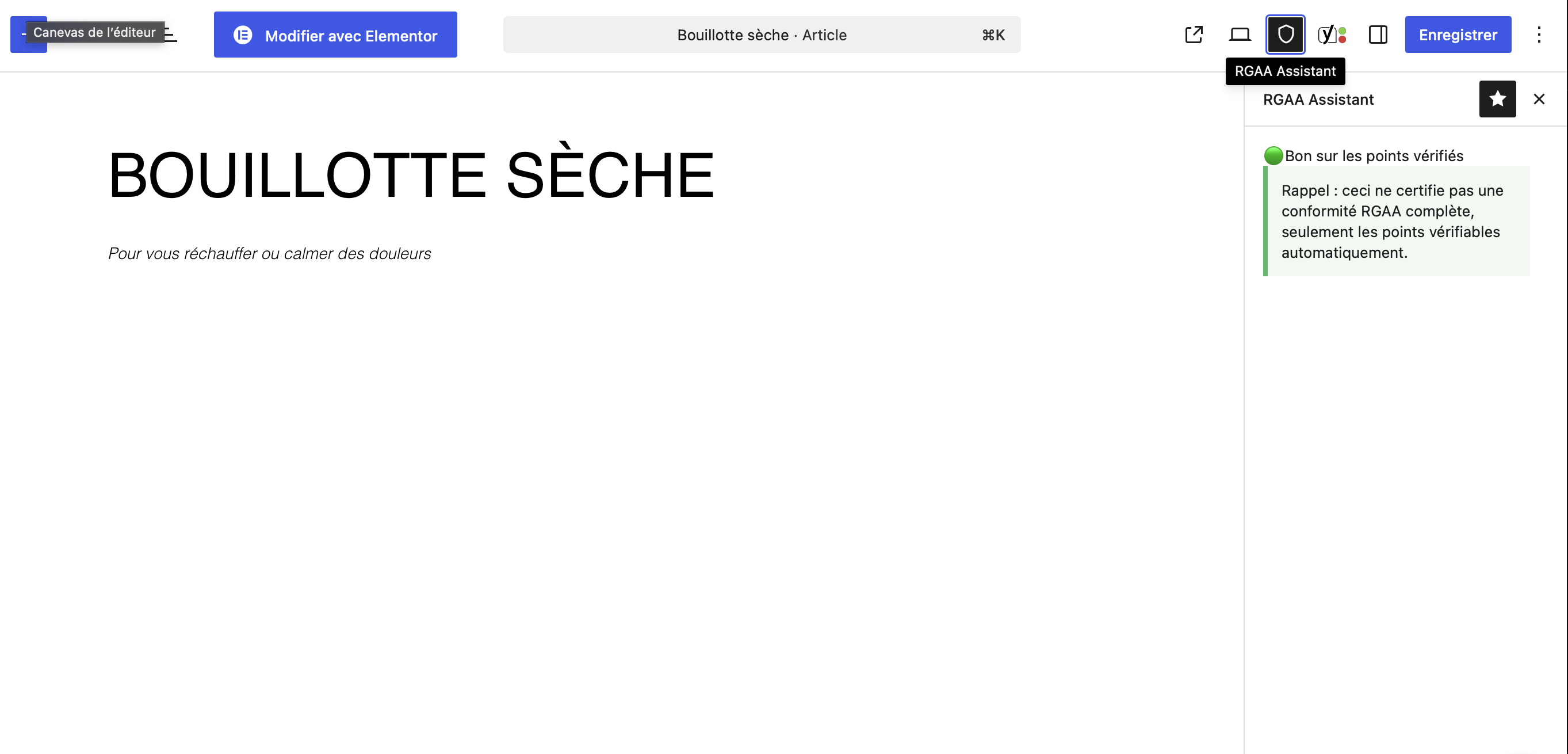
Guided question displayed directly under the relevant block
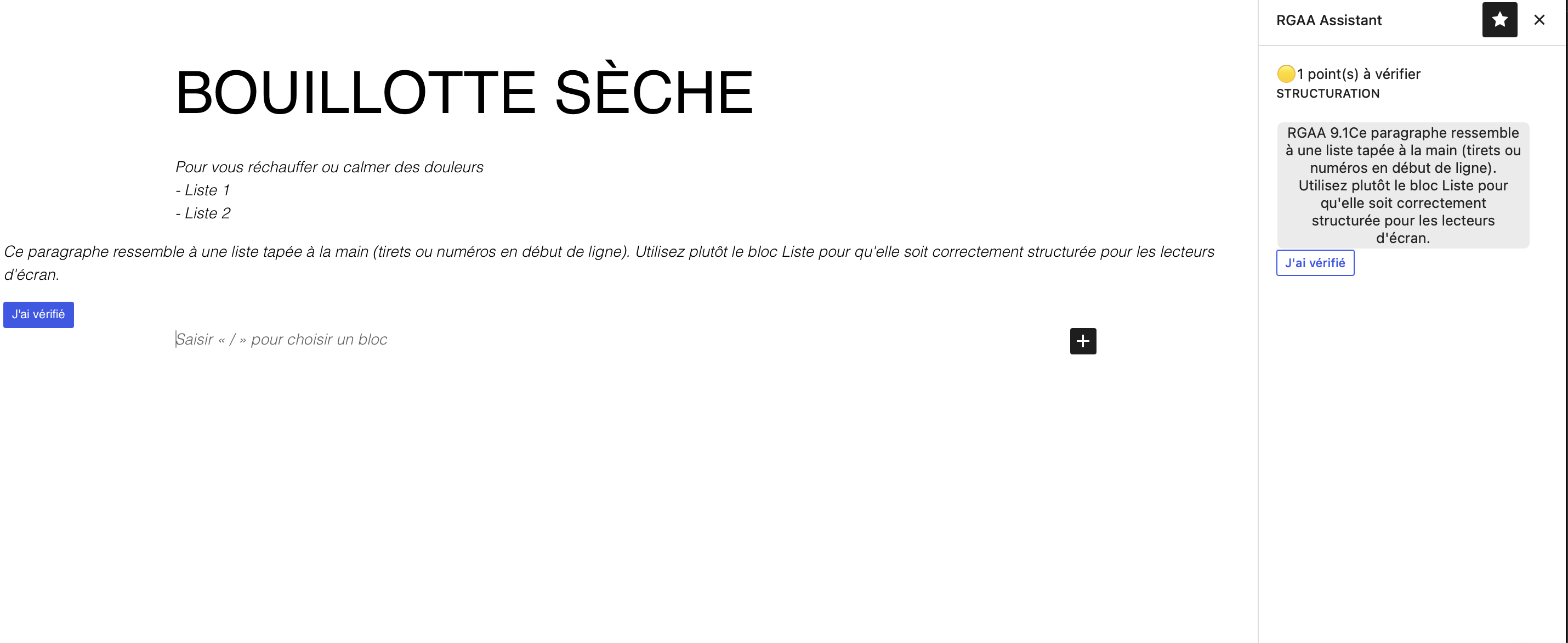
Admin dashboard with the summary per post


