Bobasoftware Publisher Paywall Wordpress Plugin - Rating, Reviews, Demo & Download

Plugin Description
Bobasoftware Publisher Paywall lets WordPress bloggers and independent publishers monetize their content with Stripe-powered subscriptions.
What’s included (free):
- Subscription monetization — offer monthly and annual plans to your readers
- Free publish window — keep new posts free for a configurable number of days after publishing, then automatically paywall them
- Magic login — readers log in via a one-time email link, no password required
- Payments ledger — view and manage subscription payments
- Members management — see who’s subscribed, when they joined, and their status
- Reader self-service — subscribers can cancel or update billing from a link at the end of each unlocked article
Pro features (available via in-app upgrade):
- Tip unlock — let readers pay what they want to unlock a single post
- Per-article purchase — set a fixed price for individual posts
- Free-post quota — give logged-in readers a monthly or one-time allowance of free articles
- Creator Tools — preview your paywall and debug reader access
The plugin connects to Stripe for payment processing. You’ll need a Stripe account to accept payments.
External services
This plugin connects to external third-party services for payment processing and licensing. By using this plugin, you agree to the terms of these services.
Stripe
This plugin uses Stripe to process payments. When a reader subscribes, purchases an article, or leaves a tip, the plugin creates a Stripe Checkout session and redirects the reader to Stripe’s hosted checkout page. Stripe handles all payment processing — no credit card data is stored on your WordPress site.
Data sent to Stripe:
* When a reader checks out: the product name, price, currency, and a success/cancel URL pointing back to your site
* When managing subscriptions: subscription ID and update parameters
* Webhook events: Stripe sends payment confirmation events back to your site for order fulfillment
Stripe links:
* Stripe Terms of Service
* Stripe Privacy Policy
Freemius
This plugin uses Freemius for license management and update delivery. On activation, you’ll see an opt-in screen where you can choose to share diagnostic data (such as your site URL, WordPress version, PHP version, and plugin version) to help us provide updates and support — or skip this and continue with the free version anonymously. No data is sent to Freemius unless you actively opt in.
Freemius links:
* Freemius Terms of Service
* Freemius Privacy Policy
Screenshots
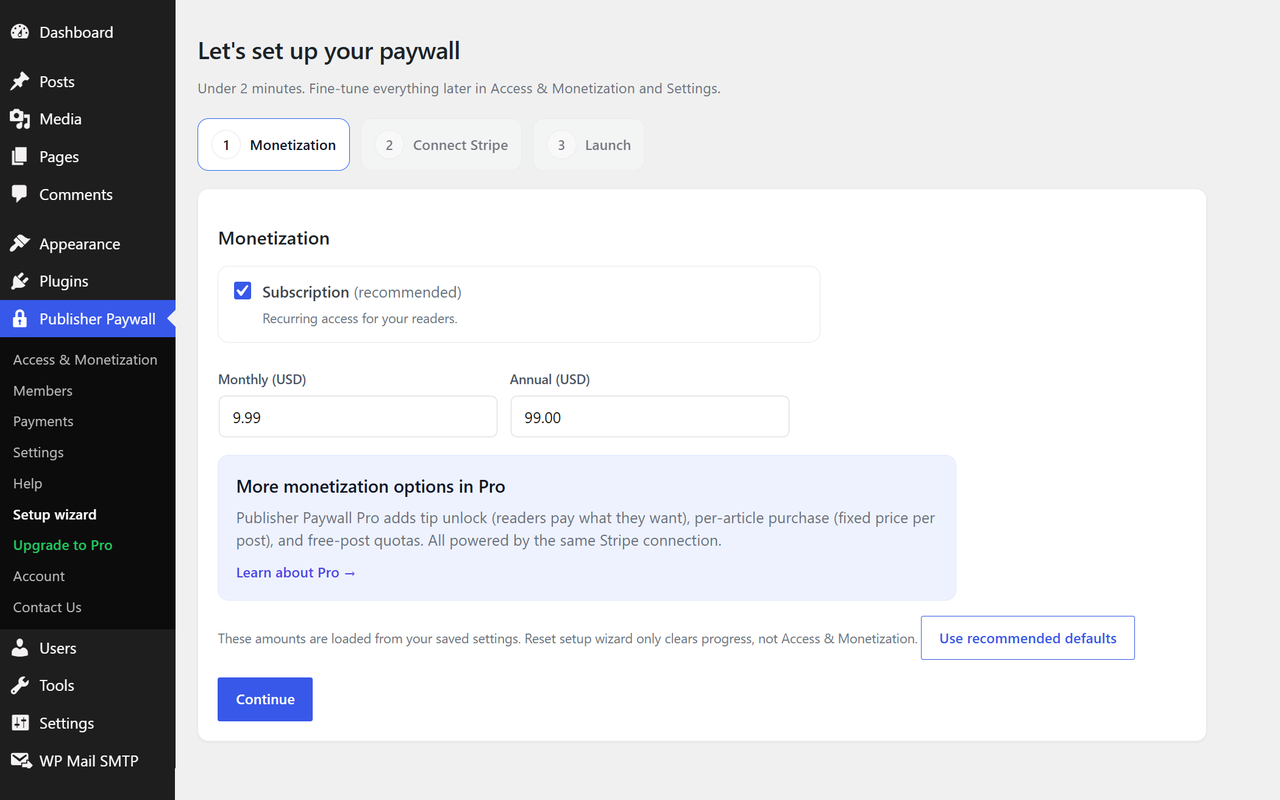
Setup wizard — launch your paywall in under two minutes
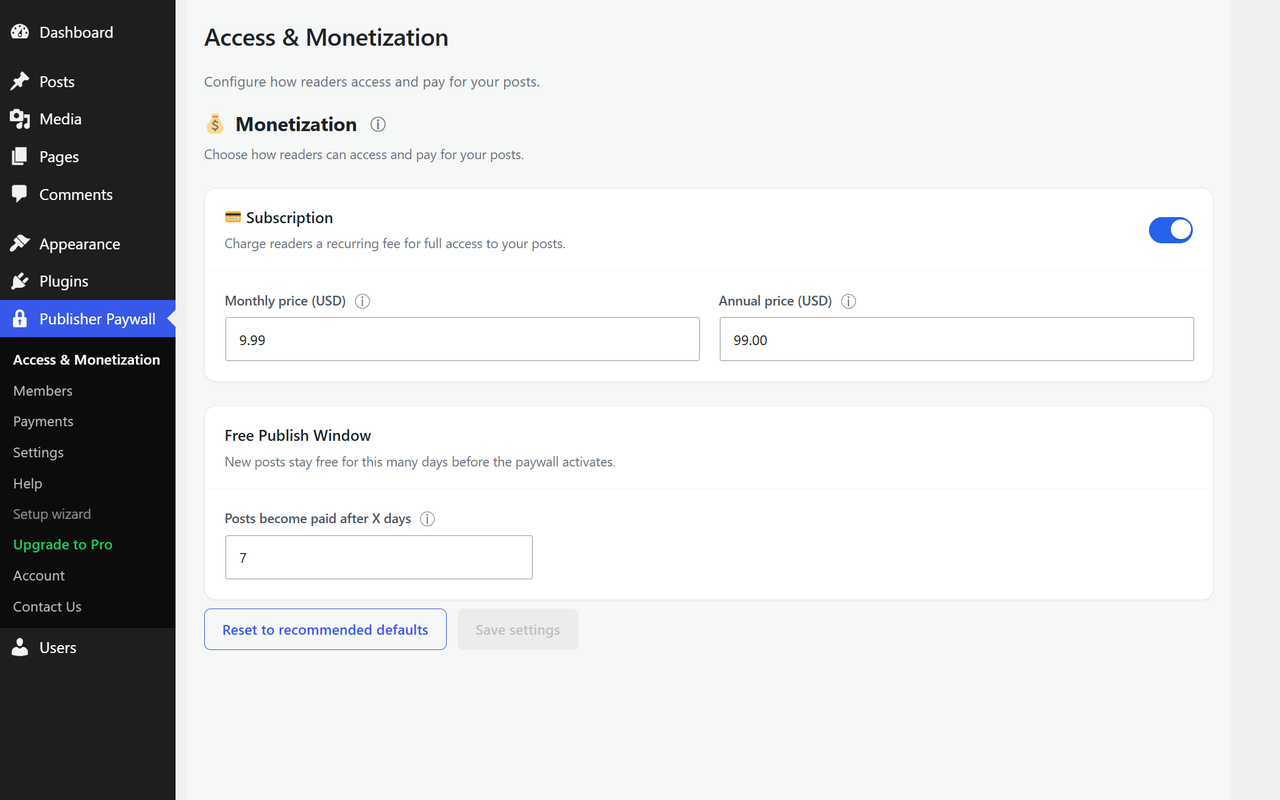
Access & Monetization — configure pricing and paywall rules in one place
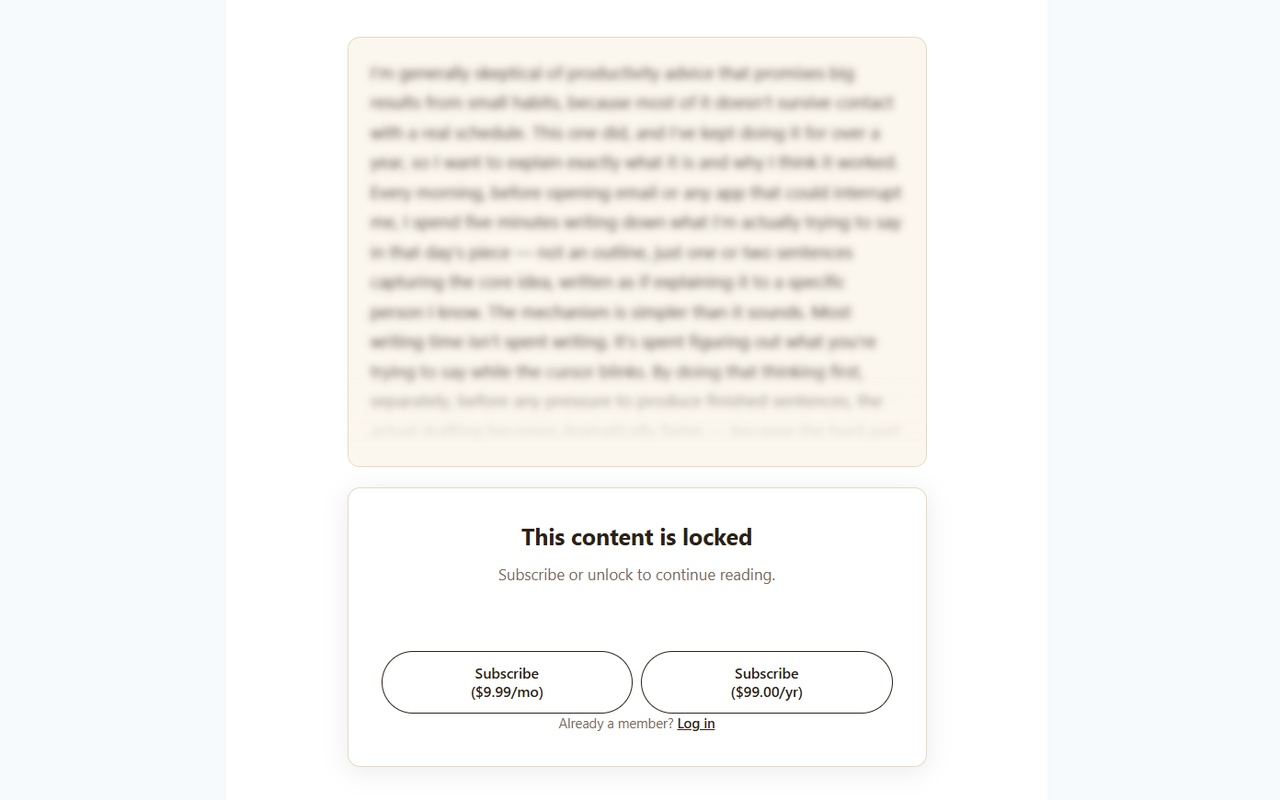
Paywall overlay — clean, reader-friendly design
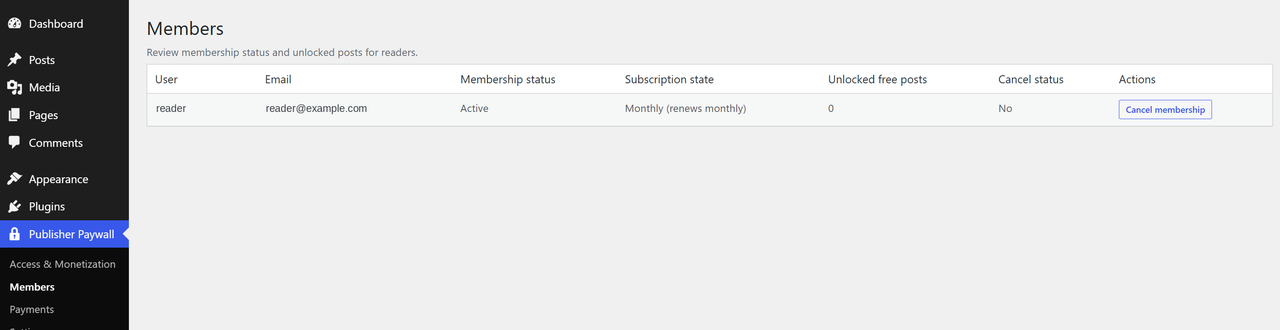
Members page — see who has access
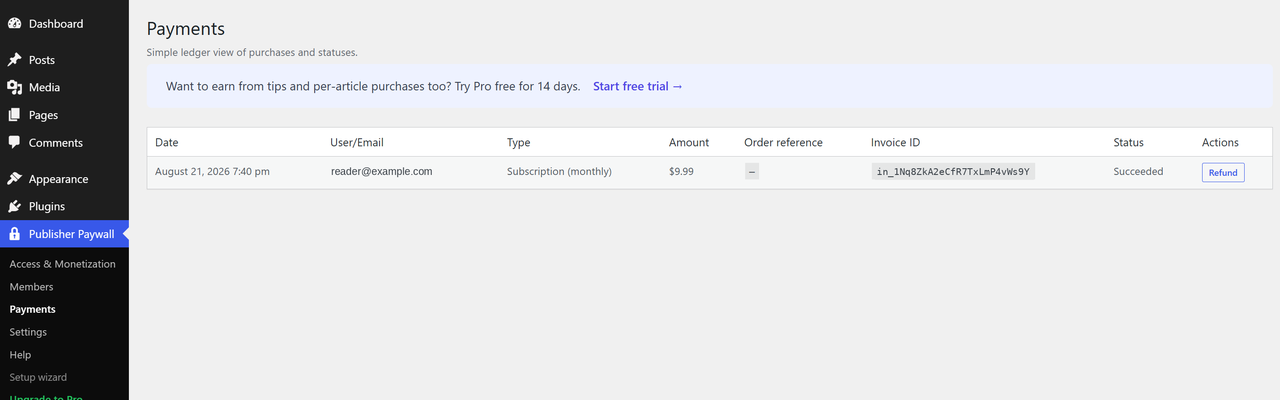
Payments page — track all revenue