
Bookminto Wordpress Plugin - Rating, Reviews, Demo & Download
Plugin Description
Bookminto connects a WordPress site to a Bookminto workspace. Site owners paste the installation key from their Bookminto account, then the plugin can:
- Render the widget automatically on the public site (floating button, booking bar, or modal).
- Place the widget in a page with the Bookminto block or the
[bookminto]shortcode ([booking_widget]still works). - Link WooCommerce products to a Bookminto service so visitors pick a time on the product page, pay in WooCommerce checkout, and confirm the booking when the order is paid.
You manage services, hours, the calendar, and billing in Bookminto. This plugin is the WordPress client for that service. A Bookminto account and access to its external booking service are required.
The WordPress plugin is free to download. Bookminto currently provides free Pro access during its beta, without a credit card or automatic charges. After beta, a paid Bookminto service plan is required to keep accepting new bookings. Current access conditions, beta terms, and prices: https://bookminto.com/#pricing
Source
The compiled widget runtime is included locally as assets/widget.js. Readable source is included in assets/src. From the repository root, run npm ci, then npm run sync:wordpress-plugin and npm run package:integrations to reproduce the runtime and plugin package with Node.js 22 and the pinned Rolldown dependency. The runtime is updated only when the plugin is updated and cannot be replaced by an external Bookminto script.
External services
This plugin connects to Bookminto at:
https://api.bookminto.com/v1— widget config, booking holds, and paid confirmation
The service is used to:
- Load the published widget setup for the installation key.
- Keep the WooCommerce product catalog in sync with Bookminto services.
- Create booking holds and confirm bookings after WooCommerce payment.
Data sent to the service can include the installation key, page URL, selected service, selected time, visitor name and visitor email address, and WooCommerce order identifiers when checkout booking is used.
Service terms: https://app.bookminto.com/terms
Privacy policy: https://app.bookminto.com/privacy
Optional booking deposits use Stripe Elements. When a visitor reaches an enabled deposit payment step, the widget loads https://js.stripe.com/v3/ and Stripe processes payment details and device/network information. Bookminto receives payment identifiers and status, not raw card details. WooCommerce checkout uses the store’s own configured payment gateway instead.
Stripe documentation: https://docs.stripe.com/js
Stripe terms: https://stripe.com/legal
Stripe privacy policy: https://stripe.com/privacy
Screenshots
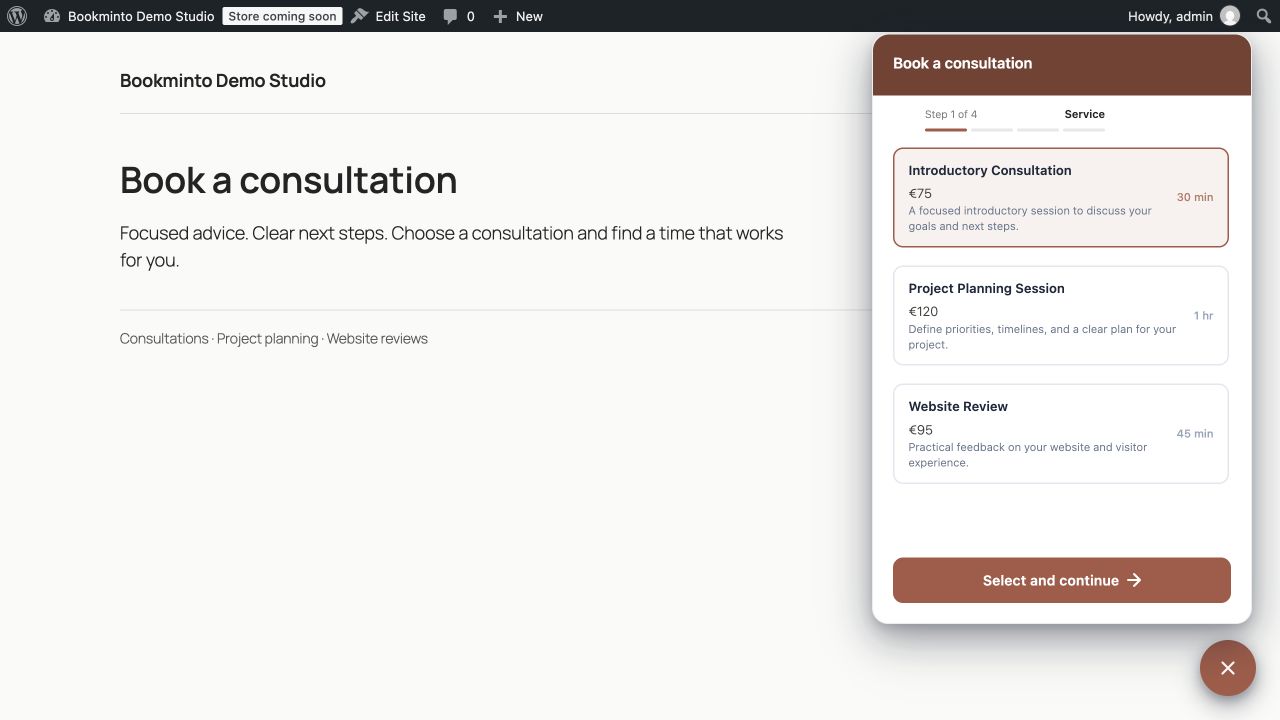
The floating booking widget lets visitors choose a service on a WordPress site.
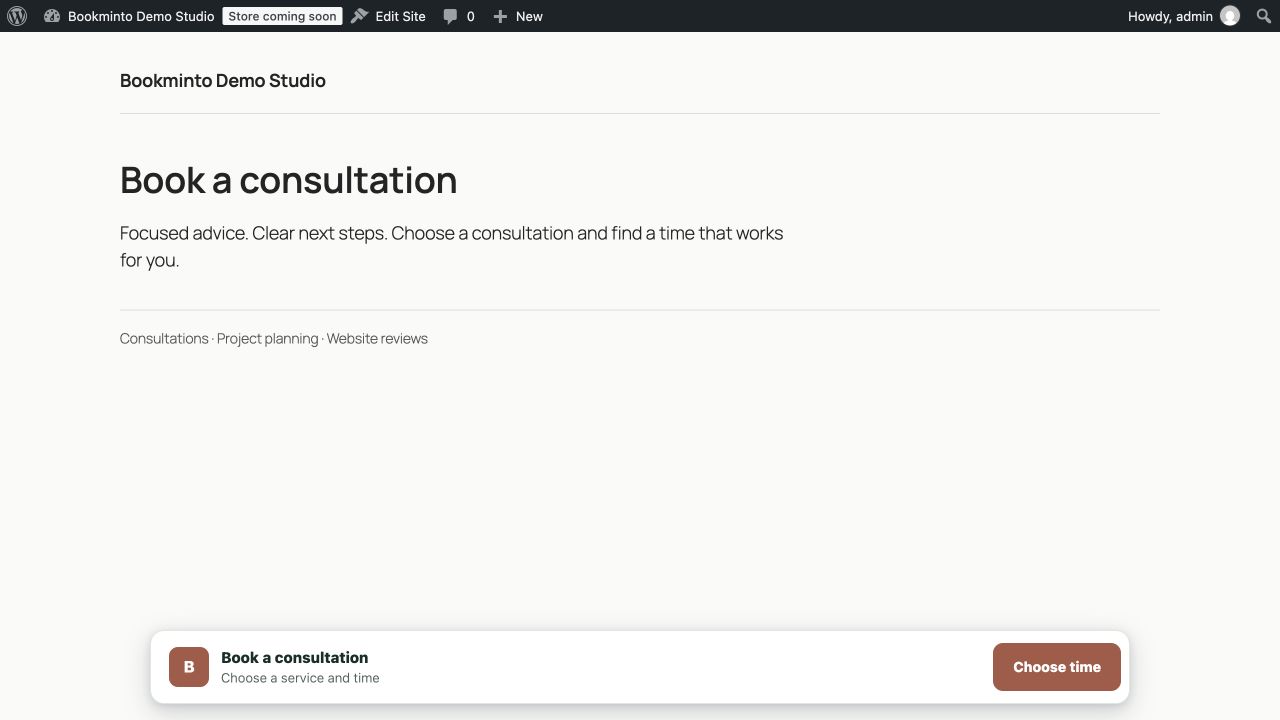
The compact booking bar offers a clear booking action without leaving the page.
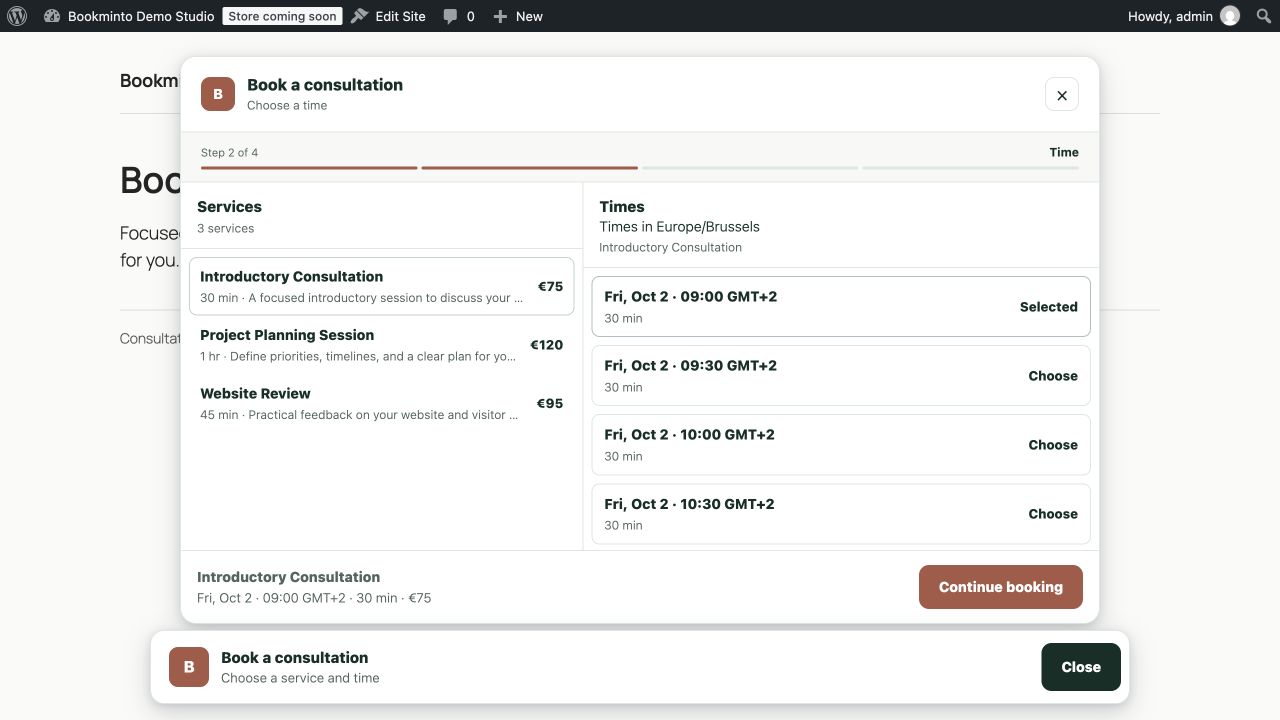
The expanded booking bar shows services, prices, and available times.
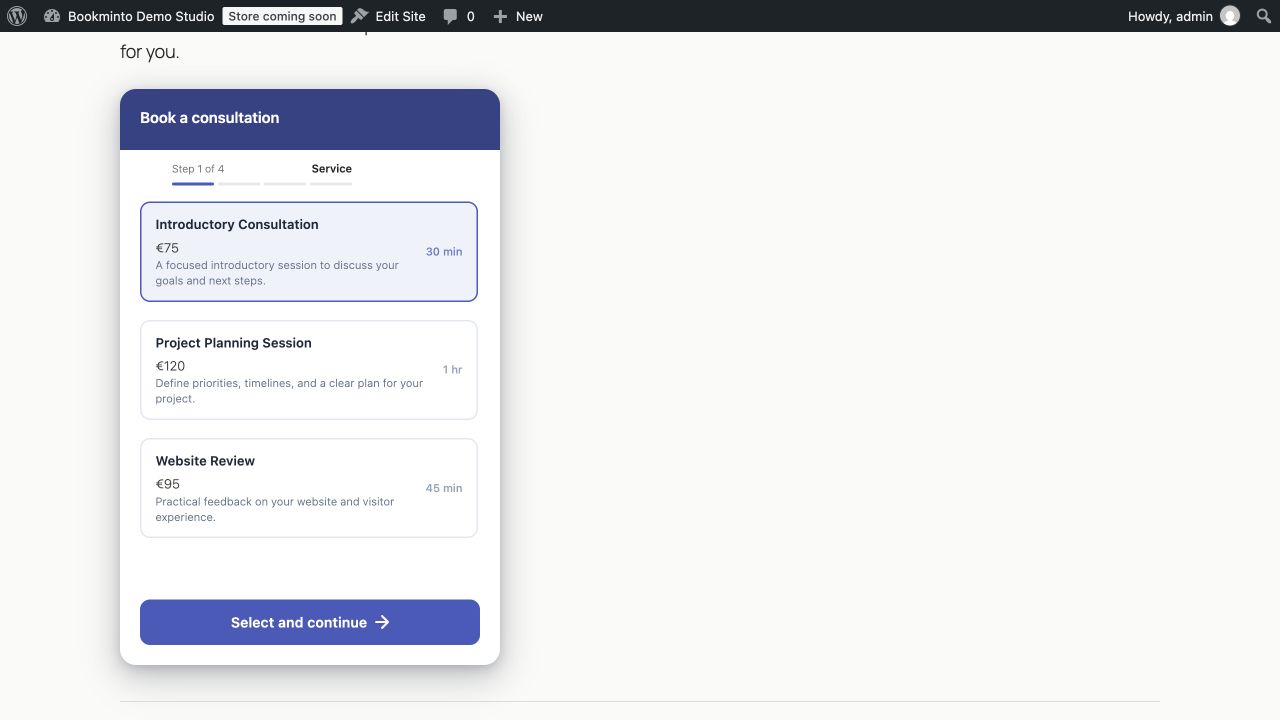
The inline widget embeds service selection directly in a WordPress page.
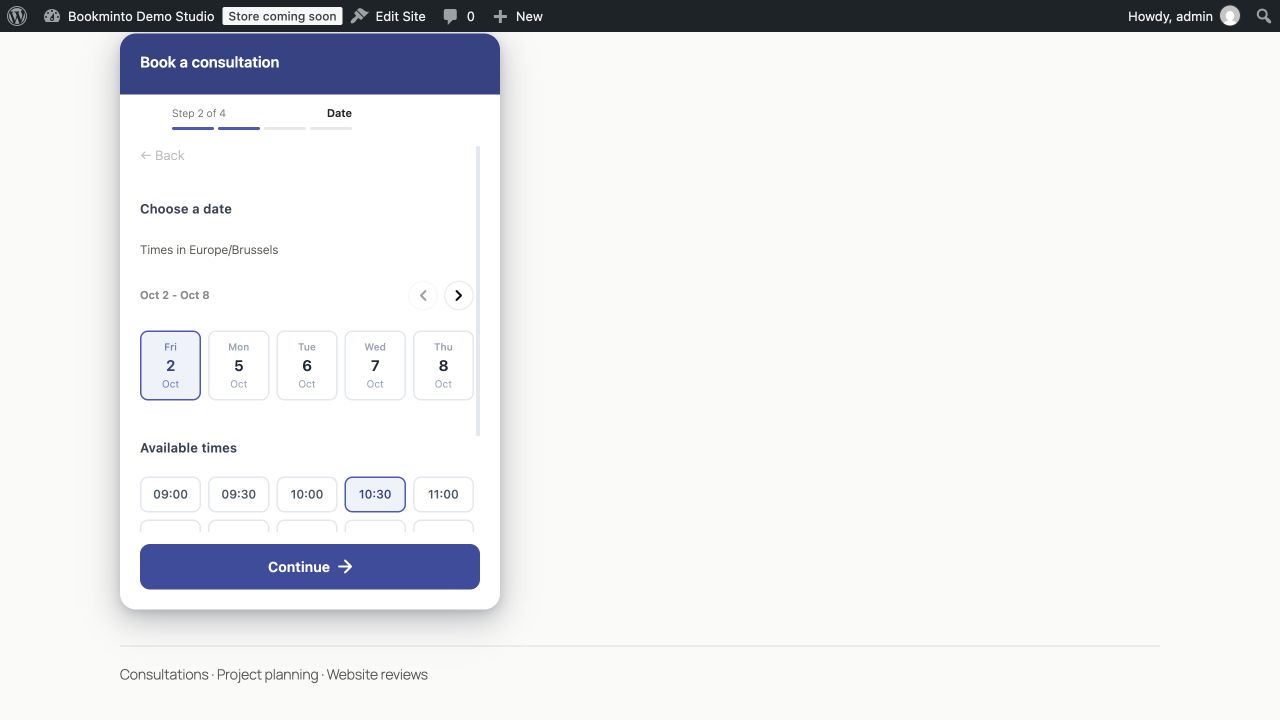
Visitors choose an available date and time in the inline widget.
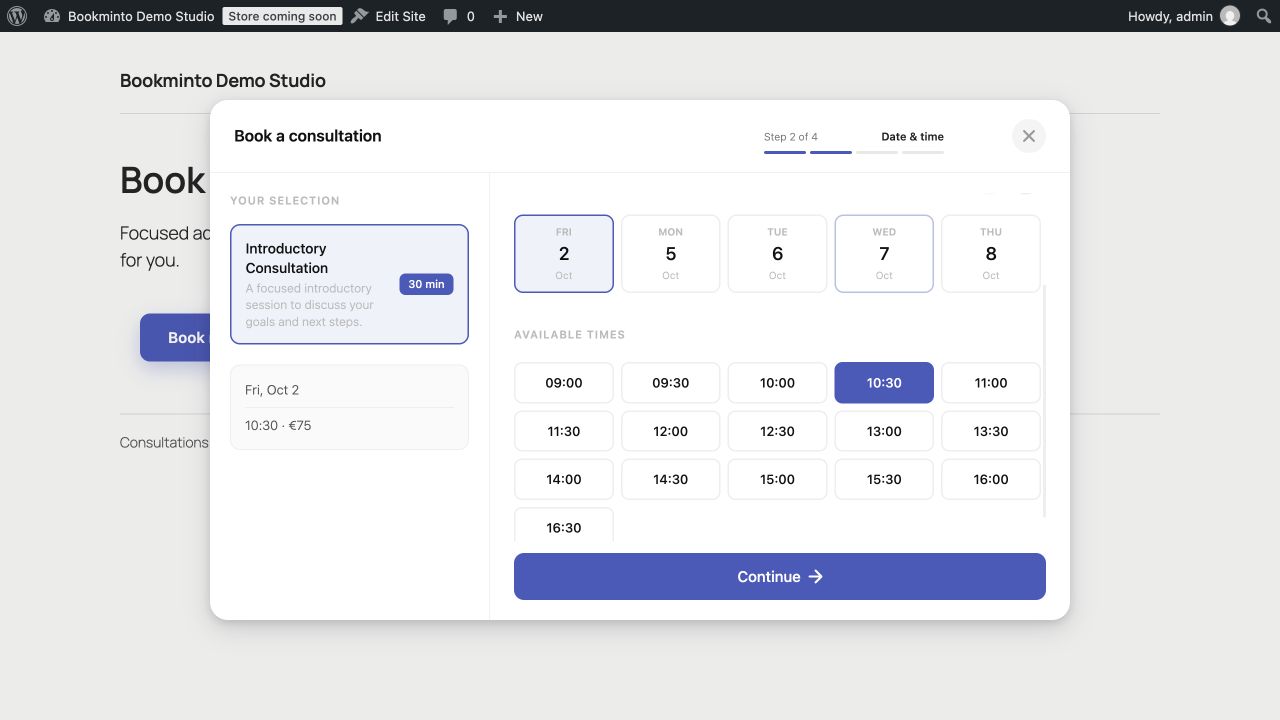
The modal booking form shows the selected service alongside date and time selection.
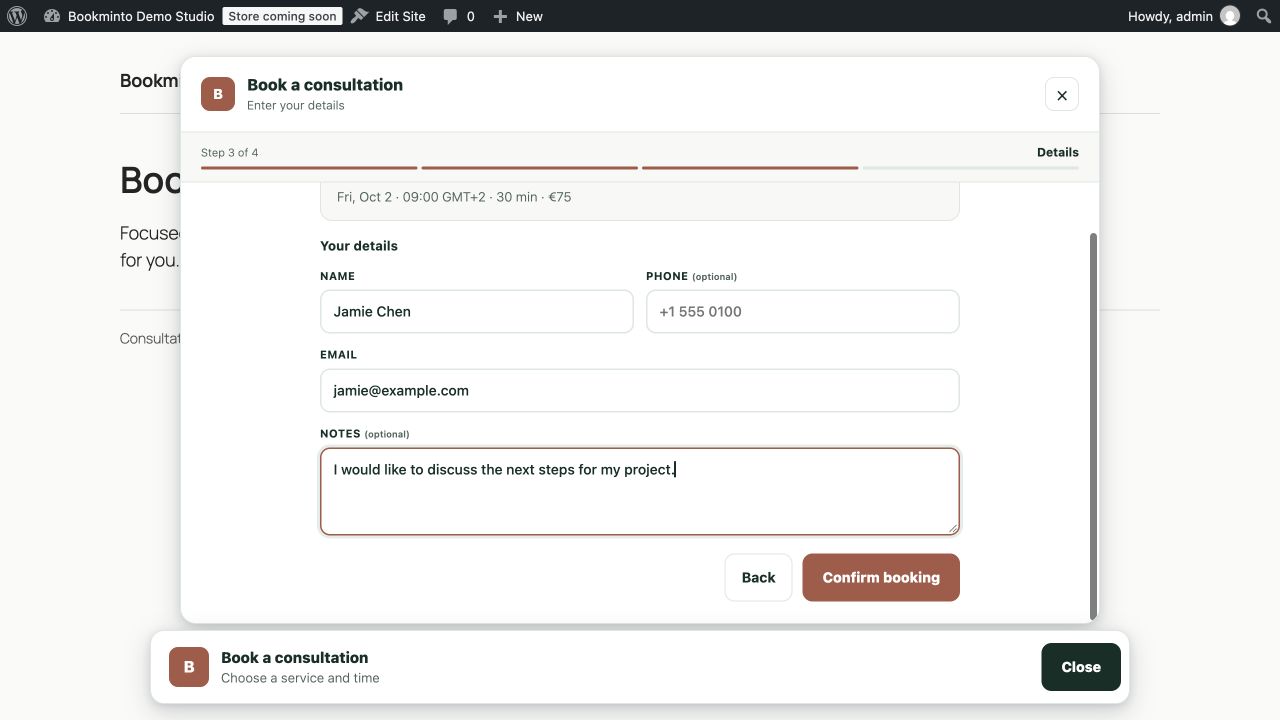
The booking bar customer form collects contact details and optional notes.
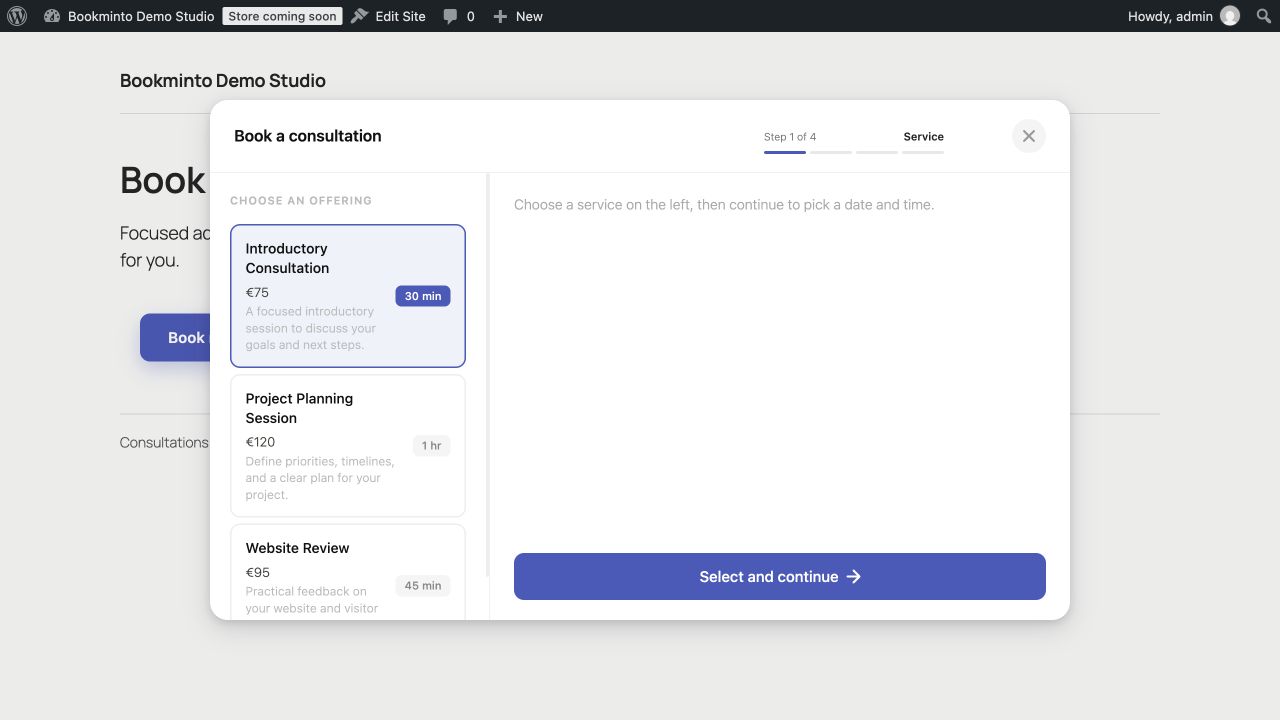
The modal widget offers service selection with example descriptions, duration, and prices.
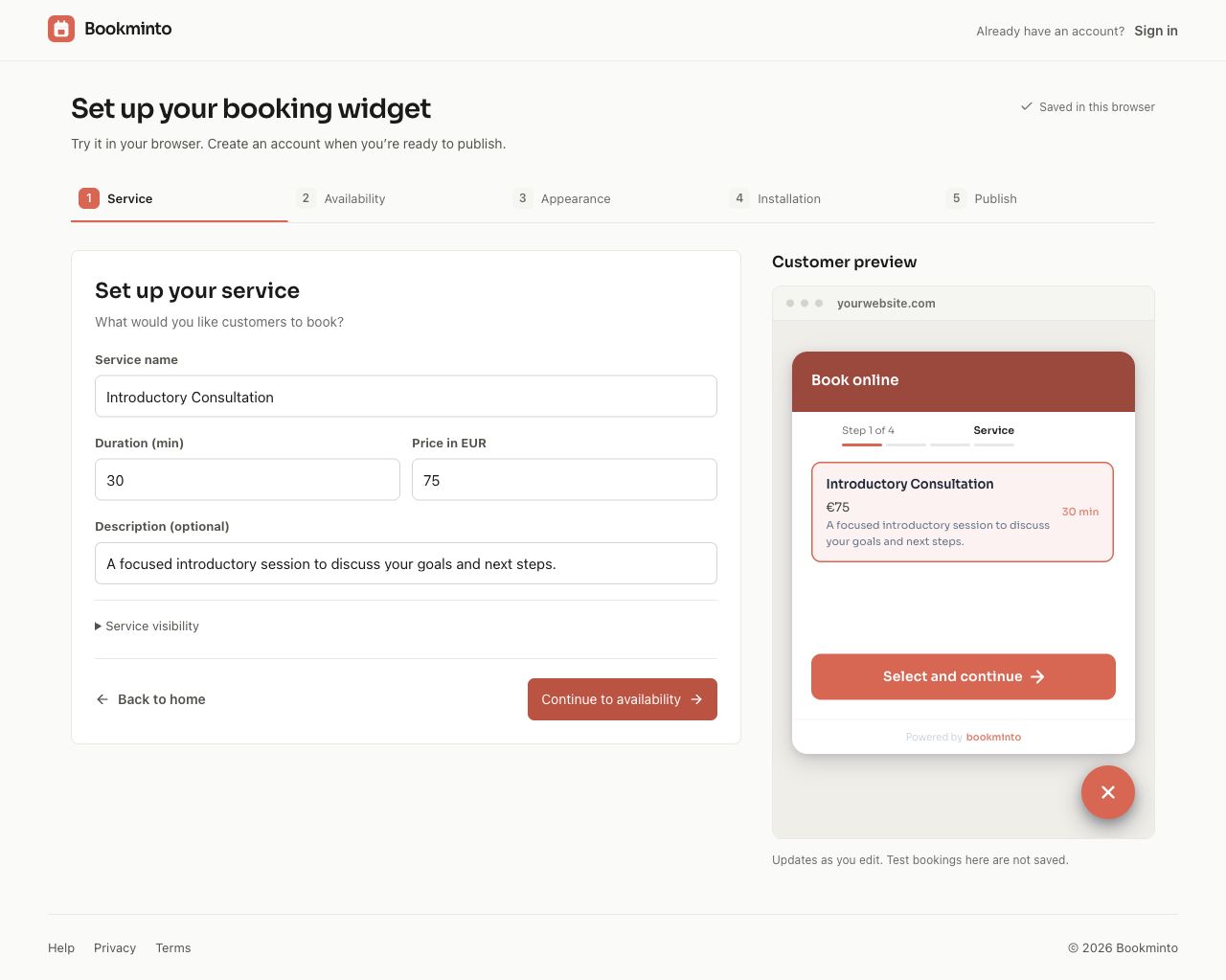
Configure a service with its name, duration, description, and price in the Bookminto setup.
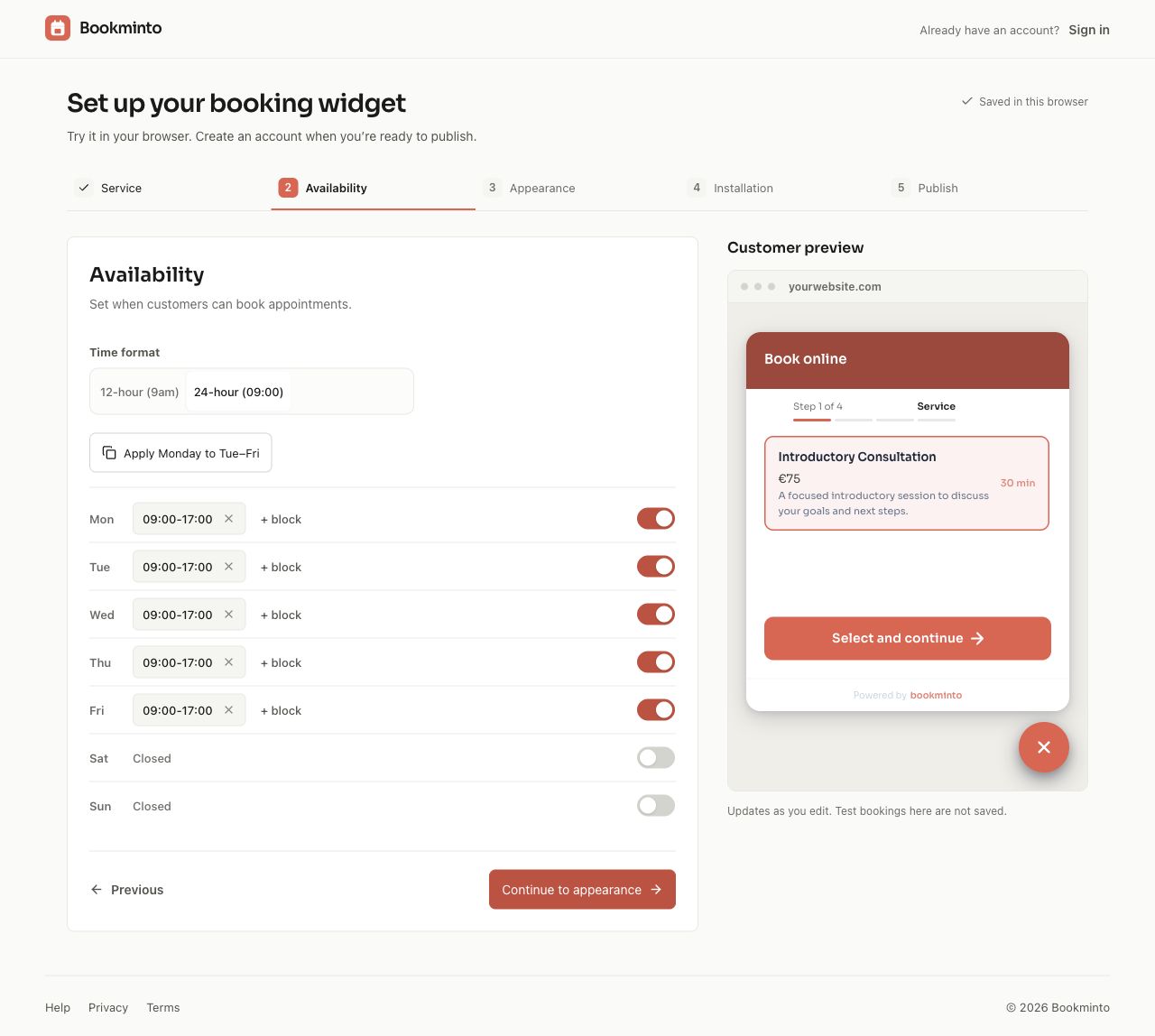
Configure weekly availability and the time display in the Bookminto setup.
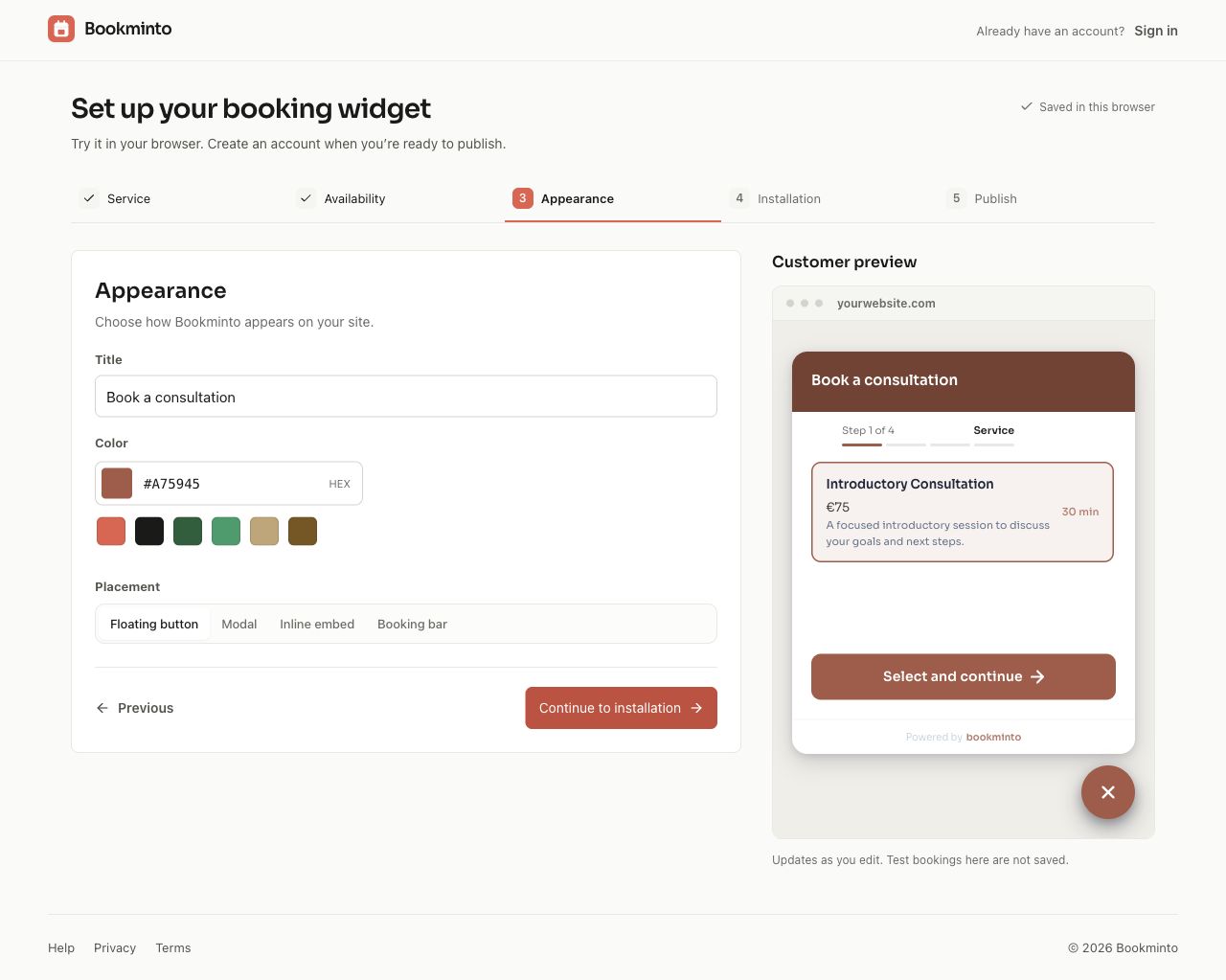
Customize the widget title, appearance, and brand color in the Bookminto setup.
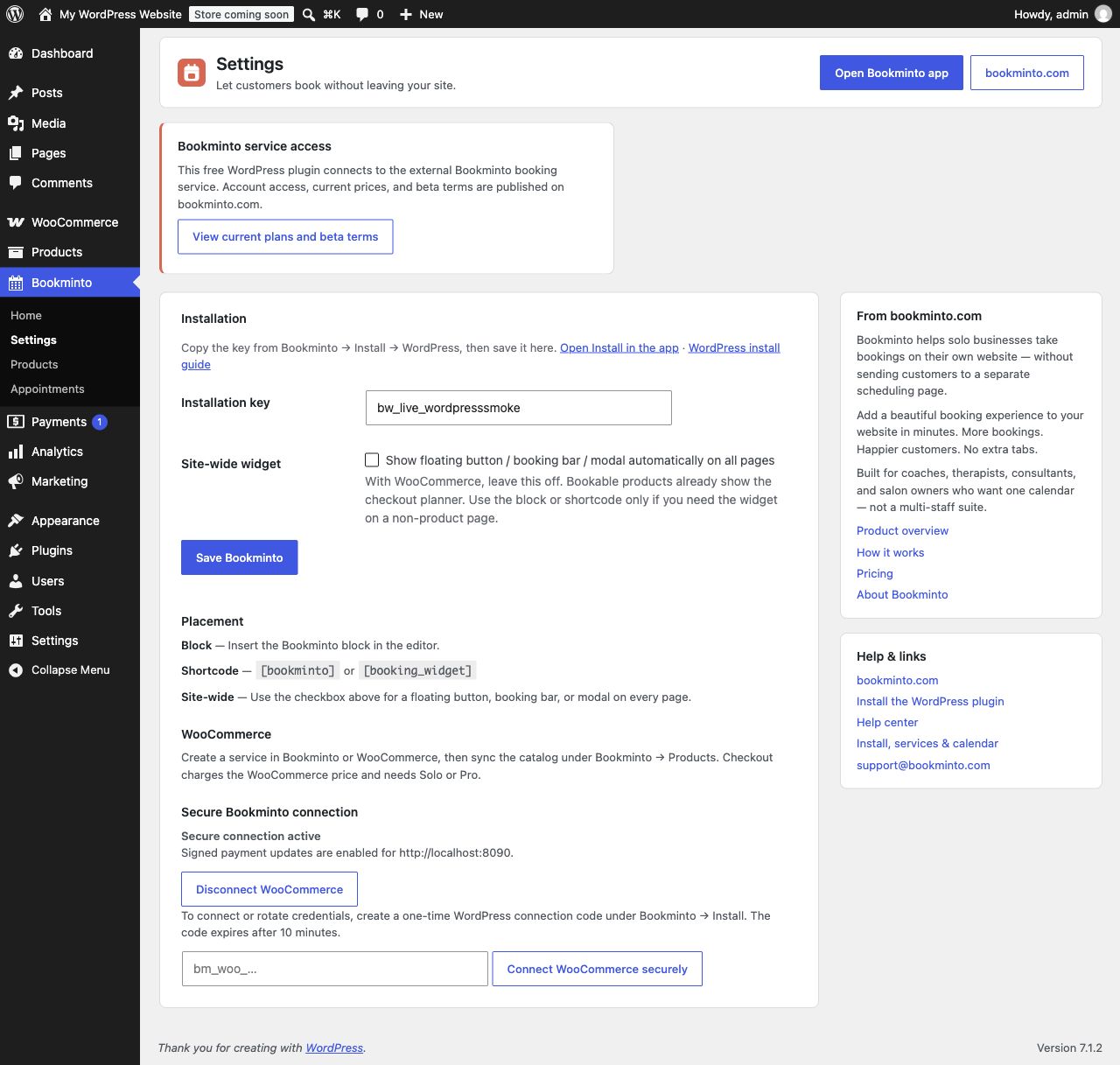
WordPress settings connect the installation key and secure WooCommerce connection.
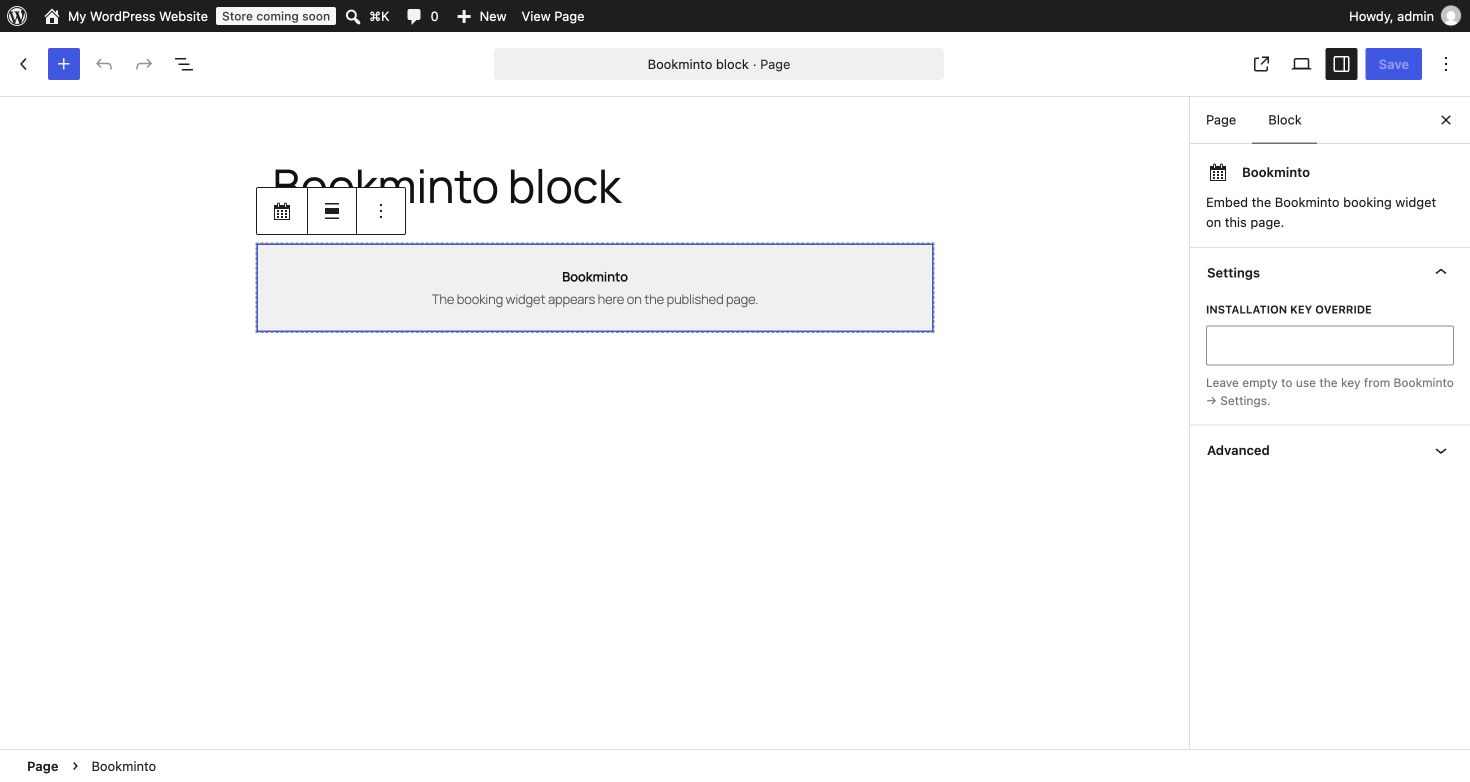
Add the Bookminto block to a page in the WordPress editor.


