
BoxedChat – AI Chat Widget & Support & Helpdesk Wordpress Plugin - Rating, Reviews, Demo & Download

Plugin Description
BoxedChat Integration is a lightweight WordPress plugin that allows you to embed BoxedChat workspace widgets directly on your WordPress site. With just one click, users are securely redirected to BoxedChat to authenticate and select a workspace – no passwords needed in WordPress!
Features:
– One-click OAuth authentication with BoxedChat
– Automatic widget embedding on all pages
– No credentials stored in WordPress
– Customizable widget height
– Optional shortcode for custom placements: [workspace_widget]
– Responsive iframe embedding
– Works with all BoxedChat workspaces
Usage
Automatic Usage (Default):
Once you connect a workspace, the widget automatically appears in the footer of all pages.
With Shortcode (Optional):
[workspace_widget]
Custom height:
[workspace_widget height="800"]
Available Attributes:
– height – The height of the widget in pixels (default: 600, range: 300-2000)
Configuration
- Navigate to Settings > BoxedChat Integration in your WordPress admin panel
- Click “Connect to BoxedChat”
- Login to your BoxedChat account
- Select the workspace you want to embed
- Set the widget height (optional, default is 600px)
- Click “Save Changes”
Screenshots


Similar Plugins:
 Rating Widget: Post Rating, 5 Star Rating, Reviews, Thumbs Up & Down, Reaction
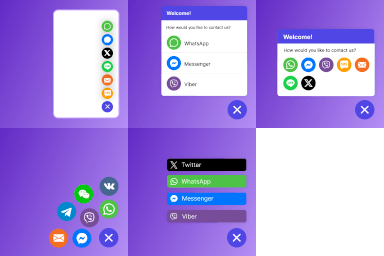 Sticky Chat Widget: Chat Icons, Contact Form, Email, SMS, Call Button, Click To Chat, Social Chat Widget, Sticky Chat Buttons
 Tags: Helpdesk, Ticket System, Support, Tickets, Support Ticket, Support Desk, Help, Knowledgebase, Faq