
BridalOp Wordpress Plugin - Rating, Reviews, Demo & Download

Plugin Description
BridalOp is bridal boutique management software — appointments, point of sale, inventory, purchase orders and reporting in one place.
This plugin connects your BridalOp account to the store on your own website — WooCommerce or FluentCart — so the gowns and accessories you’ve flagged for online selling appear there, and their stock follows what’s physically in your shop.
Bridal is unusual: nearly every gown is a single physical item. Sell one twice and somebody has to telephone a bride. So stock is the thing this plugin takes most seriously — a dress sold at your counter stops being buyable online within about ten seconds.
What it does
- Publishes products you’ve marked for online selling in BridalOp, with their photographs, sizes and prices
- Keeps store stock matched to the units actually available in your locations
- Brings website orders back into BridalOp as real sales, with the gown taken off your racks
- Sends refunds and cancellations back the other way, putting the dress back on the racks
- Marks an order as sent on your website when you send it, so your store emails the customer
Connecting is one click.
You’ll be sent to BridalOp to approve the connection and brought straight back. There are no API keys to generate, copy or paste — the plugin handles that for you, and removes the credentials again if you disconnect.
Build process
The admin screen is a small Vue application. The compiled bundle in assets/build/ is generated from the readable source in admin/src/, which ships with this plugin so the two can be compared.
To rebuild it:
npm install && npm run build
The build uses Vite; the configuration is in vite.config.js. No build step is required to use the plugin.
External services
This plugin connects to BridalOp, a third-party service, to synchronise your products, stock levels and orders. It is required for the plugin to function.
Data sent to BridalOp:
- Your site address, when you connect
- Store API credentials generated by this plugin, so BridalOp can publish products and update stock
- Order details (items, quantities, totals and customer contact details) when a sale is made through your store, so the sale can be recorded against your inventory
Data received from BridalOp:
- Product details and stock quantities for the items you have chosen to sell online
An active BridalOp account is required. Service terms: https://app.bridalop.com/legal/terms — Privacy policy: https://app.bridalop.com/legal/privacy
Screenshots
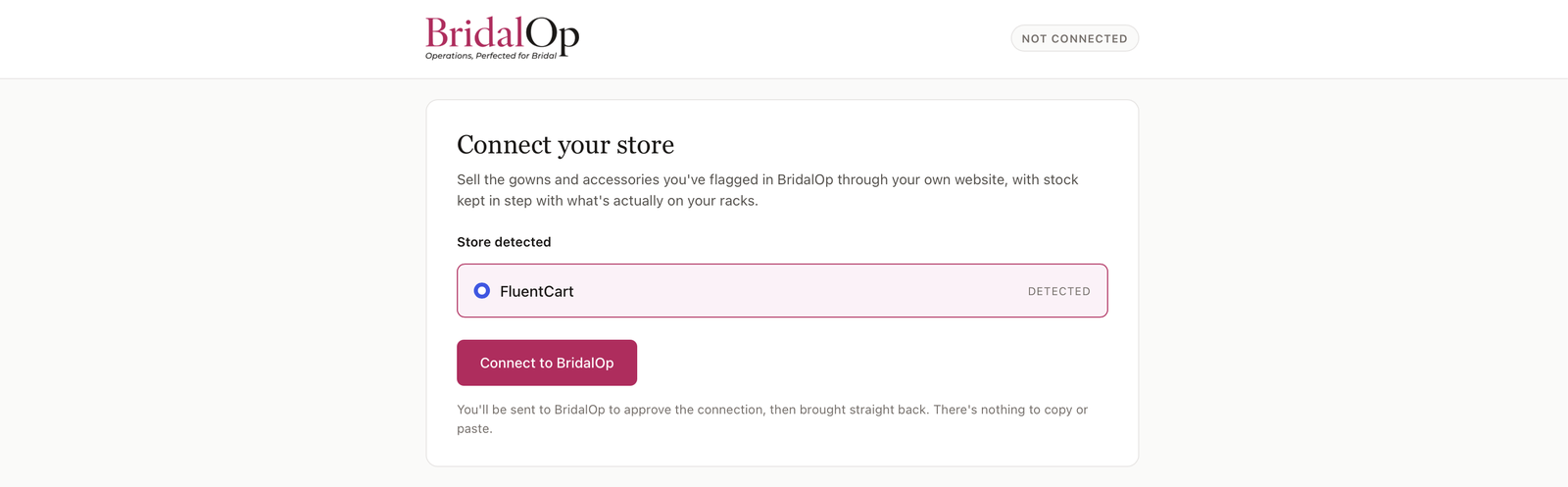
The BridalOp screen before connecting, with your store platform detected automatically
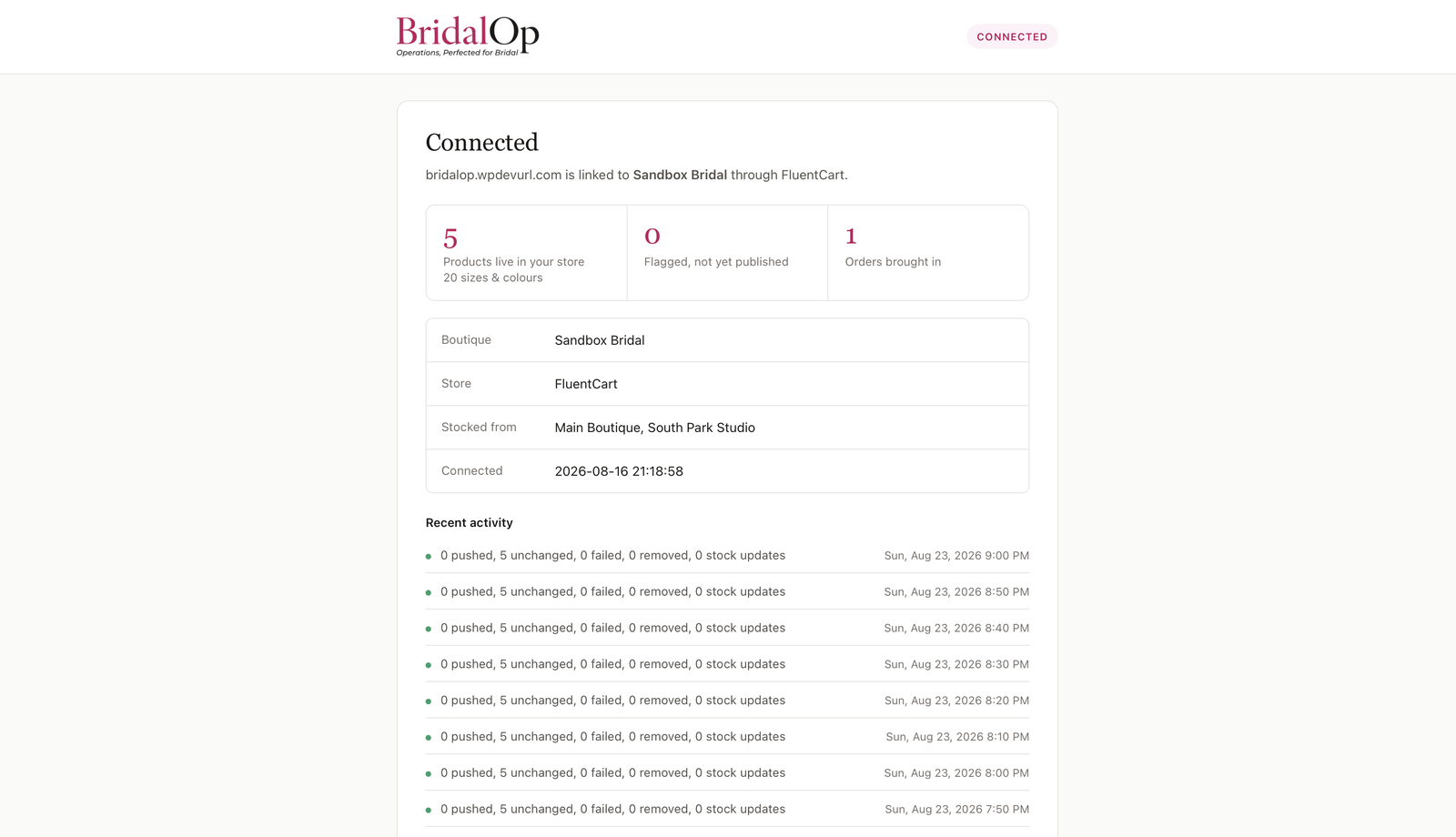
A connected store showing sync status and recent activity
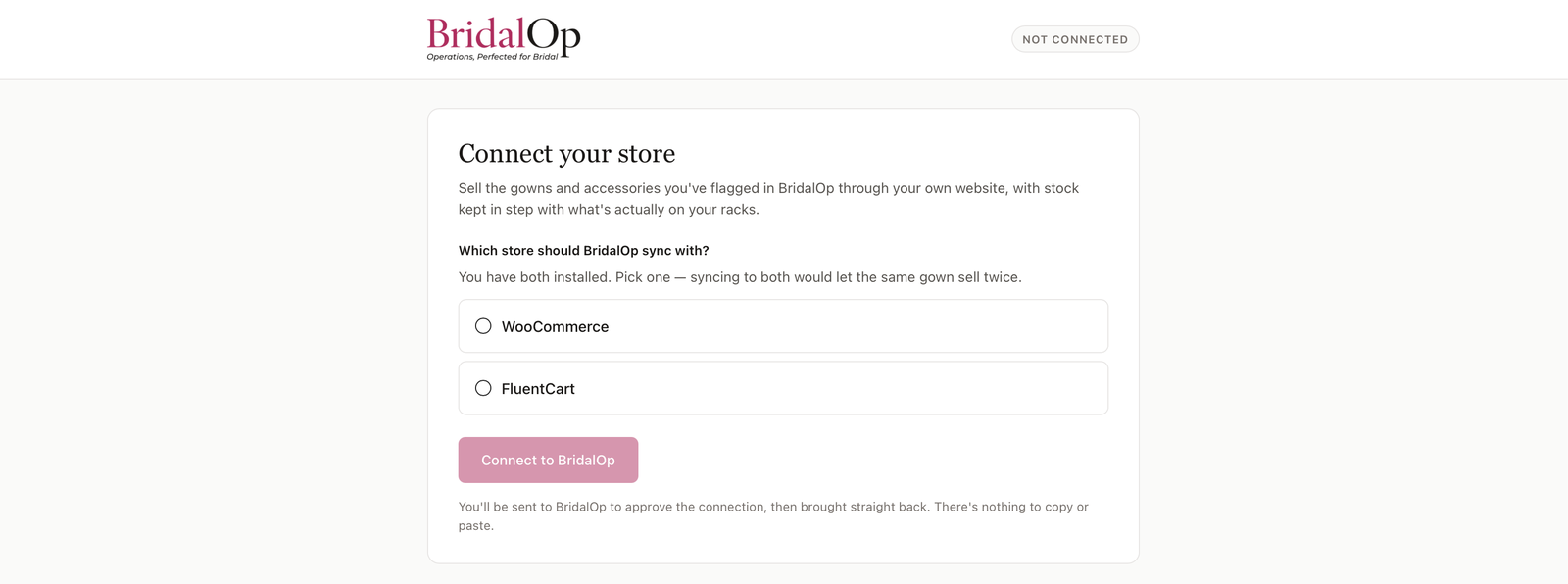
The warning shown when your site’s scheduler is not running


