Bulk Classic To Block Wordpress Plugin - Rating, Reviews, Demo & Download

Plugin Description
Bulk Classic to Block is a powerful WordPress plugin designed to help you seamlessly migrate from the Classic Editor to the Gutenberg Block Editor. If you’ve upgraded to WordPress 5.0+ and have existing content created with the Classic Editor, this plugin automates the conversion process, saving you hours of manual work.
The Problem:
When you upgrade to WordPress 5.0+, all your existing Classic Editor content gets wrapped in a “Classic” block. To properly convert this content to individual Gutenberg blocks, you would normally need to edit each post manually and click “Convert to Blocks” – a tedious process if you have hundreds or thousands of posts.
The Solution:
Bulk Classic to Block automates this entire process. It scans your entire site, identifies all classic editor content, and allows you to convert everything to proper Gutenberg blocks with just a few clicks.
Key Features:
* Universal Post Type Support – Works with posts, pages, and all custom post types
* Smart Scanning – Automatically detects classic editor content across your entire site
* Flexible Conversion – Convert all content at once or select specific posts to convert
* Post Type Filtering – Filter and convert by specific post types (posts, pages, or custom types)
* Status Filtering – Filter by post status (published, draft, scheduled, private)
* Individual Control – Convert posts one at a time or use bulk actions
* Automatic Indexing – New content is automatically indexed as you create it
* Safe & Efficient – Uses WordPress core APIs for reliable conversion
How It Works:
1. Scan – The plugin scans your content to identify posts created with the Classic Editor
2. Review – View a detailed list of all posts that need conversion, organized by post type
3. Convert – Choose to convert all posts at once, or select specific posts using checkboxes
4. Done – Your classic content is now properly structured as Gutenberg blocks
Perfect For:
* Sites migrating from Classic Editor to Gutenberg
* Users with large amounts of existing content
* Developers managing multiple sites
* Anyone who wants to modernize their content structure
Important: The conversion process is irreversible. Always create a full backup of your site before converting content. We recommend testing on a staging site first.
Screenshots
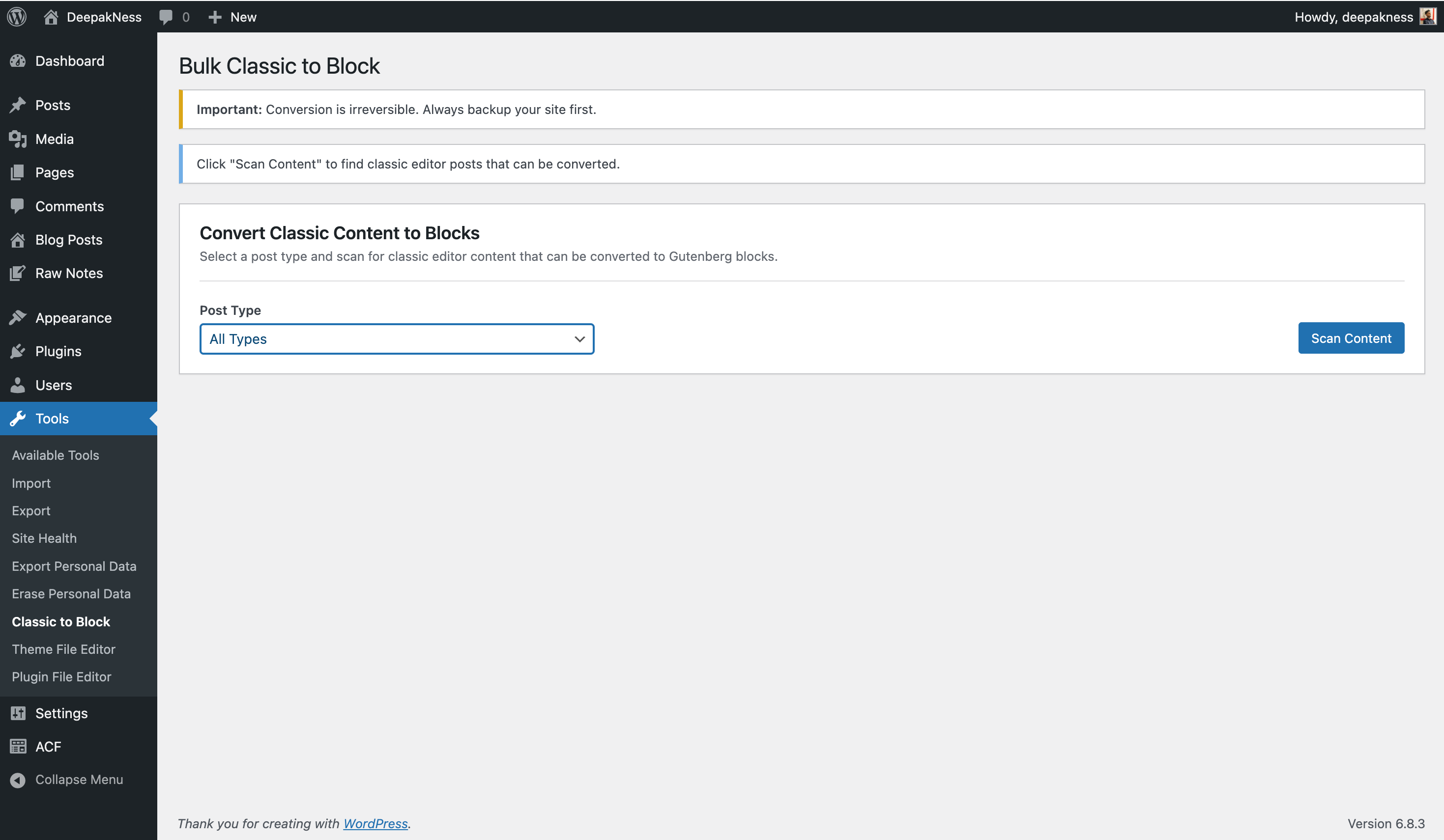
Main conversion interface – Initial screen showing the warning message and conversion controls box with post type selector and “Scan Content” button
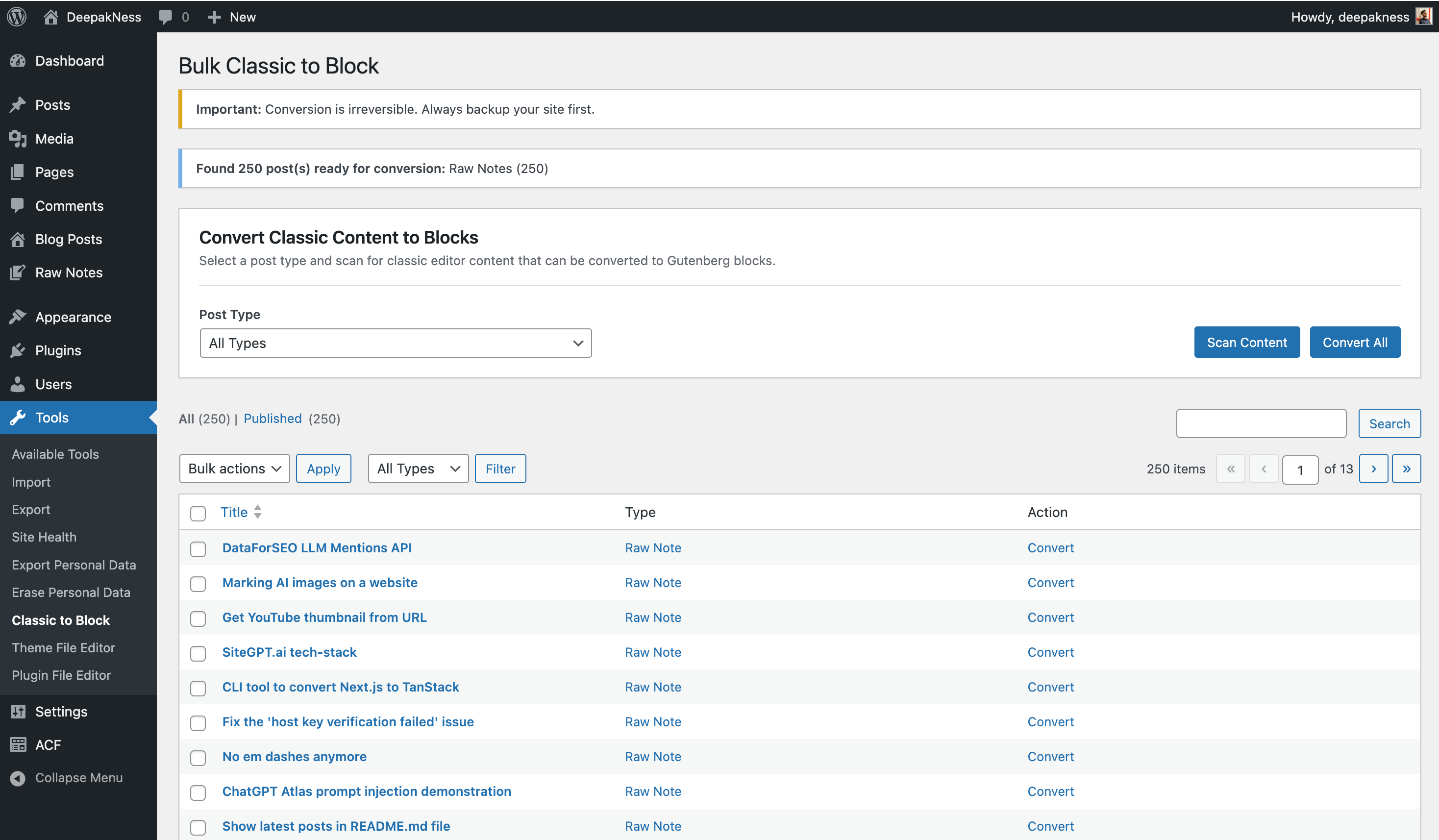
After scan – Results display showing the number of posts found ready for conversion, along with the full results table listing all posts with checkboxes and convert options
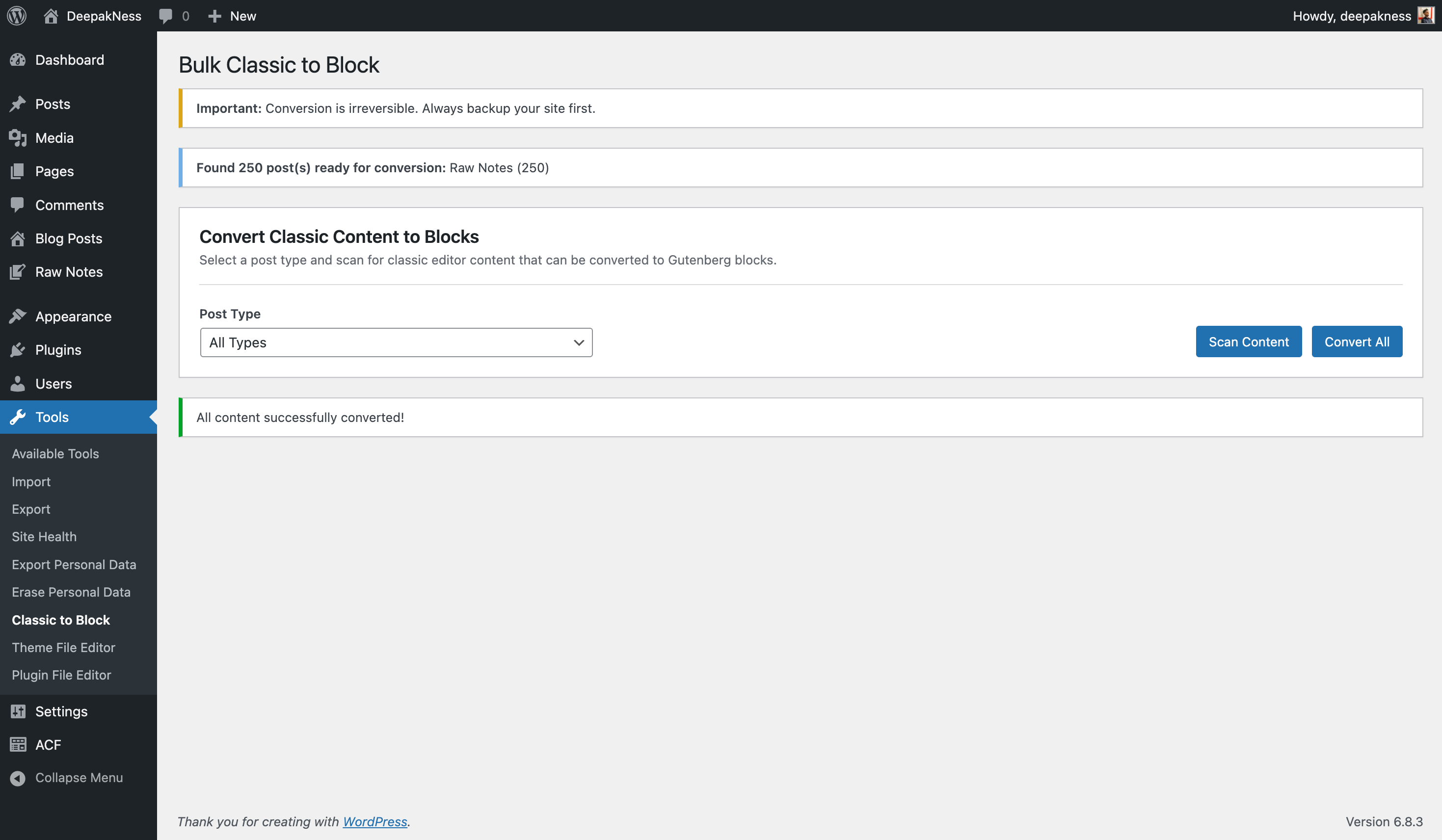
After convert all – Success message confirming that all content has been successfully converted to Gutenberg blocks