Bulk Fixtures For SportsPress Wordpress Plugin - Rating, Reviews, Demo & Download

Plugin Description
Bulk Fixtures for SportsPress is an add-on plugin that extends SportsPress with a powerful bulk fixture creation tool.
Instead of creating events one by one, this plugin provides a spreadsheet-like grid interface where you can quickly add multiple fixtures at once. Simply select a League and Season, then add as many fixtures as you need with Home Team, Away Team, Date, Time, and Match Day.
Key Features
- Grid-Based Interface – Add multiple fixtures in a spreadsheet-like table
- Smart Row Cloning – When adding a new row, Date, Time, and Match Day are automatically copied from the previous row
- Searchable Team Dropdowns – Searchable dropdowns for easy team selection
- Team Filtering – Teams are automatically filtered by the selected League and Season
- Batch Processing – Fixtures are saved in batches for reliable performance
- Progress Tracking – Real-time progress bar shows how many fixtures have been created
- Error Handling – Graceful error handling with detailed feedback
Requirements
- WordPress 5.6 or higher
- PHP 7.4 or higher
- SportsPress plugin (free or Pro version)
How to Use
- Go to SportsPress Events Bulk Fixtures in your WordPress admin
- Select a League from the dropdown
- Select a Season from the dropdown
- Teams will be automatically loaded based on your selection
- Fill in the fixture details: Home Team, Away Team, Date, Time, and optionally Match Day
- Click the + button to add more rows (values are cloned for faster entry)
- Click Create All Fixtures to create all events
Support
For bug reports and feature requests, please visit the plugin’s support forum on WordPress.org.
Screenshots
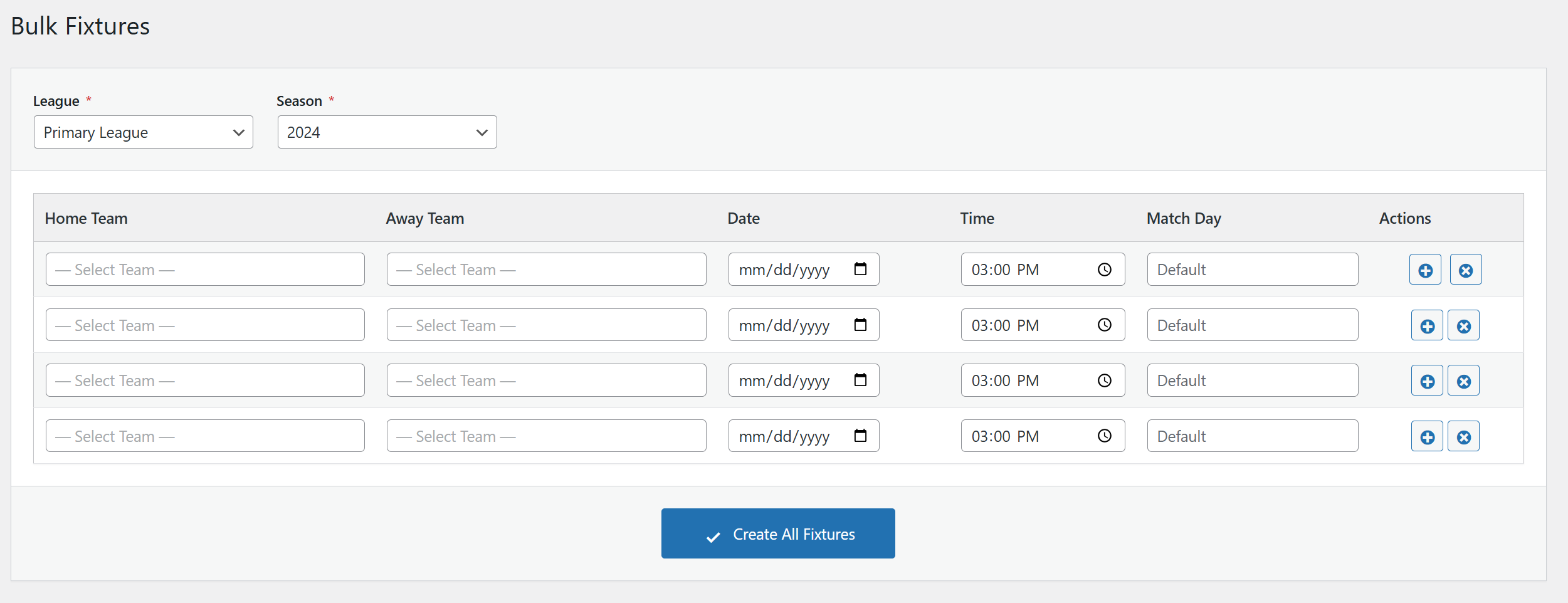
The main Bulk Fixtures interface with League/Season selection
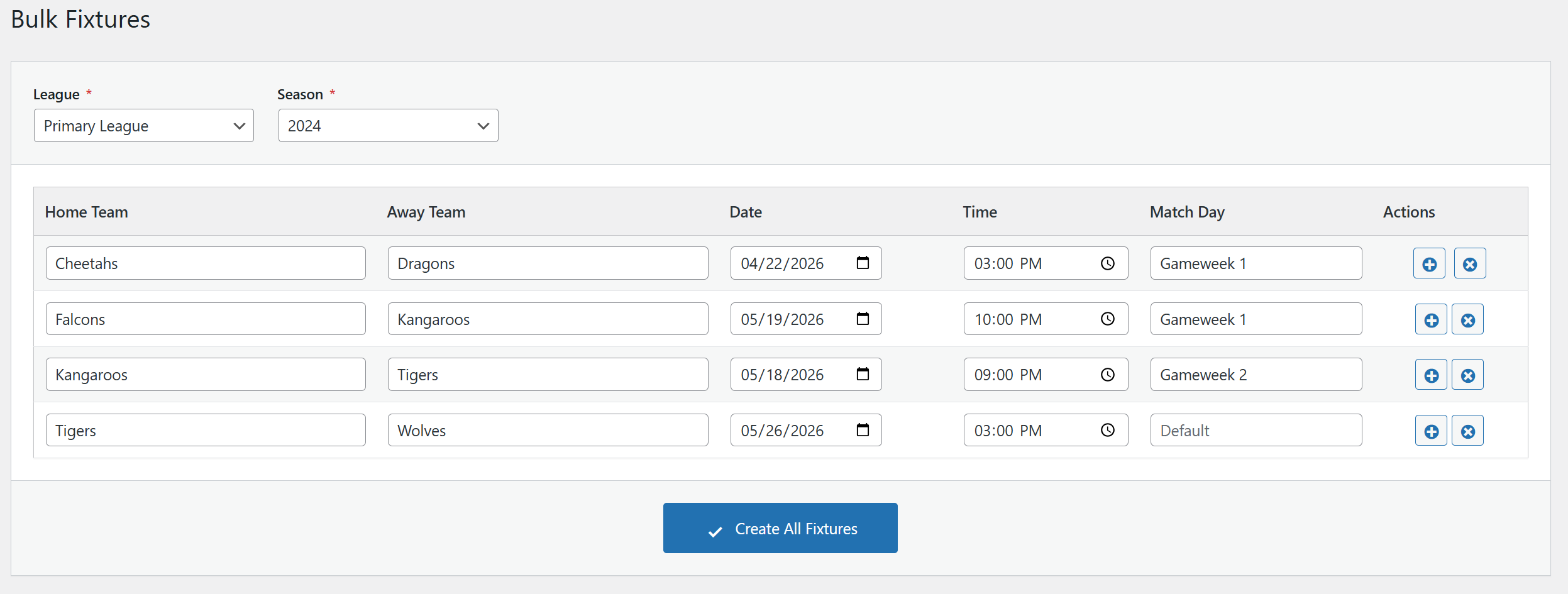
Adding multiple fixtures with the grid interface
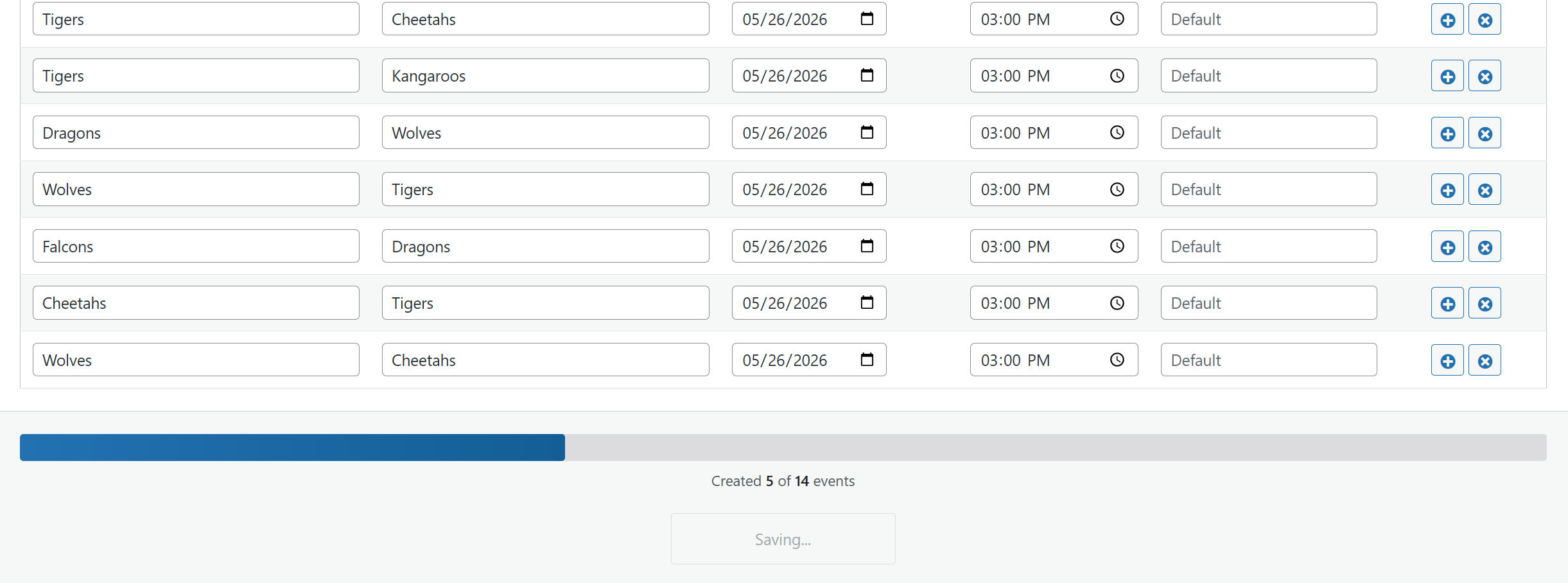
Progress bar during fixture creation
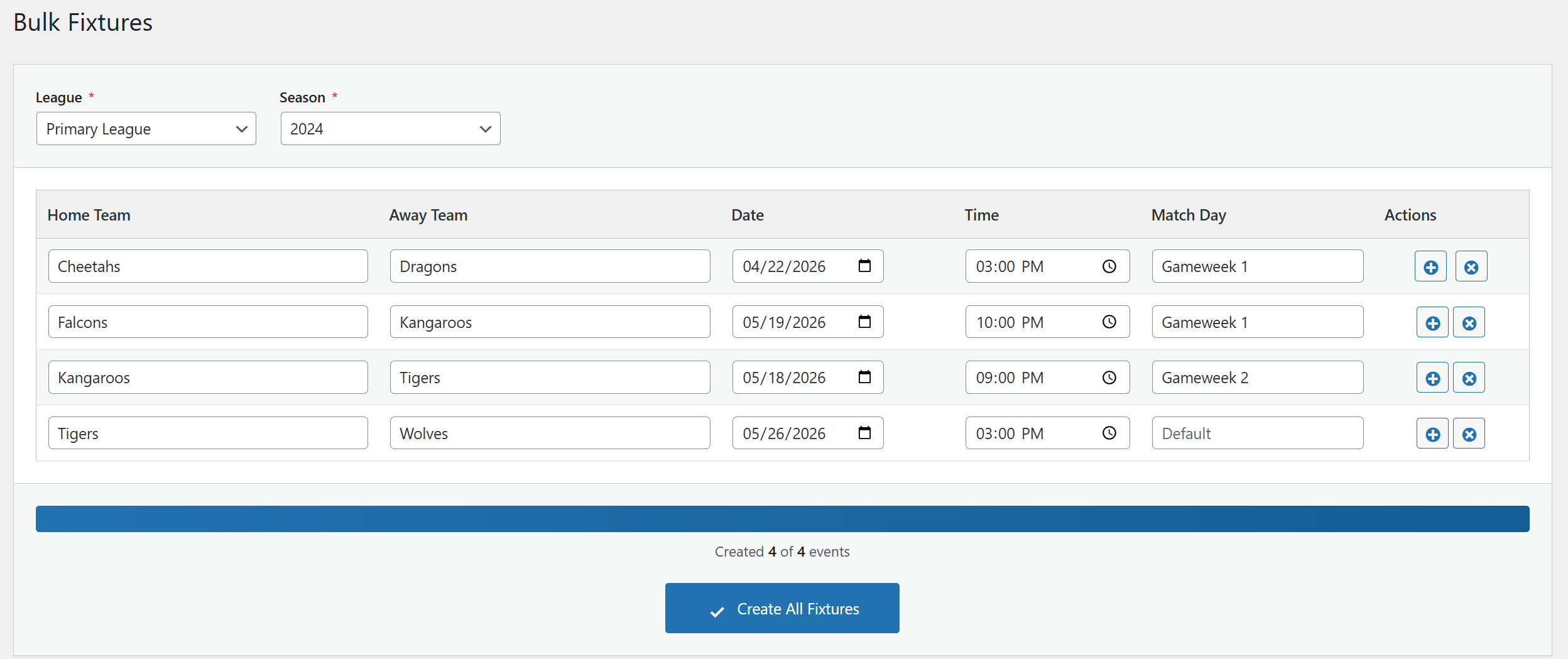
Confirmation message after successful creation